JSON vs XML vs YAML: Which Data Format Should You Use? (2026)
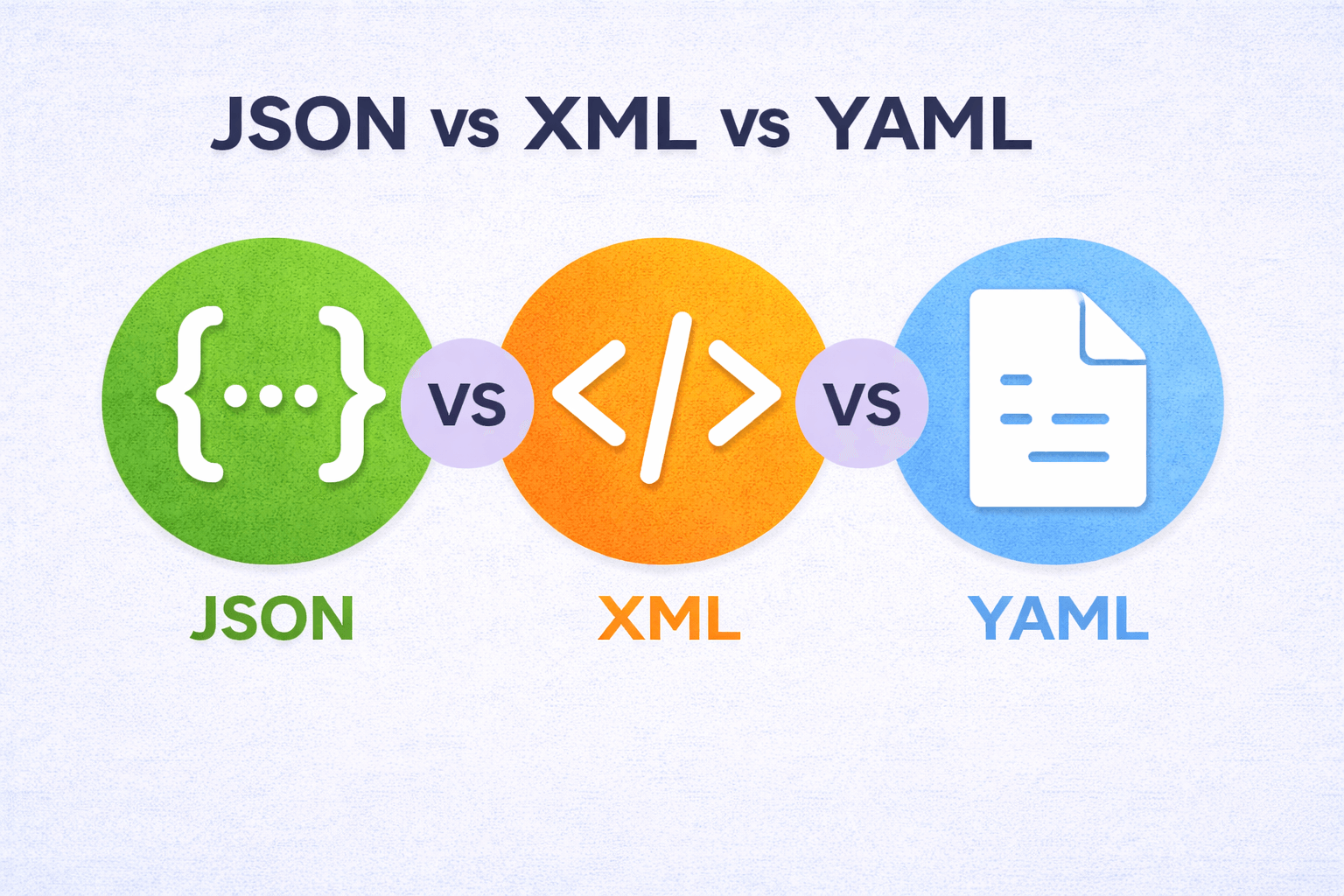
Use JSON for APIs and web data, YAML for config files and DevOps, XML when you need strict schema validation or work with enterprise/legacy systems. Each format dominates specific domains in 2026.
JSON maps directly to programming language data structures. Objects become dictionaries, arrays become lists, values need minimal conversion. Every REST API uses JSON. MongoDB stores BSON (binary JSON). Browser localStorage uses JSON. It's the web standard because it's lightweight, readable, and every language has built-in JSON parsing.
YAML is human-friendly configuration. Kubernetes manifests, Docker Compose files, CI/CD pipelines (GitHub Actions, GitLab CI), and Ansible playbooks all use YAML. The indentation-based syntax makes config files readable without brackets and quotes. The tradeoff: whitespace errors break parsing, and there's no schema validation by default.
XML excels at strict validation through XSD schemas. Enterprise systems (SOAP web services, healthcare HL7, financial SWIFT messages) use XML because schemas enforce data contracts. XML also supports namespaces, attributes, and mixed content (text + elements). It's verbose compared to JSON, but when you need guaranteed structure and validation, XML delivers.
| I need to... | Use |
|---|---|
| Build a REST API | JSON |
| Write Kubernetes/Docker config | YAML |
| Integrate with a legacy enterprise system | XML |
| Store app config that humans will edit | YAML |
| Exchange data between web services | JSON |
| Need strict schema validation (XSD/DTD) | XML |
JSON: The Web Standard
JSON maps directly to programming language data structures. Objects become dictionaries, arrays become lists, and values need minimal conversion.
{
  "name": "Sarah Chen",
  "active": true,
  "skills": ["Python", "JavaScript"]
}
Strongest use case: REST APIs and web frontend-backend communication.
Real tools that use it: Every REST framework, MongoDB (BSON variant), package.json files, browser localStorage, NoSQL databases.
One genuine limitation: No comment support makes configuration files harder to document.
XML: The Enterprise Workhorse
XML wraps every piece of data in opening and closing tags. More verbose than JSON but supports powerful schema validation through XSD.
<user>
  <name>Sarah Chen</name>
  <active>true</active>
  <skills>
    <skill>Python</skill>
    <skill>JavaScript</skill>
  </skills>
</user>
Strongest use case: Enterprise systems requiring strict data contracts and validation.
Real tools that use it: SOAP web services, Microsoft Office documents (DOCX is XML), RSS feeds, SVG graphics, legacy banking systems.
One genuine limitation: Significantly larger file sizes and slower parsing compared to JSON.
YAML: The Configuration Champion
YAML uses indentation instead of brackets. Designed for human readability with comment support and multi-line strings.
name: Sarah Chen
active: true
skills:
  - Python
  - JavaScript
Strongest use case: Configuration files that humans read and edit frequently.
Real tools that use it: Kubernetes manifests, Docker Compose, GitHub Actions, Ansible playbooks, CloudFormation templates.
One genuine limitation: Indentation errors are common and hard to debug, especially in complex nested structures.
Format Comparison
| Format | Readability | Verbosity | Schema Support | Best Ecosystem |
|---|---|---|---|---|
| JSON | Good | Compact | JSON Schema | Web/API development |
| XML | Moderate | Verbose | XSD (very strong) | Enterprise integration |
| YAML | Excellent | Compact | Limited | DevOps/Infrastructure |
JSON: When Speed and Compatibility Matter
JSON became the web's default because browsers parse it natively via JSON.parse(). Every programming language includes built-in JSON support.
REST APIs overwhelmingly use JSON. The format is compact compared to XML, reducing bandwidth usage. Parsing performance is excellent across all major languages.
JSON works well for:
- API responses and requests
- NoSQL database storage (MongoDB, CouchDB)
- Configuration files for JavaScript tools (package.json, tsconfig.json)
- Data exchange between web frontend and backend
JSON falls short when you need comments in configuration files or when working with systems that require strict schema validation.
XML: When Validation and Legacy Integration Matter
XML's biggest advantage is XSD schema validation. You can define exactly what structure your data must follow, including data types, required fields, and value constraints.
Enterprise systems built around XML have mature tooling: XSLT for transformations, XPath for querying, and SOAP for web services.
XML works well for:
- SOAP web service integration
- Document formats (Microsoft Office, SVG, RSS)
- Systems requiring strict data contracts
- Legacy enterprise applications
XML becomes problematic when file size matters (it's 2-3x larger than equivalent JSON) or when parsing performance is critical.
YAML: When Humans Edit Configuration
YAML prioritizes readability. The indentation-based structure reads like an outline. Comments with # let you document configuration decisions inline.
DevOps tools standardized on YAML because infrastructure configuration gets edited frequently by humans. The clean syntax reduces cognitive load when managing complex deployments.
YAML works well for:
- Kubernetes and Docker configuration
- CI/CD pipeline definitions (GitHub Actions, GitLab CI)
- Infrastructure as code (Ansible, CloudFormation)
- Application configuration files
YAML becomes problematic when indentation errors cause subtle bugs or when you need high-performance data parsing.
Security Considerations
JSON has minimal security risks at the format level. Main concerns are injection attacks when JSON values are interpolated into SQL queries without sanitization.
XML faces XML External Entity (XXE) injection attacks. Malicious XML can read local files or make internal network requests. Disable external entity resolution in your XML parser.
YAML can execute arbitrary code if you use unsafe loading functions. Always use safe_load() in Python or equivalent safe parsing in other languages.
Performance Reality Check
JSON parsing consistently outperforms both XML and YAML. In benchmarks across Python, Java, and Go:
- JSON: Baseline performance
- XML: 2-5x slower than JSON (depends on document complexity)
- YAML: 5-10x slower than JSON (complex specification requires more processing)
For configuration files loaded once at startup, performance differences don't matter. For high-frequency API calls processing thousands of requests per second, JSON's speed advantage is significant.
Making the Right Choice
Choose JSON when building REST APIs, storing data in NoSQL databases, or exchanging data between web services. The universal compatibility and parsing speed make it the safe default for most web development.
Choose XML when integrating with enterprise systems that already use XML, working with SOAP web services, or when you need powerful schema validation with XSD. Don't choose XML for new projects unless these specific requirements apply.
Choose YAML when writing configuration files that humans edit regularly, defining infrastructure as code, or working with DevOps tools. The readability and comment support make it ideal for configuration management.
Frequently Asked Questions
Is YAML a superset of JSON?
Yes, valid JSON is also valid YAML in most cases. You can paste JSON into a YAML file and it will parse correctly. However, YAML's additional features like comments and multi-line strings aren't available in JSON.
Which is faster to parse: JSON, XML, or YAML?
JSON is consistently fastest. XML is 2-5x slower due to tag processing overhead. YAML is 5-10x slower because of its complex specification and indentation analysis. For high-volume data processing, JSON is the clear winner.
Can I convert between JSON, XML, and YAML?
Yes, but with limitations. JSON and YAML convert cleanly in both directions since YAML is largely a JSON superset. XML conversion is trickier because XML attributes and namespaces don't map directly to JSON/YAML structures.
Which format should I use for a REST API?
JSON. It's the established standard, has universal client support, and offers the best performance. Unless you're working with legacy systems that specifically require XML, JSON is the right choice for REST APIs.
Why do DevOps tools use YAML instead of JSON?
YAML's human readability and comment support make it much easier to maintain configuration files. DevOps configurations are frequently edited by humans, and YAML's clean syntax reduces errors and improves team collaboration compared to JSON's punctuation-heavy format.
Read More
All Articles
How to Format JSON in Notepad++: Quick Setup (2026)
Format JSON in Notepad++ with JSTool plugin. Complete guide covering plugin installation, keyboard shortcuts (Ctrl+Alt+M), validation, minification, troubleshooting, and advanced formatting techniques for clean, readable JSON.
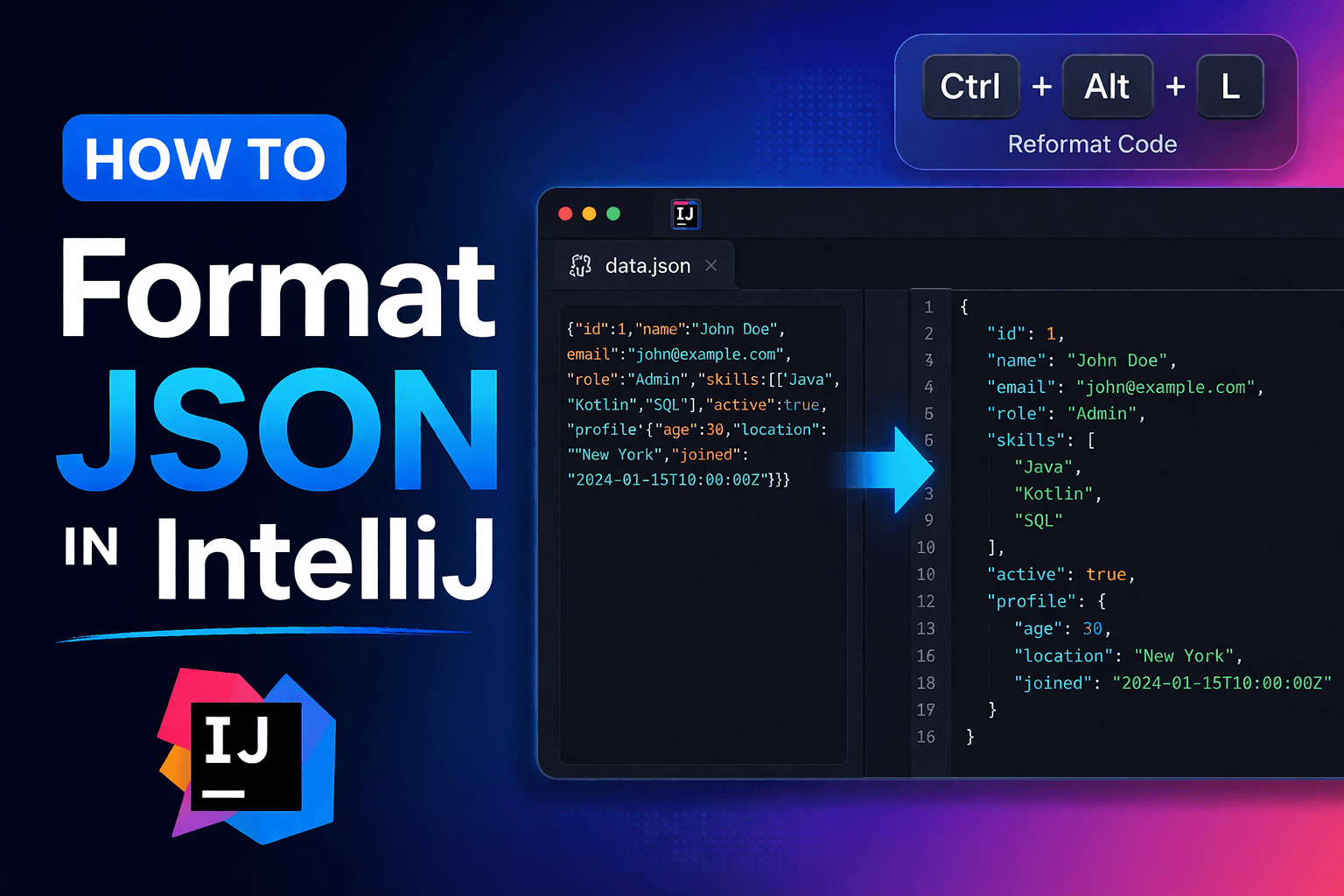
How to Format JSON in IntelliJ: Easy Guide (2026)
Format JSON in IntelliJ IDEA with Ctrl+Alt+L (Windows) or Cmd+Option+L (Mac). Complete guide for keyboard shortcuts, auto-format on save, schema validation, and custom formatting rules.
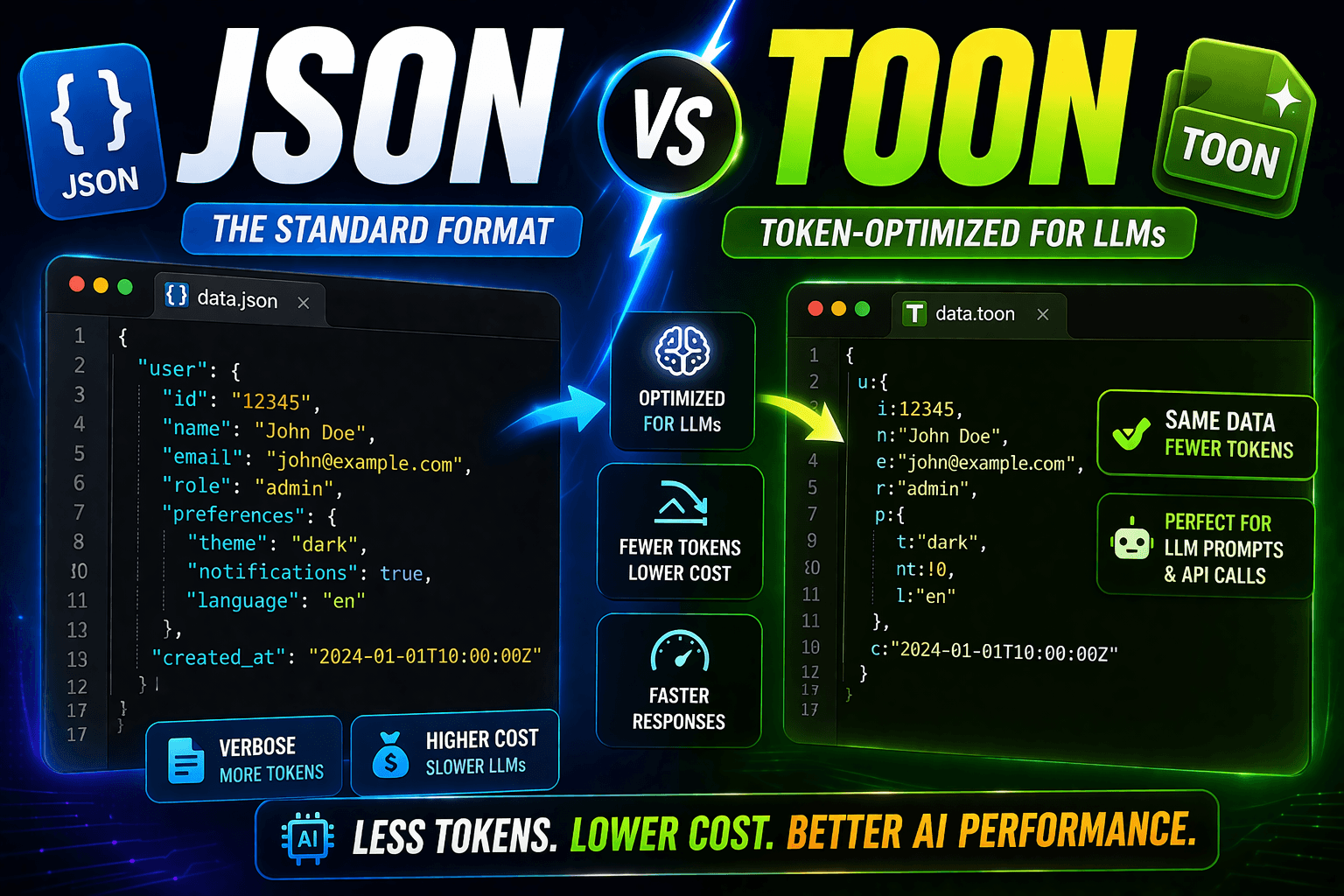
JSON vs TOON: Cut Your LLM API Costs by 30-60% (2026)
TOON format reduces GPT-4, Claude, and Gemini token costs by 30-60% compared to JSON. See real examples, conversion code, and when the switch is worth it.