UltraEdit vs Notepad++: Which Is Better? (2026)

On this page
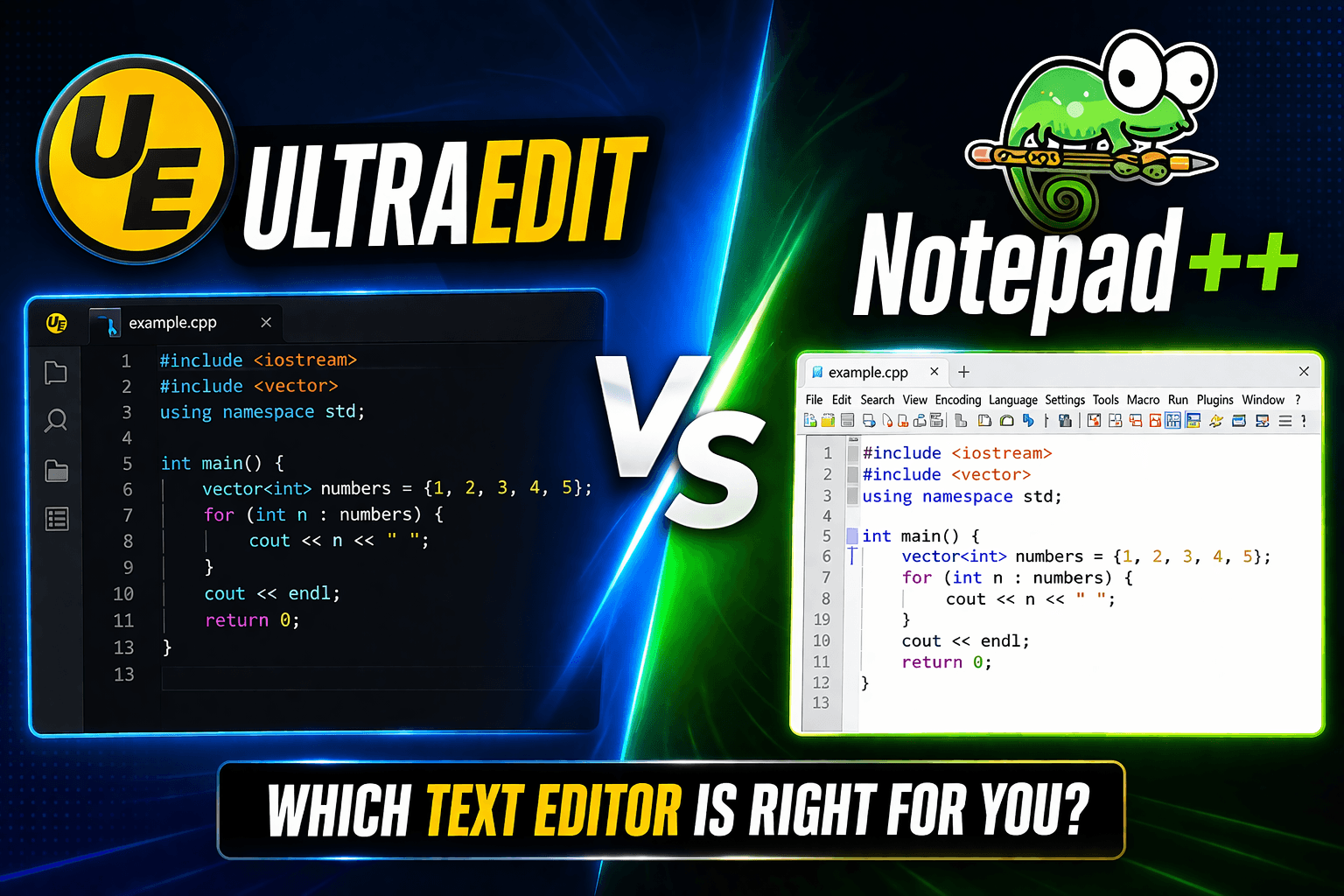
UltraEdit is built for demanding large-file workflows. Notepad is free and works well for everyday code editing, but very large logs, exports, or database dumps can expose limits that depend on the file, plugins, available memory, and editor settings. If large-file work is routine, UltraEdit's disk-based editing and configurable large-file mode may justify its paid license. For ordinary source code, scripts, and configuration files, Notepad is usually the more practical starting point.
Both run on Windows and provide syntax highlighting and find/replace, but their extension models differ. UltraEdit builds column editing, hex editing, file comparison, remote-file access, and large-file tools into the product. Notepad is a focused Windows editor with a substantial community plugin catalog. For ordinary code, Notepad is usually sufficient; UltraEdit is the stronger candidate for recurring large-file work.
The pricing model differs too. Notepad is open source and free. UltraEdit is commercial software with subscription, perpetual, and multi-user options; check UltraEdit's current pricing page before buying because plans and renewal terms can change. For teams, UltraEdit offers managed licensing while Notepad has no license fee.
Quick Comparison
These are workflow comparisons rather than universal benchmarks. Test representative files on your own Windows system before purchasing or standardizing on either editor.
Large File Performance
UltraEdit: Designed for large logs and data exports. Its large-file documentation describes disk-based editing, while its settings provide a configurable large-file mode that can disable resource-heavy features above a chosen threshold.
Notepad: Well suited to normal code and text editing. Large-file behavior is not captured by a single safe cutoff; long lines, syntax highlighting, plugins, search operations, encoding, and available memory can all affect it.
Practical takeaway: UltraEdit is the safer editor to evaluate first for very large CSV or log files. Notepad is excellent for normal coding and smaller text files, but large-file behavior depends on line length, highlighting, plugins, encoding, available memory, and the operation being performed.
Most source files are much smaller than generated logs or data exports. For everyday JavaScript, Python, PHP, configuration, and documentation work, Notepad usually offers the needed editing features without a commercial license.
Features That Actually Matter
UltraEdit
Column mode: Edit vertical blocks, insert sequences, and search or replace within selected columns. This is useful for CSV files and fixed-width data.
Hex editor: Built-in binary file editing. You can inspect raw bytes, search hex patterns, and switch between text and hex views without adding a plugin.
Macros and scripting: Record repeated edits or write scripts for more advanced text-processing workflows. Actual processing time depends on the operation and file.
Remote editing: Open and save remote files through FTP, SFTP, or FTPS, with an integrated SSH and Telnet console for server access.
File compare: UltraCompare Lite provides text and binary comparison, while UltraCompare Professional adds deeper two-way and three-way compare and merge workflows.
Multi-file search: Search with regular expressions across files and folders, including project and remote locations, then review matches in the results pane.
Notepad
Syntax highlighting: Broad built-in language support covers common web and programming formats, with customizable styles and user-defined language options available.
Plugins: The official Notepad plugin catalog includes comparison, hex-editing, structured-data, and development tools. Review each plugin's maintenance and permissions before installation.
Multi-cursor editing: Apply the same change at multiple selections or caret positions, which helps with repeated edits that do not require a macro.
Code folding: Collapse functions, classes, or other language-defined regions so long source files are easier to scan without removing any text.
Session restore: Can reopen saved sessions and retain unsaved documents when session snapshot and periodic backup are enabled. The result depends on those backup settings.
Portable mode: Official ZIP and 7z packages can run without a traditional installer, subject to local software policies and compatible Windows systems.
Pricing
UltraEdit: Paid commercial software with subscription, perpetual, personal, and multi-user licensing. Perpetual purchases include a year of renewable maintenance, so review renewal settings and current terms before buying.
Notepad: Free and open source under the GPL, with no paid edition. Review your organization's software and plugin policies before deployment.
For a team, UltraEdit requires a software budget and license review, while Notepad has no license fee. UltraEdit is easiest to justify when large-file work or its built-in professional tools recur.
When to Use Each
Use UltraEdit when:
- You regularly edit files large enough to strain general-purpose editors
- You need advanced column editing in long tabular or fixed-width files
- Hex editing is part of your workflow
- Commercial support and business licensing matter
- Professional support is worth paying for
Use Notepad when:
- You mainly edit normal code, scripts, and configuration files
- You want a free, open-source editor
- You need plugins for specific tasks (Git, Compare, CSV Viewer)
- Portable mode matters (USB drive, multiple machines)
- Open source aligns with your philosophy
Real Use Cases
Database administrator: Regularly inspects large SQL dumps. UltraEdit's disk-based editing, column mode, and large-file settings may make it the safer tool to test first.
Web developer: Edits HTML, CSS, JavaScript, and PHP. Notepad covers common editing needs, and plugins can add comparison or other workflow features.
System administrator: Analyzes large server logs. UltraEdit's large-file handling, search, and automation can help with repeated log-processing tasks, but representative files should be tested first.
Python developer: Writes scripts and configuration files. Notepad provides syntax highlighting, folding, and multi-editing without a license fee, while plugins can add specialized tools.
Data engineer: Inspects large CSV exports. UltraEdit's column mode and large-file settings are relevant, but a database or data-processing tool may still be safer than editing production-scale data manually.
Bottom Line
UltraEdit: Consider it if large-file editing, built-in hex tools, remote access, automation, and commercial support are regular requirements. Use the trial with representative files before buying.
Notepad: Use it for everyday Windows programming and text editing when a free, lightweight application meets the workflow. Add only the plugins you need.
The practical decision is simple: test UltraEdit when large-file or built-in professional tools are central to the job; start with Notepad for normal editing and programming.
Related Tools
- JSON Splitter - Break large JSON files into chunks
- Format JSON in Notepad - Plugin setup and shortcuts
- Best JSON Editor for Windows - More editor options
- How to Parse JSON in Python - Automate JSON processing
Read More
All Articles
VS Code vs IntelliJ for Java: IntelliJ Wins (Here's Why)
Compare VS Code vs IntelliJ for Java development, including refactoring, Spring Boot, debugging, Maven, Gradle, pricing, performance, and the best use cases for each.
Bruno vs Postman in 2026: Which API Client Should You Use?
Bruno vs Postman comparison for developers and teams. See which API client is better for Git workflows, privacy, automation, collaboration, pricing, and daily API testing.

Postman vs Insomnia in 2026: Which API Client Should You Use?
Postman vs Insomnia comparison for developers and teams. See which API client is better for automation, GraphQL, speed, collaboration, pricing, and daily API testing.