8 Best Free Online JSON Validators in 2026 (No Signup Required)
It is frustrating to lose twenty minutes debugging an API call only to find the cause is a missing comma in a JSON payload.
JSON is strict. One unclosed bracket, a trailing comma, or a misplaced quote can break an entire request, and server errors are often too vague to point to the exact spot.
An online validator is usually the fastest way to confirm whether JSON is valid and get a useful error message. The tools below are free, work without accounts, and include a mix of simple validators and richer options with formatting, tree views, and JSON Schema support.
What Makes a Good Online JSON Validator
A good online JSON validator does more than say "valid" or "invalid". The best ones help you fix the issue quickly and keep you from wasting time.
Here is what matters most:
- Clear error messages that point to the exact line and character, plus a plain language explanation.
- Fast feedback, ideally without extra clicks after pasting.
- Formatting tools to expand minified JSON into readable, indented text.
- Privacy, especially if the JSON contains tokens, personal data, or internal configuration.
Below are eight online JSON validators that are active, free to use, and genuinely helpful.
1. JSONLint
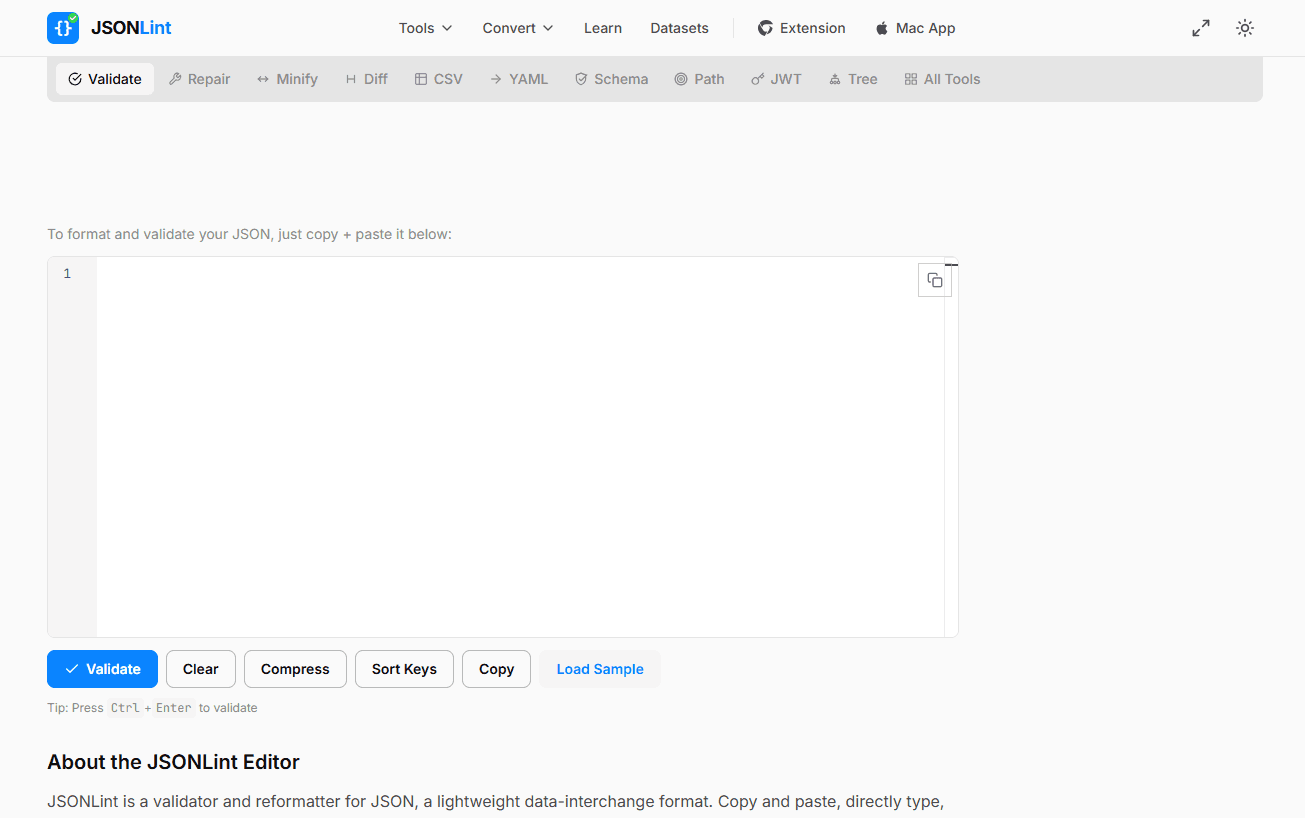
JSONLint has been around longer than most developers have been writing JSON. It is a strong first choice because it is fast, reliable, and the error messages are actually helpful.
Paste your JSON into the text area, click "Validate JSON," and you get immediate feedback. If there's an error, JSONLint highlights the exact line where the problem is and gives you a clear explanation of what went wrong. Something like "Error: Parse error on line 14: Expected ',' or '}' after property value" is actually useful, unlike the cryptic errors you get from most parsers.
The interface is minimal and hasn't changed much in years, which is honestly a feature. No account required, no popups, no distractions. It also has a "Compress" button if you need to minify valid JSON before using it elsewhere.
JSONLint processes everything in your browser, so your data stays on your machine. That makes it safe to use for most validation tasks, though it is still wise to avoid pasting production credentials into any web based tool as a general habit.
Best for: Quick validation when you just need to know if your JSON is valid, with clear error messages when it's not.
Try it: jsonlint.com
2. JSON Formatter & Validator by Curious Concept
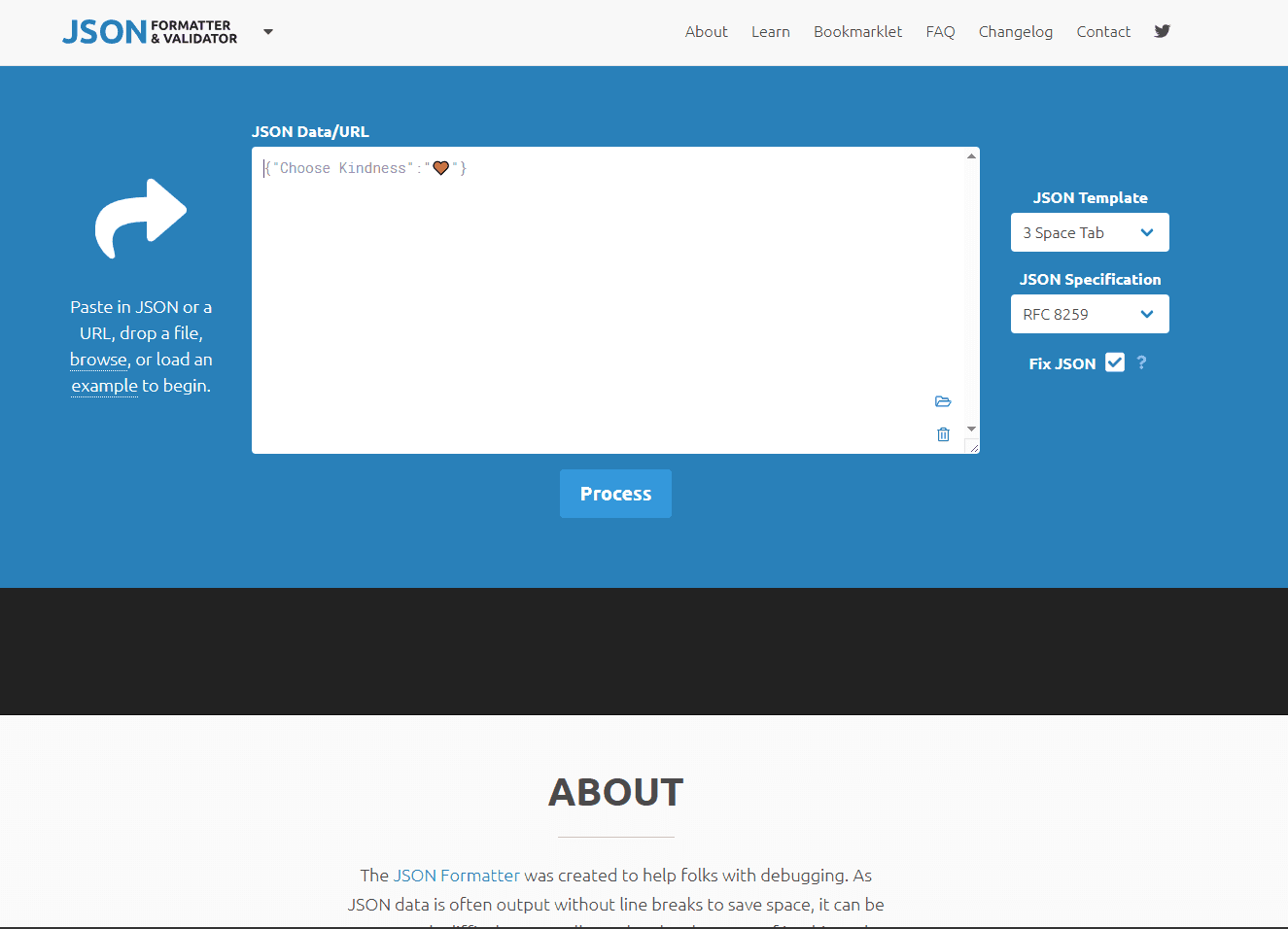
Curious Concept's JSON Formatter & Validator does double duty as both a validator and a formatter, which makes it useful when you're working with messy JSON that needs cleaning up.
The validation is solid. Errors are highlighted with line numbers and clear descriptions. But what sets this tool apart is the formatting controls. You can choose your indentation style (tabs or spaces), set the number of spaces per indent level, and control how arrays and objects are displayed. If you're particular about how your JSON looks, this level of control is nice to have.
There's also a "Fix JSON" feature that attempts to repair common mistakes automatically. It won't fix everything, but it can handle things like missing quotes around keys or trailing commas in some cases. Don't rely on it blindly, but it's a helpful starting point when you're dealing with almost valid JSON.
The interface is more cluttered than JSONLint, with ads and various options visible, but the core functionality works well.
Best for: Validation plus formatting in one tool, especially when you want control over the output format.
Try it: jsonformatter.curiousconcept.com
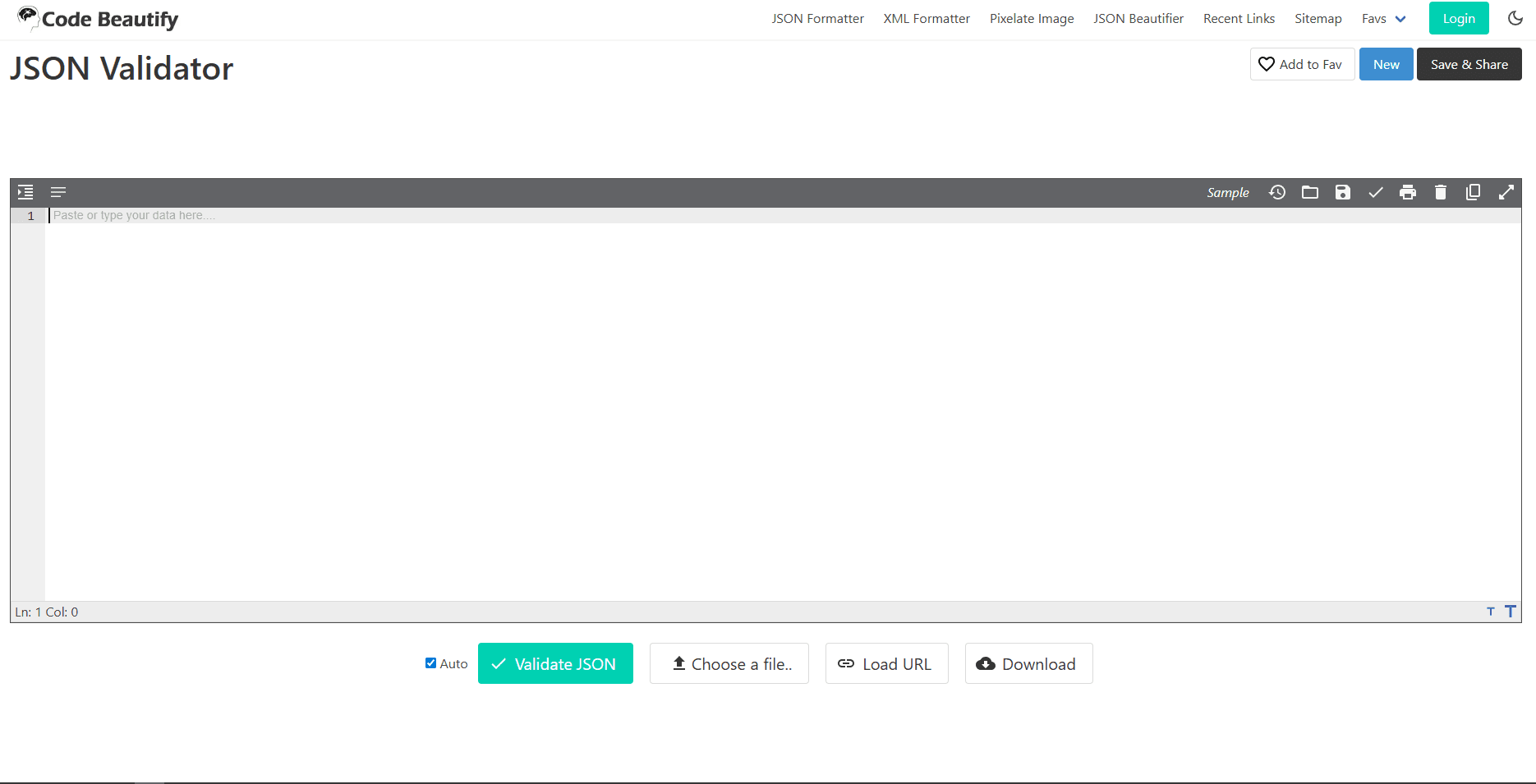
3. CodeBeautify JSON Validator
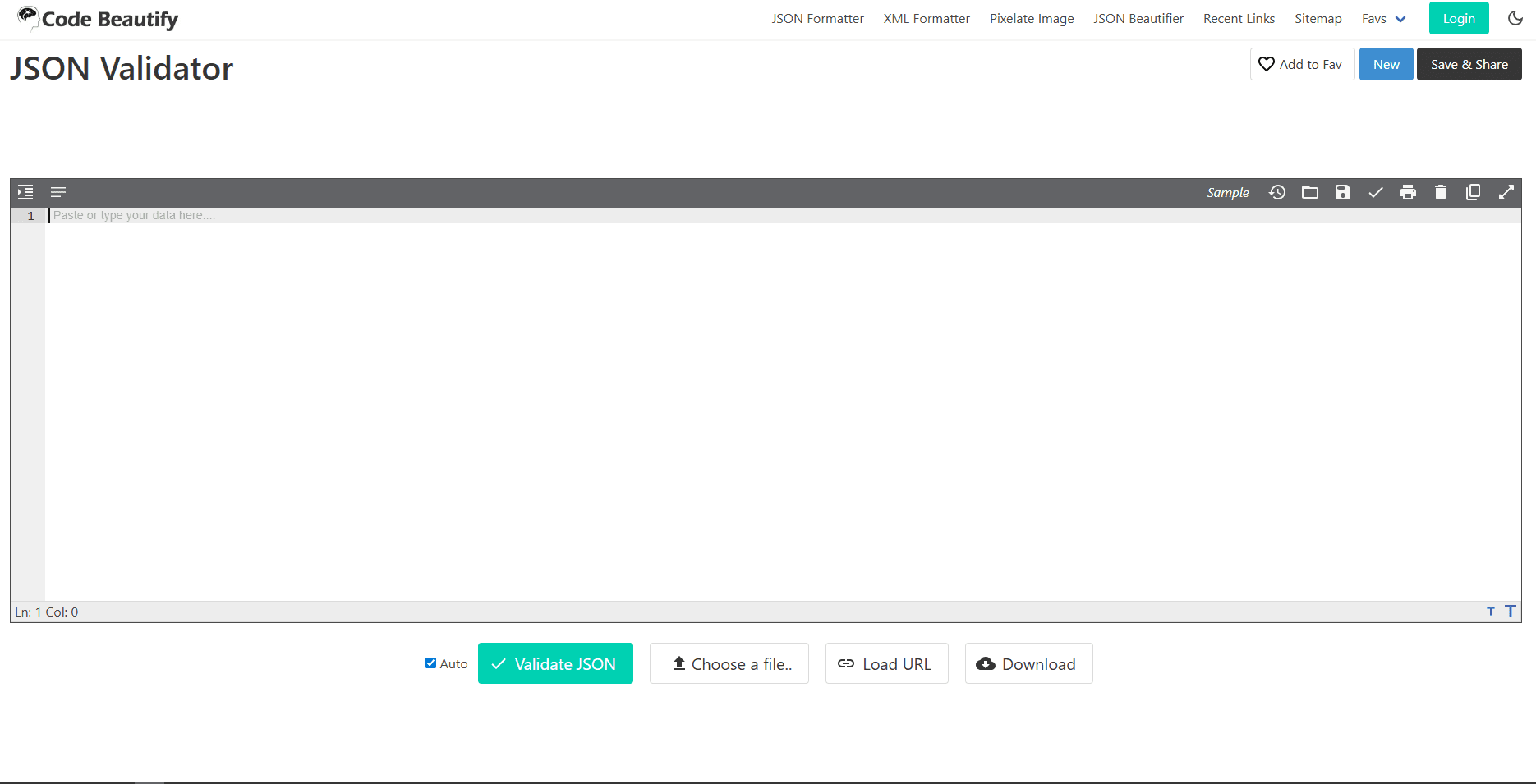
CodeBeautify is part of a larger suite of developer tools, and its JSON validator is one of the better options if you want a tree view alongside your validation.
Paste your JSON and it immediately shows you both the raw text and a collapsible tree structure. This is incredibly useful for understanding the shape of complex nested JSON. You can expand and collapse sections, click on nodes to jump to them in the text, and see the full path to any value. When you're debugging a deeply nested API response and trying to figure out where a specific field lives, that tree view saves real time.
Validation errors show up inline with line numbers and descriptions. There's also a "Load URL" option if you want to validate JSON directly from an API endpoint without copy pasting, though be aware that this sends a request through their server.
The downside is that CodeBeautify has more ads and a busier interface than some of the simpler tools. But the tree view functionality makes it worth it when you need more than just pass/fail validation.
Best for: Understanding the structure of complex JSON while also validating it.
Try it: codebeautify.org/jsonvalidator
4. JSONFormatter.org
JSONFormatter.org is a clean, straightforward validator that does exactly what you'd expect and does it well.
The interface is split into two panels. Paste your JSON on the left, and the right side shows either a formatted version or a tree view. Validation happens automatically as you paste, and errors appear inline with helpful messages. There's no button to click and no waiting.
One useful feature is the ability to upload JSON files directly rather than only pasting text. If you're working with a local file that's too large to easily copy and paste, the upload option is convenient.
There's also a comparison tool if you need to diff two JSON documents, which is useful when you're trying to figure out what changed between two versions of a config file or API response.
Best for: Clean interface, automatic validation, and the ability to upload files directly.
Try it: jsonformatter.org
5. JSON Editor Online
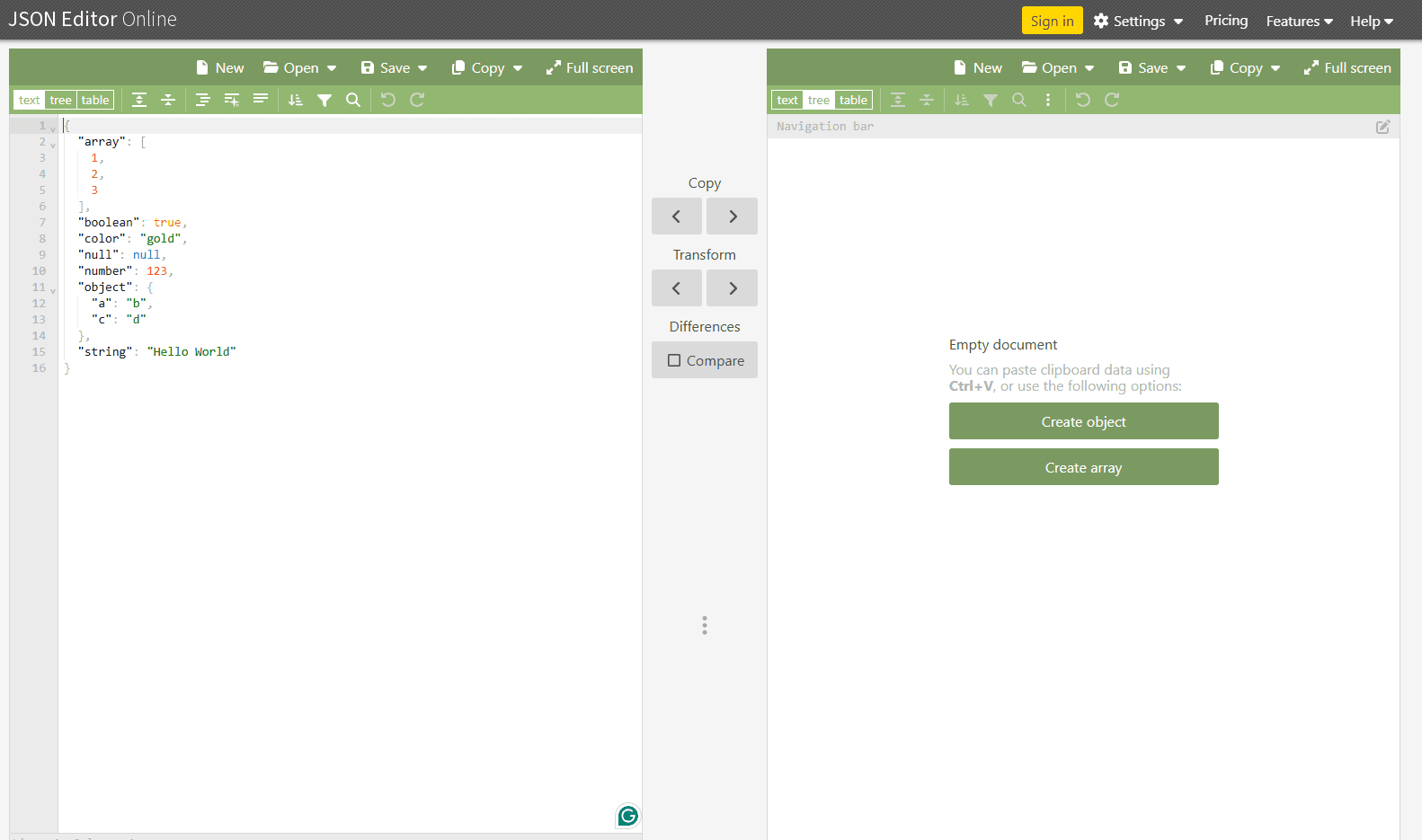
JSON Editor Online goes beyond simple validation. It's closer to a lightweight JSON editor that happens to validate your syntax as you work.
The interface gives you a code editor panel and a tree view panel side by side. Edits in one panel sync to the other in real time. Validation errors appear as you type, so you catch problems immediately rather than after clicking a button.
What makes this tool stand out is the editing experience. You can rename keys, change values, reorder items, and restructure your JSON directly in the tree view without touching the raw text. For people who prefer visual editing over text manipulation, this is a much more comfortable way to work.
There's also a query feature that lets you use JSONPath or JMESPath expressions to extract specific parts of your JSON. If you're working with large documents and need to pull out a specific nested value, this beats scrolling through hundreds of lines.
Best for: Actually editing JSON, not just validating it. Great for visual learners who prefer working in tree view.
Try it: jsoneditoronline.org
6. JSON Schema Validator
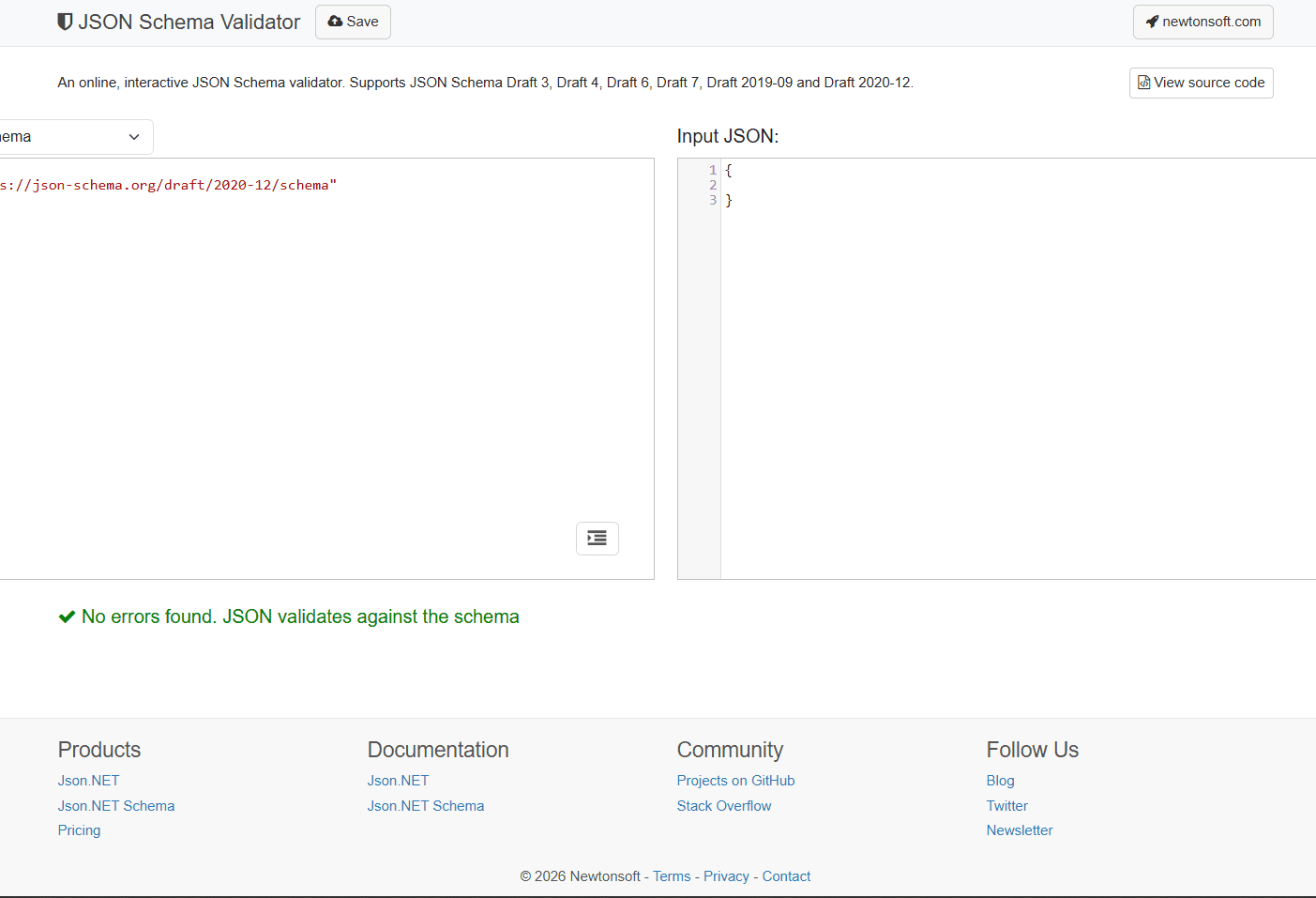
JSON Schema Validator does something the other tools on this list don't: it validates your JSON against a JSON Schema definition, not just against the JSON syntax rules.
Regular validators tell you if your JSON is structurally correct. Schema validators tell you if your JSON matches the shape you expect. For example, you can define that a certain field must be a string, that an array must have at least one item, or that certain keys are required. The validator then checks your JSON against those rules.
This is incredibly useful when you're building or consuming APIs with documented schemas. Instead of manually checking that your request body has all the required fields in the right format, you paste in the schema and the JSON and get immediate feedback.
The interface has two text areas: one for the schema and one for the JSON document. Errors are shown clearly with path information so you know exactly which field failed validation and why.
Best for: Validating JSON against a specific schema definition, not just syntax checking.
Try it: jsonschemavalidator.net
7. JSON Checker (jsonchecker.com)

JSON Checker is one of the simplest validators on this list, and sometimes that's exactly what you want.
There's no tree view, no formatting options, no file upload. Just a text area and a "Check JSON" button. Paste your JSON, click the button, and you get either "Valid JSON" or a clear error message telling you what's wrong and where.
The simplicity is the point. When you just need to know if your JSON is valid and don't need any extra features, JSON Checker loads fast and gets out of your way.
Best for: Quick yes/no validation without any extra features or interface complexity.
Try it: jsonchecker.com
8. FreeFormatter JSON Validator
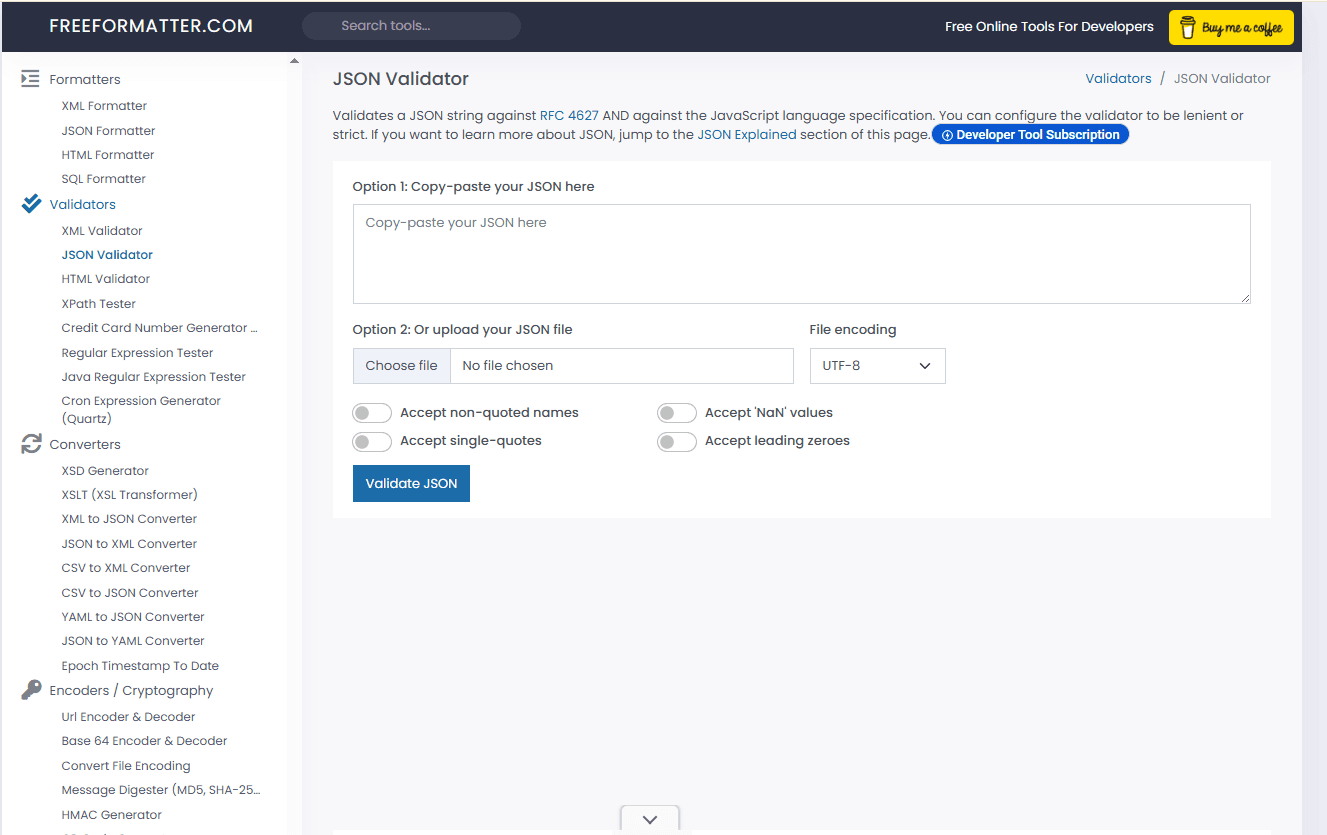
FreeFormatter is another no frills option that focuses on validation over formatting or visual features.
The interface is straightforward: paste your JSON, click "Validate JSON," and see the result. Errors include line numbers and descriptions. There's also an option to validate against popular JSON Schema versions (Draft 4, 6, or 7) if you have a schema to check against.
One reassuring detail about FreeFormatter is that it explicitly states all processing happens client side in your browser. For people who are cautious about pasting data into online tools, that transparency is reassuring.
Best for: Privacy conscious users who want confirmation that their data stays in the browser.
Try it: freeformatter.com/json-validator.html
JSON Validator Comparison Table
| Tool | Tree View | Auto Validation | Schema Support | File Upload | Best For |
|---|---|---|---|---|---|
| JSONLint | No | No (click) | No | No | Quick syntax validation |
| Curious Concept Formatter | No | No (click) | No | No | Validation plus formatting control |
| CodeBeautify | Yes | Yes | No | Yes | Understanding complex JSON structure |
| JSONFormatter.org | Yes | Yes | No | Yes | Clean interface, file uploads |
| JSON Editor Online | Yes | Yes | No | Yes | Actual editing, not just validation |
| JSON Schema Validator | No | No (click) | Yes | No | Schema based validation |
| JSON Checker | No | No (click) | No | No | Simplest possible validator |
| FreeFormatter | No | No (click) | Yes | No | Privacy focused, client side only |
Tips for Validating JSON Online
A few practical tips if you validate JSON online often:
Check the error position carefully. When a validator says the error is on line 47, the actual mistake is often on line 46. A missing comma or bracket usually causes the parser to fail on the next line, not the line where the problem actually is. Always check the few lines above the reported error position.
Use a tree view for complex debugging. If you're dealing with heavily nested JSON and can't figure out the structure from the raw text, switch to a tool with tree view. Being able to collapse sections and click through the hierarchy makes it much easier to understand what you're working with.
Avoid pasting sensitive data into unknown tools. If your JSON contains passwords, API keys, tokens, or personal information, use an offline tool instead. Even if a website claims client side processing, you can't always verify that.
Keep a validator bookmarked. Having a JSON validator one click away in your bookmarks bar makes you more likely to actually use it. When you're working with JSON multiple times a day, that small friction reduction adds up.
Validate before sending, not after failing. It's faster to paste your JSON into a validator before you send an API request than to debug a 400 Bad Request error after the fact. Make validation part of your workflow, not just your debugging process.
When to Use an Offline Tool Instead
Online validators are great for convenience, but they're not always the right choice.
If you're working with large JSON files (anything over a few megabytes), most browser based tools will struggle or crash. Tools like jq on the command line or a desktop code editor handle large files much better.
If your JSON contains sensitive data, an offline tool is safer even if the online tool claims to process everything locally. VS Code, Sublime Text with Pretty JSON, or a local install of a JSON viewer are all options that keep your data entirely on your machine.
For an overview of desktop editors that handle JSON well, check out our guide to the best JSON editors for Windows and the best JSON editors for Linux.
Frequently Asked Questions
Is JSON case sensitive?
Yes. In JSON, keys are case sensitive. "Name" and "name" are different keys. Values are also case sensitive for strings. The keywords true, false, and null must be lowercase.
What's the most common JSON syntax error?
Trailing commas and missing commas are by far the most common mistakes. JSON does not allow a comma after the last item in an array or object, which trips people up because JavaScript does allow it. A validator will catch this instantly.
Can these tools fix invalid JSON automatically?
Some tools like Curious Concept's formatter have a "Fix JSON" feature that attempts to repair common errors. But don't rely on automated fixes for anything important. It's better to understand what's wrong and fix it yourself.
Is it safe to paste API responses into online validators?
For most debugging tasks, yes. But if the response contains auth tokens, session cookies, or personal data, use an offline tool instead. Even validators that process client side could have logging or analytics that you're not aware of.
What's the difference between JSON validation and JSON Schema validation?
Regular JSON validation checks if your document follows the JSON syntax rules (proper brackets, quotes, commas, etc.). JSON Schema validation checks if your document matches a specific structure you've defined, like requiring certain fields or enforcing data types. Most online tools only do syntax validation. JSON Schema Validator is the exception.
Related Guides
How to Merge JSON Files walks through combining JSON data step by step.
JSON vs XML vs YAML compares the three formats if you're deciding which one to use for your project.
Read More
All Articles
9 Best Free XML Editors for Windows in 2026 (Tested & Ranked)
Compare 9 best free XML editors for Windows with validation, schema support, and performance tests. Includes VS Code, Notepad++, XML Notepad, and Oxygen trial for professional XML editing.
7 Best Text Editors for Mac: Native vs Cross-Platform (2026)
Compare 7 best text editors for Mac including VS Code, Sublime Text, Nova, and Vim. Includes Apple Silicon performance tests, memory usage, and native macOS integration features.
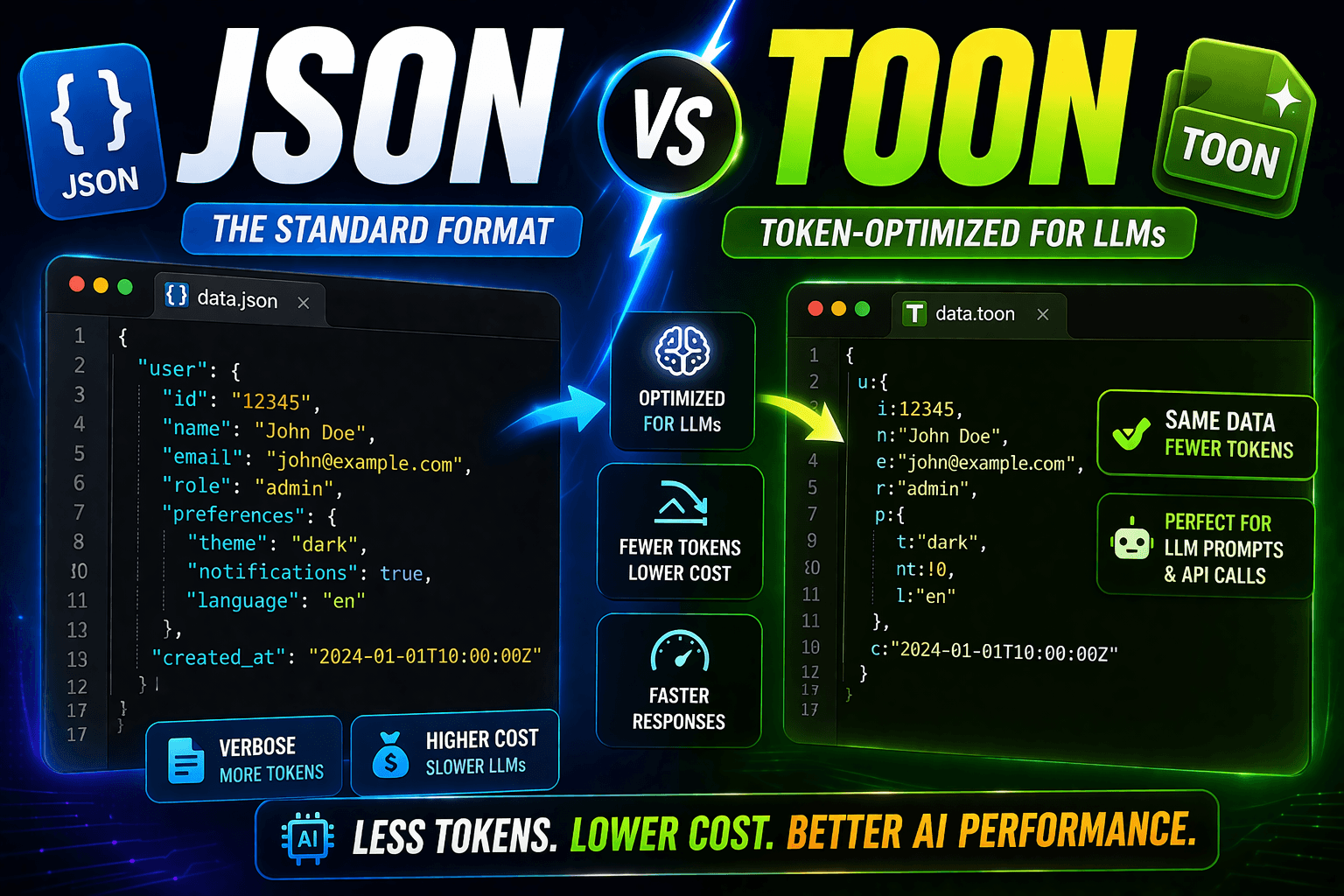
JSON vs TOON Format: Reduce LLM API Costs 30-60% (2026 Guide)
Compare JSON vs TOON format for LLM applications. Learn how TOON reduces GPT-4, Claude, and Gemini token costs by 30-60% with conversion examples and real cost savings analysis.