7 Best JSON Editor Libraries for React in 2026


On this page
React developers usually need JSON components for three different scenarios: display-only viewers for API responses, editable trees or text editors for configuration data, and form generators that create controls from JSON Schema. Choosing the category first matters more than choosing the library with the longest feature list.
json-edit-react provides a React-native editable tree. react-json-view-lite focuses on read-only display and keyboard-accessible tree navigation. Monaco Editor provides a full code-editing surface, while RJSF and JSON Forms turn schemas into forms instead of exposing raw JSON.
Display-only viewers show JSON as collapsible trees without mutation controls. Editable tree and text components expose the underlying data directly. Schema-driven form libraries generate ordinary inputs, which is usually more appropriate when non-technical users should produce valid structured data.
The seven libraries below are separated by editing model, current maintenance, React compatibility, and schema support. Exact bundle figures are omitted because they change by version, import path, renderer set, and bundler configuration.
1. json-edit-react
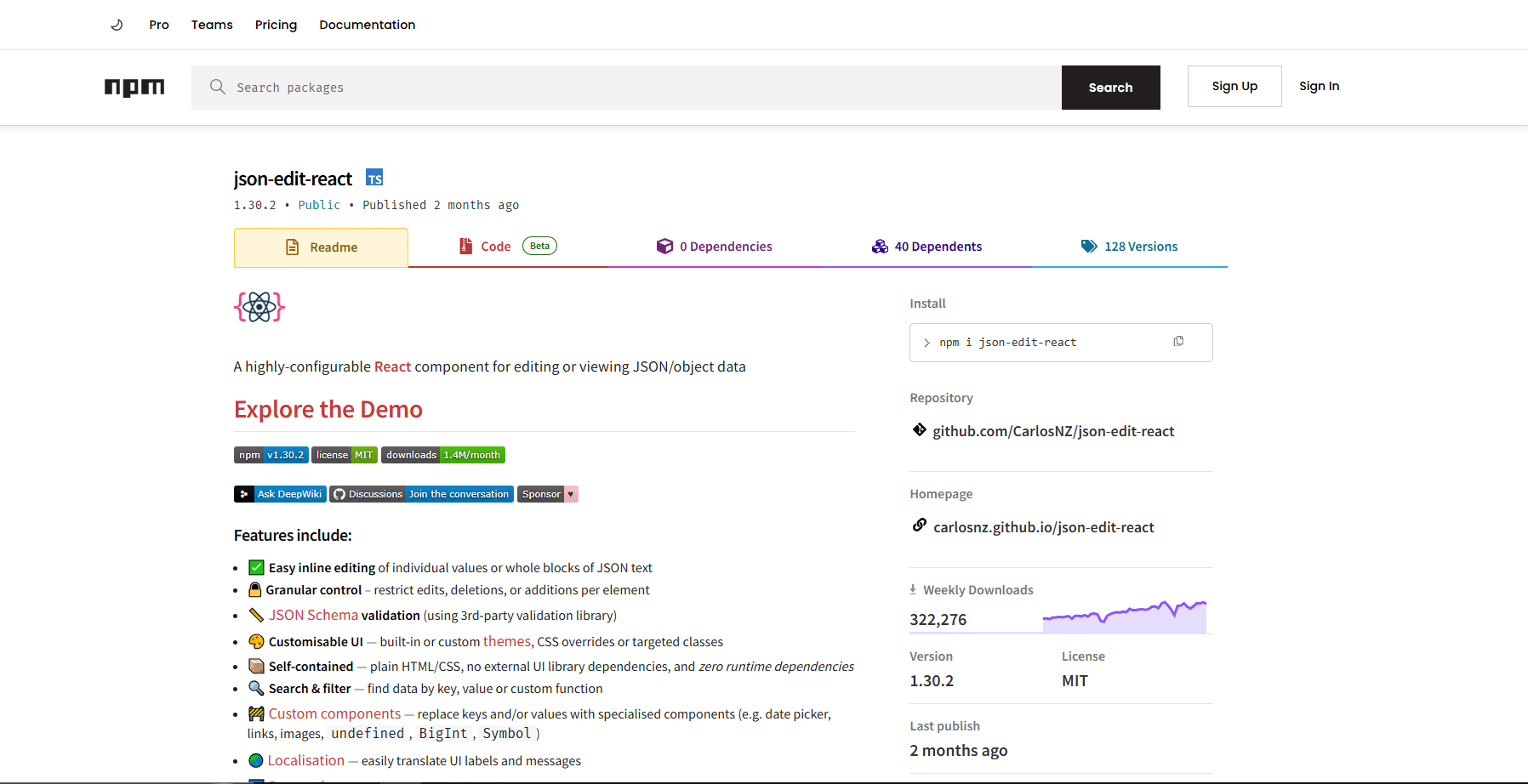
json-edit-react is the best overall fit when users need to inspect and modify an object through a collapsible React tree. It supports individual value editing, whole-node text editing, add and delete controls, search, drag-and-drop reordering, themes, custom nodes, and optional JSON Schema validation through an external validator.
What you get:
- Collapsible tree view for JSON
- Inline editing plus add and delete controls
- Whole-object editing as JSON text
- Search, filtering, themes, and custom node components
- Optional JSON Schema validation
- TypeScript declarations and React 18 or newer support
What you don't get:
- A full IDE-style raw text editor
- Built-in schema validation without supplying a validator
- A framework-neutral component
Install:
npm install json-edit-reactBasic usage:
import { useState } from 'react';
import { JsonEditor } from 'json-edit-react';

function ConfigTree() {
  const [data, setData] = useState({ name: 'Sample', enabled: true });

  return <JsonEditor data={data} setData={setData} />;
}
Best for: Admin panels and configuration screens where users should edit structured data without working in a raw code editor.
2. react-json-view-lite
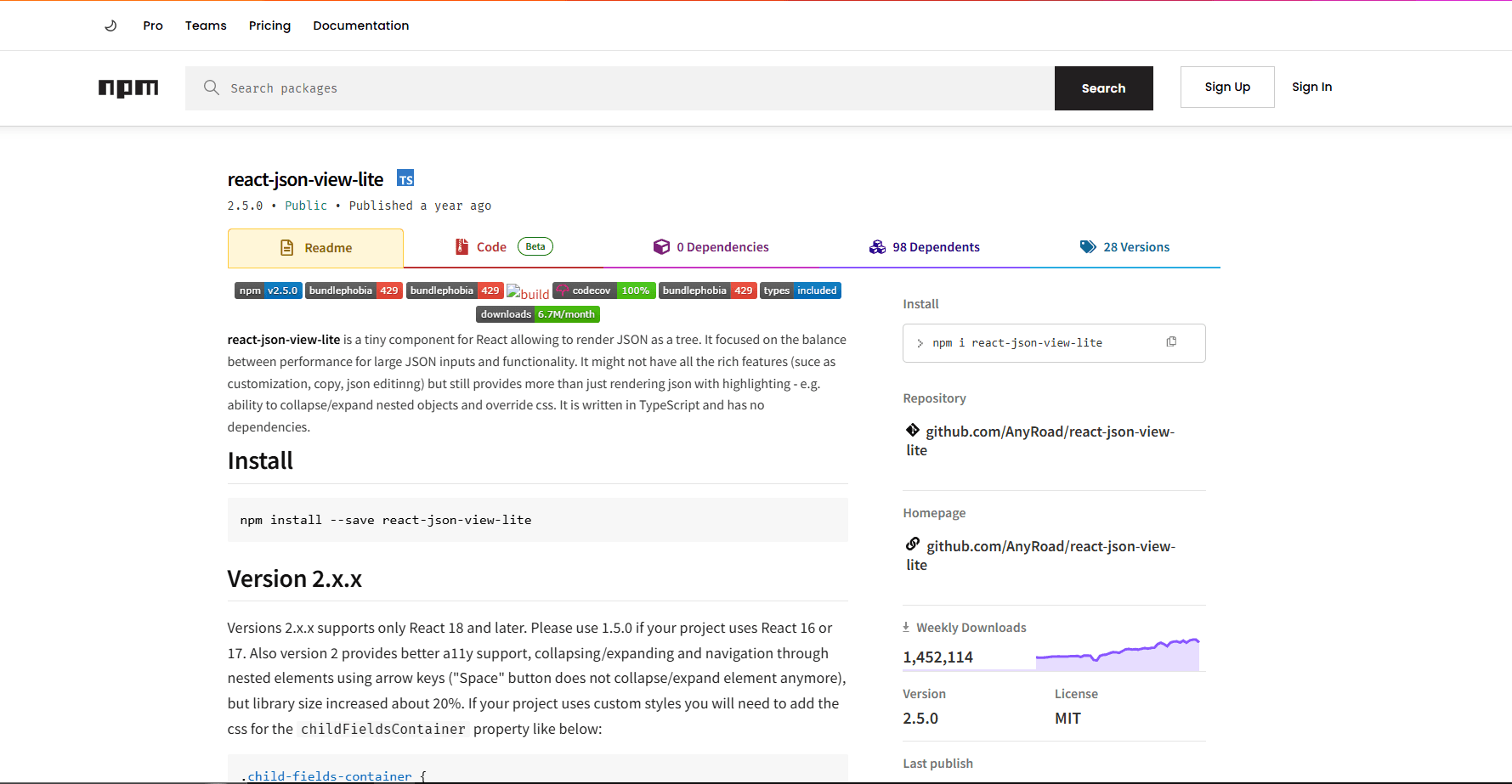
react-json-view-lite renders objects and arrays as a collapsible, read-only tree. Version 2 supports React 18 and 19, includes TypeScript declarations, and adds keyboard navigation and accessibility improvements for expanding nested nodes.
What you get:
- Collapsible tree view
- Read-only rendering with no mutation controls
- React 18 and React 19 peer support
- TypeScript declarations and no runtime dependencies
- Keyboard navigation for nested elements
- Default and dark styles that can be replaced with CSS classes
What you don't get:
- Inline editing
- Search, clipboard tools, or schema validation
- A raw JSON text view
Install:
npm install react-json-view-liteBasic usage:
import { JsonView, collapseAllNested, defaultStyles } from 'react-json-view-lite';
import 'react-json-view-lite/dist/index.css';

function ApiResponse({ data }: { data: object }) {
  return (
    <JsonView
      data={data}
      shouldExpandNode={collapseAllNested}
      style={defaultStyles}
    />
  );
}
Best for: API response panels, logs, and documentation pages where users only need to inspect JSON.
3. Monaco Editor for React
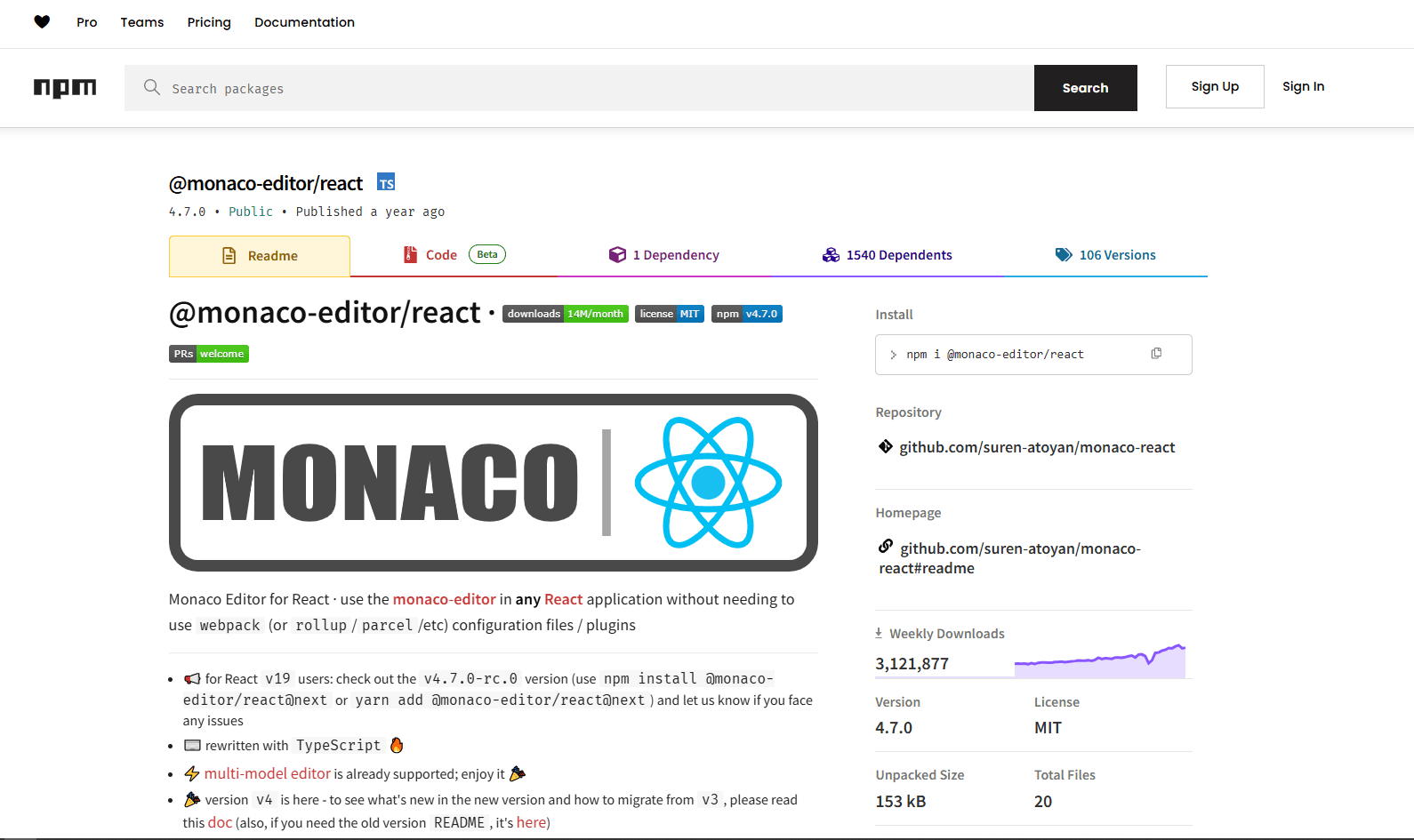
@monaco-editor/react wraps the browser-based Monaco Editor used by VS Code. It is the strongest option here for raw JSON editing because Monaco provides syntax highlighting, completion, diagnostics, and configurable JSON Schema support.
What you get:
- VS Code-style editing surface
- IntelliSense and autocomplete
- JSON Schema validation
- Multi-cursor editing
- Find and replace
- Keyboard shortcuts (Ctrl+F, Ctrl+D, etc.)
- Dark/light themes
- Error detection and inline warnings
What you don't get:
- A small dependency footprint
- Server rendering of the editor itself
- A tree-oriented editing interface
Install:
npm install @monaco-editor/react monaco-editorBasic usage:
import Editor from '@monaco-editor/react';

function JsonCodeEditor() {
  const [value, setValue] = useState('{"hello": "world"}');

  return (
    <Editor
      height="400px"
      language="json"
      theme="vs-dark"
      value={value}
      onChange={(newValue) => setValue(newValue || '')}
      options={{ minimap: { enabled: false } }}
    />
  );
}
Best for: Developer-facing tools where users expect a code editor. API testing interfaces, configuration editors for technical users, internal dev tools.
Not great for: Read-only response panels or simple value editing. Monaco brings language workers and editor infrastructure that those interfaces do not need.
4. react-jsonschema-form
react-jsonschema-form (RJSF) generates form controls from JSON Schema. Users interact with ordinary inputs instead of raw JSON, and the resulting form data can be validated with the required validator implementation.
What you get:
- Automatic form generation from schema
- Validation through packages such as @rjsf/validator-ajv8
- Multiple UI frameworks (Material UI, Bootstrap, etc.)
- Custom field widgets
- Array and object field support
- Conditional fields
- Error messages
What you don't get:
- Raw JSON editing (completely hidden)
- Tree view of data structure
- Styling independent of the selected theme package
Install:
npm install @rjsf/core @rjsf/utils @rjsf/validator-ajv8 @rjsf/muiBasic usage:
import Form from '@rjsf/mui';
import validator from '@rjsf/validator-ajv8';

const schema = {
  type: 'object',
  required: ['name', 'email'],
  properties: {
    name: { type: 'string', title: 'Full Name' },
    email: { type: 'string', title: 'Email', format: 'email' },
    age: { type: 'integer', title: 'Age', minimum: 0 }
  }
};

function ConfigForm() {
  const [formData, setFormData] = useState({});

  return (
    <Form
      schema={schema}
      validator={validator}
      formData={formData}
      onChange={(e) => setFormData(e.formData)}
      onSubmit={(e) => console.log('Submitted:', e.formData)}
    />
  );
}
Best for: Non-technical users who need to produce valid JSON through forms. Settings pages, configuration wizards, CMS content editors.
Not great for: Users who need to see or edit raw JSON. This hides JSON completely behind a form interface.
5. Vanilla JSON Editor
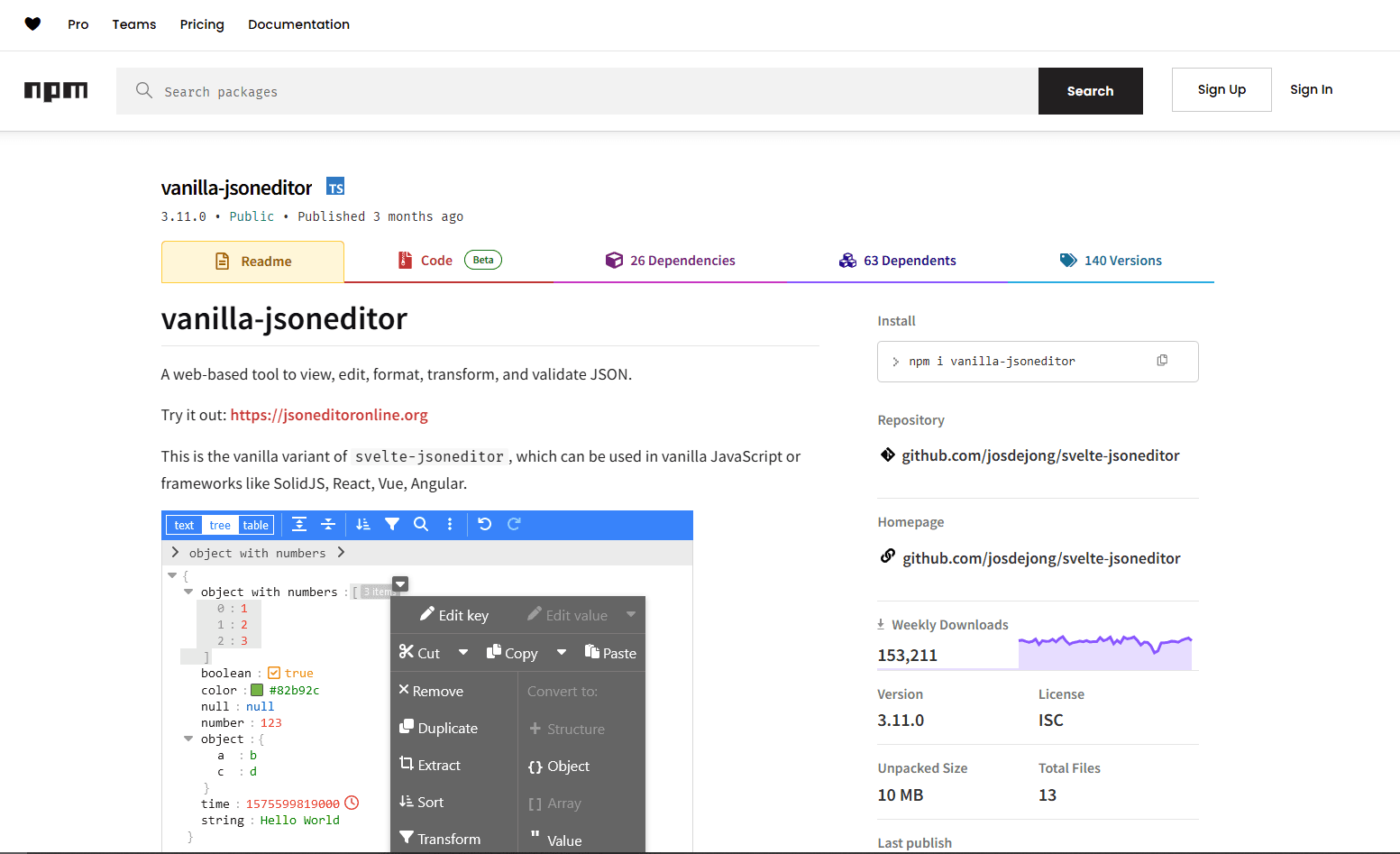
Vanilla JSON Editor is the framework-neutral build of the actively maintained JSON Editor project. It can be embedded in React through a small wrapper and provides tree, text, and table modes in the same interface.
What you get:
- Tree, text, and table editing modes
- Formatting, compacting, sorting, querying, and transformation
- Search, replace, undo, and redo
- JSON repair and optional JSON Schema validation
- An official React integration example
- Support for custom validation and parsers
What you don't get:
- A React-native component API
- Server-side rendering without a client-only wrapper
- Minimal integration code
Install:
npm install vanilla-jsoneditorBasic usage:
import { useEffect, useRef } from 'react';
import { createJSONEditor } from 'vanilla-jsoneditor';

function JsonEditor() {
  const containerRef = useRef<HTMLDivElement>(null);

  useEffect(() => {
    if (!containerRef.current) return;

    const editor = createJSONEditor({
      target: containerRef.current,
      props: { content: { json: { name: 'Sample', count: 42 } } }
    });

    return () => {
      editor.destroy();
    };
  }, []);

  return <div ref={containerRef} style={{ height: 400 }} />;
}
Best for: Applications that need both structured tree manipulation and raw text editing, especially when validation, repair, and transformations belong in the same editor.
Not great for: Teams that require a purely React component tree or server-rendered output. The editor uses browser APIs and needs lifecycle wrapper code.
6. JSON Forms
JSON Forms generates forms from a data schema and a separate UI schema. Its renderer registry lets a React application replace individual controls or layouts while retaining JSON Schema-based validation.
What you get:
- Custom renderer architecture
- Full control over field rendering
- Multiple UI framework support
- Schema-based validation
- Conditional rendering
- Array and nested object support
- Rule-based visibility
What you don't get:
- A minimal setup for custom renderer work
- Styling without choosing a renderer set
- Raw JSON editing
Install:
npm install @jsonforms/core @jsonforms/react @jsonforms/material-renderersBasic usage:
import { JsonForms } from '@jsonforms/react';
import { materialRenderers, materialCells } from '@jsonforms/material-renderers';

const schema = {
  type: 'object',
  properties: {
    name: { type: 'string' },
    email: { type: 'string', format: 'email' }
  }
};

function ConfigEditor() {
  const [data, setData] = useState({});

  return (
    <JsonForms
      schema={schema}
      data={data}
      renderers={materialRenderers}
      cells={materialCells}
      onChange={({ data }) => setData(data)}
    />
  );
}
Best for: Maximum control over form rendering. Custom renderers let you replace any default behavior while keeping JSON Schema validation.
Not great for: Simple forms where RJSF is easier. JSON Forms has more setup and a steeper learning curve.
7. react-ace
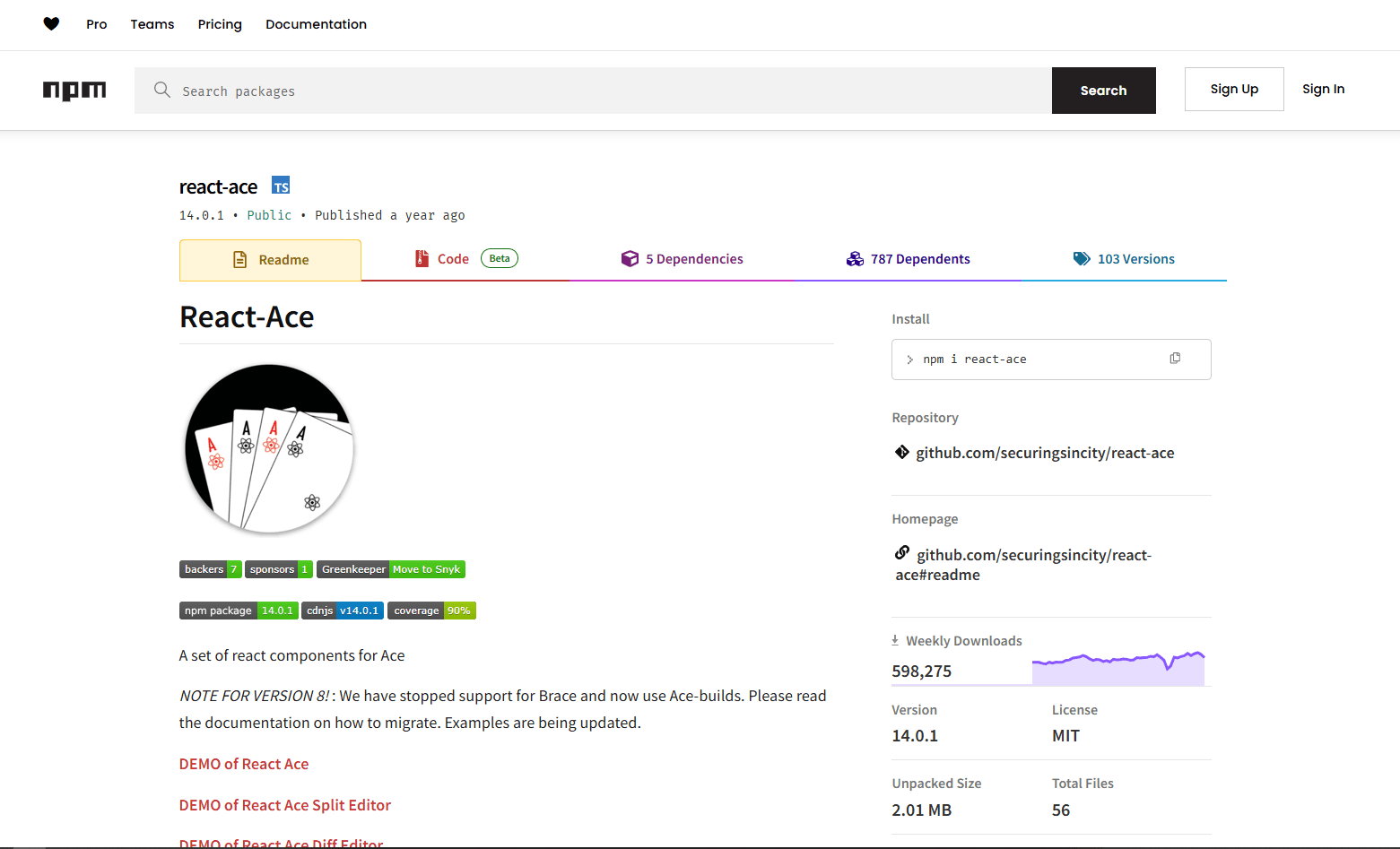
react-ace is the maintained React wrapper for Ace Editor. It supplies a mature code-editing surface with JSON syntax mode, folding, search, themes, and keyboard commands without reproducing Monaco's VS Code-oriented APIs.
What you get:
- Syntax highlighting
- Multiple themes
- Code folding
- Search and replace
- Optional worker-based JSON syntax checks
- Keyboard shortcuts
What you don't get:
- JSON Schema-aware completion by default
- A collapsible object tree
- Monaco's language-service integration
Install:
npm install react-ace ace-buildsBasic usage:
import AceEditor from 'react-ace';
import 'ace-builds/src-noconflict/mode-json';
import 'ace-builds/src-noconflict/theme-monokai';

function JsonAceEditor() {
  const [value, setValue] = useState('{"test": "data"}');

  return (
    <AceEditor
      mode="json"
      theme="monokai"
      value={value}
      onChange={setValue}
      width="100%"
      height="400px"
      setOptions={{ useWorker: true }}
    />
  );
}
Best for: Established Ace-based interfaces and projects that want a configurable raw text editor without Monaco-specific integration.
Not great for: Applications that need JSON Schema-driven autocomplete or tree editing without adding separate tooling.
Library Comparison
Recommendation
For editable tree data in an admin dashboard, start with json-edit-react. For read-only API responses, react-json-view-lite avoids exposing mutation controls. Monaco is the strongest fit when technical users need to type raw JSON with completion and schema diagnostics.
Choose react-jsonschema-form for a conventional form generated from JSON Schema. Choose JSON Forms when the project needs a separate UI schema and a custom renderer registry. Vanilla JSON Editor is the broader editing surface when tree, text, table, repair, and transformation tools must live together.
Frequently Asked Questions
What's the best React component for displaying JSON?
react-json-view-lite is the best fit for read-only display because it focuses on collapsible tree rendering, supports React 18 and 19, and includes keyboard navigation without editing controls. Install it with npm install react-json-view-lite, import its stylesheet, and pass the object to the data prop.
How do I add a JSON editor to a React admin panel?
Use json-edit-react when administrators should modify keys and values through a tree. Its data and setData props fit normal controlled React state, and editing restrictions can be applied to specific nodes. Use Monaco instead when administrators are technical users who need to work with the raw JSON document.
Can I use Monaco Editor in a Next.js project?
Yes. Render Monaco from a Client Component because the editor relies on browser APIs. In the Next.js App Router, add "use client" to the component that imports Monaco. A dynamic import with ssr: false can also defer the editor: const Editor = dynamic(() => import('@monaco-editor/react'), { ssr: false }).
How do I validate JSON input in a React form?
For generated forms, use react-jsonschema-form with @rjsf/validator-ajv8 or JSON Forms, which validates through AJV. For a custom tree editor, pass a schema validator to json-edit-react or Vanilla JSON Editor. Monaco can apply schemas to raw JSON models through monaco.languages.json.jsonDefaults.setDiagnosticsOptions().
What's the difference between react-json-view-lite and Monaco for React?
react-json-view-lite displays an object as a collapsible, read-only tree. Monaco edits JSON as text and adds code-editor features such as completion, diagnostics, search, and configurable schema validation. Use the viewer for inspection and Monaco for technical users who must edit the source document.
Read More
All Articles
7 Best JSON Editor Apps for Android in 2026 (Compared & Ranked)
Compare seven current JSON editor apps for Android, including visual tree editors, fast text editors, Git tools, and a browser option.
4 Best JSON Plugins for Notepad++ in 2026
Compare the best JSON editor plugins for Notepad++ for formatting, tree navigation, linting, schema validation, and file comparison.
5 Best JSON Plugins for Sublime Text in 2026
Compare 5 current Sublime Text JSON plugins for formatting, live linting, schema validation, jq transformations, and structural navigation.