5 Best JSON Editor Libraries for Angular in 2026

On this page
The best JSON editor for Angular depends on what users are expected to do. A tree editor is convenient for configuration screens, Monaco suits developer-facing tools, and a schema-generated form is usually easier for people who should never have to touch raw JSON.
For most Angular 17 to 21 applications, ang-jsoneditor is the most practical starting point because it combines tree, code, text, and view modes in an Angular component. ngx-monaco-editor-v2 is the stronger choice when autocomplete, diagnostics, and a VS Code-style editing experience matter more than initial download cost.
This guide compares five maintained or recently updated options using their current package documentation, supported Angular versions, integration effort, editing model, and maintenance status. It does not present unversioned bundle estimates as facts; dependencies, import choices, and production build settings can change the result considerably.
Quick comparison
Check the peer dependencies of the exact version you plan to install, especially immediately after an Angular major release. Angular wrappers commonly publish a separate package line for each framework major.
1. ang-jsoneditor: best general-purpose Angular JSON editor
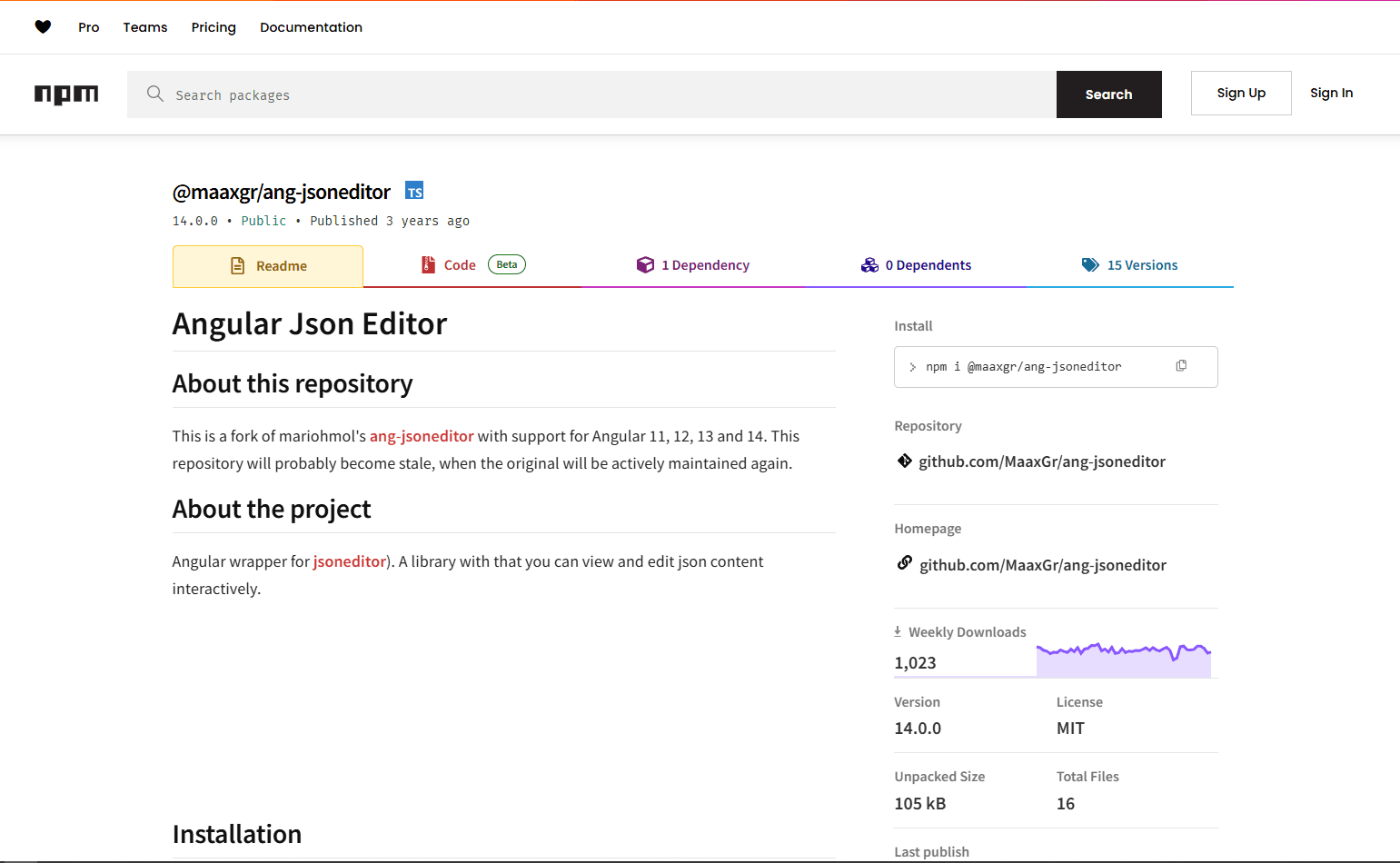
ang-jsoneditor wraps the established jsoneditor library in an Angular component. Its current documentation supports Angular 17, 18, 19, 20, and 21, and the component can be imported directly into a standalone component.
The main attraction is flexibility. Users can switch between a structured tree and raw text or code without your team building separate interfaces. It also integrates with Angular reactive forms, which makes it a sensible choice for internal settings pages, configuration builders, and admin tools.
Strengths
- Tree, code, text, view, and form-style modes
- Search, formatting, history, and schema features inherited from JSONEditor
- Standalone Angular component for modern applications
- Reactive Forms integration
- Less custom lifecycle code than a framework-neutral editor
Limitations
- The underlying jsoneditor project is the predecessor to Vanilla JSON Editor
- Browser-oriented editor code needs special handling in server-rendered applications
- A multi-mode editor is unnecessary overhead for a read-only API response panel
Install both the wrapper and its editor dependency:
npm install ang-jsoneditor jsoneditorImport the package stylesheet globally, then add the standalone component:
/* styles.scss */
@import 'jsoneditor/dist/jsoneditor.min.css';import { Component } from '@angular/core';
import {
JsonEditorComponent,
JsonEditorOptions
} from 'ang-jsoneditor';
@Component({
selector: 'app-config-editor',
standalone: true,
imports: [JsonEditorComponent],
template: `
<json-editor
class="editor"
[options]="editorOptions"
[data]="data"
(change)="data = $event">
</json-editor>
`,
styles: ['.editor { display: block; height: 480px; }']
})
export class ConfigEditorComponent {
data = { name: 'Alice', roles: ['admin'] };
editorOptions = new JsonEditorOptions();
constructor() {
this.editorOptions.mode = 'tree';
this.editorOptions.modes = ['tree', 'code', 'text', 'view'];
}
}The explicit height is important in tree and form-style modes because the editor needs a scrollable area. For SSR or prerendering, render the editor only in the browser and verify that no browser-dependent import runs during the server build.
Choose ang-jsoneditor when: users need a dependable tree editor with an optional raw JSON view, and the application targets one of the Angular versions documented by the current release.
2. ngx-monaco-editor-v2: best for developer tools
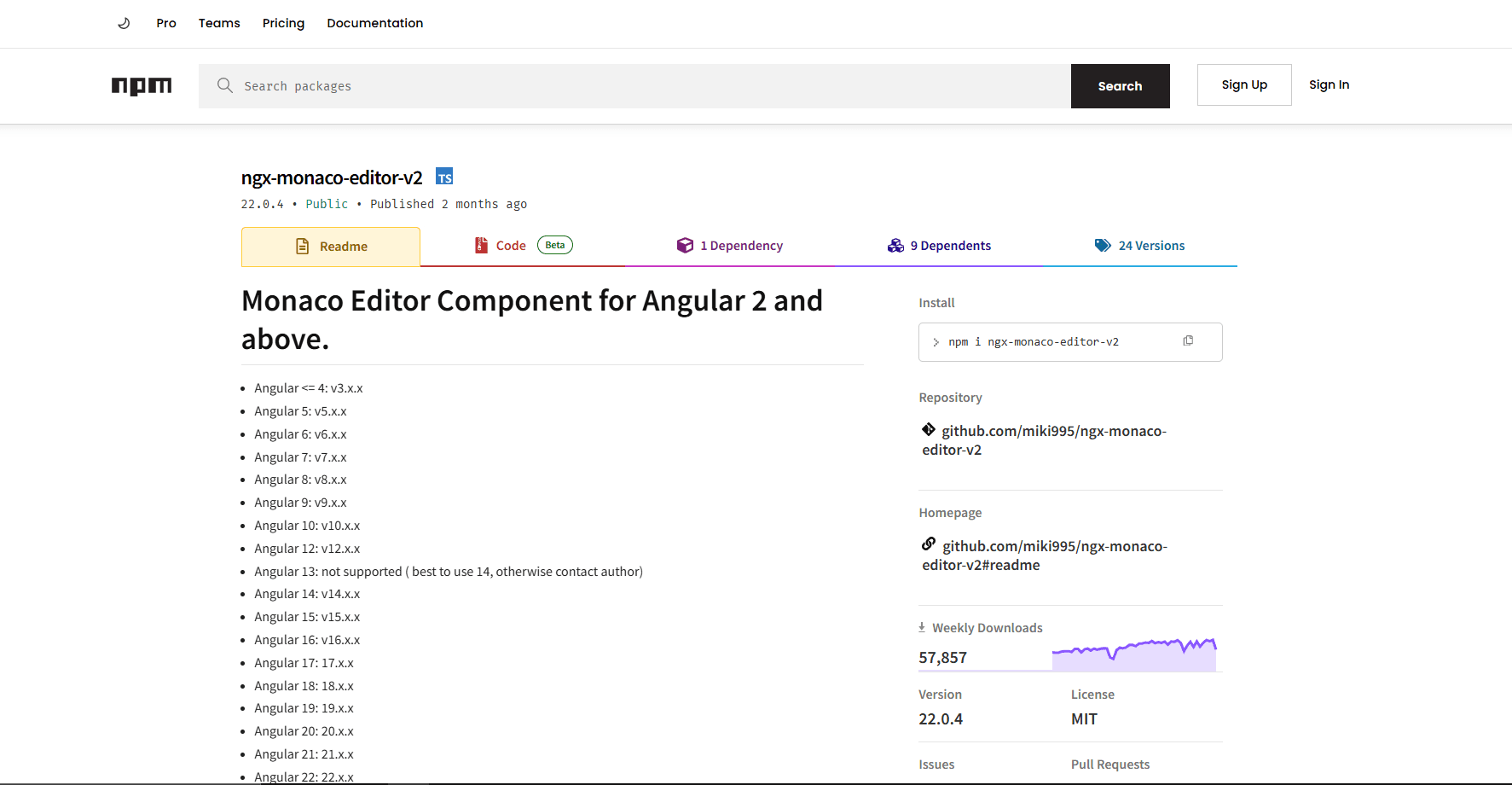
ngx-monaco-editor-v2 embeds Monaco, the editor used by VS Code, in Angular. The project publishes version-matched releases for modern Angular majors, including documented lines for Angular 17 through 22.
Monaco is the right fit when JSON is part of a professional editing workflow rather than a small settings field. It can provide syntax diagnostics, completion suggestions, keyboard commands, a minimap, diff views, and JSON Schema-aware validation. Those capabilities are valuable in API clients, workflow builders, and developer portals.
Strengths
- Familiar VS Code editing behavior
- JSON Schema diagnostics and completion
- Strong keyboard navigation, search, and multi-cursor editing
- Diff editor support
- Versioned releases aligned with Angular majors
Limitations
- Monaco requires additional assets and web workers
- It is materially heavier than a basic textarea or tree viewer
- It is browser-dependent, so SSR integrations need a client-only boundary
- A source editor is less approachable for non-technical users
Install the wrapper and Monaco itself:
npm install ngx-monaco-editor-v2 monaco-editorThe wrapper must be initialized at application level and its assets must be served using the path expected by your configuration. After that, a component can bind the editor to a string:
import { Component } from '@angular/core';
import { FormsModule } from '@angular/forms';
import { MonacoEditorModule } from 'ngx-monaco-editor-v2';

@Component({
  selector: 'app-json-code-editor',
  standalone: true,
  imports: [FormsModule, MonacoEditorModule],
  template: `
    <ngx-monaco-editor
      class="editor"
      [options]="editorOptions"
      [(ngModel)]="jsonText">
    </ngx-monaco-editor>
  `,
  styles: ['.editor { display: block; height: 480px; }']
})
export class JsonCodeEditorComponent {
  jsonText = '{\n  "enabled": true\n}';
  editorOptions = {
    language: 'json',
    theme: 'vs-dark',
    automaticLayout: true
  };
}
Follow the package's setup instructions for the exact Angular major in your project; Monaco asset configuration has changed across wrapper releases and Angular builders. Lazy-loading the editor route can keep Monaco out of the initial experience for users who never open it.
Choose ngx-monaco-editor-v2 when: technical users need schema-aware source editing, rich diagnostics, or a diff view and will benefit from Monaco enough to justify the added setup.
3. Vanilla JSON Editor: best modern tree editor with manual integration
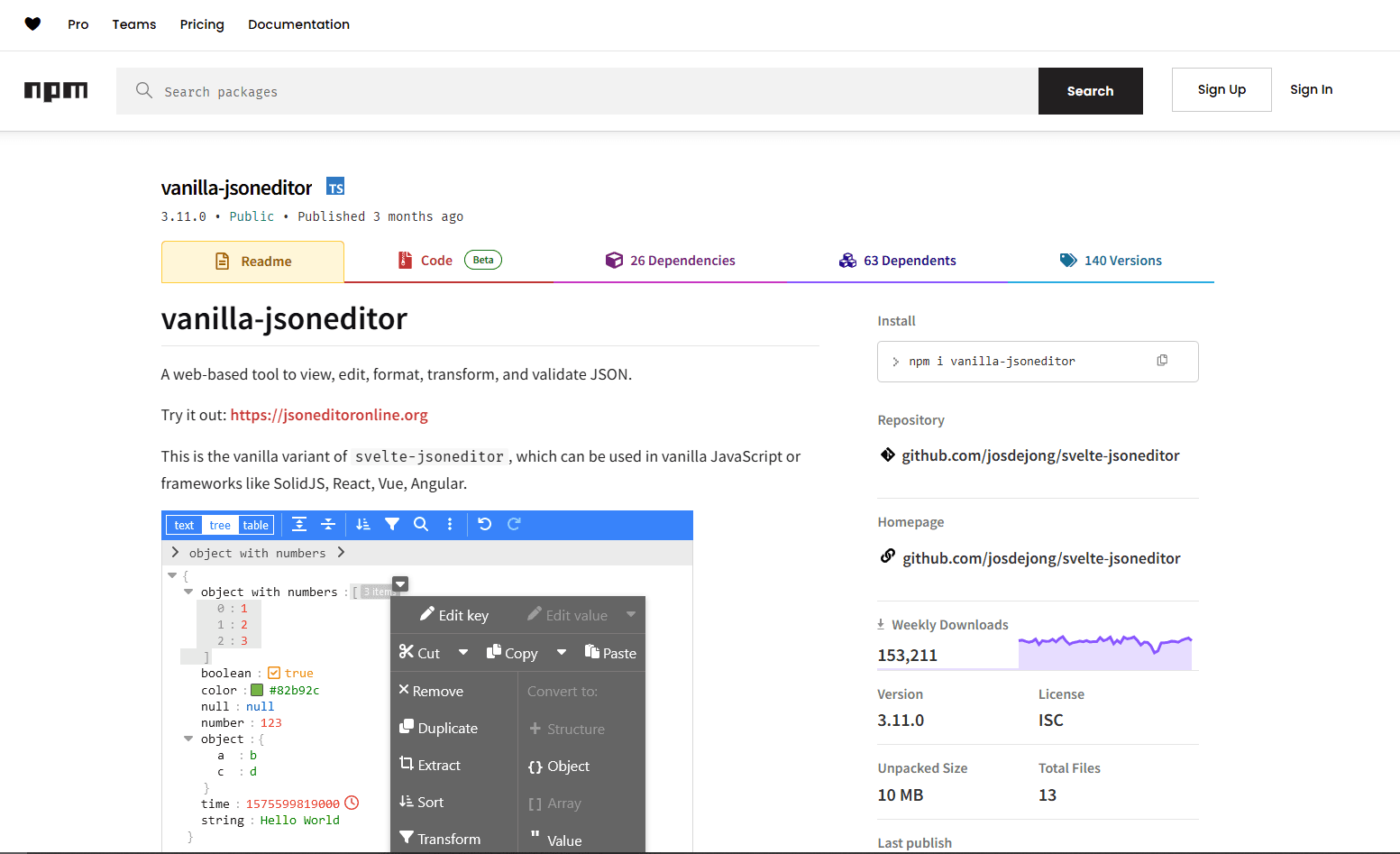
Vanilla JSON Editor is the framework-neutral build of svelte-jsoneditor, the modern successor to the original JSONEditor project. Its current documentation explicitly lists Angular as a supported integration target and uses the createJSONEditor factory API.
It offers tree, text, and table views together with search, formatting, repair, transformation, undo and redo, and schema validation. The project also documents support for substantially larger documents than most traditional DOM-based tree viewers, although performance still depends on the selected mode, browser, schema, and device.
Strengths
- Modern, actively updated editor core
- Tree, text, and table views
- Search, repair, transform, and validation tools
- No Angular wrapper release cycle to wait for
- Default module import allows shared dependencies to be deduplicated by the bundler
Limitations
- No official Angular component or ControlValueAccessor
- Inputs and outputs must be wired through the editor's props API
- The editor must be destroyed when the Angular component is destroyed
- Browser-only behavior requires a guarded import in SSR applications
Install the editor, then wrap it in an Angular component:
npm install vanilla-jsoneditorimport {
AfterViewInit,
Component,
ElementRef,
OnDestroy,
PLATFORM_ID,
ViewChild,
inject
} from '@angular/core';
import { isPlatformBrowser } from '@angular/common';
@Component({
selector: 'app-vanilla-json-editor',
standalone: true,
template: '<div #container class="editor"></div>',
styles: ['.editor { height: 480px; }']
})
export class VanillaJsonEditorComponent implements AfterViewInit, OnDestroy {
@ViewChild('container', { static: true })
container!: ElementRef<HTMLDivElement>;
private platformId = inject(PLATFORM_ID);
private editor?: { destroy(): Promise<void> };
async ngAfterViewInit() {
if (!isPlatformBrowser(this.platformId)) return;
const { createJSONEditor } = await import('vanilla-jsoneditor');
this.editor = createJSONEditor({
target: this.container.nativeElement,
props: {
content: { json: { enabled: true, retries: 3 } },
mode: 'tree',
onChange: (updatedContent) => {
console.log(updatedContent);
}
}
});
}
ngOnDestroy() {
void this.editor?.destroy();
}
}For a reusable form control, add a ControlValueAccessor and call editor.updateProps({ content }) when the Angular value changes. Keep updates immutable so the editor can preserve its history correctly.
Choose Vanilla JSON Editor when: you want the newer editor architecture and are comfortable owning a small Angular wrapper, including lifecycle, form-control, and SSR behavior.
4. JSON Forms: best for schema-generated configuration forms
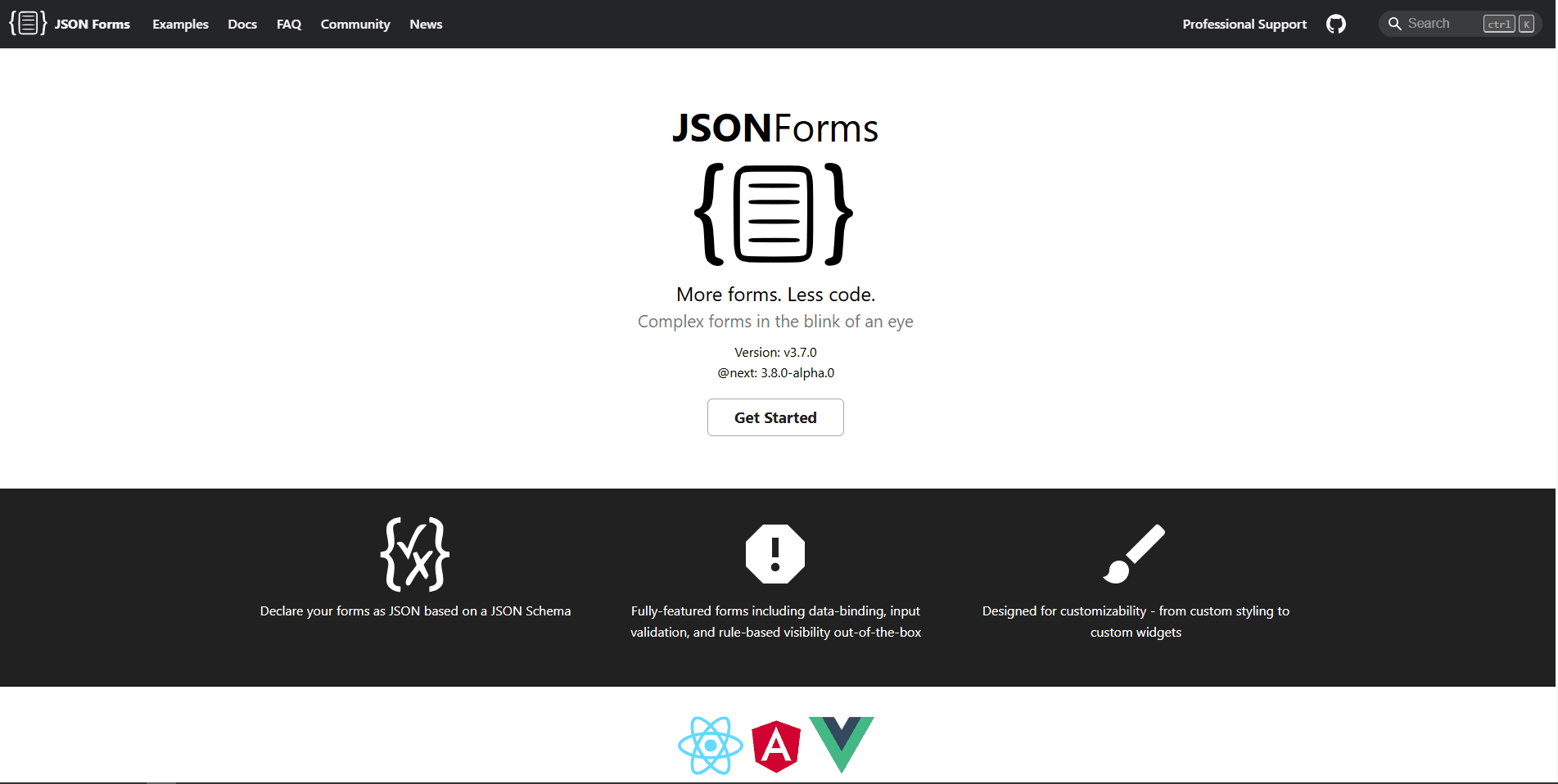
JSON Forms is different from the other entries because it turns JSON Schema and UI Schema definitions into conventional form controls. Users edit the resulting data through inputs, selects, arrays, and layouts rather than manipulating JSON syntax.
That distinction makes JSON Forms particularly useful for customer-facing settings and configuration wizards. It includes validation, rules, renderer customization, and renderer sets such as Angular Material. It is not a substitute for a raw editor when users need to inspect formatting, object structure, or arbitrary keys.
Strengths
- Generates forms from JSON Schema
- Validation results accompany data changes
- Supports nested objects, arrays, rules, and custom renderers
- Angular Material renderer package is maintained with the core project
- Reduces syntax errors for non-technical users
Limitations
- Users cannot directly edit raw JSON
- Custom schemas and renderer behavior can require significant design work
- Material and other renderer dependencies affect the final application size
- It solves structured data entry, not log viewing or source editing
Install the Angular bindings and a renderer set:
npm install @jsonforms/core @jsonforms/angular @jsonforms/angular-material @angular/materialThe renderer registry is required; importing the modules alone is not enough:
import { Component } from '@angular/core';
import { JsonFormsModule } from '@jsonforms/angular';
import {
  JsonFormsAngularMaterialModule,
  angularMaterialRenderers
} from '@jsonforms/angular-material';

@Component({
  selector: 'app-profile-form',
  standalone: true,
  imports: [JsonFormsModule, JsonFormsAngularMaterialModule],
  template: `
    <jsonforms
      [data]="data"
      [schema]="schema"
      [renderers]="renderers"
      (dataChange)="data = $event">
    </jsonforms>
  `
})
export class ProfileFormComponent {
  renderers = angularMaterialRenderers;
  data = { name: '', email: '' };
  schema = {
    type: 'object',
    properties: {
      name: { type: 'string', minLength: 1 },
      email: { type: 'string', format: 'email' }
    },
    required: ['name', 'email']
  };
}
Confirm that the selected JSON Forms release and renderer package declare peer dependencies compatible with your Angular and Angular Material versions. Keeping those packages on the same JSON Forms version avoids subtle renderer and core mismatches.
Choose JSON Forms when: the schema is controlled by your application and users should complete a validated form instead of learning JSON syntax.
5. @ks89/ngx-codemirror6: best modular code editor
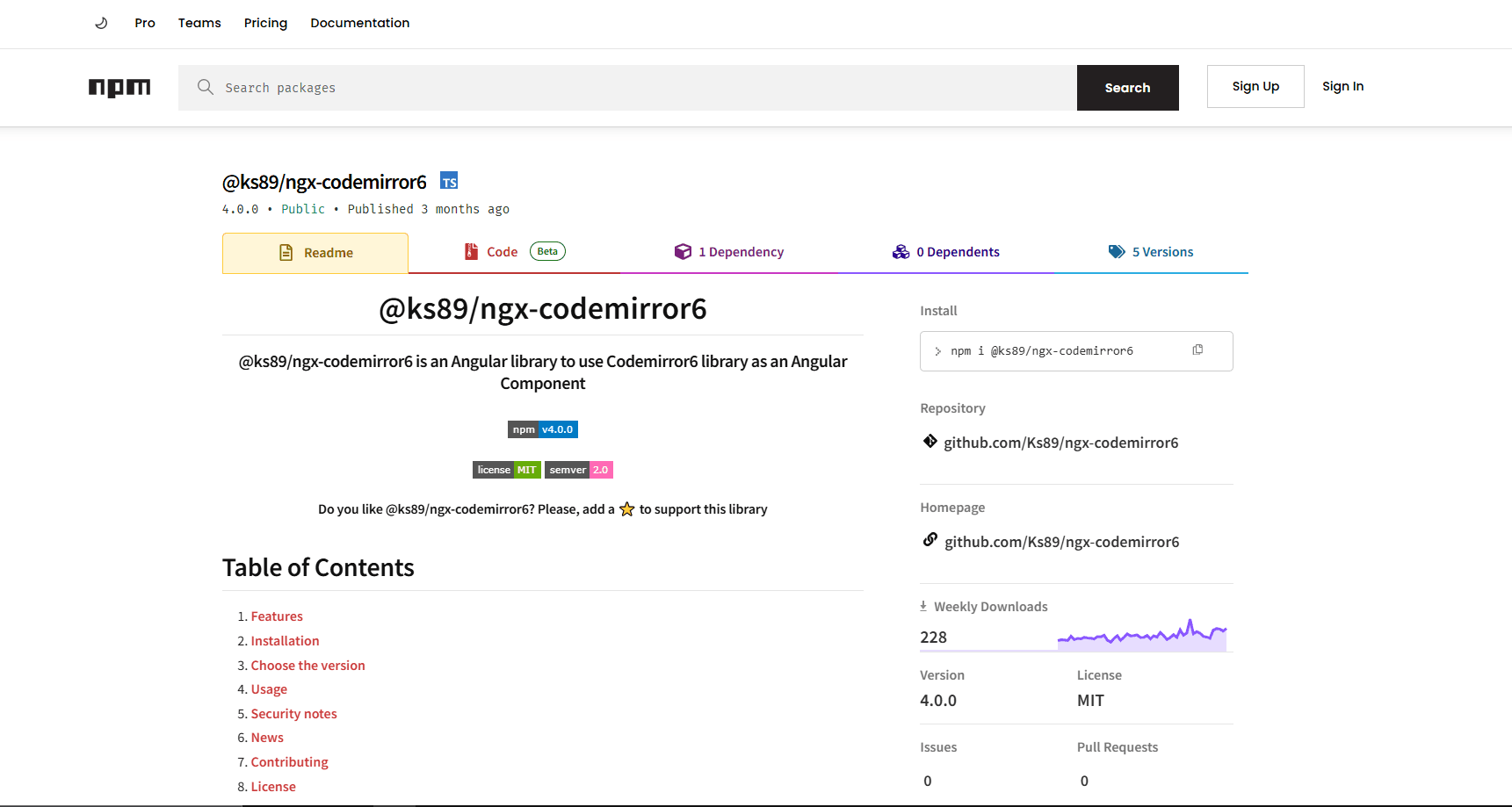
@ks89/ngx-codemirror6 integrates CodeMirror 6 with Angular. Its documentation maps package versions to Angular 16 through 21, with the current major targeting Angular 21.
CodeMirror is more modular than Monaco: you install the editor state, view, and only the language packages needed by the application. For JSON, add @codemirror/lang-json. This makes it attractive when users need a capable source editor but not the full VS Code-style platform.
Strengths
- Modern CodeMirror 6 editor architecture
- Language support is installed separately
- Angular-specific package with documented major-version mapping
- Good foundation for syntax highlighting, search, and custom extensions
Limitations
- No visual tree-editing mode
- Smaller Angular wrapper community than the Monaco alternatives
- Advanced schema completion and lint behavior require additional configuration
- The current package major does not cover every supported Angular major
Install the wrapper, CodeMirror core, and JSON language support:
npm install @ks89/ngx-codemirror6 codemirror @codemirror/state @codemirror/view @codemirror/lang-jsonPass CodeMirror's JSON language extension to the Angular component:
import { Component } from '@angular/core';
import { json } from '@codemirror/lang-json';

@Component({
  selector: 'app-codemirror-json',
  template: `
    <ks-codemirror
      [content]="content"
      [language]="language">
    </ks-codemirror>
  `,
  standalone: false
})
export class CodeMirrorJsonComponent {
  content = '{\n  "theme": "dark"\n}';
  language = json();
}
Import the module exported by the wrapper in the containing Angular module, following the example for your selected package major. If you need two-way form binding or schema-based linting, confirm that the wrapper exposes the events and editor instance required by your implementation before committing to it.
Choose @ks89/ngx-codemirror6 when: a modular source editor is preferable to Monaco and your Angular version is explicitly supported by one of the wrapper's published releases.
What about ngx-json-viewer and ngx-ace-wrapper?
ngx-json-viewer remains useful in older applications that only display expandable JSON. However, its current documentation demonstrates an NgModule integration and an Angular 14 example; it does not support the previous article's claims of a modern standalone component and broad current-Angular compatibility. For Angular 17 and later, verify it in your application before adopting it or build a small read-only view with maintained UI primitives.
ngx-ace-wrapper can still serve existing applications, but its published instructions use an NgModule and the older brace package. The documentation does not support presenting it as a current standalone-first alternative. For a new project, Monaco or a maintained CodeMirror 6 integration is a safer starting point.
There is also an Angular 21-focused fork named @dasch-ng/json-viewer. At the time of this update it is a release candidate with a small adoption footprint, so evaluate its release status, license metadata, and maintenance plan before using it in production.
How to choose the right Angular JSON editor
Start with the user's job rather than a feature count. If people need to add keys, rearrange arrays, and occasionally inspect raw text, ang-jsoneditor offers the most balanced workflow. If they write JSON professionally and expect diagnostics or completion, Monaco is more appropriate.
Vanilla JSON Editor is compelling when the modern tree experience or large-document behavior justifies a custom wrapper. JSON Forms is the better product decision when the schema is fixed and users should see labeled controls instead of braces and commas. CodeMirror 6 fills the middle ground for teams that want a programmable source editor without adopting Monaco.
Before shipping any option, test it with representative document sizes, nested arrays, invalid JSON, keyboard-only navigation, your production theme, and the exact Angular build configuration. For SSR or prerendered applications, also run the server build and confirm that editor code is only evaluated in the browser.
Recommendation
For most Angular 17 to 21 projects, begin with ang-jsoneditor and confirm that its modes and underlying JSONEditor behavior meet the product's needs. Choose ngx-monaco-editor-v2 for a developer-facing tool, JSON Forms for schema-controlled customer interfaces, and Vanilla JSON Editor when a modern tree editor is worth maintaining a wrapper.
If none of those fits, evaluate @ks89/ngx-codemirror6 for a modular source editor. Avoid choosing ngx-json-viewer or ngx-ace-wrapper for a new modern-Angular project solely because older articles describe them as lightweight or standalone; their current documentation does not support those claims.
Frequently asked questions
What is the best JSON editor for Angular 17 and later?
ang-jsoneditor is the strongest general-purpose starting point for Angular 17 to 21 because its current package documentation explicitly supports those versions, provides a standalone component, and includes both visual tree and raw-text modes. Angular 22 users should check for an updated compatible release before installing it; ngx-monaco-editor-v2 already documents an Angular 22 package line.
Can Monaco Editor validate JSON Schema in Angular?
Yes. Monaco's JSON language service supports schemas, diagnostics, and completion suggestions. In Angular, ngx-monaco-editor-v2 provides the component integration, while your Monaco configuration associates schemas with matching document URIs. Remember to configure Monaco assets and web workers for the wrapper version and Angular builder in use.
Which Angular JSON editor is easiest for non-technical users?
JSON Forms is usually the clearest option when you control the schema because it renders labeled form controls instead of exposing JSON syntax. A tree editor can still be appropriate for technical administrators who understand keys, arrays, and data types but prefer not to edit raw text.
Do these JSON editors work with Angular SSR?
Do not assume that a browser editor is SSR-safe simply because its Angular wrapper compiles. Monaco, JSONEditor-based packages, Vanilla JSON Editor, and CodeMirror interact with browser APIs. Use platform guards or client-only loading, then verify both the server build and a rendered route. JSON Forms may be easier to render on the server, but its selected Angular renderer and dependencies still need testing in your SSR setup.
How should I compare Angular JSON editor bundle sizes?
Build a production bundle in your own application and compare the generated statistics before and after adding each editor. Package page sizes and copied estimates do not represent the final user download because tree shaking, lazy loading, workers, shared dependencies, compression, language packs, and themes all change the result.
Is a JSON viewer the same as a JSON editor?
No. A viewer formats an object as an expandable tree but does not let users change it. An editor adds text or structural editing, validation, and change events. Use a viewer for logs and API responses, and an editor for configuration or data-authoring workflows.
Related JSON editor guides
Read More
All Articles
7 Best JSON Editor Apps for Android in 2026 (Compared & Ranked)
Compare seven current JSON editor apps for Android, including visual tree editors, fast text editors, Git tools, and a browser option.
4 Best JSON Plugins for Notepad++ in 2026
Compare the best JSON editor plugins for Notepad++ for formatting, tree navigation, linting, schema validation, and file comparison.
5 Best JSON Plugins for Sublime Text in 2026
Compare 5 current Sublime Text JSON plugins for formatting, live linting, schema validation, jq transformations, and structural navigation.