VS Code vs IntelliJ for Java: IntelliJ Wins (Here's Why)

On this page
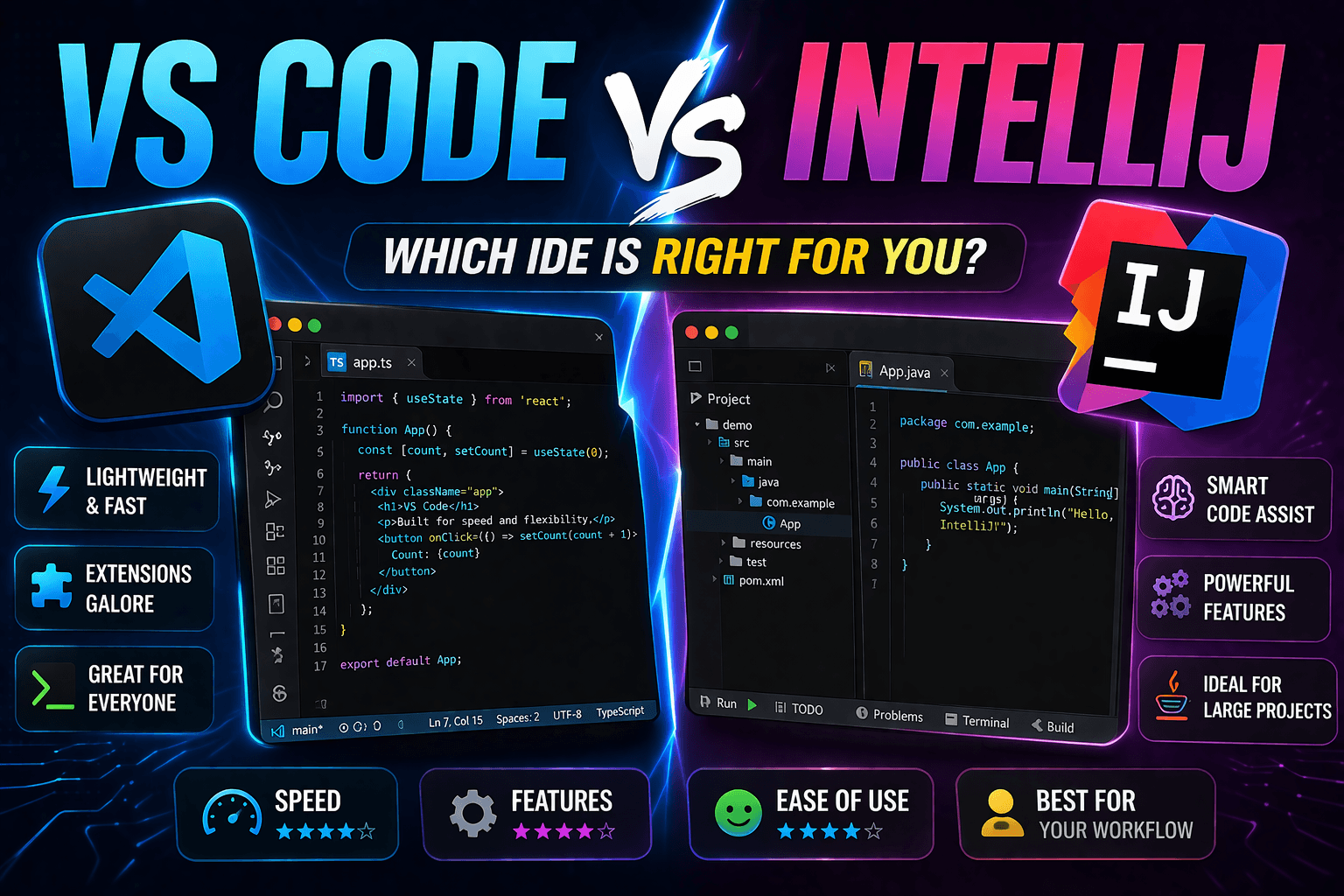
IntelliJ IDEA is the better default when Java is your main language and you want the deepest code analysis, project navigation, refactoring, and framework-aware tooling in one IDE. VS Code is a credible Java environment, however, and its official extensions cover editing, refactoring, testing, debugging, Maven, Gradle, and Spring Boot. The real choice is a dedicated Java IDE versus a lighter, highly configurable editor that you may already use for several languages.
JetBrains also changed the product model in IntelliJ IDEA 2025.3. Community and Ultimate are no longer separate downloads: there is now one IntelliJ IDEA distribution, with core Java and Kotlin development available free and advanced features unlocked by an Ultimate subscription. Older comparisons that tell you to choose between Community Edition and Ultimate Edition are therefore out of date.
For most professional Java work, IntelliJ still wins because its Java tools feel cohesive from the moment a project opens. Choose VS Code when fast cross-language editing, profiles, remote workflows, or a smaller interface matter more than having the broadest Java-specific feature set built into one product.
Quick Comparison
There is no longer a separate current Community Edition to install. You download IntelliJ IDEA once, use its free feature set indefinitely, and activate an Ultimate subscription only if its advanced tools justify the cost.
Why IntelliJ Wins for Java
Refactoring Actually Works
IntelliJ's advantage is the range and cohesion of its Java-aware operations. Its refactoring tools can preview affected code before a change and include operations such as extract, move, change signature, introduce parameter, safe delete, and type migration. That matters when a change crosses packages, modules, tests, and generated project structure.
VS Code is more capable than older comparisons suggest. The official Java refactoring documentation lists project-wide rename, move, change signature, extract method, extract variable, inline operations, type changes, and source actions. For ordinary Java development these tools can be sufficient, but IntelliJ presents a broader dedicated workflow with fewer decisions about extensions and configuration.
Spring Boot Integration
With an Ultimate subscription, IntelliJ provides its strongest case for professional Java teams. Its Spring support includes framework-aware coding assistance, navigation, run configurations, debugger features, embedded documentation, and inspections. The free IntelliJ feature set now includes a Spring Boot project wizard and basic Spring highlighting, but the advanced Spring experience remains subscription-based.
VS Code's Spring support is not limited to syntax coloring. Microsoft's Spring Boot guide documents Spring-aware completion and navigation, support for properties and YAML files, Spring Initializr, live application information, and a dashboard for starting, stopping, or debugging applications. IntelliJ Ultimate wins on depth and integration, while VS Code remains a practical Spring environment for developers who prefer its editor model.
Debugging Complex Java
Both products support serious Java debugging. VS Code's Java debugger includes conditional breakpoints, expression evaluation, data breakpoints, logpoints, remote debugging, thread and call-stack views, and Hot Code Replace. This makes the old claim that its debugger only handles simple projects inaccurate.
IntelliJ's built-in JVM debugger combines breakpoint conditions and filters, expression evaluation, variable modification, thread inspection, and step controls with the IDE's project model. IntelliJ wins when you value that integrated view of code, tests, build configuration, runtime state, and framework context rather than because VS Code lacks advanced debugging features.
Maven/Gradle Integration
IntelliJ detects Maven and Gradle projects, imports their project models, provides dedicated tool windows, and can synchronize build-file changes with the IDE. Its Maven integration handles project creation, existing projects, multi-module structures, goals, profiles, and dependency work inside the same interface.
VS Code also has substantial Maven and Gradle support. The Maven extension can discover projects, show modules and dependencies, run or debug goals, and assist with POM files. The Gradle extension can import projects through its build server, show tasks and dependencies, delegate tests, and assist with build files. IntelliJ feels more unified, but VS Code does not reduce these projects to a flat file tree or require entirely manual build management.
When VS Code Makes Sense
VS Code is the better fit when your day moves between Java, JavaScript, TypeScript, Python, infrastructure files, containers, and documentation. Its profiles let you keep a focused Java setup without turning every workspace into the same large configuration.
Choose VS Code when:
- You already use it for several languages and want consistent shortcuts and settings
- You want to add only the Java, testing, build, and Spring extensions your project needs
- You frequently work through SSH, containers, or cloud development environments
- You are learning Java and prefer a less IDE-heavy interface
- You mainly make focused changes rather than performing framework-wide navigation all day
Do not choose by an unverified memory or startup benchmark. Both applications change frequently, while indexing, extensions, JVM settings, repository size, generated files, and available hardware can alter the result. Test the same representative project on your own machine if responsiveness is a deciding factor.
Real Examples
- Spring Boot service: IntelliJ with Ultimate is the stronger choice when bean navigation, inspections, endpoint awareness, and framework-specific debugging are daily needs. VS Code still provides project generation, Spring-aware completion, application information, and dashboard controls.
- Multi-module Maven or Gradle repository: Both editors can import modules, expose dependencies, and run build tasks. IntelliJ usually offers the more cohesive project view, while VS Code suits teams already centered on its extension and remote-development workflows.
- Library or command-line application: Free IntelliJ IDEA provides a complete dedicated Java environment. VS Code can be equally practical when the project is straightforward or Java is only one part of a polyglot repository.
- Large refactoring: IntelliJ is the safer first choice when changing APIs across modules because of its wider refactoring catalog and preview-driven workflow. VS Code supports many project-wide refactorings, so validate the specific operation instead of assuming it can only rename symbols.
- JPA and database-heavy application: IntelliJ's Ultimate subscription becomes more attractive when advanced framework and integrated data tools reduce context switching. VS Code can assemble a capable workflow through Java, Spring, database, and container extensions, but the experience is less unified.
Cost Breakdown
VS Code: The editor is free, and Microsoft's main Java extension packs are free. Teams should still review the licenses, publishers, permissions, and maintenance of any additional extensions they install.
IntelliJ IDEA: The current unified application has a free feature set for commercial and non-commercial Java and Kotlin development. A new installation includes a 30-day Ultimate trial, after which you can subscribe or continue using the free core without changing applications.
Ultimate subscription: This unlocks advanced Spring support, broader JVM ecosystem tooling, integrated data tools, the profiler, HTTP Client, and other professional features. Check JetBrains' current feature comparison and pricing before buying because plans, eligibility programs, and regional terms can change.
The paid tier is easiest to justify when its framework knowledge and integrated tools replace recurring manual work. Students and teachers may qualify for JetBrains' educational licensing, while individual developers should test the trial against a real project rather than relying on a generic productivity calculation.
Bottom Line
Use IntelliJ IDEA if:
- Java or Kotlin is your primary development environment
- You regularly perform cross-module navigation and refactoring
- You want build, test, debugger, version-control, and project tools in one cohesive IDE
- Your Spring workflow benefits from Ultimate's advanced framework support
- You prefer strong defaults over assembling an extension-based environment
Use VS Code if:
- You work across several languages and want one configurable editor
- You value profiles, remote development, and a large extension ecosystem
- The official Java and Spring extensions cover your project's needs
- You want a more focused interface for learning or targeted changes
- You are willing to manage extensions and workspace configuration
IntelliJ is the stronger dedicated Java IDE, but VS Code is no longer merely a basic editor for tiny projects. Start with free IntelliJ IDEA when Java is central; start with VS Code when Java belongs to a broader polyglot workflow. For Spring-heavy professional work, compare VS Code directly with IntelliJ's Ultimate trial using the same application before committing to a subscription.
Frequently Asked Questions
Is VS Code good enough for Java?
Yes. With the Extension Pack for Java, VS Code supports completion, refactoring, debugging, testing, Maven, and Java project management; Gradle and Spring tooling are available through additional extensions. It is good enough for many production projects, especially when a team already uses VS Code, although IntelliJ provides a more comprehensive dedicated Java experience.
Is IntelliJ better than VS Code for Spring Boot?
IntelliJ with an Ultimate subscription is generally better for Spring-heavy work because its advanced coding assistance, navigation, inspections, run configurations, and debugger tooling share one project model. VS Code still offers credible Spring Boot support through Spring Boot Tools, Spring Initializr, and Spring Boot Dashboard, so the difference is depth and cohesion rather than basic capability versus no capability.
Which is better for Java: VS Code or IntelliJ?
IntelliJ is better when Java is your primary language and you rely on deep navigation, broad refactoring, and an integrated project model. VS Code is better when you prioritize a configurable polyglot editor, remote workflows, or continuity with an existing VS Code toolchain. Both can build, test, refactor, and debug Java applications.
Can VS Code replace IntelliJ for Java?
Yes, for developers whose required features are covered by the Java, Maven or Gradle, testing, debugger, and Spring extensions. It is a less convincing replacement when a team depends on IntelliJ Ultimate's advanced Spring, enterprise-framework, profiler, or integrated data tooling. Compare the workflows you actually use instead of using repository size as an arbitrary cutoff.
Is free IntelliJ IDEA enough for Java?
Yes. The free feature set includes core Java and Kotlin development, Maven and Gradle integration, version control, refactoring, testing, and the built-in debugger. It also includes some features that were not in the former Community Edition, such as a Spring Boot project wizard and basic framework highlighting. Advanced Spring and enterprise tooling requires an Ultimate subscription.
Which uses less memory: VS Code or IntelliJ?
VS Code is usually the leaner starting point, but a trustworthy fixed number cannot represent every setup. Java language services, extensions, indexing scope, repository structure, JVM configuration, and other running tools all affect memory use. Measure both with the same project after indexing and during representative work if hardware limits matter.
Can I use both VS Code and IntelliJ for Java?
Yes. Maven and Gradle project files remain the source of truth, so the same repository can be opened in either application. Keep formatting and inspection rules in shared project configuration where possible, avoid committing editor-specific files the team does not need, and use each tool for the workflow it handles best.
Related Tools
- Best JSON Editor for VS Code - Compare visual and text-based JSON extensions
- Format JSON in IntelliJ IDEA - Reformat and validate JSON inside IntelliJ
- Format JSON in VS Code - Use built-in formatting and editor commands
- Best YAML Plugins for IntelliJ - Extend IntelliJ for YAML-heavy Java projects
Read More
All Articles
UltraEdit vs Notepad++: Which Is Better? (2026)
Compare UltraEdit vs Notepad++ for large files, feature depth, pricing model, and Windows text editing use cases.
Bruno vs Postman in 2026: Which API Client Should You Use?
Bruno vs Postman comparison for developers and teams. See which API client is better for Git workflows, privacy, automation, collaboration, pricing, and daily API testing.
Postman vs Insomnia in 2026: Which API Client Should You Use?
Postman vs Insomnia comparison for developers and teams. See which API client is better for automation, GraphQL, speed, collaboration, pricing, and daily API testing.