How to Parse JSON in Python: Simple Guide (2026)

On this page
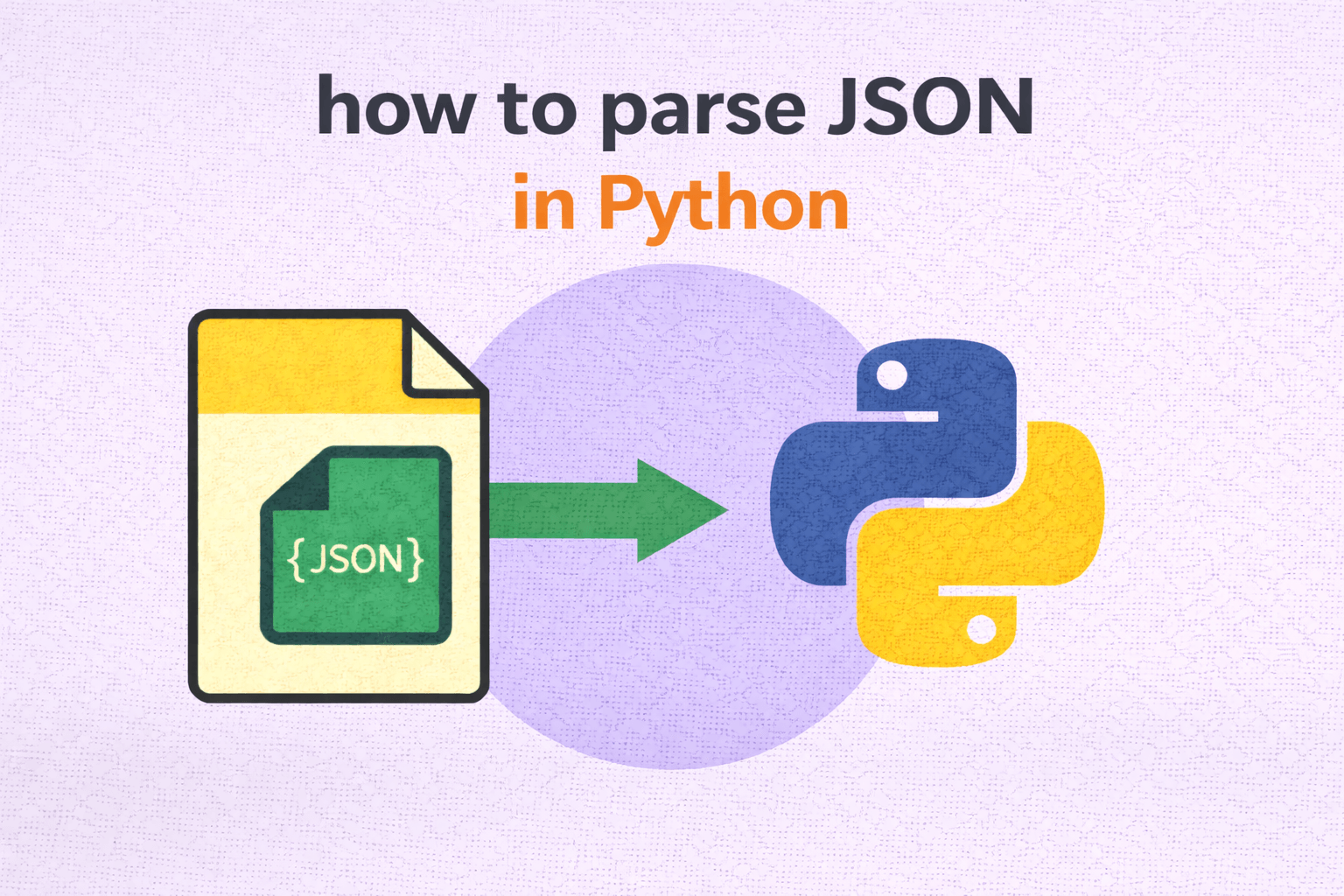
Use json.loads() for JSON strings and json.load() for JSON files. Both are built into Python's standard library with no installation needed. Treat the "s" in loads() as a mnemonic for string input, while load() reads directly from a file object.
Working with JSON in Python comes up constantly: calling APIs, reading configuration files, processing data exports, handling webhook payloads. Python makes this simple with the built-in json module, which converts JSON into Python values such as dictionaries and lists. Once you understand the two main functions (loads and load), most JSON work becomes about error handling and navigating nested data structures.
The runnable examples cover parsing JSON strings, reading from files, handling arrays, dealing with json.JSONDecodeError when JSON is malformed, parsing API responses with the requests library, and safely accessing nested values without KeyError crashes. For JSON files that do not fit comfortably in memory, the article also shows incremental parsing with the ijson library.
The Basics: json.loads() for Strings
The most common way to parse a JSON string in Python is json.loads(). It accepts a str, bytes, or bytearray containing a JSON document and converts the top-level value to the corresponding Python type.
Simplest possible example:
import json

json_string = '{"name": "Alice", "age": 30, "city": "New York"}'

data = json.loads(json_string)

print(data)
print(data["name"])
print(data["age"])
Output:
{'name': 'Alice', 'age': 30, 'city': 'New York'}
Alice
30
That's it. For this object-shaped input, json.loads() takes a string containing valid JSON and returns a Python dictionary. You can then access the values using standard dictionary syntax like data["name"]. A top-level array, string, number, boolean, or null value maps to its corresponding Python type.
The JSON data types map to Python types automatically:
So if your JSON contains an array, you get a Python list. If it contains null, you get None. The same conversion rules apply at the top level and inside another object or array.
Reading JSON from a File: json.load()
When the JSON lives in a file instead of a string, use json.load() (without the "s"). It reads from a file object and returns the parsed Python value (usually a dict or list).
import json

with open("config.json", "r", encoding="utf-8") as file:
    data = json.load(file)

print(data)
The with open() pattern ensures the file is closed properly, even if something fails while reading. json.load() then parses the file contents and returns the resulting Python object.
Typical config.json file example:
{
    "database": {
        "host": "localhost",
        "port": 5432,
        "name": "myapp"
    },
    "debug": true,
    "allowed_hosts": ["localhost", "127.0.0.1"]
}
And the Python code to read and use it:
import json

with open("config.json", "r", encoding="utf-8") as file:
    config = json.load(file)

db_host = config["database"]["host"]
db_port = config["database"]["port"]
debug_mode = config["debug"]

print(f"Connecting to {db_host}:{db_port}")
print(f"Debug mode: {debug_mode}")
Output:
Connecting to localhost:5432
Debug mode: True
Access nested values by chaining keys: config["database"]["host"]. This works because the value at config["database"] is another dictionary.
Handling JSON Arrays
Not all JSON starts with an object. Sometimes the top level value is an array, which is common for API responses that return a list of items.
import json

json_string = '''
[
    {"id": 1, "name": "Product A", "price": 29.99},
    {"id": 2, "name": "Product B", "price": 49.99},
    {"id": 3, "name": "Product C", "price": 19.99}
]
'''

products = json.loads(json_string)

for product in products:
    print(f"{product['name']}: ${product['price']}")
Output:
Product A: $29.99
Product B: $49.99
Product C: $19.99
In this case, json.loads() returns a Python list. You can iterate over it normally, and each item is a dict representing one product.
Error Handling: What Happens When JSON Is Invalid
When JSON is invalid, Python raises json.JSONDecodeError. In real projects this comes up often, especially when the input comes from an API, a log file, or user provided data that is not guaranteed to be clean.
import json

bad_json = '{"name": "Alice", "age": 30,}'  # trailing comma is invalid

try:
    data = json.loads(bad_json)
except json.JSONDecodeError as e:
    print(f"Failed to parse JSON: {e}")
Output:
Failed to parse JSON: Expecting property name enclosed in double quotes: line 1 column 32 (char 31)The exception reports the line, column, and character position where decoding failed. That location is a useful starting point, although the actual syntax mistake can appear just before it.
Here is a safer pattern you can reuse in production code:
import json

def safe_parse_json(json_string):
    try:
        return json.loads(json_string)
    except json.JSONDecodeError as e:
        print(f"Invalid JSON: {e}")
        return None

# Usage
data = safe_parse_json('{"valid": "json"}')
if data:
    print(data)

data = safe_parse_json('not json at all')
if data is None:
    print("Parsing failed, handle accordingly")
Wrapping parsing in a small helper like this makes the rest of your code more resilient. When parsing fails, you can return None, raise a custom exception, log details for debugging, or fall back to a default value depending on the situation. Be aware that valid JSON null also parses as None, so this helper cannot distinguish those two cases without a separate status value or exception.
Parsing JSON from an API Response
One of the most common real-world uses of JSON in Python is parsing API responses. The requests library (install with pip install requests) returns a response object with a convenient .json() method.
import requests

try:
    response = requests.get("https://api.github.com/users/torvalds", timeout=10)
    response.raise_for_status()
    user_data = response.json()
    print(f"Name: {user_data['name']}")
    print(f"Location: {user_data['location']}")
    print(f"Public repos: {user_data['public_repos']}")
except requests.exceptions.JSONDecodeError as e:
    print(f"Response was not valid JSON: {e}")
except requests.exceptions.HTTPError as e:
    print(f"Request failed: {e}")
except requests.exceptions.RequestException as e:
    print(f"Network error: {e}")
response.json() decodes the response body and returns the resulting Python object. Invalid or empty JSON raises requests.exceptions.JSONDecodeError, while HTTP errors are handled separately by raise_for_status().
A successful JSON decode does not prove that the request succeeded because servers can return JSON error bodies with 4xx or 5xx responses. Check the expected status or call raise_for_status(), set a timeout, and handle decoding errors separately.
Working with Nested JSON
Real-world JSON is often deeply nested. API responses from services like Stripe, Twilio, or AWS can include multiple levels of objects and arrays, so it helps to be comfortable chaining dictionary keys and list indexes.
Here is a nested JSON example similar to what you might see from a weather API:
import json

weather_json = '''
{
    "location": {
        "city": "San Francisco",
        "country": "US",
        "coordinates": {
            "lat": 37.7749,
            "lon": -122.4194
        }
    },
    "current": {
        "temp": 62,
        "humidity": 75,
        "conditions": "Partly Cloudy"
    },
    "forecast": [
        {"day": "Monday", "high": 65, "low": 52},
        {"day": "Tuesday", "high": 68, "low": 54},
        {"day": "Wednesday", "high": 63, "low": 50}
    ]
}
'''

weather = json.loads(weather_json)

# Access nested object values
city = weather["location"]["city"]
lat = weather["location"]["coordinates"]["lat"]
current_temp = weather["current"]["temp"]

print(f"Current temperature in {city}: {current_temp}°F")
print(f"Latitude: {lat}")

# Iterate over nested array
print("\nForecast:")
for day in weather["forecast"]:
    print(f"  {day['day']}: High {day['high']}°F, Low {day['low']}°F")
Output:
Current temperature in San Francisco: 62°F
Latitude: 37.7749

Forecast:
  Monday: High 65°F, Low 52°F
  Tuesday: High 68°F, Low 54°F
  Wednesday: High 63°F, Low 50°F
The key idea is that each level of nesting is just another dictionary or list access. For example, weather["location"] returns a dictionary, and weather["location"]["coordinates"] returns the nested dictionary inside it. You simply chain those lookups until you reach the value you need.
Safely Accessing Nested Keys
When you are not sure a key exists, direct access raises a KeyError. The .get() method lets you provide a default value instead.
import json

data = json.loads('{"user": {"name": "Alice"}}')

# This will raise KeyError if "email" doesn't exist
# email = data["user"]["email"]

# Safe access with .get()
email = data["user"].get("email", "No email provided")
print(email)  # Output: No email provided

# For deeply nested access, check each level
location = data.get("user", {}).get("location", {}).get("city", "Unknown")
print(location)  # Output: Unknown
The pattern data.get("key", {}) returns an empty dictionary if the key does not exist, which lets you chain another .get() call without raising an error. This is useful for inconsistent API responses where optional fields might be missing. It can still fail if the key exists but its value is None, a list, or another non-dictionary type.
Parsing JSON with Custom Object Conversion
Sometimes you want to convert JSON directly into a custom Python class rather than keeping it as a plain dictionary. json.loads() supports an object_hook parameter for this.
import json

class User:
    def __init__(self, name, email, age):
        self.name = name
        self.email = email
        self.age = age

    def __repr__(self):
        return f"User({self.name}, {self.email}, {self.age})"

def user_decoder(obj):
    if "name" in obj and "email" in obj and "age" in obj:
        return User(obj["name"], obj["email"], obj["age"])
    return obj

json_string = '{"name": "Bob", "email": "bob@example.com", "age": 25}'

user = json.loads(json_string, object_hook=user_decoder)

print(user)
print(type(user))
print(user.name)
Output:
User(Bob, bob@example.com, 25)
<class '__main__.User'>
Bob
The object_hook function is called for every object (dictionary) in the JSON, including nested objects. If your decoder recognizes a shape, it can return a custom object instead of the default dict. Use a distinctive type marker when possible because a shape-only check can also match an unrelated object with the same keys.
Common Mistakes and How to Avoid Them
Mistake 1: Using json.load() on a string
# Wrong
data = json.load('{"name": "Alice"}')  # TypeError

# Correct
data = json.loads('{"name": "Alice"}')  # Use loads() for strings
Remember: load() is for files, and loads() is for strings.
Mistake 2: Forgetting that JSON keys must be strings
In Python dictionaries, keys can be integers, tuples, or other hashable types. In JSON, keys must always be strings.
# This Python dict has an integer key
python_dict = {1: "one", 2: "two"}

# Converting to JSON will turn the key into a string
json_string = json.dumps(python_dict)
print(json_string)  # {"1": "one", "2": "two"}

# Parsing it back gives you string keys
parsed = json.loads(json_string)
print(parsed["1"])  # "one"
print(parsed[1])    # KeyError!
Mistake 3: Assuming the JSON structure without checking
API responses can change. Fields can be missing. Always validate or use safe access patterns.
# Fragile code that assumes structure
name = data["user"]["profile"]["display_name"]

# Safer approach
name = data.get("user", {}).get("profile", {}).get("display_name", "Anonymous")
Performance Tip: Parsing Large JSON Files
If you are working with very large JSON files, loading the entire file into memory with json.load() can cause memory pressure.
For supported structures, consider ijson (install with pip install ijson), which can read a JSON stream incrementally:
import ijson

with open("large_file.json", "rb") as file:
    for item in ijson.items(file, "item"):
        process(item)  # Handle one item at a time
This streams through the file without building the full top-level array in memory. Memory use still depends on the size of the current item and whatever process(item) retains.
For most everyday use cases, start with the standard json module. Reach for incremental parsers when you are actually hitting memory limits.
Quick Reference
import json

# Parse JSON string to Python object
data = json.loads('{"key": "value"}')

# Parse JSON file to Python object
with open("file.json") as f:
    data = json.load(f)

# Convert Python object to JSON string
json_string = json.dumps(data)

# Write Python object to JSON file
with open("output.json", "w") as f:
    json.dump(data, f)

# Pretty print with indentation
json_string = json.dumps(data, indent=2)

# Handle parsing errors
try:
    data = json.loads(maybe_json)
except json.JSONDecodeError:
    print("Invalid JSON")
Wrapping Up
Parsing JSON in Python comes down to two functions in the vast majority of projects: json.loads() for strings and json.load() for files. Once you have the data as a Python dictionary or list, you can work with it using standard Python syntax.
Key things to remember:
- Import the json module (built in, no installation needed)
- Use loads() for strings and load() for files
- Wrap parsing in try/except when handling untrusted input
- Use .get() for safe access to keys that might not exist
- JSON objects become dictionaries, and arrays become lists
That covers most everyday JSON parsing in Python. The json module includes more advanced options for edge cases (custom encoders, decoder settings, and custom conversion), but the patterns above handle most real-world scenarios.
Related Guides
- Validate and troubleshoot JSON: best JSON editor for Windows
- Combine multiple JSON files: JSON merger tool
Read More
All Articles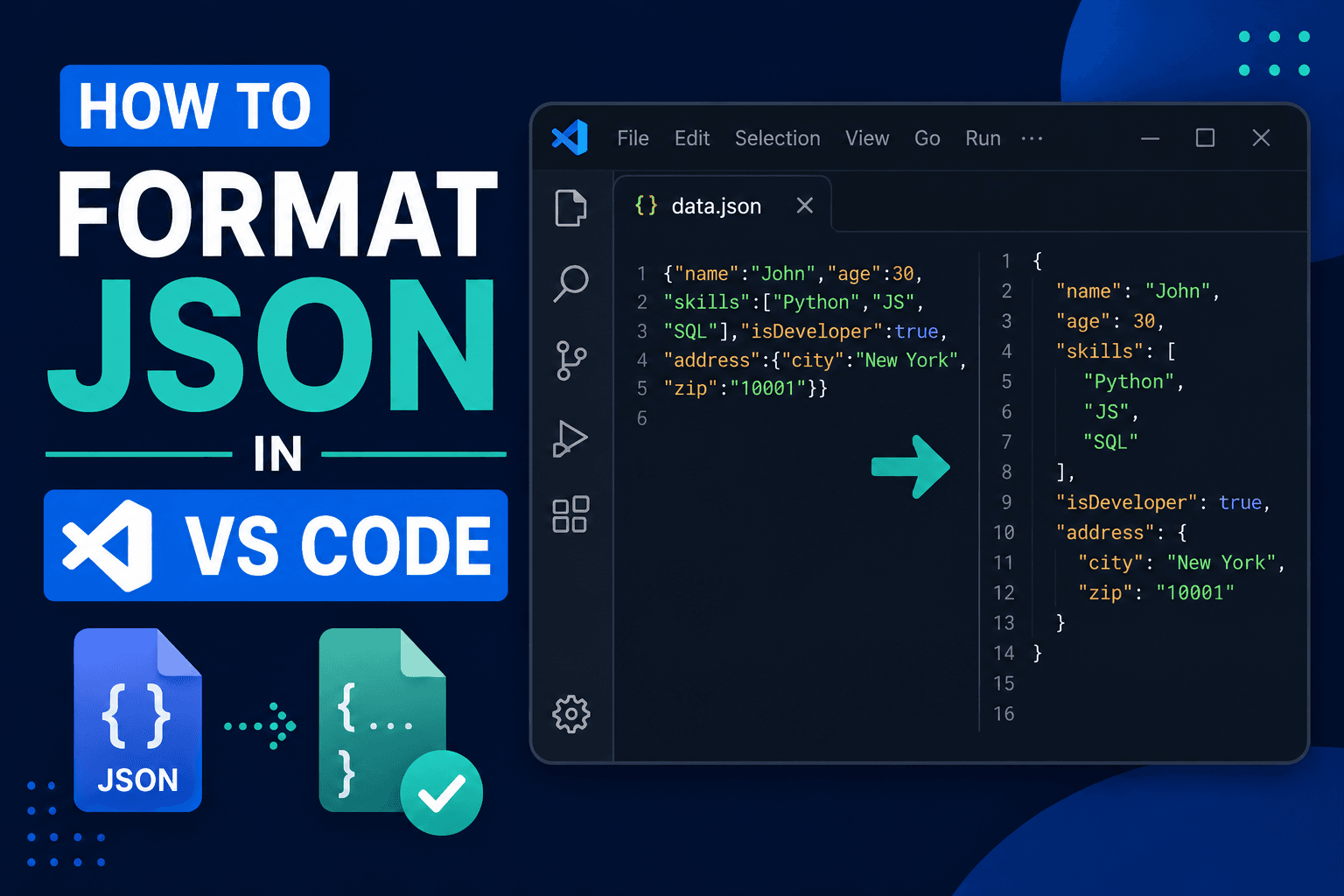
How to Format JSON in VS Code: Shortcuts & Prettify (2026)
Press Shift+Alt+F (Shift+Option+F on Mac) to format JSON in VS Code instantly. Set up format on save, prettify with Prettier, minify JSON, and fix common errors.
How to Format JSON in Notepad++: Quick Setup (2026)
Format JSON in Notepad++ with the JSTool plugin. Includes setup, shortcuts, validation, minification, troubleshooting, and formatting tips.
How to Create JSON File in Java: Step-by-Step Guide (2026)
Create JSON files in Java with Jackson, Gson, or org.json. Includes dependency setup, code examples, and file-writing best practices.