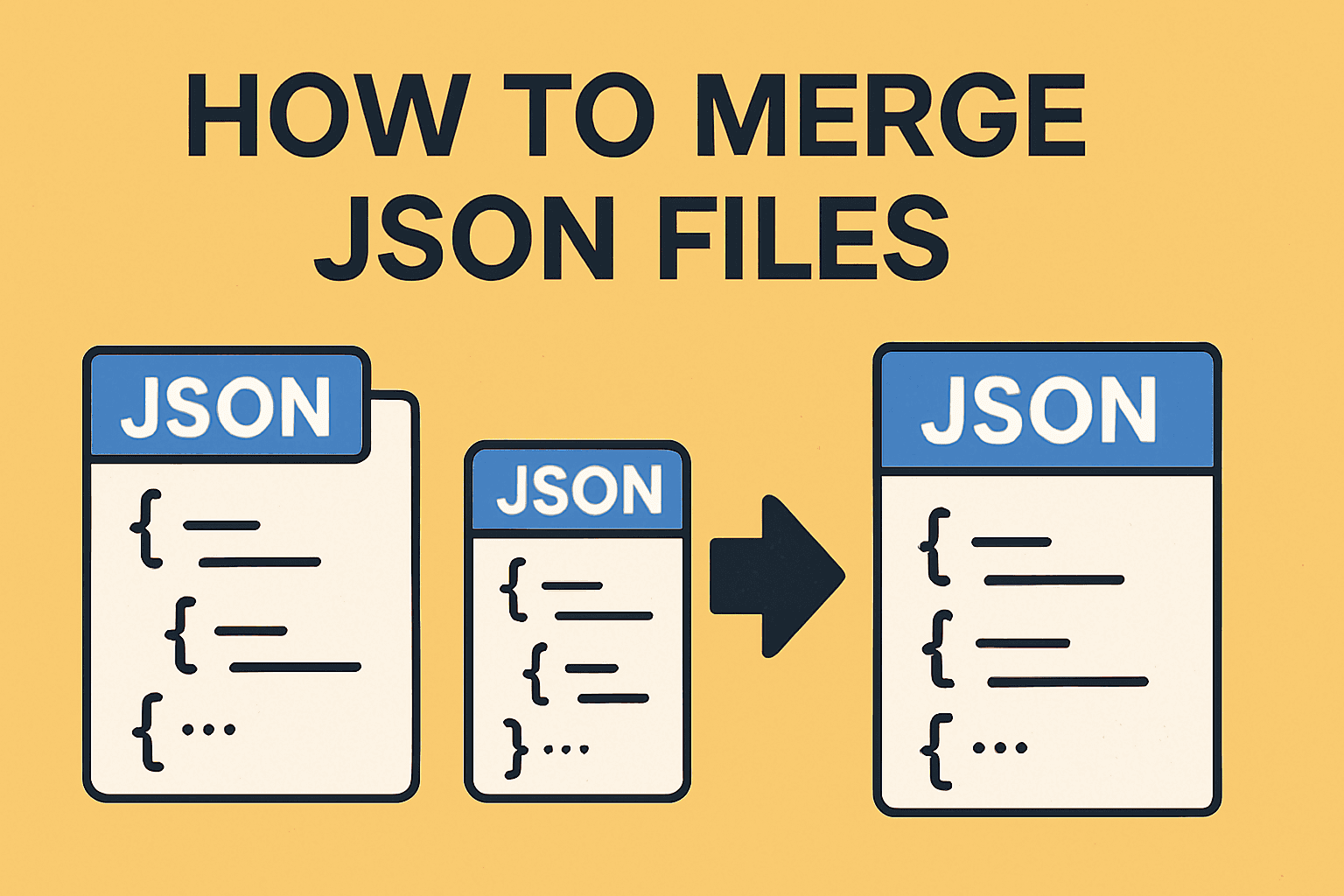
How to Merge JSON Files: Fastest and Easiest Way (2026)
Merge multiple JSON files into one using free online tool, Python, or jq command line. Complete guide with code examples for arrays, objects, nested JSON, and deduplication.
Read guide
This tool splits one large text file into multiple smaller ones. You can split by line count, file size, or by a custom delimiter. Runs in your browser, free.
Drop TXT file or click to browse
Supports .txt, .log, .md and other text files
TXT split result preview
line 0001: app started
line 0002: loading modules
line 0003: fetching configs
...
line 4200: completedevents_part_1.txt (lines 1-1000)
events_part_2.txt (lines 1001-2000)
events_part_3.txt (lines 2001-3000)
events_part_4.txt (lines 3001-4000)
events_part_5.txt (lines 4001-4200)Four simple steps
Drop your .txt or plain text file directly into the splitter.
Split by lines, target chunk count, or max chunk size.
Optionally trim lines or remove empty lines before splitting.
Preview each chunk and download clean .txt parts instantly.
When to use a text splitter
Split oversized text payloads into smaller files that pass upload and import limits.
Feed chunked text files to ETL jobs and workers for faster pipeline throughput.
Break giant logs into smaller files that open smoothly in VS Code or Notepad++.
Distribute chunks among teammates to review transcripts or logs in parallel.
Common questions
Python & Bash
from pathlib import Path

def split_file(path, lines_per_chunk=1000):
    lines = Path(path).read_text(encoding="utf-8").splitlines()
    base = Path(path).stem

    for i in range(0, len(lines), lines_per_chunk):
        chunk = lines[i:i + lines_per_chunk]
        out = Path(f"{base}_part_{i // lines_per_chunk + 1}.txt")
        out.write_text("\n".join(chunk), encoding="utf-8")

split_file("large.txt", lines_per_chunk=1000)# Split into 2000-line chunks
split -l 2000 events.txt events_part_
# Rename with .txt extension
for f in events_part_*; do mv "$f" "$f.txt"; doneIn-depth walkthrough
Split by line count: use this when each line is a record (log files, CSV rows, JSONL). You get equal chunks with predictable record counts. Example: split a 100,000-line log file into 10 files of 10,000 lines each.
Split by size: use this when you have a file size limit (email attachments, upload restrictions). The tool splits at the target size, which may split mid-line. Example: split a 50MB text export into 10MB chunks to fit within an API upload limit.
Split by delimiter: use this when your file has natural section breaks (--- in markdown, === in reports, custom separators in exports). Each chunk is a meaningful unit. Example: split a markdown document by ## headings so each chapter becomes a separate file.
Most users need split by line count because it preserves record boundaries and creates predictable chunks. Use split by size only when file size is the constraint, not record count. Use split by delimiter when your file has logical sections marked by a separator.
If you are not sure which to use, start with split by line count. It works for most text files and keeps each line intact, making the output easier to process.
Log file rotation: splitting a large server log into daily or weekly chunks for archiving. If your application writes to a single log file that grows to 500MB, split it into 50MB chunks and archive them by date. This makes searching logs faster and keeps your log directory manageable.
Batch processing: splitting a 1 million row dataset into 10k-row chunks for parallel processing. If you have a script that processes text line-by-line, split the input into 100 files of 10,000 lines each and run 10 workers in parallel. This reduces processing time from hours to minutes.
Email or upload limits: splitting a large text export to fit within attachment or upload size limits. Many email providers limit attachments to 25MB. If your export is 100MB, split it into 4 files of 25MB each and send them separately or upload them to a service with size restrictions.
Markdown docs: splitting a long document into chapters by using headings as delimiters. If you have a 200-page markdown book with ## Chapter headings, split by ## to create one file per chapter. This makes editing and version control easier.
For Linux or Mac, use split -l 1000 file.txt chunk_ to split by line count. This creates chunk_aa, chunk_ab, chunk_ac, etc. Add mv chunk_* chunk_.txt to add .txt extensions. For size-based splitting, use split -b 10M file.txt chunk_.
For Windows PowerShell, use Get-Content file.txt -ReadCount 1000 | ForEach-Object {$_ | Out-File "chunk_$i.txt"; $i++}. This reads 1000 lines at a time and writes them to separate files. PowerShell is slower than the Linux split command but works on Windows without installing extra tools.
Terminal methods are better for automation and recurring splits. If you need to split files on a schedule or as part of a script, use the command line. For one-off splits or when you need a preview before downloading, use the browser tool above.
Hand-picked guides to go deeper
Merge multiple JSON files into one using free online tool, Python, or jq command line. Complete guide with code examples for arrays, objects, nested JSON, and deduplication.

Format JSON in Notepad++ with the JSTool plugin. Includes setup, shortcuts, validation, minification, troubleshooting, and formatting tips.
Enhance VS Code JSON editing with 7 useful extensions for formatting, minification, visual exploration, inline diagnostics, conversion, and repair.