
How to Format JSON in Notepad++: Quick Setup (2026)
Format JSON in Notepad++ with the JSTool plugin. Includes setup, shortcuts, validation, minification, troubleshooting, and formatting tips.
Read guide
Combine TXT, LOG, Markdown, CSV, and other plain-text files in your preferred order. Add separators or filename headers, preview the merged output, and download one UTF-8 text file without uploading your data.
Combine TXT, LOG, Markdown, CSV, code, and other plain-text files in the order you choose.
TXT file merge in action
// notes_monday.txt
Meeting with design team at 10am
Review wireframes for dashboard
Send feedback to Sarah by EOD

// notes_tuesday.txt
Sprint planning - 2 hour block
Deploy hotfix for login bug
Update API documentation

// notes_wednesday.txt
Client demo at 3pm
Prepare slide deck
Code review for PR #142--- notes_monday.txt ---
Meeting with design team at 10am
Review wireframes for dashboard
Send feedback to Sarah by EOD
--- notes_tuesday.txt ---
Sprint planning - 2 hour block
Deploy hotfix for login bug
Update API documentation
--- notes_wednesday.txt ---
Client demo at 3pm
Prepare slide deck
Code review for PR #142Four simple steps
Drag in .txt, .log, .md, or any plain text files. Validated and read on upload.
Choose what goes between each file: blank line, custom delimiter, or seamless join.
Optionally trim whitespace, remove empty lines, or add filename headers per section.
Get combined text as a single .txt download or copy to clipboard instantly.
Real-world scenarios
Merge server logs, application logs, and error reports from multiple instances into a single searchable file for faster debugging.
Combine separate chapter drafts, meeting notes, or specification sections into one cohesive document ready for review.
Concatenate exported text data from different sources before feeding it into ETL pipelines, databases, or analytics tools.
Join multiple script fragments, SQL files, or configuration snippets into a single executable or deployable bundle.
Common questions
Python & Bash
Merging text files in Python is straightforward using the built-in file handling functions. Open each file with open(), read the content, and write it to a new output file. You can add custom separators between files, include filename headers for tracking, or strip trailing whitespace with .rstrip(). This approach works for log files, documentation, configuration files, and any plain text format. Python's UTF-8 encoding support ensures international characters are handled correctly.
import glob

# Gather all .txt files in order
files = sorted(glob.glob("logs/*.txt"))

merged_lines = []
for filepath in files:
    with open(filepath, "r", encoding="utf-8") as f:
        merged_lines.append(f"--- {filepath} ---")
        merged_lines.append(f.read().rstrip())

# Write the combined output
with open("merged_logs.txt", "w", encoding="utf-8") as out:
    out.write("\n\n".join(merged_lines))

print(f"Merged {len(files)} files into merged_logs.txt")The cat command is the fastest way to merge text files in bash or terminal. Use cat file1.txt file2.txt > merged.txt for simple concatenation, or loop through files with for to add separators and filename headers. The >> operator appends content without overwriting. This is perfect for combining server logs, merging documentation fragments, or consolidating output from multiple scripts in CI/CD pipelines.
# Simple concatenation (no separator)
cat server1.log server2.log server3.log > combined.log

# With a separator line between each file
for f in logs/*.txt; do
  echo "========== $f ==========" >> merged.txt
  cat "$f" >> merged.txt
  echo "" >> merged.txt        # blank line after each file
done

# One-liner: merge all .txt files with filename headers
for f in *.txt; do echo "--- $f ---"; cat "$f"; echo; done > all.txtIn-depth walkthrough
Use the online tool for one-off plain-text jobs such as .txt, .log, .md, .csv, .json, and similar files that open cleanly in a text editor. It lets you add custom separators between files, which the manual cat command does not. If a file uses an unusual encoding, re-save it as UTF-8 first for the cleanest result.
Use the Python or Bash code below if you need to automate this or run it on a schedule. For example, if you merge server logs every night, a cron job with a Python script is better than opening the browser tool daily.
Files with different line endings (Windows CRLF vs Unix LF) can create garbled output where lines run together or extra blank lines appear. The tool normalizes these automatically, but if you are using cat or Python, you will see the problem.
Encoding mismatches (UTF-8 vs Latin-1 or Windows-1252) show up as broken apostrophes or accented letters. Convert all files to UTF-8 first using Notepad++ (Encoding menu) or the iconv command before merging.
If you see encoding errors after merging, open the merged file in VS Code or Notepad++, check the detected encoding in the status bar, and re-save as UTF-8. This fixes most character display issues.
If the merged output is JSON, XML, CSV, or YAML, a dedicated editor can help validate structure before you send the file to another tool.
Yes. The tool supports .log, .md, .csv, and most plain text formats. Any file that opens in a text editor will work. This includes code files like .py, .js, .sql, and config files like .yaml, .ini, .conf.
Binary files like .docx, .pdf, or .xlsx will not work. If you need to merge those, convert them to plain text first or use a format-specific tool.
Hand-picked guides to go deeper
Format JSON in Notepad++ with the JSTool plugin. Includes setup, shortcuts, validation, minification, troubleshooting, and formatting tips.
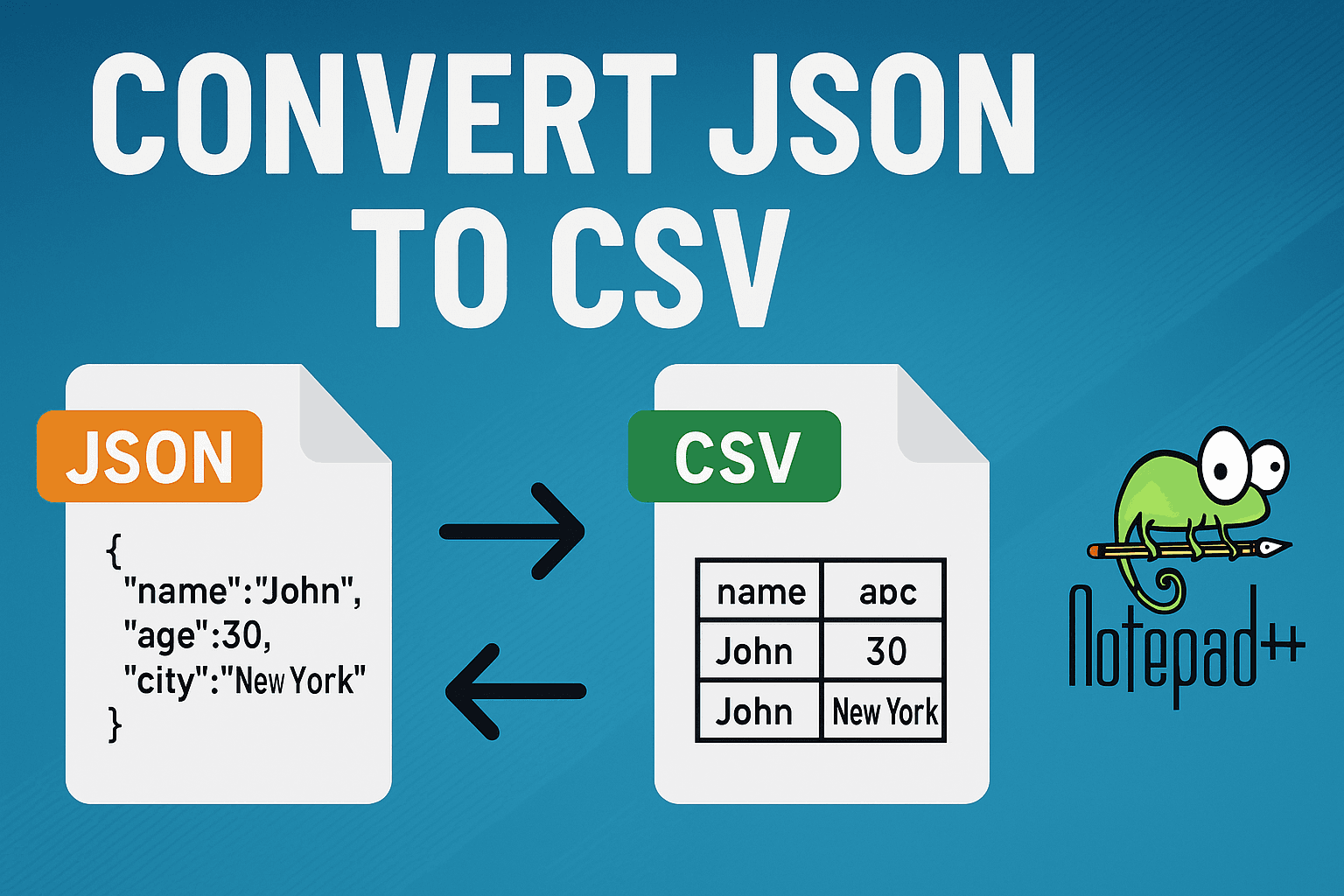
Convert JSON to CSV in Notepad++ with plugins, regex methods, and online alternatives for transforming JSON arrays and objects.
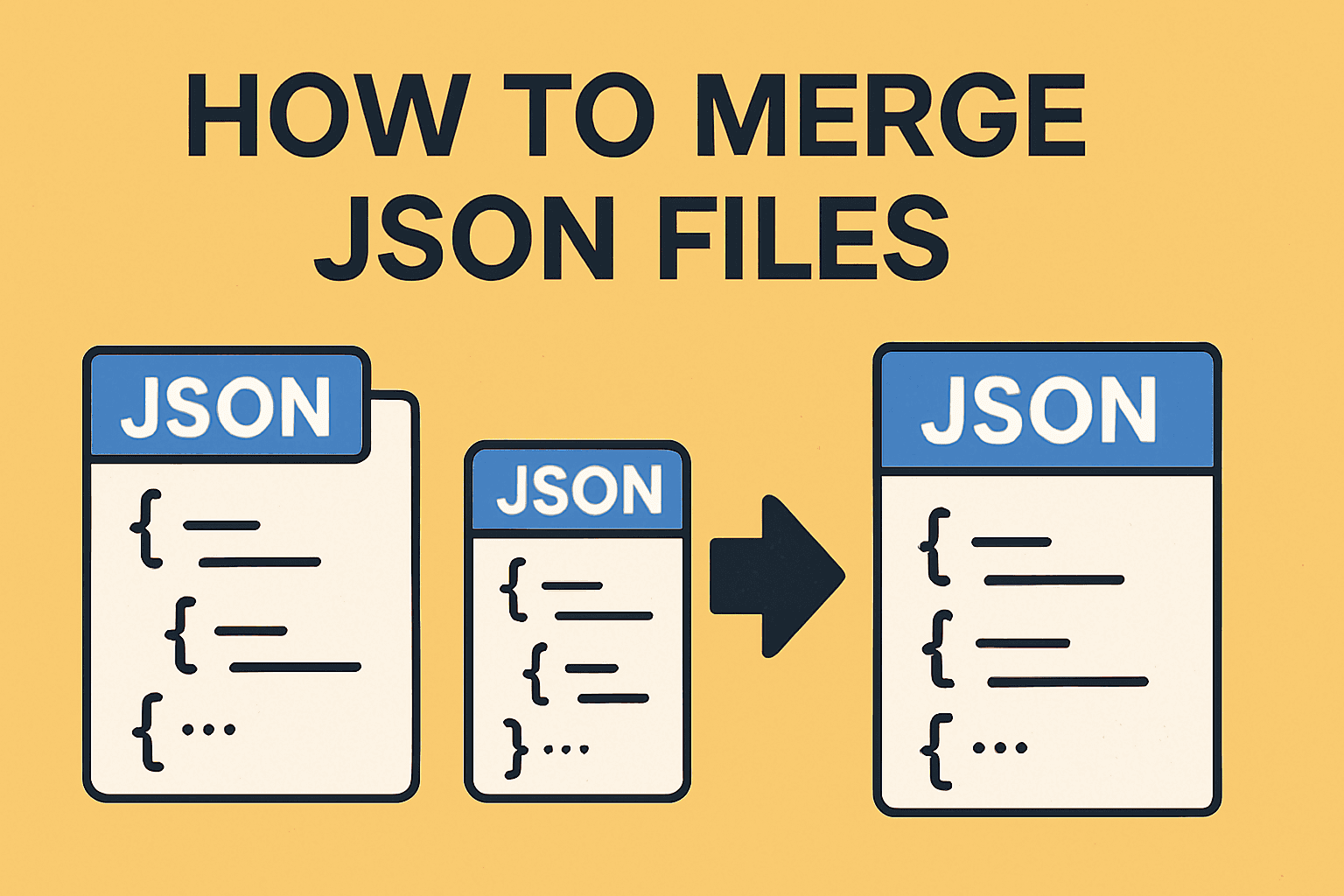
Merge multiple JSON files into one using free online tool, Python, or jq command line. Complete guide with code examples for arrays, objects, nested JSON, and deduplication.