How to Merge JSON Files: Fastest and Easiest Way (2026)


On this page
Merging JSON files into one: Use an online tool for quick one-time merges, Python for automation, or command-line tools like jq for scripting. The method depends on whether the files contain arrays (most common), objects, or nested structures.
Merging JSON files means combining multiple JSON files into a single file. You need this when collecting paginated API responses, consolidating configuration files from different environments, preparing datasets for machine learning, or combining export files from multiple sources. The challenge: JSON files can contain arrays, objects, or nested combinations, and each structure requires a different merge strategy.
Two main approaches: Browser-based tools work for occasional merges without installing anything. Drag files, click merge, download result. Code-based solutions (Python, JavaScript, jq) work for automation, large files, or custom merge logic like deduplication and deep merging. For arrays, you concatenate items. For objects, you combine keys (with later files overriding earlier ones on conflicts). For nested JSON, you need deep merge to preserve structure at all levels.
Understanding JSON Merge Strategies
The correct approach depends on file structure. The JSON standard defines arrays and objects; merge rules come from the chosen tool or code.
Array Concatenation (Most Common)
Each file contains a JSON array. Merge combines them into one array.
Example: file1.json has [A, B] and file2.json has [C, D], result is [A, B, C, D].
Object Merging
Each file contains a JSON object. Merge combines all keys into one object.
Example: file1.json has {"name": "Alice"} and file2.json has {"age": 30}, result is {"name": "Alice", "age": 30}.
When keys overlap, later files override earlier ones (unless you use deep merge).
Deep Merging
Recursively combines nested objects instead of overwriting entire parent keys.
If both files have a settings key with different sub-keys, deep merge preserves sub-keys from both sources.
Key-Based Merging
Combines arrays of objects by matching on a specific key like id.
Records with identical IDs merge together. Unique records append to the result.
Method 1: Use the Online JSON Merger (No Code)
This is a direct option for quick one-off merges. The merge runs in your browser.
Try it here: JSON Merger Tool
How to use it:
- Upload two or more JSON files
- Choose the array strategy and conflict behavior
- Preview the result
- Download the merged file
Privacy
The merge runs locally in the browser, so file contents are not uploaded during normal use. Site analytics and advertising may still load.
It validates JSON, applies the selected rules to nested structures, and formats output by default. Current limits are 50 MB per file and 100 MB per batch.
Use this when you need to merge a few files quickly without writing code.
Method 2: Merge JSON Files in Python
Python is useful for automation and custom logic. Its standard json module needs no extra package.
Basic Array Merge
Use this when each file contains a JSON array and you want one combined array.
import json
import glob

# Load all JSON files in folder
json_files = sorted(glob.glob("./data/*.json"))
merged_data = []

for file in json_files:
    with open(file, encoding="utf-8") as f:
        data = json.load(f)
        merged_data.extend(data)

# Save merged file
with open("merged.json", "w", encoding="utf-8") as f:
    json.dump(merged_data, f, indent=4)

print(f"Merged {len(json_files)} files into {len(merged_data)} total records")
Use extend for arrays (adds individual elements), not append (nests arrays inside arrays).
Merge Object-Based JSON Files
When each file is a JSON object rather than an array:
import json
import glob

merged = {}

for filepath in sorted(glob.glob("./configs/*.json")):
    with open(filepath, encoding="utf-8") as f:
        data = json.load(f)
        merged.update(data)  # Later files override earlier ones

with open("merged_config.json", "w", encoding="utf-8") as f:
    json.dump(merged, f, indent=2)
update does a shallow merge. For duplicate keys, the last file wins.
Deep Merge for Nested Objects
When files have nested structures and you want to preserve data at all levels:
import json
import glob
import copy

def deep_merge(base, override):
    """Recursively merge override into base."""
    result = copy.deepcopy(base)
    for key, value in override.items():
        if key in result and isinstance(result[key], dict) and isinstance(value, dict):
            result[key] = deep_merge(result[key], value)
        elif key in result and isinstance(result[key], list) and isinstance(value, list):
            result[key] = result[key] + value
        else:
            result[key] = copy.deepcopy(value)
    return result

merged = {}
for filepath in sorted(glob.glob("./data/*.json")):
    with open(filepath, encoding="utf-8") as f:
        data = json.load(f)
        merged = deep_merge(merged, data)

with open("deep_merged.json", "w", encoding="utf-8") as f:
    json.dump(merged, f, indent=2)
If both files have "settings": {"theme": "dark"} and "settings": {"language": "en"}, the result becomes "settings": {"theme": "dark", "language": "en"} instead of one overwriting the other.
Merge with Deduplication
When combining arrays that might contain duplicate records:
import json
import glob

merged_data = []
seen_ids = set()

for filepath in sorted(glob.glob("./exports/*.json")):
    with open(filepath, encoding="utf-8") as f:
        data = json.load(f)

    for record in data:
        record_id = record.get('id')
        if record_id is not None and record_id in seen_ids:
            continue  # Skip duplicate
        if record_id is not None:
            seen_ids.add(record_id)
        merged_data.append(record)

with open("merged_unique.json", "w", encoding="utf-8") as f:
    json.dump(merged_data, f, indent=2)

print(f"Merged to {len(merged_data)} unique records")
Handle Large Files Efficiently
For a large batch where keeping every combined record in memory is unnecessary:
import json
import glob

with open("merged.json", "w", encoding="utf-8") as out:
    out.write("[\n")
    first = True

    for filepath in sorted(glob.glob("./data/*.json")):
        with open(filepath, encoding="utf-8") as f:
            data = json.load(f)

        for record in data:
            if not first:
                out.write(",\n")
            json.dump(record, out)
            first = False

    out.write("\n]")
This avoids building the entire combined array in memory. Each source is still loaded by json.load(), so use an incremental parser if one input exceeds memory.
Method 3: Merge JSON with Node.js
For JavaScript environments, Node.js provides native JSON handling.
const fs = require("fs");
const path = require("path");

const dataDir = "./data";
let merged = [];

const files = fs
  .readdirSync(dataDir)
  .filter((f) => f.endsWith(".json"))
  .sort();

for (const file of files) {
  const filepath = path.join(dataDir, file);
  const data = JSON.parse(fs.readFileSync(filepath, "utf8"));
  merged = merged.concat(data);
}

fs.writeFileSync("merged.json", JSON.stringify(merged, null, 2));
console.log(`Merged ${files.length} files, ${merged.length} total records`);
Use concat for arrays. For objects, use Object.assign({}, ...objects) or the spread operator.
Method 4: Command Line with jq (Linux/macOS)
The jq manual documents the filters and operators used below for terminal workflows.
Install jq
sudo apt install jq   # Debian/Ubuntu
brew install jq       # macOS
Merge Array-Based Files
jq -s add file1.json file2.json file3.json > merged.jsonThe -s flag slurps multiple inputs into an array. The add function concatenates them.
Merge All JSON Files in a Directory
jq -s add ./data/*.json > merged.jsonMerge Object-Based Files
jq -s 'reduce .[] as $item ({}; . * $item)' file*.json > merged.jsonThe * operator merges objects. Later files override earlier ones for duplicate keys.
Merge with Deduplication
jq -s 'add | unique_by(.id)' file1.json file2.json > merged.jsonunique_by(.id) keeps one record for each distinct ID and returns the result in ID-sorted order; it does not merge fields from duplicate records.
jq fits shell scripts, but -s loads all input values before applying the filter.
Handling Nested JSON
Real-world JSON files have varying structures. Handle with defensive code.
Merge arrays nested inside objects
import json
import glob

merged = {"users": []}

for filepath in sorted(glob.glob("./data/*.json")):
    with open(filepath) as f:
        data = json.load(f)
        merged["users"].extend(data.get("users", []))

with open("merged_users.json", "w") as f:
    json.dump(merged, f, indent=2)
The .get("users", []) safely handles files missing a users key.
Handle mixed structures
import json
import glob

merged_arrays = []
merged_objects = {}

for filepath in sorted(glob.glob("./data/*.json")):
    with open(filepath) as f:
        data = json.load(f)

    if isinstance(data, list):
        merged_arrays.extend(data)
    elif isinstance(data, dict):
        merged_objects.update(data)

# Combine based on what you found
if merged_arrays and not merged_objects:
    result = merged_arrays
elif merged_objects and not merged_arrays:
    result = merged_objects
else:
    result = {"records": merged_arrays, "objects": merged_objects}

with open("merged.json", "w") as f:
    json.dump(result, f, indent=2)
Use type checking and .get() with defaults to handle variations.
Tools Comparison
Common Use Cases
Combine Paginated API Results: Merge separate JSON files from paginated API responses into single datasets.
Merge Configuration Files: Combine base config, environment overrides, and local settings into final configuration.
Prepare ML Training Data: Consolidate training data from multiple sources before model training.
Reassemble Split Files: Merge chunked output from data pipelines. For the opposite operation, see how to split JSON files.
Aggregate Application Logs: Combine JSON-formatted logs from different servers or time periods.
Best Practices
- Validate input first: One malformed file breaks the merge. Validate before merging.
- Back up originals: Keep source files until you verify the merged output.
- Handle duplicate keys: Decide which file takes precedence when keys overlap.
- Check output: Verify merged result has expected record count and valid JSON.
- Format appropriately: Use indent=2 for development, compact for production.
Choosing the Right Method
Quick one-off merge: use the online JSON merge tool. No code, no installation.
Automation or custom logic: use Python. Handles deduplication, deep merging, validation, and special requirements.
Command line preference: use jq. Single command jq -s add *.json > merged.json covers most cases.
Validate input, back up originals, and verify output before deployment.
Try the JSON Merge Tool for free browser-based merging, or use the Python/jq examples above for automation. For different data formats, the JSON to Excel converter extends your workflow.
Frequently Asked Questions
What's the fastest way to merge JSON files?
Use the online JSON merge tool for the shortest one-off workflow: upload files, choose a strategy, and download the result. For repeatable automation, use the Python example above. For array files on the command line, use jq -s add *.json > merged.json.
How do I merge JSON files without duplicates?
For arrays, use the seen_ids pattern in Method 2 and decide how records with a missing ID should be treated. For objects, later files override earlier ones with merged.update(data). Use deep merge to preserve nested keys from both sources.
Can I merge JSON files with different structures?
Yes. Check types with isinstance(data, list) to handle mixed arrays and objects. Use .get() with defaults for missing keys: data.get("users", []). Decide whether to combine into separate sections or normalize structures first. See Python examples in Method 2.
How do I merge more than 10 JSON files at once?
Use glob.glob() in Python: for filepath in glob.glob('./data/*.json'). Limits depend on file size and memory, and this example still loads each source in full. Use jq -s add ./data/*.json > merged.json only when the slurped input fits in memory.
What's the difference between shallow and deep merge?
Shallow merge combines top-level keys only. If both files have a settings key, the second file's settings replaces the first entirely. Deep merge recursively combines nested objects, preserving sub-keys from both sources. Use shallow for simple configs, deep merge for nested structures. See deep merge example in Method 2.
Read More
All Articles
How to Split JSON Files: Fastest and Easiest Way (2026)
Split large JSON files into smaller chunks with an online tool, Python scripts, or jq. Includes examples for big datasets and nested JSON.
How to Create JSON File in Java: Step-by-Step Guide (2026)
Create JSON files in Java with Jackson, Gson, or org.json. Includes dependency setup, code examples, and file-writing best practices.
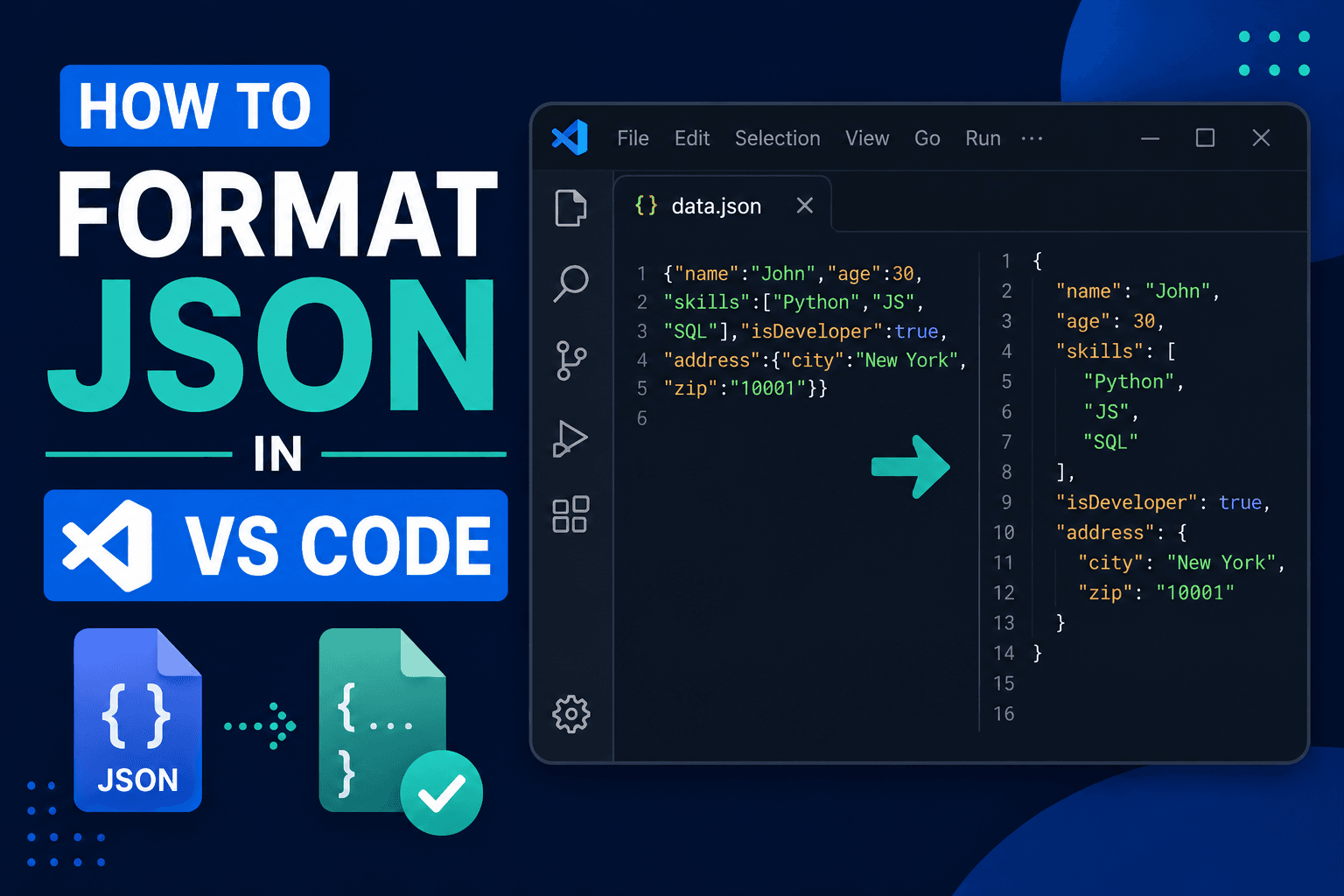
How to Format JSON in VS Code: Shortcuts & Prettify (2026)
Press Shift+Alt+F (Shift+Option+F on Mac) to format JSON in VS Code instantly. Set up format on save, prettify with Prettier, minify JSON, and fix common errors.