Postman vs Insomnia in 2026: Which API Client Should You Use?

On this page
Postman is better for shared workspaces, hosted documentation, monitoring, governance, and broad automation. Insomnia is better for a focused desktop client with local, cloud, or Git storage and strong GraphQL tools.
The main difference is scope. Postman connects request testing to a larger cloud platform, while Insomnia keeps the desktop client central and offers Local Vault, Cloud Sync, or Git Sync. Both support tests, runners, command-line execution, mocks, and collaboration.
Postman offers Postman CLI and still supports Newman for compatible formats. Insomnia provides scripts, unlimited collection runs, and Inso CLI. Both handle REST, GraphQL, WebSocket, gRPC, and SOAP, so this is no longer manual testing versus automation.
Postman: Full-Featured API Platform
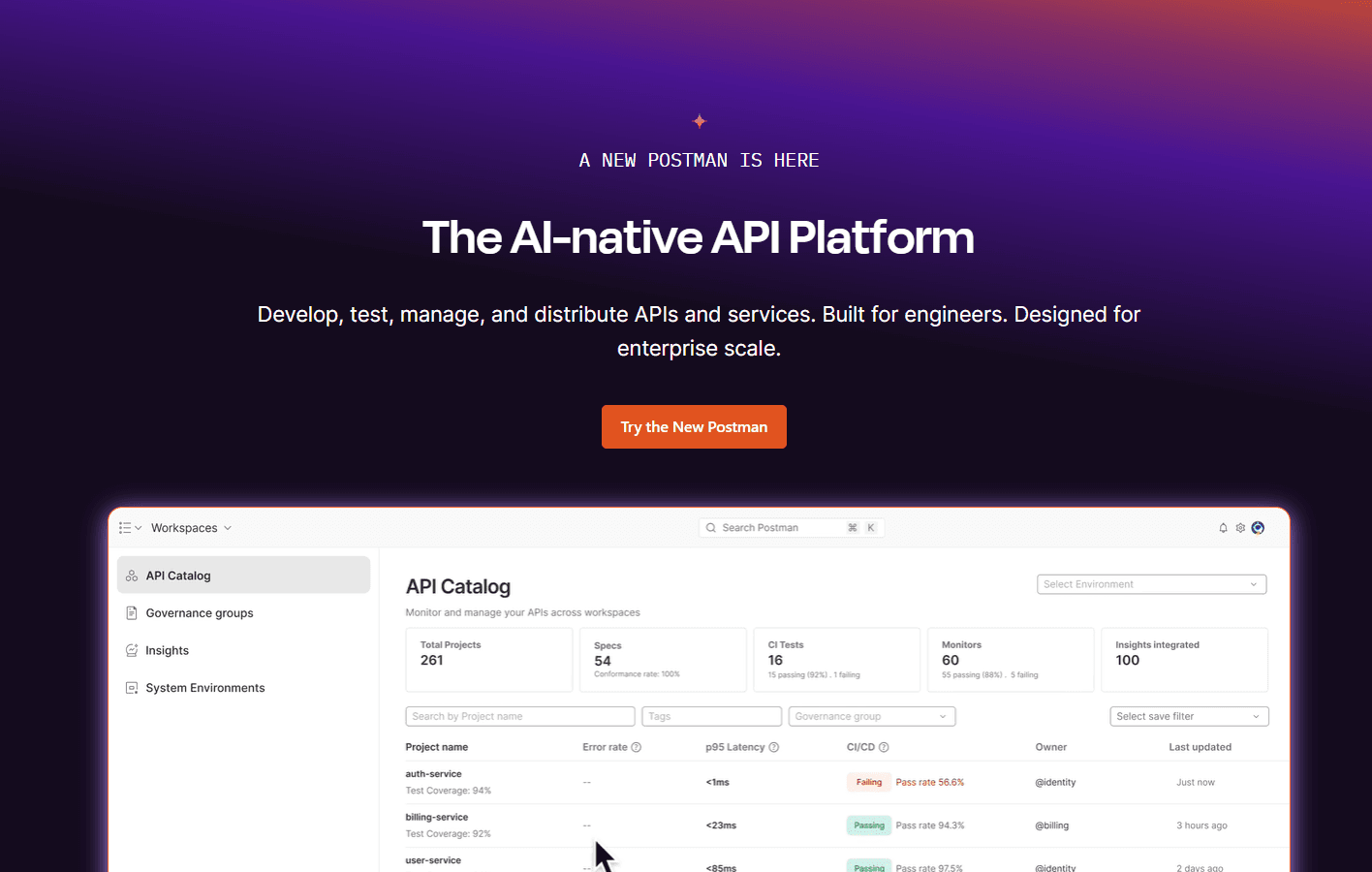
Postman grew from a REST client into an API platform combining requests, tests, specifications, documentation, mocks, monitoring, Git workflows, and team workspaces.
Download: Postman
Insomnia: Lightweight API Client
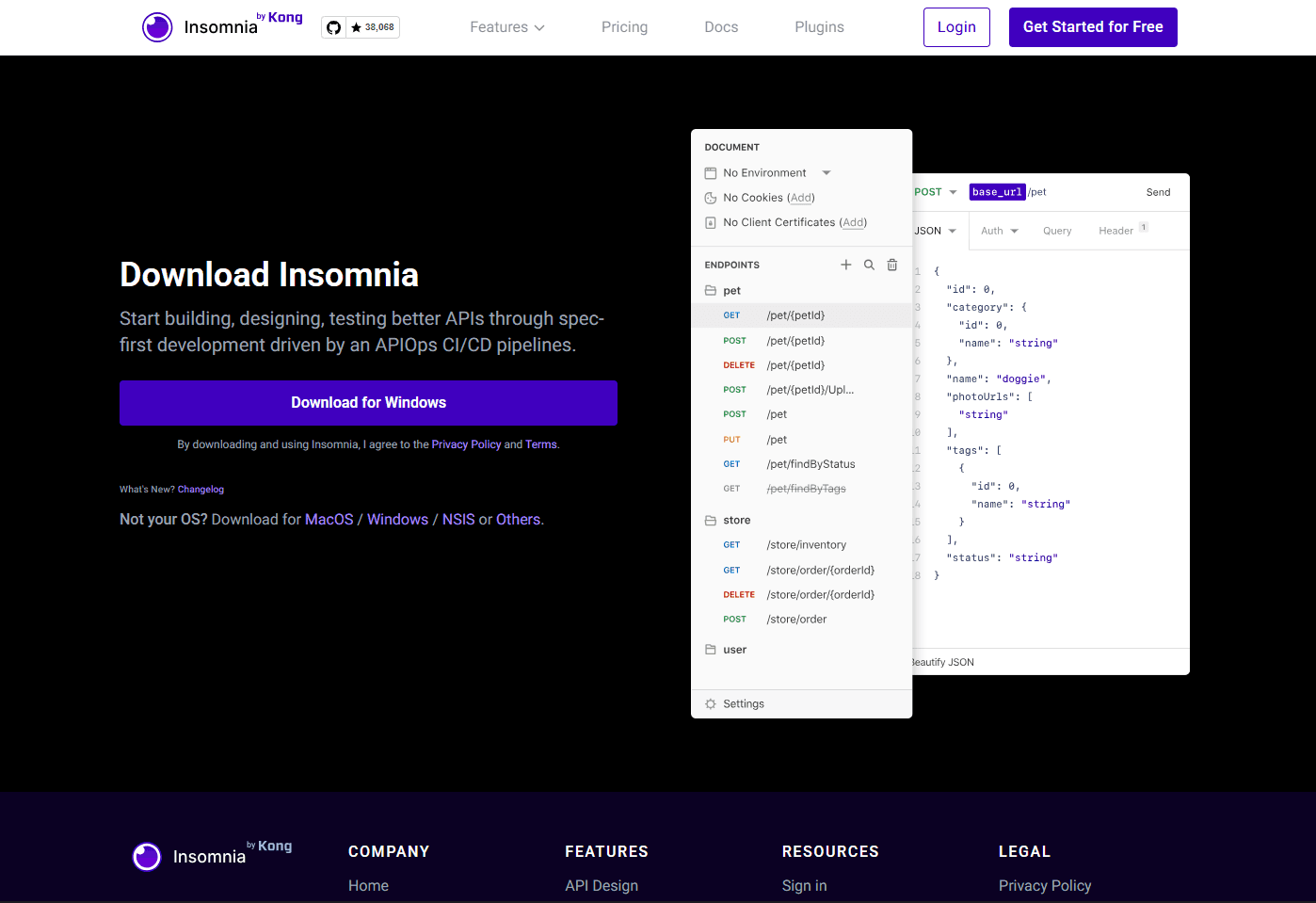
Insomnia is an open-source desktop client maintained by Kong. It combines a focused request interface with tests, mocks, API design, flexible storage, plugins, and Inso CLI automation.
Download: Insomnia
Postman vs Insomnia Quick Verdict
Choose Postman if: You need collaboration across engineering and non-engineering teams, published documentation, monitoring, governance, or deep platform automation.
Choose Insomnia if: You want a focused client, local or Git-controlled project storage, strong GraphQL editing, and capable automation without adopting a larger API platform.
Postman Strengths and Weaknesses
Postman is strongest in wider team workflows. Its advantage is the collection of services surrounding requests, collections, and specifications, especially when several roles need one shared view.
What you get:
- Pre-request and post-response JavaScript scripts
- Collection Runner and performance testing
- Postman CLI for current CI/CD workflows
- Newman support for older compatible collections
- Shared workspaces, comments, viewers, and roles
- Hosted documentation, local and cloud mocks, and monitoring
- REST, GraphQL, SOAP, WebSocket, gRPC, and other protocols
What you don't get:
- The most focused interface for quick request work
- Full workspace collaboration without an account and connectivity
- Low-cost team scaling when paid platform features are required
Insomnia Strengths and Weaknesses
Insomnia is strongest when developers want a desktop client without committing every project to one storage model. Projects can remain local, use Insomnia Cloud, or live in Git.
What you get:
- Pre-request and after-response scripts
- Test suites and unlimited collection runs
- Inso CLI for collections, tests, specs, and CI/CD
- Local Vault, Scratch Pad, Cloud Sync, and Git Sync
- REST, GraphQL, SOAP, WebSocket, gRPC, Socket.IO, and SSE clients
- Mock servers, plugins, environments, and API design tools
What you don't get:
- A hosted documentation and monitoring platform as broad as Postman's
- The same depth of workspace viewers, publishing, and organization governance
- Postman's larger collection-sharing and public API ecosystem
Performance: Insomnia Wins
Insomnia generally feels more focused because its main interface centers on projects, requests, and responses. Postman exposes more platform services in the same application, which can make navigation and workspace loading feel heavier.
Startup and memory use vary by version, operating system, project, storage mode, and enabled services. Test both clients with the same collection before standardizing across a team.
Automation: Postman Wins
Postman supports JavaScript tests, performance runs, cloud monitors, private runners, and command-line automation. For Postman v12 and Native Git, Postman recommends Postman CLI; Newman runs v2.1 JSON collections but not the v3 Native Git format.
Insomnia is no longer limited to plugins or manual requests. Its testing tools include pre-request and after-response scripts, Chai assertions, chained requests, test suites, an unlimited collection runner, and Inso CLI execution in CI/CD.
Postman wins because it connects automation to monitors, performance tests, reports, Flows, and mocks. The gap is platform depth, not an absence of native Insomnia automation.
GraphQL: Insomnia Wins
Insomnia's GraphQL editor uses schema introspection for autocomplete and inline validation, while keeping queries and variables in a compact request view. That focused layout makes Insomnia the editorial pick for developers who spend most of their time writing and debugging GraphQL operations.
Postman also supports GraphQL queries, variables, schema-aware assistance, and GraphQL requests in collections. Choose Insomnia for a more concentrated editing experience, but do not treat this verdict as a protocol limitation in Postman.
Team Collaboration: Postman Wins
Postman is designed around cloud workspaces, shared collections, comments, viewers, roles, documentation, and activity across wider organizations. It is easier to give product, QA, support, and documentation teams a central view without asking them to work directly in a Git repository.
Insomnia offers real collaboration through Cloud Sync and Git Sync. Git Sync stores YAML project resources in an external repository and supports branches, commits, pulls, pushes, merges, and conflict resolution. Postman wins for cross-functional platform collaboration, while Insomnia is credible for cloud teams and engineering groups centered on Git.
Pricing
As of August 21, 2026, Postman's pricing lists Free at $0, Solo at $9 per month, Team at $19 per user per month, and Enterprise at $49 per user per month when billed annually. Collaboration, governance, monitoring, security, AI, and usage allowances vary by plan.
Insomnia's pricing lists Essentials at $0, Pro at $12 per user per month, and Enterprise at $45 per user per month. Essentials includes Inso CLI, unlimited collection runs, plugins, environments, mock-server allowances, and Git Sync for up to three users; its collaboration rules change when Git Sync is disabled.
Insomnia is often less expensive for teams that need the client, Git, and automation but not Postman's wider platform. Compare live plan matrices before buying because billing cadence, allowances, add-ons, and enterprise requirements can change.
When to Use Postman
Use Postman when you need:
- Automated testing: Scripts, collection runs, performance tests, and reports
- CI/CD integration: Postman CLI for current workflows or Newman for compatible collections
- Team collaboration: Shared workspaces, comments, viewers, and permissions
- API documentation: Hosted documentation generated from API assets
- Monitoring: Scheduled tests, alerts, and private runners
- Platform breadth: Mocks, governance, Flows, SDKs, and API distribution
Postman fits cross-functional teams, enterprise governance, and API programs that need documentation, monitoring, distribution, and administration beyond a desktop request client.
When to Use Insomnia
Use Insomnia when you need:
- Focused request work: A compact desktop interface for daily API debugging
- Storage choice: Local Vault, Scratch Pad, Cloud Sync, or Git Sync
- GraphQL: Schema-based autocomplete and inline query validation
- Automation: Scripts, test suites, collection runner, and Inso CLI
- Git collaboration: YAML project files in your own repository
- Budget control: A capable free plan and lower-priced paid tiers
Insomnia fits solo developers, Git-centered engineering teams, local-only projects, and GraphQL-heavy work where storage control and a focused interface matter.
Feature Comparison Table
Bottom Line
Postman is the better platform for teams that need shared workspaces, hosted documentation, monitoring, governance, and several ways to automate API work. Its broader interface and higher team cost make sense only when those connected services provide real value.
Insomnia is the better focused client for developers who value GraphQL editing, local or Git-controlled storage, plugins, and a simpler daily request workflow. It also provides native scripts, collection runs, mocks, and Inso CLI automation, so choosing it no longer means giving up CI/CD testing.
Pick based on workflow rather than an outdated feature gap. Use Postman for the broader organizational platform; use Insomnia for storage flexibility and developer-centered API work.
Frequently Asked Questions
Is Insomnia still free after Kong acquired it?
Yes. Insomnia Essentials costs $0, and the account-free Scratch Pad remains local-only and free. Essentials includes the API clients, scripts, collection runner, Inso CLI, plugins, environments, and defined collaboration and mock-server allowances.
Can Insomnia run automated tests like Postman?
Yes. Insomnia supports JavaScript scripts, Chai assertions, test suites, chained requests, collection runs, and Inso CLI execution. Postman still provides a broader automation platform through monitors, performance testing, Flows, private runners, and connected reporting.
Which is better for GraphQL: Postman or Insomnia?
Insomnia is the better fit if a compact GraphQL editor with schema autocomplete and inline validation is the priority. Postman also has capable GraphQL support, so teams already using its collections, workspaces, and automation do not need to switch for basic GraphQL testing.
Can I migrate from Postman to Insomnia?
Yes. Insomnia's import tools support Postman collection formats 2.0 and 2.1, plus Postman environments. Review scripts, variables, authentication, and platform-specific behavior after import rather than assuming complete one-to-one compatibility.
Which works better offline: Postman or Insomnia?
Insomnia offers fuller offline project choices through Local Vault and its account-free Scratch Pad. Postman's unsigned lightweight desktop client works offline for individual requests, scripts, visualizations, and history, but saved collections, environments, synchronization, and workspaces require signing in.
Is Postman or Insomnia better for beginners?
Insomnia is easier when the immediate goal is sending requests and reading responses with fewer platform concepts. Postman takes longer to learn but introduces documentation, mocks, monitoring, governance, and collaborative API workflows within the same product.
Can Postman and Insomnia work together?
Yes. Teams can export compatible Postman collections and import them into Insomnia, then use each client for the workflows it handles best. Test migrated scripts and variables, and define one authoritative copy to prevent the two collection versions from drifting apart.
Related Tools
- Bruno vs Postman - Git-native API client comparison
- JSON Merger - Combine multiple JSON files
- JSON Splitter - Break large JSON files into chunks
Read More
All Articles
Bruno vs Postman in 2026: Which API Client Should You Use?
Bruno vs Postman comparison for developers and teams. See which API client is better for Git workflows, privacy, automation, collaboration, pricing, and daily API testing.
UltraEdit vs Notepad++: Which Is Better? (2026)
Compare UltraEdit vs Notepad++ for large files, feature depth, pricing model, and Windows text editing use cases.
VS Code vs IntelliJ for Java: IntelliJ Wins (Here's Why)
Compare VS Code vs IntelliJ for Java development, including refactoring, Spring Boot, debugging, Maven, Gradle, pricing, performance, and the best use cases for each.