How to Split JSON Files: Fastest and Easiest Way (2026)

On this page
Splitting JSON files into smaller chunks: Use Python for automation, an online tool for quick one-time splits, or the jq command-line tool for scripting. The method depends on the boundary you need, such as record count, file size, or custom criteria.
Splitting a JSON file means breaking one large file into multiple smaller files. You need this when files exceed editor memory limits, hit API upload size restrictions, need parallel processing across multiple workers, or must be distributed across systems. Large JSON files from database exports, API responses, or data pipelines often need splitting before processing.
Three main approaches: Python scripts work for automation and custom logic like splitting by date ranges or filtering records. Online tools work for occasional splits without installing anything. Command-line tools like jq work for Unix pipelines and server-side automation. For JSON arrays, you split by record count (e.g., 1000 records per file). For large objects, you split by key groups. For nested JSON, you preserve structure while splitting at the appropriate level.
Method 1: Split JSON File in Python
Best for automation and custom logic. The examples use Python's documented json encoder and decoder.
Basic Array Splitting
Use this when you have a large array of objects and want to split by record count.
import json

with open('large_file.json', encoding='utf-8') as f:
    data = json.load(f)

if not isinstance(data, list):
    raise ValueError('Expected a top-level JSON array')
Once the data is loaded, split it into chunks:
chunk_size = 100  # records per file

for i in range(0, len(data), chunk_size):
    chunk = data[i:i+chunk_size]
    with open(f'chunk_{i//chunk_size + 1}.json', 'w', encoding='utf-8') as f:
        json.dump(chunk, f, indent=4, ensure_ascii=False)
Output: creates chunk_1.json, chunk_2.json, etc., each containing up to 100 records.
Making It Reusable with argparse
Frequent JSON splitting benefits from CLI tool conversion:
import argparse
import json
from pathlib import Path

parser = argparse.ArgumentParser(description='Split a JSON array into multiple files')
parser.add_argument('input_file', help='Path to the input JSON file')
parser.add_argument('--size', type=int, default=100, help='Number of records per output file')
parser.add_argument('--output-dir', default='.', help='Directory for output files')
args = parser.parse_args()

if args.size < 1:
    parser.error('--size must be at least 1')

output_dir = Path(args.output_dir)
output_dir.mkdir(parents=True, exist_ok=True)

with open(args.input_file, encoding='utf-8') as f:
    data = json.load(f)

if not isinstance(data, list):
    parser.error('input must contain a top-level JSON array')

for i in range(0, len(data), args.size):
    chunk = data[i:i+args.size]
    output_path = output_dir / f'chunk_{i//args.size + 1}.json'
    with output_path.open('w', encoding='utf-8') as f:
        json.dump(chunk, f, indent=2, ensure_ascii=False)
    print(f'Wrote {len(chunk)} records to {output_path}')

print(f'\nDone. Split {len(data)} records into {-(-len(data)//args.size)} files.')
Now you can run it like:
python split_json.py data.json --size 500 --output-dir ./chunksSplitting by File Size Instead of Record Count
Use this when an upload limit specifies a maximum file size.
import json
def split_by_size(input_file, max_size_mb=5):
    """Split a JSON array without exceeding max_size_mb per output."""
    with open(input_file, encoding='utf-8') as f:
        data = json.load(f)

    if not isinstance(data, list):
        raise ValueError('Expected a top-level JSON array')

    max_bytes = int(max_size_mb * 1024 * 1024)
    if max_bytes < 2:
        raise ValueError('Size limit is too small for a JSON array')
    current_chunk = []
    chunk_num = 1

    def encoded_size(records):
        text = json.dumps(records, indent=2, ensure_ascii=False)
        return len(text.encode('utf-8'))

    def write_chunk(records, number):
        path = f'chunk_{number}.json'
        with open(path, 'w', encoding='utf-8', newline='\n') as f:
            json.dump(records, f, indent=2, ensure_ascii=False)
        print(f'{path}: {len(records)} records')

    for record in data:
        if encoded_size([record]) > max_bytes:
            raise ValueError('A single record exceeds the requested size limit')

        candidate = current_chunk + [record]
        if current_chunk and encoded_size(candidate) > max_bytes:
            write_chunk(current_chunk, chunk_num)
            current_chunk = [record]
            chunk_num += 1
        else:
            current_chunk = candidate

    if current_chunk:
        write_chunk(current_chunk, chunk_num)

split_by_size('large_data.json', max_size_mb=5)
Output: files stay within the specified UTF-8 byte limit. Record count varies, and a single oversized record stops the script.
Handling Very Large Files with Streaming
Use this when a top-level JSON array exceeds available RAM. ijson provides iterator-based parsing.
pip install ijsonimport ijson
import json
def split_large_json(input_file, chunk_size=1000):
"""Stream-split a large JSON array without loading it all into memory."""
chunk = []
chunk_num = 1
with open(input_file, 'rb') as f:
for item in ijson.items(f, 'item'):
chunk.append(item)
if len(chunk) >= chunk_size:
with open(f'chunk_{chunk_num}.json', 'w', encoding='utf-8') as out:
json.dump(chunk, out, indent=2, ensure_ascii=False)
print(f'Wrote chunk_{chunk_num}.json ({len(chunk)} records)')
chunk = []
chunk_num += 1
if chunk:
with open(f'chunk_{chunk_num}.json', 'w', encoding='utf-8') as out:
json.dump(chunk, out, indent=2, ensure_ascii=False)
print(f'Wrote chunk_{chunk_num}.json ({len(chunk)} records)')
split_large_json('massive_file.json', chunk_size=5000)Output: reads incrementally. Memory still depends on the current record and output chunk.
Method 2: Use the Online JSON Splitter
No-code option for quick one-off tasks. Runs entirely in your browser.
Try it here: JSON File Splitter
How to use it:
- Upload a JSON array or object.
- For an object, choose entries, keys, values, or a nested path.
- Split by items per file, number of chunks, or maximum file size.
- Click Split, then download individual files or a ZIP.
It validates JSON and names output files automatically. Browser memory limits processing.
Privacy
File content is not uploaded for splitting. Other page resources may use network requests, so check your policy before opening sensitive data.
Method 3: Command Line with jq (Linux/macOS)
Fast JSON processing for terminal users. These commands combine jq with split.
Install jq
sudo apt install jq   # Debian/Ubuntu
brew install jq       # macOS
See the official jq download page for current packages and binaries.
Split a JSON array into chunks
jq -c '.[]' large_file.json | split -l 100 - chunk_The jq -c option writes each array element on one line, then split -l creates files of 100 lines. Output files are named chunk_aa, chunk_ab, and so on. See the jq manual for compact output, slurp mode, and array slices.
Convert each split file back into a proper JSON array
for file in chunk_??; do
  [ -f "$file" ] || continue
  jq -s '.' "$file" > "${file}.json" && rm -- "$file"
done
Split into a specific number of files
This creates up to 10 nonempty files. Fewer than 10 records produces one file per record.
total=$(jq 'length' large_file.json)
if [ "$total" -eq 0 ]; then
  echo 'Input array is empty' >&2
  exit 1
fi
chunk_size=$(( (total + 9) / 10 ))
jq -c '.[]' large_file.json | split -l "$chunk_size" - part_
Extract specific ranges
# Get records 0-99
jq '.[0:100]' large_file.json > first_100.json

# Get records 100-199
jq '.[100:200]' large_file.json > second_100.json
After installation, jq works well in shell scripts and automation pipelines. It still parses the input, so resource use depends on the file and filter. Its syntax takes practice.
Splitting Nested JSON Structures
Not all JSON files consist of flat arrays. Files with multiple top-level keys containing different data types require splitting by key rather than array index.
Say your file looks like this:
{
  "users": [...],
  "admins": [...],
  "settings": {...}
}
You can split it by key in Python:
import json

with open('nested.json', encoding='utf-8') as f:
    data = json.load(f)

for key, value in data.items():
    with open(f'{key}.json', 'w', encoding='utf-8') as f:
        json.dump(value, f, indent=2, ensure_ascii=False)
    print(f'Wrote {key}.json')
Creates users.json, admins.json, and settings.json. Each file contains exclusively that key's data.
More complex nested structures require splitting inner array while preserving parent structure:
import json

with open('nested.json', encoding='utf-8') as f:
    data = json.load(f)

users = data['users']
chunk_size = 100

for i in range(0, len(users), chunk_size):
    output = {
        'users': users[i:i+chunk_size],
        'metadata': data.get('metadata', {}),
        'chunk_info': {
            'chunk_number': i // chunk_size + 1,
            'total_records': len(users),
            'records_in_chunk': len(users[i:i+chunk_size])
        }
    }
    with open(f'users_chunk_{i//chunk_size + 1}.json', 'w', encoding='utf-8') as f:
        json.dump(output, f, indent=2, ensure_ascii=False)
Preserves overall structure. Splits large inner array into manageable pieces. Metadata remains intact across all chunks.
Real World Use Case: JSON API Pagination
Many APIs return paginated results. Practical workflow collects paginated data then splits for downstream processing:
import requests
import json

all_data = []
for page in range(1, 6):
    response = requests.get(f'https://api.example.com/data?page={page}', timeout=30)
    response.raise_for_status()
    all_data.extend(response.json())

# Save the combined result
with open('combined.json', 'w', encoding='utf-8') as f:
    json.dump(all_data, f, ensure_ascii=False)

# Then split it into chunks for upload to another system
chunk_size = 200
for i in range(0, len(all_data), chunk_size):
    chunk = all_data[i:i+chunk_size]
    with open(f'upload_batch_{i//chunk_size + 1}.json', 'w', encoding='utf-8') as f:
        json.dump(chunk, f, ensure_ascii=False)
Later recombination of split files follows the same idea in reverse: merging chunks back into a single file.
Splitting JSONL Files
JSONL (JSON Lines) files split more simply because each nonblank line is an independent JSON value. Standard text-splitting tools suffice:
Using split on Linux and macOS
split -l 1000 data.jsonl chunk_This portable command works on Linux and macOS. Names such as chunk_aa have no .jsonl suffix.
Using Python
chunk_size = 1000
chunk_num = 1
current_chunk = []

with open('data.jsonl', encoding='utf-8') as f:
    for line in f:
        current_chunk.append(line)
        if len(current_chunk) >= chunk_size:
            with open(f'chunk_{chunk_num}.jsonl', 'w', encoding='utf-8') as out:
                out.writelines(current_chunk)
            current_chunk = []
            chunk_num += 1

if current_chunk:
    with open(f'chunk_{chunk_num}.jsonl', 'w', encoding='utf-8') as out:
        out.writelines(current_chunk)
Memory-efficient approach. Reads line by line, with practical limits from line length, memory, and storage.
Tools Comparison Table
Common Errors and Fixes
JSONDecodeError Cause: input file contains malformed JSON (trailing commas, missing brackets, truncated exports). Fix: validate file before splitting, correct first syntax error, re-run split.
TypeError: list indices must be integers Cause: dictionary-style access used on list (or opposite). Fix: confirm whether top level is array or object, adjust splitting logic to match.
PermissionError Cause: output directory not writable. Fix: choose output directory you have access to, or adjust folder permissions.
MemoryError Cause: file too large to load into RAM with json.load(). Fix: use streaming with ijson, or split at text level first (for JSONL).
UnicodeDecodeError Cause: decoder does not match the actual encoding. Fix: identify the source encoding, use utf-8-sig for a known UTF-8 BOM, and re-save as UTF-8. Avoid guessing latin-1 because it can silently corrupt text.
Best Practices When Splitting JSON Files
- Validate before and after. Validate the input first, then validate a few output chunks to confirm the split did not introduce syntax errors.
- Keep backup copies. Preserve the original export so you can rerun the split if something goes wrong.
- Use descriptive filenames. users_part_1.json communicates intent better than chunk_aa.
- Add logging to scripts. Print records per chunk and the total so it is easy to confirm nothing was dropped.
- Check the target file size limit. Record count does not directly correlate with output size, especially with large nested objects.
- Consider compression for transfer. ZIP or tar.gz may reduce transfer size, depending on the data.
- Preserve encoding. Write UTF-8 unless the receiving system explicitly requires something else. RFC 8259 requires UTF-8 for JSON exchanged outside a closed ecosystem.
Recap
- Python: best when you need automation, custom logic, and control over output naming and formatting.
- Online splitter: best for quick one-off work when a script would be overkill.
- jq command line: best for Linux and macOS workflows, especially when you are already in a terminal pipeline.
Pick the method that matches your file structure, size constraints, and workflow.
Final Thoughts
Splitting JSON files is mostly about two things: understanding the structure first, and choosing a method that fits your constraints (size limits, memory, and repeatability). If you validate the input before splitting and spot check a few outputs after, the process stays safe and predictable.
For a fast no code option, use the online splitter above.
If you later need to recombine chunks into a single output, use this guide: How to Merge JSON Files.
Related Tools
Complex nested structures often benefit from a cleanup pass before splitting. JSON Flattener can simplify nested data so chunks are easier to work with.
Frequently Asked Questions
How do I split a JSON file by number of records?
Use Python with array slicing: for i in range(0, len(data), chunk_size): chunk = data[i:i+chunk_size]. Set chunk_size to your desired records per file (e.g., 100, 1000). Each output file gets exactly that many records except the last chunk which contains remaining records.
Can I split a JSON file that isn't an array?
Yes. For objects with multiple keys, split by extracting each key into separate files: for key, value in data.items(): json.dump(value, open(f'{key}.json', 'w')). For nested objects with arrays inside, extract and split the inner array while preserving parent structure.
What's the fastest way to split a large JSON file on the command line?
Use jq -c '.[]' file.json | split -l 100 - chunk_ for 100-record JSONL chunks. Run jq -s '.' on each chunk if the outputs must be arrays. Install jq with brew install jq or apt install jq.
How do I split a JSON file in Python without loading it all into memory?
Use ijson: for item in ijson.items(f, 'item') iterates through a top-level array. Memory depends on the current item and chunk. Install with pip install ijson and see Method 1 above.
How do I split a JSON file by a specific field value?
Group records by field value first: groups = {}; for record in data: key = record['category']; groups.setdefault(key, []).append(record). Then write each group to a separate file. This works for splitting by date, region, or type, but the example holds all groups in memory. Map field values to safe filenames before writing.
Read More
All Articles
How to Merge JSON Files: Fastest and Easiest Way (2026)
Merge multiple JSON files into one using free online tool, Python, or jq command line. Complete guide with code examples for arrays, objects, nested JSON, and deduplication.
How to Create JSON File in Java: Step-by-Step Guide (2026)
Create JSON files in Java with Jackson, Gson, or org.json. Includes dependency setup, code examples, and file-writing best practices.
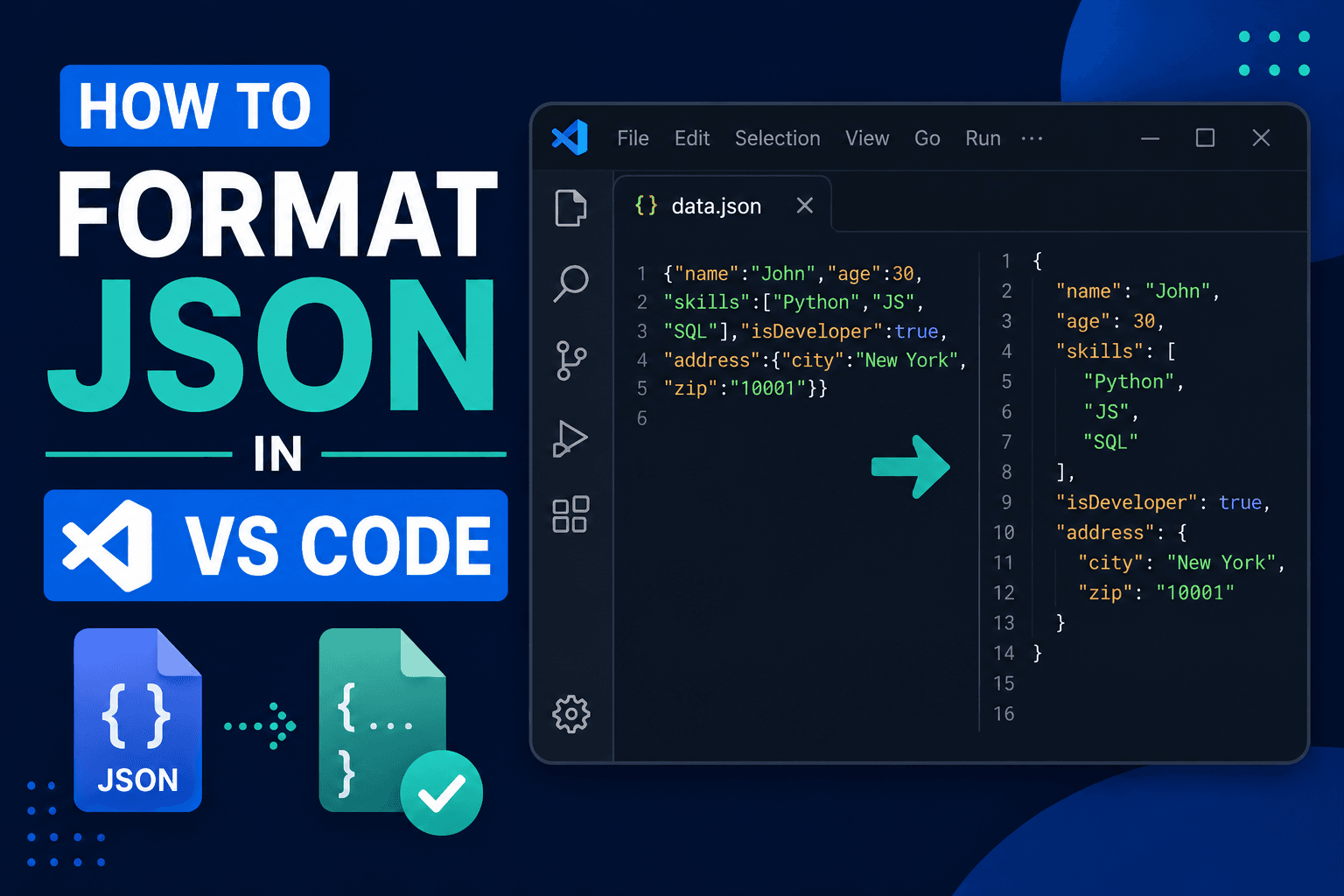
How to Format JSON in VS Code: Shortcuts & Prettify (2026)
Press Shift+Alt+F (Shift+Option+F on Mac) to format JSON in VS Code instantly. Set up format on save, prettify with Prettier, minify JSON, and fix common errors.