7 Best Text Editors for Mac in 2026 (Native & Fast)

On this page
The best text editor for Mac depends on what you're building. For web development: Sublime Text or Nova. For backend work: Vim or VS Code. For iOS development: Nova or VS Code with Xcode. This review focuses on current Apple silicon Mac workflows.
Mac developers need editors that support Apple silicon, fit their macOS workflow, and remain responsive on real projects. Mac-native apps such as Nova and TextMate often integrate more closely with the operating system, while cross-platform editors such as Sublime Text, VS Code, and Pulsar prioritize consistency across platforms.
Quick Comparison: Native vs Cross-Platform
Lightweight and native editors often feel faster, but extensions, language servers, and project size can change the result substantially. If you switch between Mac, Windows, and Linux, a cross-platform editor can keep more of your setup consistent.
This list covers seven text editors for Mac including native apps, cross-platform tools, and terminal-based options.
What Makes a Good Mac Text Editor?
Apple Silicon support: A native Arm build avoids Rosetta 2 translation. Resource use and battery life still depend on extensions, language servers, and project activity.
macOS integration: Check file dialogs, system appearance, keyboard shortcuts, Services, and other features you actually use. Native apps generally follow more macOS conventions, while cross-platform editors keep the interface more consistent across operating systems.
Performance with large files: File and line length, syntax highlighting, extensions, and language servers all affect responsiveness. Sublime Text and terminal editors are reasonable starting points for large logs.
Extension ecosystem: VS Code and Sublime Text have broad extension ecosystems, while Nova uses a smaller Mac-focused extension library. Choose based on the languages and tools you actually need rather than raw marketplace counts.
Terminal integration: Backend developers need good terminal support. VS Code has it built-in. Sublime Text requires plugins. Vim lives in the terminal.
Native macOS Editors: Built for Apple Platforms
1. Nova - Panic's Native Development Environment
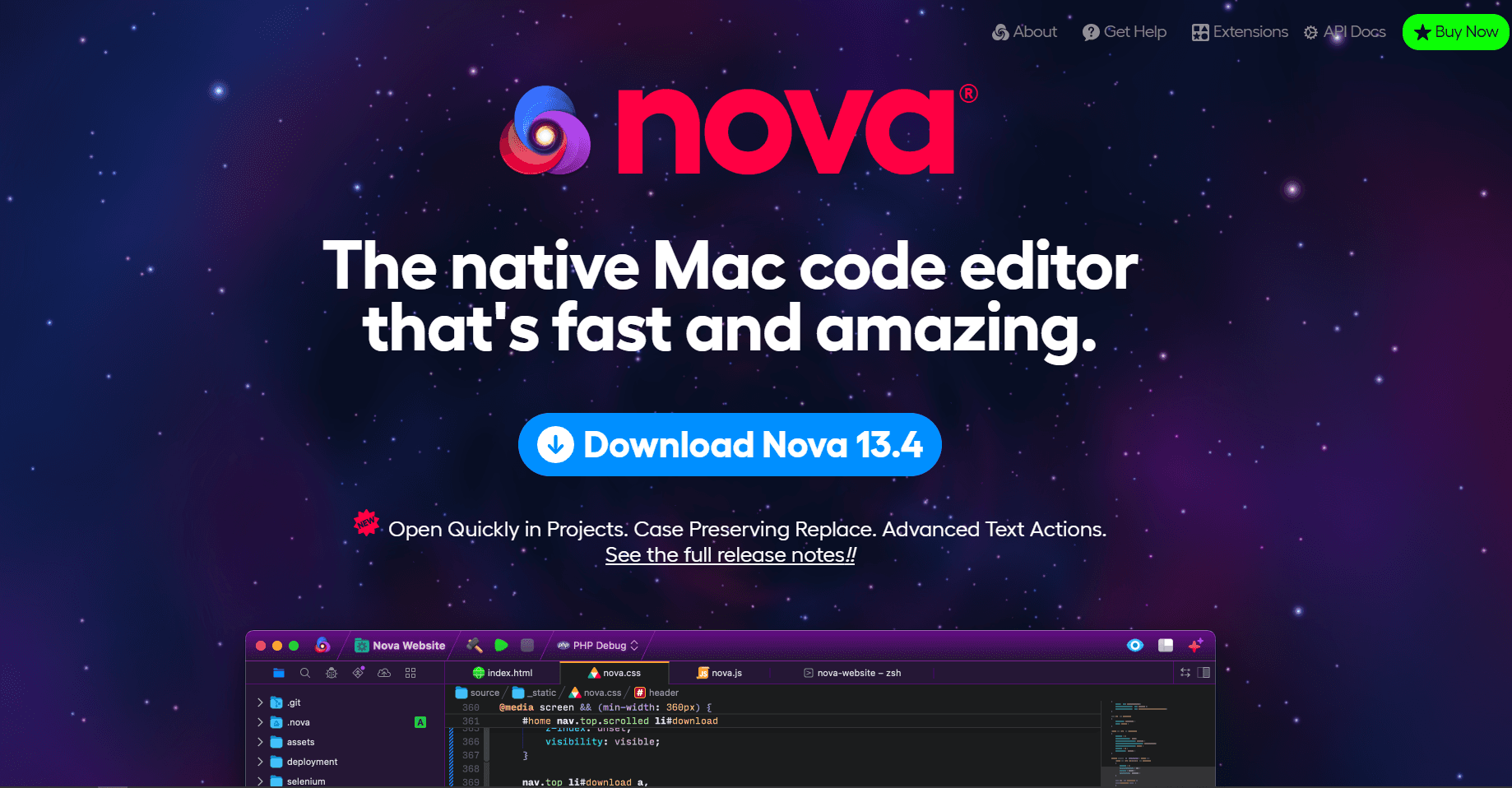
Apple Silicon Support: Nova is a native macOS application with Intel and Apple silicon compatibility. The current Nova 14 release requires macOS 15 or later, so owners of Macs that cannot update to Sequoia need an older Nova release or another editor.
What you get:
- Intel and Apple silicon support
- Git sidebar and Git service accounts
- Built-in terminal, preview server, and remote terminals
- Chrome, Deno, Node.js, PHP, and Python debug tasks
- Language servers and extension-provided tools
- Remote file browsing and publishing
- Native macOS workspace and interface
What you don't get:
- Free option (paid only)
- Cross-platform compatibility
- Massive plugin ecosystem like VS Code
- Budget-friendly pricing compared with heavier commercial IDEs
Pricing Model: Nova's current licensing documentation lists a $99 license with one year of updates and optional $49 annual renewal for later major versions. If you stop renewing, you can keep using the newest version covered by your license.
Suitable Use Cases: Web development projects, teams that publish to remote servers, and Mac users who value a native workspace with Git, terminals, previews, tasks, and debugging.
Download Page: Get Nova for Mac
2. Sublime Text 4 - High-Performance Cross-Platform with Mac Optimizations
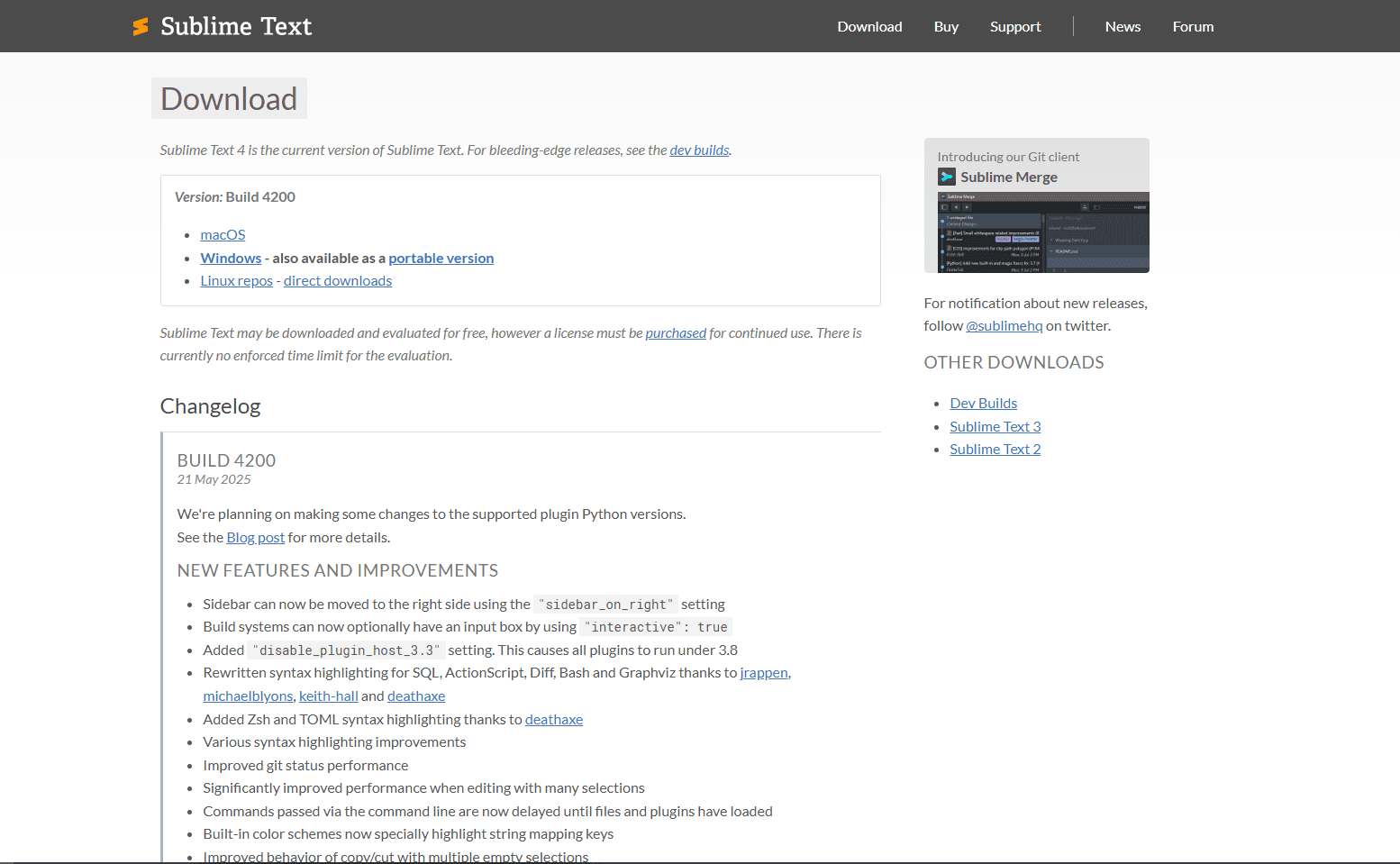
Apple Silicon Support: Sublime Text 4 provides a native Apple silicon build. It is known for a responsive editing engine and generally handles large text files well, although the practical limit depends on file structure, syntax highlighting, plugins, and available memory.
What you get:
- Native Apple Silicon support
- Handles large text files well
- Large Package Control ecosystem
- Retina Display optimization (Pro Display XDR support)
- Advanced multi-cursor editing with regex
- Goto Anything fuzzy navigation
- Split editing (up to 4 panes)
- AppleScript integration
- Paid license with an evaluation download
What you don't get:
- Built-in terminal
- Native Git UI (requires plugins)
- Permanent free edition
- IntelliSense-level autocomplete out of box
Plugin Ecosystem: Package Control offers packages for languages, build systems, linting, and editor customization. Check each package's maintenance status and compatibility before making it part of a critical workflow.
Performance: Handles large text files well in typical Mac development workflows, especially compared with heavier IDE-style editors.
Licensing: Sublime Text is commercial software with an evaluation download and no enforced evaluation time limit, but its license requires a purchase for continued use. A personal license currently includes three years of updates and remains valid for versions released during that period.
Download Page: Get Sublime Text 4 for Mac
3. TextMate 2 - Open Source Mac-Native Editor
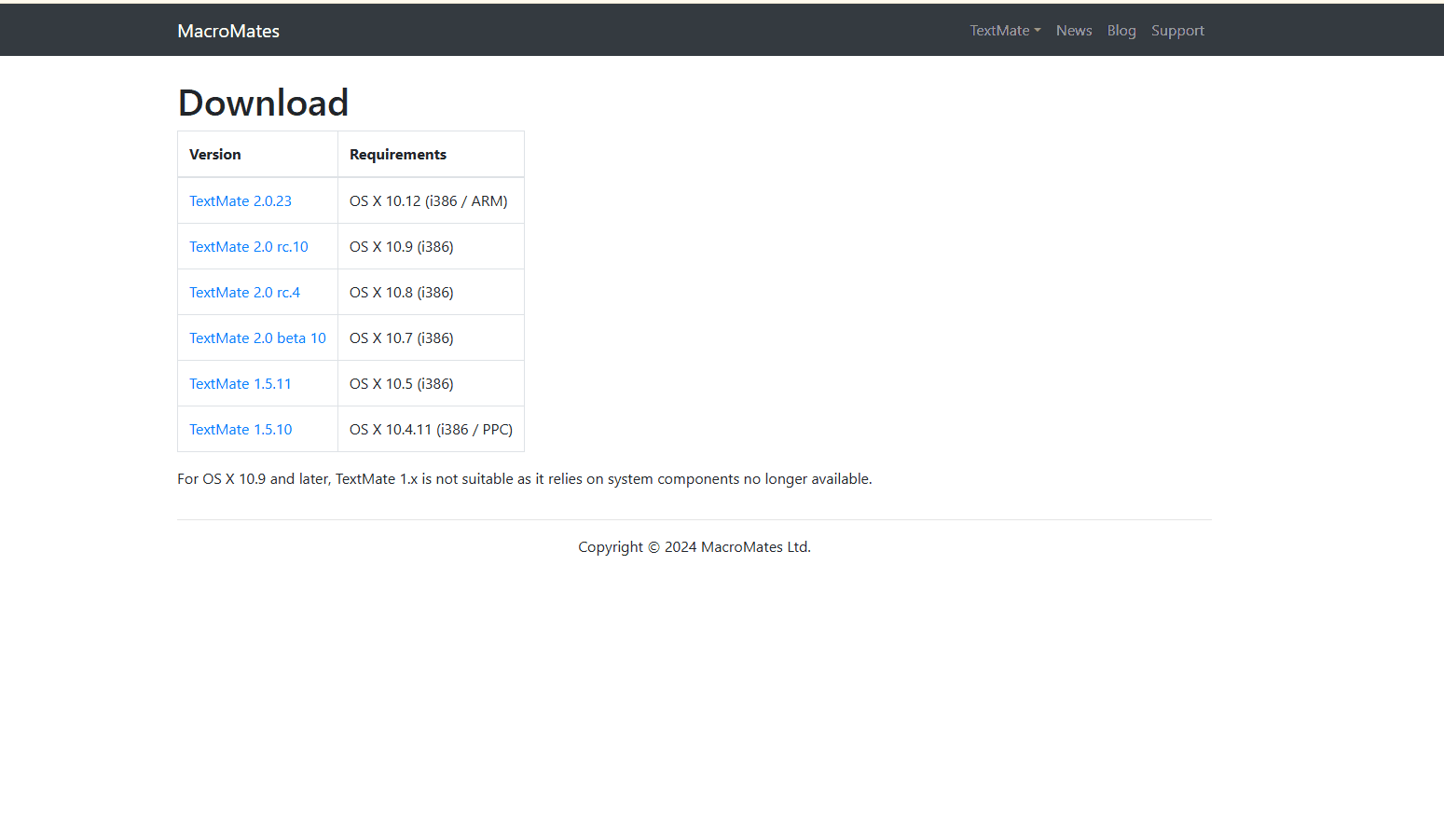
Native macOS Heritage: TextMate pioneered editing concepts later adopted by other tools, including its bundle system for language support and snippet expansion. The current official download is TextMate 2.0.23 for macOS 10.12 or later, with Intel and Arm support, but that release dates to October 2021.
What you get:
- Free and open source
- Intel and Arm support
- A focused native Mac editor
- Native macOS bundle system
- Shell integration through the mate command
- Native project drawer
- Modular language support
- No licensing restrictions
- Support for macOS versions back to 10.12 in the current download
What you don't get:
- Large plugin ecosystem
- Frequent updates
- Built-in debugging
- Modern UI design
- Active development pace
Open Source Benefits: TextMate's GPL-3.0 source is available on GitHub. Its latest official release is several years old, so do not expect the update pace of Nova, VS Code, Sublime Text, or Pulsar.
Download Page: Get TextMate 2 for Mac
Cross-Platform Editors with Strong macOS Support
4. Visual Studio Code - Microsoft's Dominant Platform
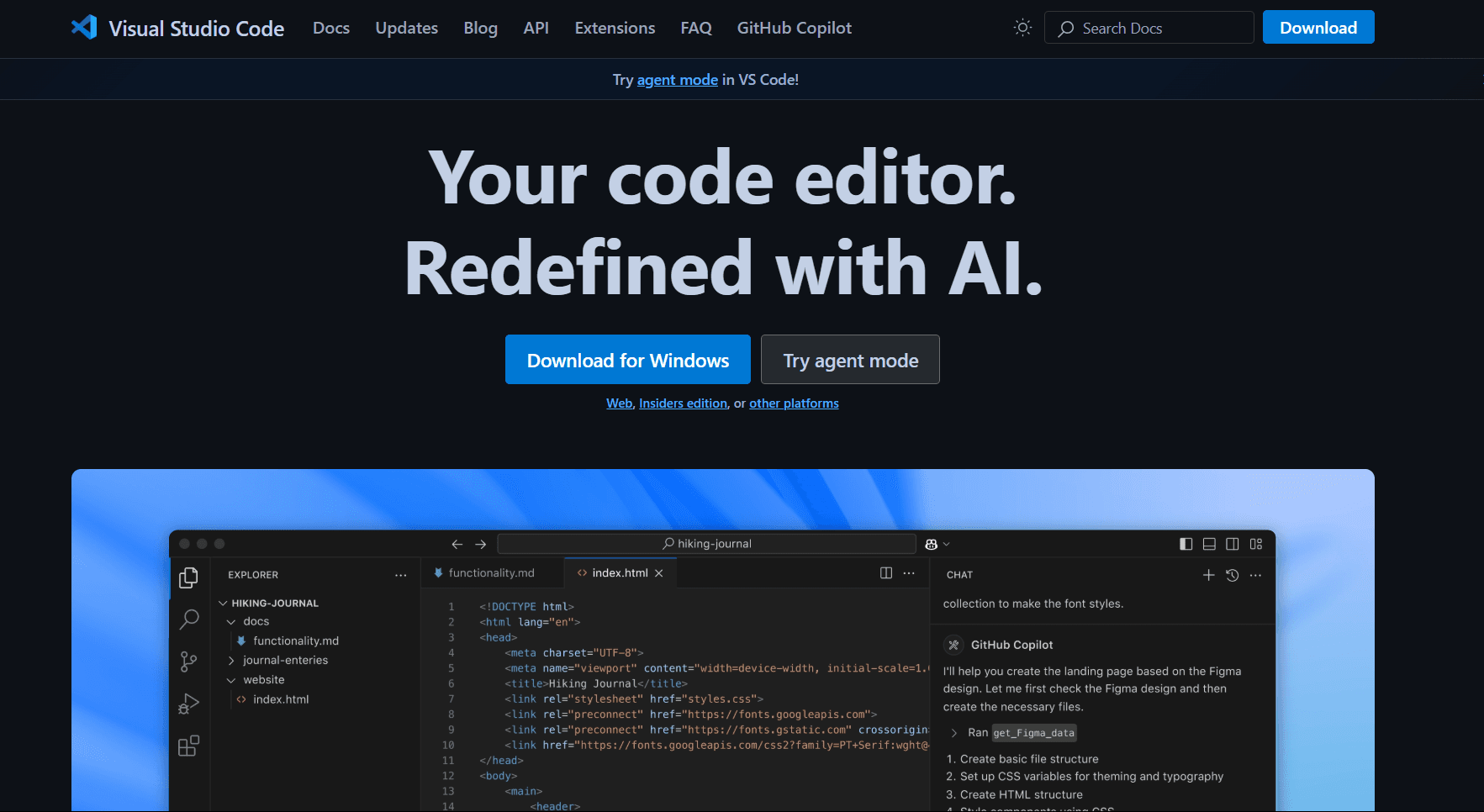
Apple Silicon Support: Microsoft provides Universal, Intel, and Apple silicon builds of VS Code for macOS. Its Electron foundation usually gives it a broader footprint than a focused native editor, while actual resource use depends heavily on extensions, language servers, and the project.
What you get:
- Large extension marketplace
- IntelliSense and language extension support
- Integrated terminal with configurable shell profiles
- Debugging through built-in and extension-provided adapters
- Advanced Git integration with visual diff
- Remote development through SSH, tunnels, and Dev Containers
- Native file dialogs and Finder integration
- Full accessibility support (VoiceOver, Switch Control)
- Free to use
- Cross-platform consistency
What you don't get:
- Native macOS performance (Electron overhead)
- The lowest resource usage among desktop editors
- Minimal startup overhead after many extensions are installed
- Lightweight footprint
Extension Recommendations for macOS:
- Swift Editing: Extensions can add Swift language support, but Xcode remains necessary for Apple-platform building, signing, simulators, and native debugging
- macOS Development: Extensions can add AppleScript and shell-language support
- Productivity: Keymap and automation extensions can adapt VS Code to an existing Mac workflow
Performance Characteristics: VS Code generally uses more memory than focused native editors, especially with multiple extensions and language servers active. Treat its resource profile as configuration-dependent rather than a fixed characteristic of every installation.
Download Page: Get Visual Studio Code for Mac
5. Vim/Neovim - Terminal-Based Power Editing
macOS Terminal Workflow: Vim and Neovim run in Terminal, iTerm2, SSH sessions, and terminal multiplexers. Their modal keybindings are consistent across local and remote systems, although they differ substantially from standard Mac editing shortcuts.
What you get:
- Very low resource use in typical terminal workflows
- Fast startup with a simple configuration
- SSH and remote editing
- Built-in LSP client framework (Neovim; language servers configured separately)
- Lua configuration (Neovim)
- Tmux compatibility
- Direct shell integration
- Efficient modal editing after the commands become familiar
- Free and open source
- Works everywhere (local, remote, SSH)
What you don't get:
- Familiar beginner workflow
- GUI interface
- Mouse-first workflow
- Immediate productivity for beginners
- Visual file browser (requires plugins)
Learning Investment: Vim requires time to learn modes, motions, operators, and configuration. How long that takes varies widely, so evaluate it against the amount of terminal and remote editing in your actual work.
Modern Enhancements with Neovim:
- Language Server Protocol: Neovim includes an LSP client, but each language server still needs to be installed and configured
- Lua Configuration: More approachable configuration system compared to traditional Vimscript
- Asynchronous Processing: Background operations don't block the editing interface
Professional Use Cases: Backend development, server administration, embedded systems development, and any workflow requiring frequent remote server editing.
Download Page: Vim Download | Neovim Download
6. Pulsar - Community Successor to Atom
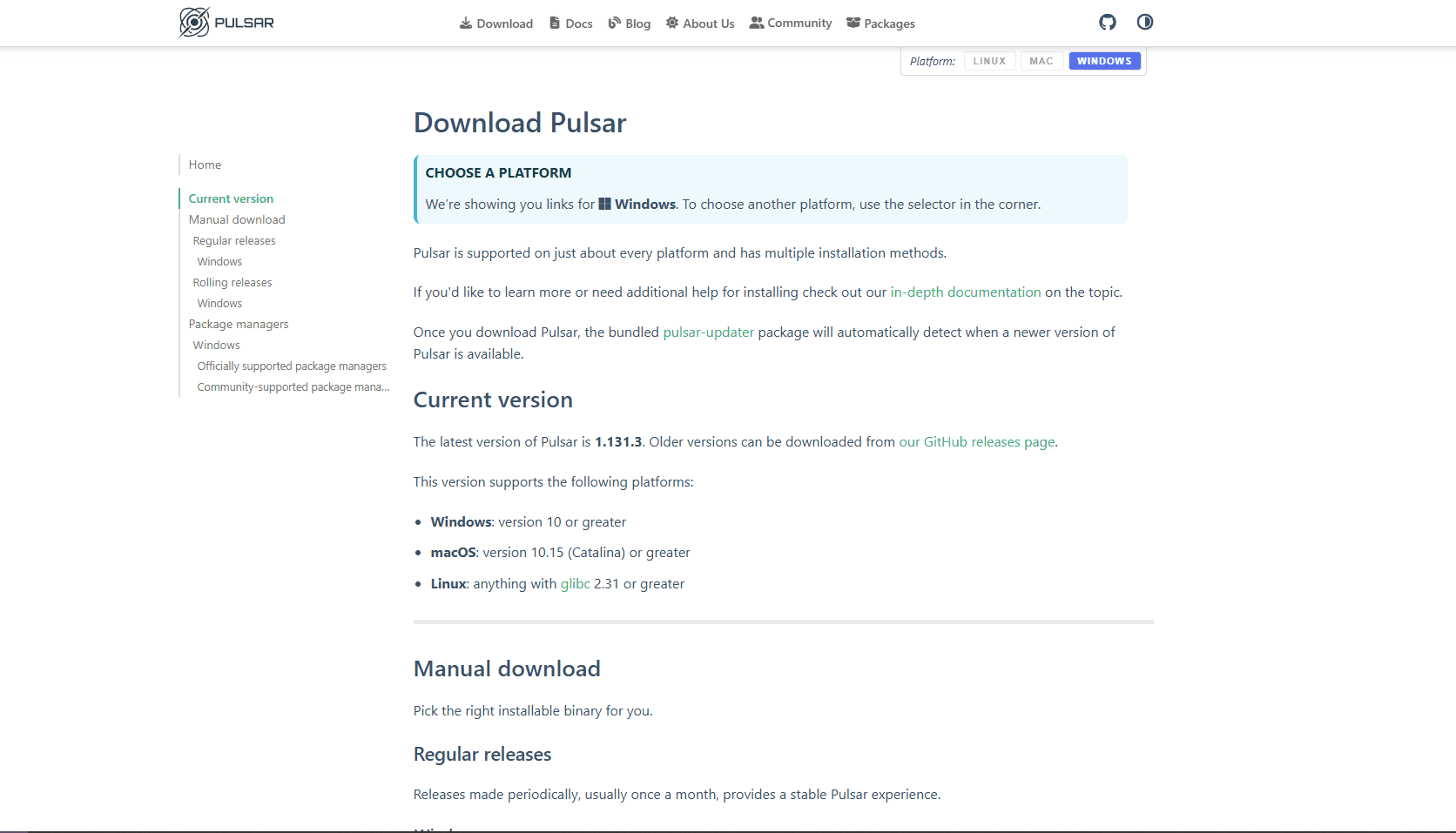
Current Status: GitHub discontinued Atom in December 2022. Pulsar is a separate, actively maintained community fork that continues Atom's customizable workflow and package model.
What you get:
- Hackable architecture
- Package ecosystem
- Git integration patterns
- Current community-led releases
- Free and open source
- Familiar to former Atom users
What you don't get:
- Commercial vendor support
- The low resource use of a native Mac editor
- Guaranteed compatibility with every historical Atom package
- The same extension breadth as VS Code
Apple Silicon Support: Pulsar publishes separate downloads for Intel and Apple silicon Macs, so current Apple silicon systems do not need to rely on an Intel-only build through Rosetta 2.
Best Fit: Pulsar is most relevant to users who liked Atom's hackable interface and want a maintained successor. New users should compare its required packages and project performance with VS Code, Sublime Text, or Nova before committing.
Download Page: Get Pulsar Editor (Atom fork) for Mac
7. Emacs - The Extensible Editor
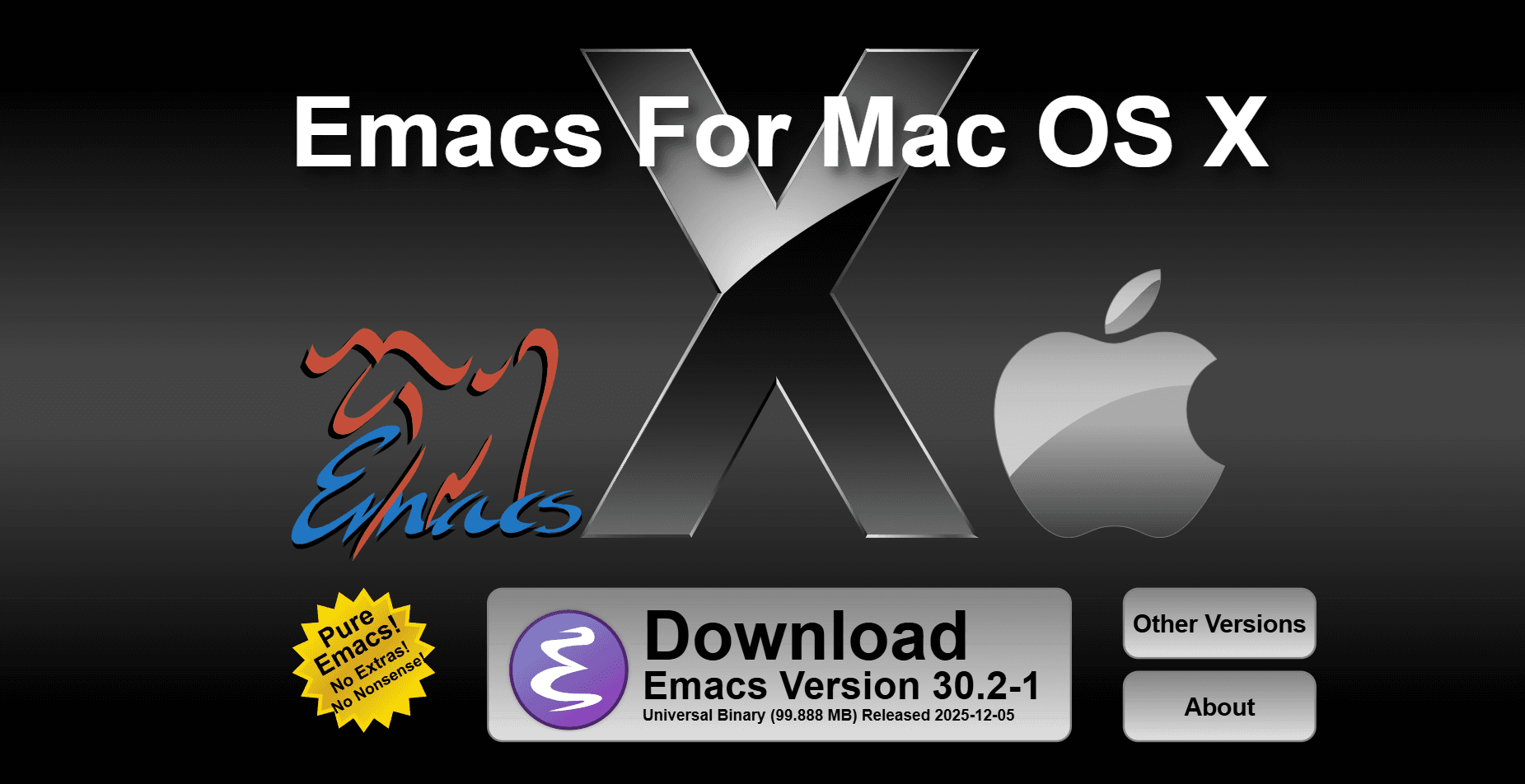
macOS Implementation: GNU Emacs supports macOS and can be installed through Homebrew or MacPorts. The GNU download documentation also points to universal binaries from Emacs for OS X, which is a clearer current route than assuming every third-party Mac distribution has the same maintenance and architecture support.
What you get:
- macOS installation through Homebrew, MacPorts, or universal binaries
- Org Mode for notes, planning, and publishing workflows
- Complete Lisp extensibility
- 40+ year development history
- Strong LaTeX support through modes and packages
- Academic workflow integration
- Free and open source
- Long-term stability
- Extensive customization
- Resource use depends on configuration and loaded packages
What you don't get:
- Easy learning curve (substantial investment required)
- Modern UI out of box
- Quick setup (requires configuration)
- Intuitive keybindings for beginners
- Fast onboarding
Professional Applications: Academic research, technical writing, system administration, and any workflow requiring extensive automation and customization.
Learning Curve: Similar to Vim, Emacs requires substantial initial investment but provides powerful capabilities for users willing to invest in mastery.
Download Page: Get GNU Emacs for Mac
Apple Silicon Support Comparison
Review note: Performance varies by extensions, language servers, project size, and current macOS version. Treat the table as practical guidance, not a lab benchmark.
Specialized Use Case Recommendations
iOS and macOS Development
Primary Choice: Xcode for native builds, with Nova for related web components or text editing Alternative: VS Code with Swift extensions alongside Xcode Rationale: Xcode supplies Apple SDKs, signing, simulators, and the supported native debugging workflow.
Web Development and Frontend
Primary Choice: Sublime Text 4 or Nova Alternative: VS Code with specialized web extensions Rationale: Nova provides previews and publishing; Sublime Text keeps raw-text editing focused; VS Code adds more extensions and an integrated terminal.
Backend and Systems Programming
Primary Choice: Vim/Neovim or Emacs Alternative: VS Code with remote development extensions Rationale: Terminal-based editing excels for server administration and systems programming where GUI applications may not be available.
Data Science and Python Development
Primary Choice: VS Code with Python extensions Alternative: Sublime Text 4 with package ecosystem Rationale: Microsoft's Python and Jupyter extensions add notebook editing, environment selection, and debugging.
Academic and Research Writing
Primary Choice: Emacs with Org Mode Alternative: Sublime Text 4 with academic packages Rationale: Org Mode supports structured notes, additional citation packages, exports, and reproducible documents.
macOS Integration and Workflow Optimization
File Association Strategy: Configure multiple editors for different file types using macOS's "Open With" preferences. Set lightweight editors (TextMate, Vim) for quick edits and full IDEs (Nova, VS Code) for project work.
Automator Integration: Create custom workflows that integrate text editors with other macOS applications. Examples include automated file processing, batch text conversion, and integration with design applications.
Spotlight and Quick Look: File associations control which editor opens a document from Finder. Confirm any editor-specific preview extension separately.
Backup and Sync: Use Time Machine for local files. Confirm iCloud Drive behavior before storing a project there, and back up editor settings separately.
Professional Workflow Recommendations
Multi-Editor Strategy: Using more than one editor can keep quick changes separate from project development or remote administration:
- Quick Edits: TextMate or Sublime Text for configuration files and quick changes
- Project Development: Nova or VS Code for primary development work
- Server Administration: Vim/Neovim for remote editing and system administration
- Research and Documentation: Emacs for academic writing and complex documentation
Productivity Integration: Check how the editor fits the tools already in your workflow:
- Task Management: Use documented extensions or keep TODOs in project files
- Version Control: Choose built-in Git, a separate client, or command-line Git
- Communication: Share repository links or patches through the team's review process
Choose the editor around your development requirements, performance priorities, and preferred macOS workflow. Native editors usually provide closer system integration, while cross-platform options offer broader ecosystems and a more consistent setup across operating systems.
Nova is the strongest native-first recommendation in this ranking for developers who want an integrated Mac workspace. Sublime Text 4 fits readers who prioritize focused navigation and raw-text editing, while VS Code remains the pragmatic choice for cross-platform teams or workflows that rely on a large extension marketplace.
Related Resources:
- Best JSON Editors for Mac - Specialized JSON editing tools with macOS optimization
- Best CSV Editors for Mac - Data handling workflows for Mac developers
- Best EPUB Readers for Mac - Reading applications for long-form documents
Read More
All Articles
UltraEdit vs Notepad++: Which Is Better? (2026)
Compare UltraEdit vs Notepad++ for large files, feature depth, pricing model, and Windows text editing use cases.

VS Code vs IntelliJ for Java: IntelliJ Wins (Here's Why)
Compare VS Code vs IntelliJ for Java development, including refactoring, Spring Boot, debugging, Maven, Gradle, pricing, performance, and the best use cases for each.
8 Best SVG Editors for Mac in 2026 (Vector & Web Design)
Compare the best SVG editors for Mac, including Boxy SVG, Inkscape, Affinity, Linearity Curve, Sketch, Figma, Illustrator, and Amadine for clean vector workflows.