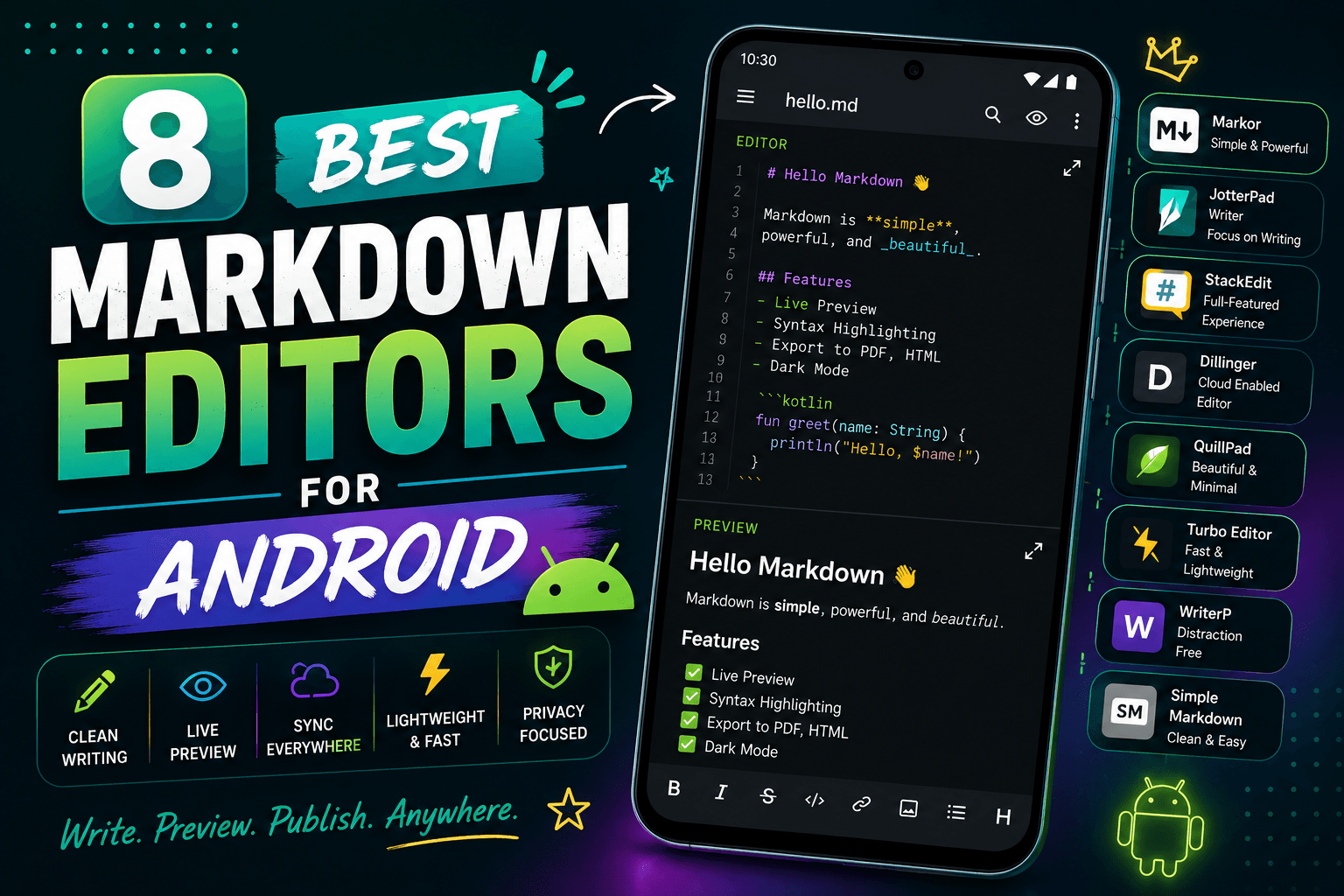
8 Best Markdown Editors for Android in 2026 (Free & Paid)

On this page
Writing on Android means dealing with small screens, touch keyboards, and sync issues. Desktop Markdown editors assume you have a physical keyboard and multiple monitors. Mobile editors need different features: quick access to formatting, reliable sync, and offline editing.
Markor is free, works offline, and stores files locally. JotterPad focuses on long-form writing and export workflows. Obsidian brings desktop-style linking to Android but benefits from a larger screen.
The right editor depends on your workflow. Quick notes need fast launch and simple formatting. Long-form writing needs distraction-free interfaces and sync. Knowledge bases need linking and search. The list compares eight current editors for Android phones and tablets.
1. Markor (Best Free Option)
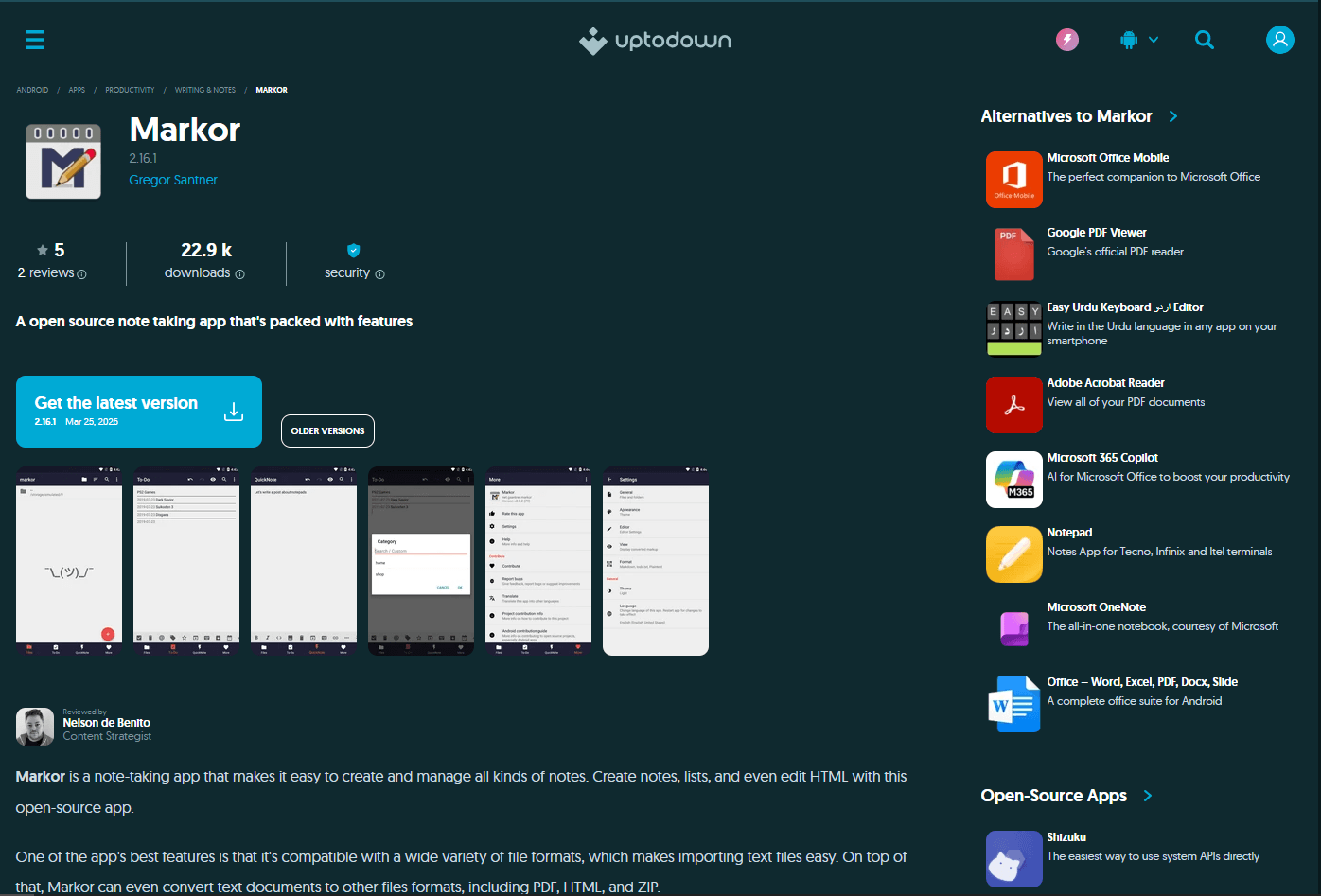
Markor is a free, open-source Markdown editor for Android. It is designed for local, offline editing without requiring an account.
Files save to local storage or SD card. Use a compatible folder-sync app to sync files between devices.
What you get:
- Markdown syntax highlighting
- Quick formatting toolbar (bold, italic, lists, links)
- Live preview mode
- File browser with folder organization
- Todo list support with checkboxes
- Table support
- Math rendering via KaTeX
- Export to PDF, HTML, or plain text
- Works offline (no internet needed)
- No ads or unnecessary permissions, according to the project page
- Lightweight, offline-first workflow
What you don't get:
- No built-in sync (use external service)
- No cloud storage integration
- No WYSIWYG editing
- Basic interface (functional, not polished)
Markor fits anyone who wants a free, privacy-focused Markdown editor. It suits students taking notes, developers editing README files, and writers who prefer local files over cloud storage.
2. JotterPad (Best for Long-Form Writing)
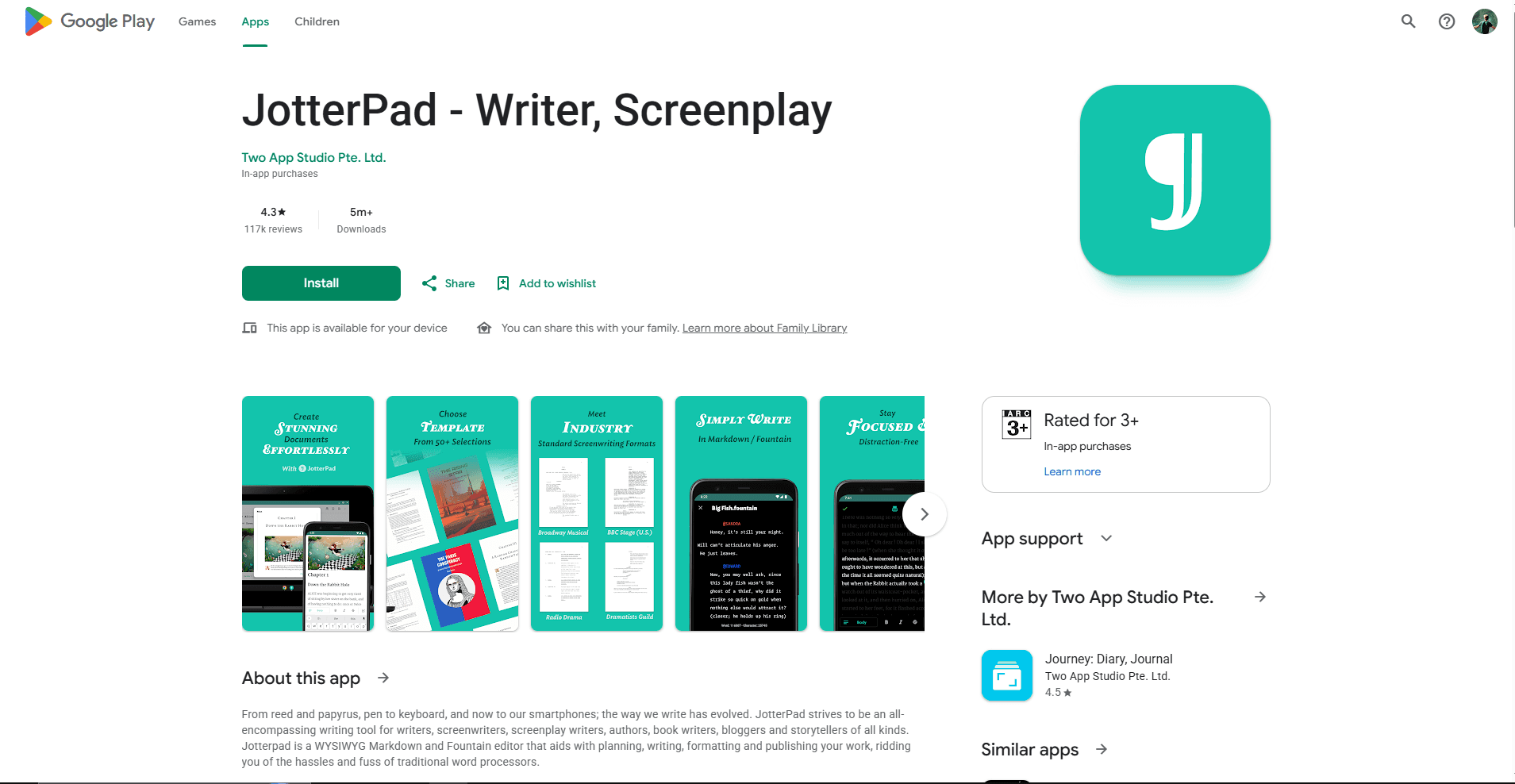
JotterPad is a writing-focused Android editor for notes, articles, stories, and scripts. It supports Markdown-style writing, offline work, and optional sync and export features through its current in-app plans.
If you were looking for iA Writer, its developer says the Android version is no longer distributed or sold to new users. Existing installations may continue to work, but it should not be treated as a current download recommendation.
What you get:
- Distraction-free writing interface
- Markdown and Fountain editing workflows
- Plain .md file support
- Offline writing
- Optional cloud connections and cross-device sync
- Export options for finished documents
- Templates and writing tools for longer projects
What you don't get:
- Some sync and export features require an in-app plan
- Not designed as a linked-note knowledge base
- No desktop-style plugin ecosystem
JotterPad fits writers who want a cleaner long-form workspace than a basic text editor. Check the current Play Store listing before subscribing because included features and pricing can change.
3. Obsidian (Best for Linked Notes)
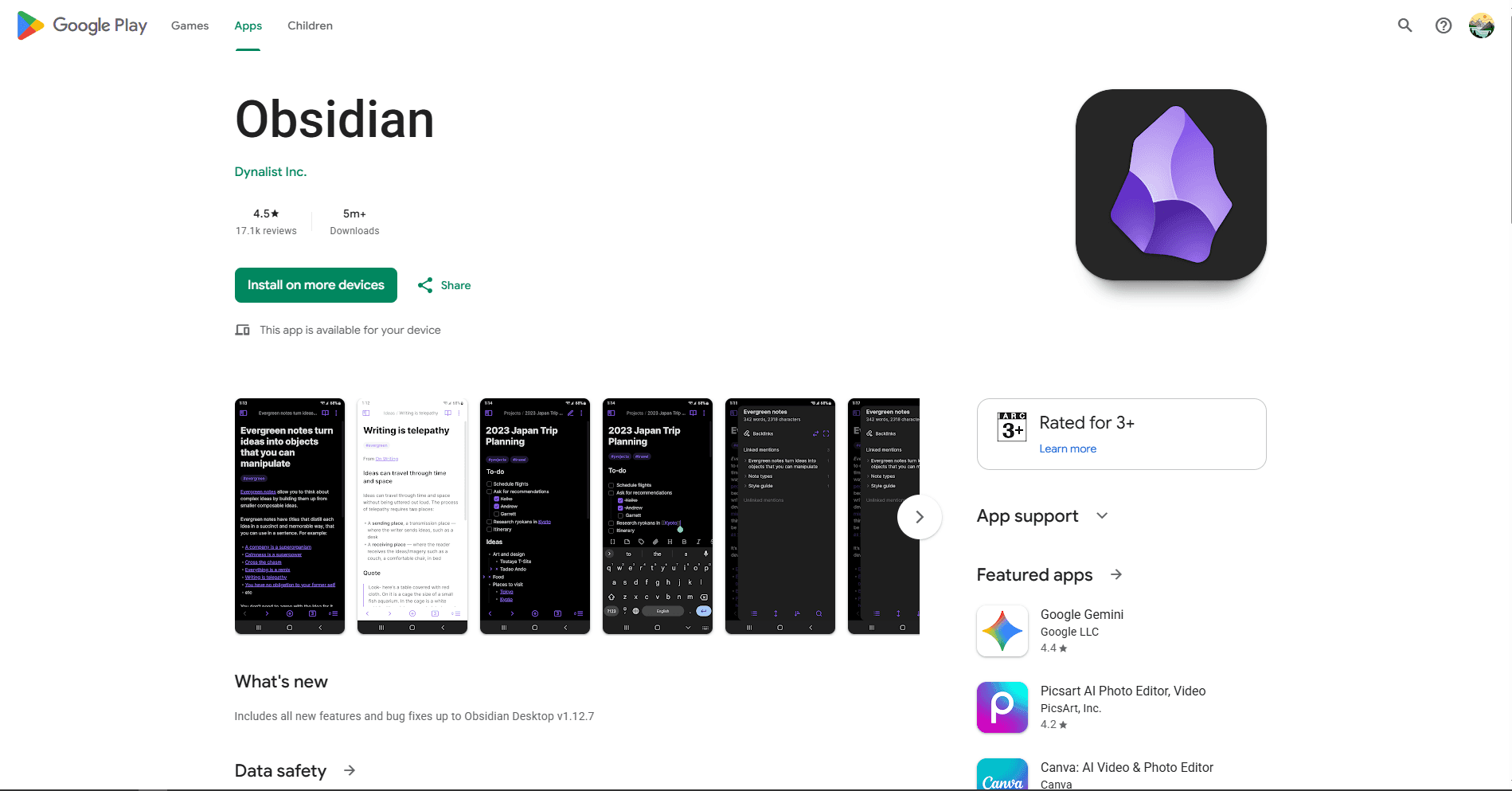
Obsidian brings linked-note and knowledge-base workflows to Android. The core app is free to use, while optional services such as Obsidian Sync are paid.
Type [[note name]] to link notes together. The graph view shows connections between notes. Your notes are plain .md files in local folders.
What you get:
- Bidirectional links (see which notes link to current note)
- Graph view for visualizing note connections
- Daily notes with templates
- Tag-based organization
- Community plugins, with compatibility varying by plugin
- Live preview or source mode
- Optional Obsidian Sync or a separately configured file-sync workflow
- Works offline with local files
- Local, offline vaults
What you don't get:
- Heavy for quick notes (better for knowledge bases)
- Requires larger screen (works better on tablets)
- Steeper learning curve
- Sync requires paid service or manual setup
Obsidian fits researchers, students, and writers building interconnected knowledge bases on Android. Works best on tablets. For quick notes on phones, simpler editors work better.
4. Joplin (Best for Cross-Platform Sync)

Joplin is a free, open-source note-taking app with Markdown support. It syncs across Android, iOS, Windows, Mac, and Linux.
Sync via Dropbox, OneDrive, Nextcloud, WebDAV, or Joplin Cloud. End-to-end encryption is optional and must be enabled before it protects synced notes.
What you get:
- Optional end-to-end encryption for synced notes
- Notebook organization with nested notebooks
- Tag-based organization
- To-do notes and reminders
- Attachment support (images, PDFs, files)
- Markdown or rich text editor
- Sync across all platforms
- Works offline (syncs when online)
- Full-featured note database rather than a minimal text editor
What you don't get:
- No graph view for linked notes
- Interface less polished than commercial apps
- Sync setup requires configuration
- Heavier than simple editors
Joplin fits anyone who needs note-taking with cross-device sync. It suits students, researchers, and professionals who take notes on multiple devices.
5. Zettel Notes (Best for Local Markdown Libraries)
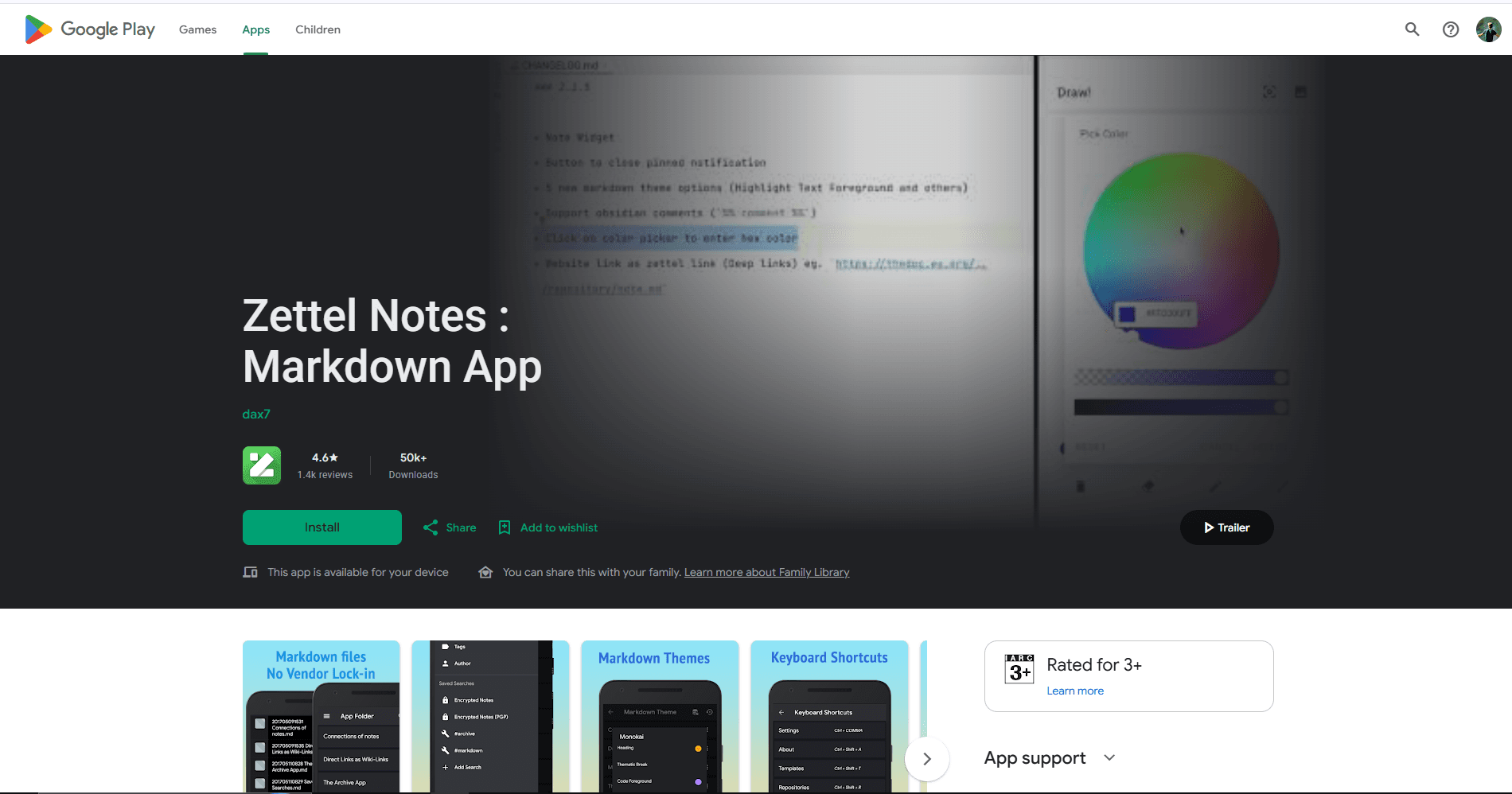
Zettel Notes is an Android note app built around separate Markdown files. It suits users who want local folders and portable notes instead of a proprietary document database.
What you get:
- Separate Markdown files
- Folder-based note organization
- Full-text search
- Offline editing
- Optional WebDAV, Dropbox, Git, or SFTP workflows
- Plugin support for additional features
- No ads in the core app
What you don't get:
- More setup than a basic scratchpad
- Sync behavior depends on the selected service
- Interface is focused on notes rather than polished document layout
Zettel Notes fits users who want a local Markdown library that can be moved between apps and devices. It is a better match for durable notes than for formatted document publishing.
6. Markdown Editor & MD Viewer (Best for Preview)
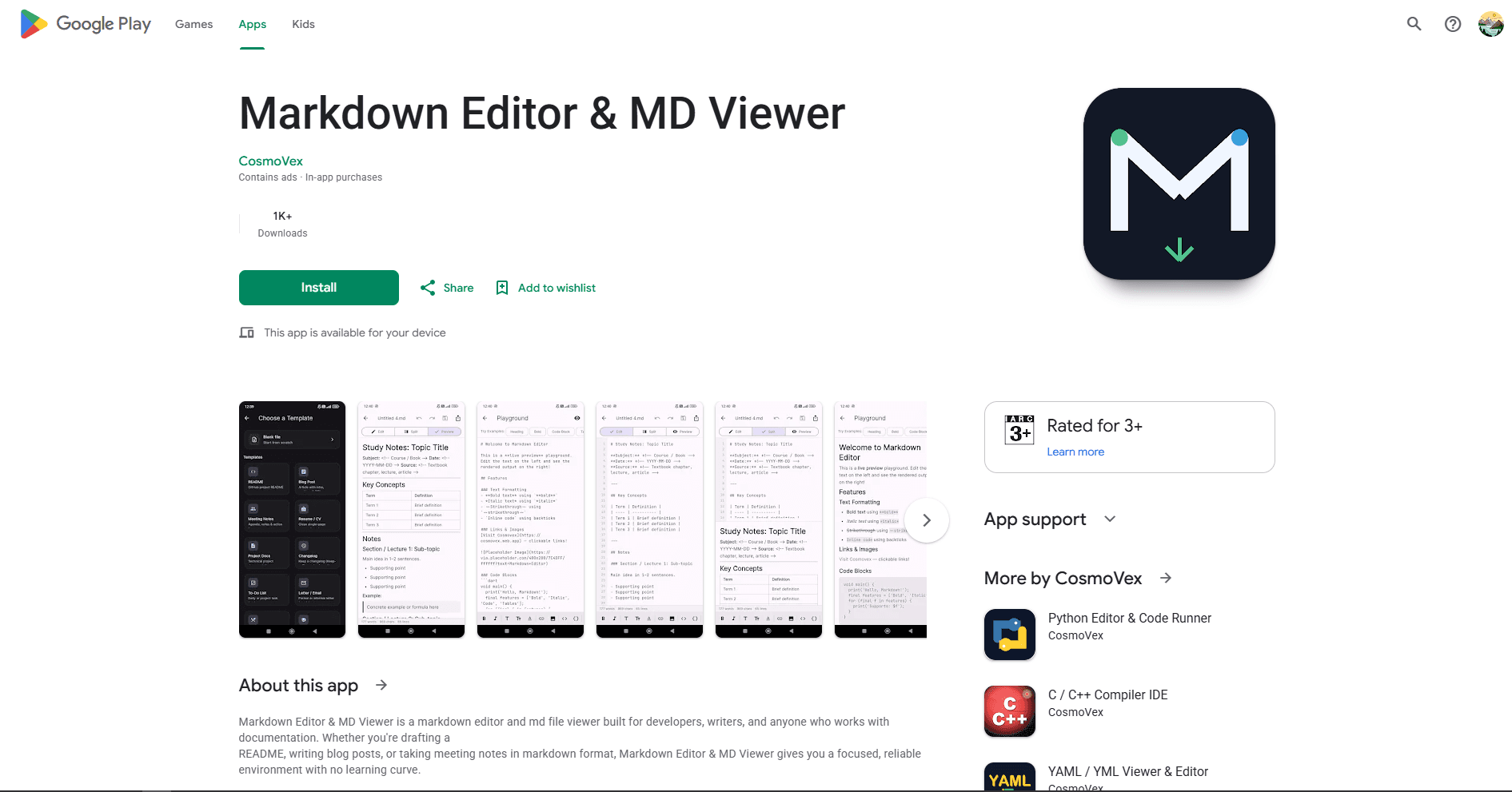
Markdown Editor & MD Viewer is a free Markdown editor with live preview. The free version contains ads, while an optional Pro tier adds features.
Edit and preview Markdown files with syntax highlighting. Works well on both phones and tablets, and can export the rendered result when needed.
What you get:
- Live preview mode with instant rendering
- CommonMark and standard Markdown syntax
- Markdown syntax highlighting
- Open and save files from device storage
- Export to HTML or PDF
- Dark mode and themes
- Works offline
- Phone and tablet support
What you don't get:
- No built-in sync (manual file management)
- No linking between documents
- Basic interface
- Limited customization options
Markdown Editor & MD Viewer fits developers and writers who need reliable preview and export. Good for documentation, README files, or technical writing on Android devices.
7. Neutrinote (Best for Power Users)
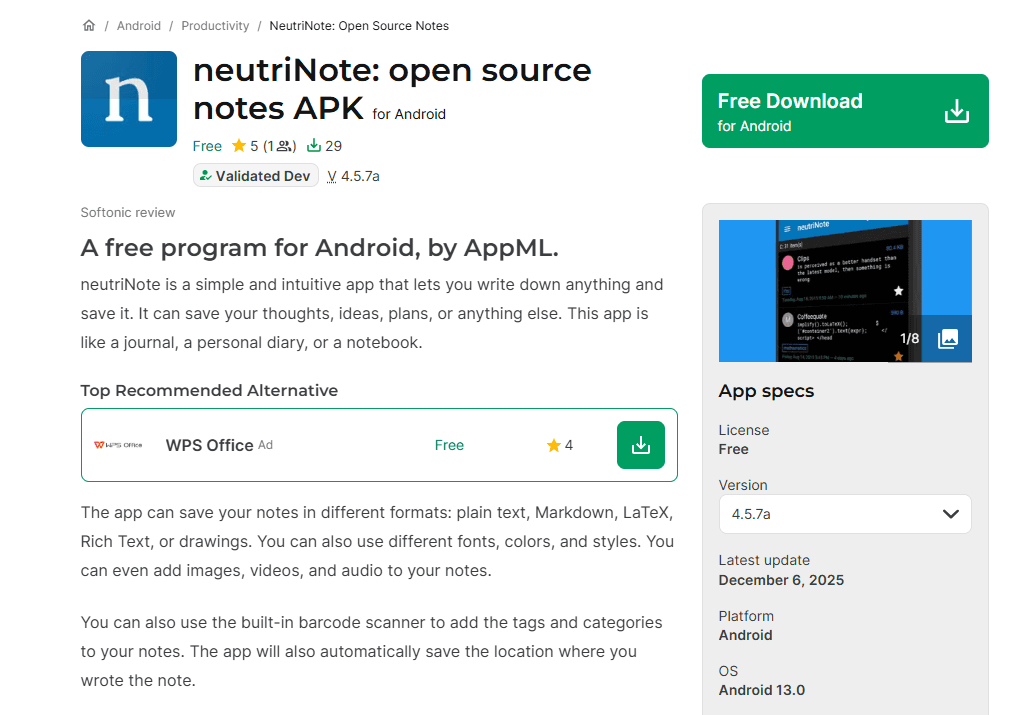
Neutrinote is a minimalist note-taking app with Markdown support. It is available through its official Google Play listing.
Designed for speed and efficiency. Keyboard shortcuts, gestures, and automation features for power users.
What you get:
- Markdown syntax highlighting
- Math support via LaTeX
- Python support
- Metadata support (tags, dates, custom fields)
- Search with regex support
- Backup and restore
- Sync-ready local storage
- Customizable shortcuts and gestures
- Works offline
- Offline-first editing
What you don't get:
- Steep learning curve
- Interface not beginner-friendly
- Requires configuration
- No live preview
Neutrinote fits power users who want automation and customization. It suits developers, researchers, and anyone who wants to script their note-taking workflow.
8. Writer Plus (Best for Distraction-Free Writing)
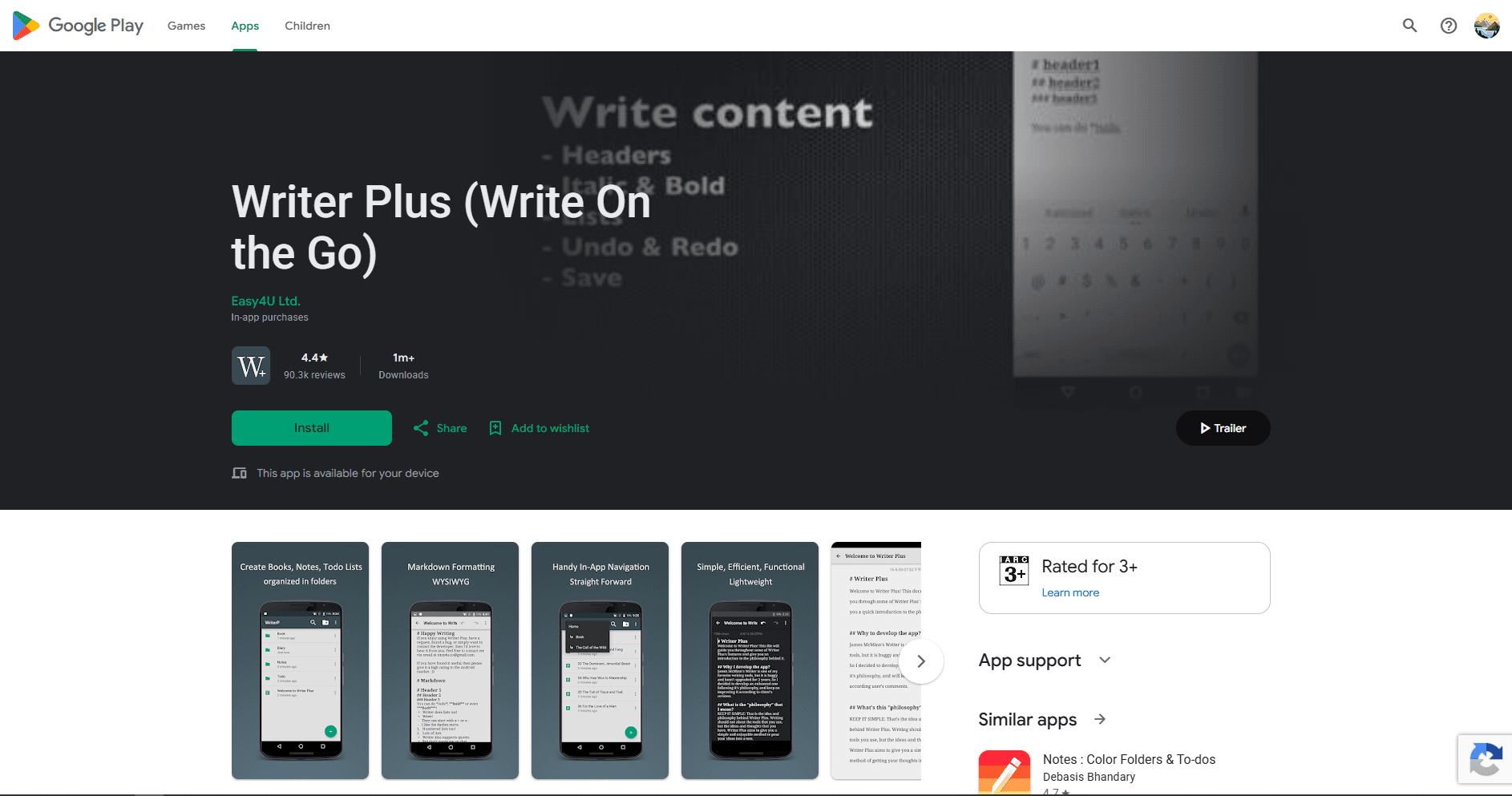
Writer Plus is a distraction-free writing app with Markdown support. Its Play Store listing includes in-app purchases and was last updated in September 2023.
Focus on writing without distractions. The app stores work in plain-text files but provides fewer publishing and backup tools than newer editors.
What you get:
- Open, edit, and save plain-text files
- Basic Markdown formatting
- Folder support
- Word and character count
- Undo and redo
- Night mode
- External-keyboard shortcuts
- Share documents to other apps
- Lightweight writing interface
What you don't get:
- No linking between documents
- No live preview
- No built-in cloud sync
- Basic feature set
- No PDF or HTML export workflow listed
Writer Plus fits writers who want distraction-free writing on Android. It suits blog posts, articles, and creative writing. Because newer Android versions changed where it stores files, verify your backup and migration workflow before using it for important work.
Markdown Editor Comparison Table
Which Markdown Editor Should You Actually Use?
Choose the editor that best matches your main workflow:
- Markor: local and offline editing. Pick it for a free, account-free editor that works directly with local files. Add a compatible folder-sync app if you need those files on other devices.
- JotterPad: long-form writing. Its focused workspace suits articles, stories, and scripts. Check the current plan before paying because some sync and export features require an upgrade.
- Obsidian: linked notes. Choose it for a connected knowledge base with backlinks and graph view. The interface is easier to navigate on a tablet.
- Joplin: cross-device notes. It supports several sync services and offers optional end-to-end encryption once you enable and configure it.
- Zettel Notes: portable Markdown libraries. Each note remains a separate Markdown file, with optional connections for syncing a larger collection.
- Markdown Editor & MD Viewer: live preview and export. It is a practical choice for README files, documentation, and other documents you need to preview as you write.
- Neutrinote: automation and customization. Its Python support and advanced controls suit technical users willing to spend time configuring their workspace.
- Writer Plus: simple, distraction-free drafting. It provides a basic plain-text and Markdown workspace. Because its update history is older, establish a reliable backup routine before using it for important work.
Using more than one app is normal. Markor can handle quick file edits, Obsidian can manage a linked knowledge base, and JotterPad can cover long-form writing.
Android-Specific Tips
Sync options:
- Syncthing (free, peer-to-peer, no cloud)
- Nextcloud (free, self-hosted or paid hosting)
- Dropbox (cloud storage)
- Google Drive (cloud storage)
- An editor's own sync service, when available
- For folder sync, confirm that Android lets both apps access the selected folder
Keyboard shortcuts (external keyboard):
- Ctrl + S: Save (Writer Plus)
- Ctrl + Z: Undo (Writer Plus)
- Other apps use different shortcut sets, so check their documentation
- Keep the formatting bar visible until you know which commands are supported
File organization:
- Use folders for projects or topics
- Name files with dates (2026-05-27-note.md)
- Use tags for cross-cutting themes
- Keep attachments in separate folder
Backup strategy:
- Enable auto-sync to a supported service
- Keep a second copy of important .md files outside the app's private storage
- Use version control (Git) for critical documents
- Test a restore before trusting the workflow with important writing
Writing on phone vs tablet:
- Phones: Use simple editors (Markor, Zettel Notes)
- Tablets: Use larger-workspace editors (JotterPad, Obsidian)
- External keyboard: Use desktop-class editors (Obsidian, Joplin)
Frequently Asked Questions
What's the best free Markdown editor for Android?
Markor. It's free, open-source, works offline, and requires no account. Files save to local storage. Use a compatible folder-sync app to sync between devices. The interface is functional with quick formatting toolbar and live preview. The project says it has no ads or unnecessary permissions. Download from the Google Play Store.
Is iA Writer still available for Android?
Not for new installs. iA's Android FAQ says Writer for Android is no longer available for distribution or sale and cannot be newly installed or reinstalled from the Play Store. Existing installations may continue to function, and their plain .md files remain portable. Use JotterPad, Markor, or another currently distributed app for a new setup.
Can I use Obsidian on Android?
Yes. Obsidian for Android supports bidirectional links, graph view, plugins, themes, and local vaults. Sync through the optional Obsidian Sync service or a separately configured file-sync workflow. Complex vaults are easier to navigate on a larger phone or tablet. Download from Google Play Store.
How do I sync Markdown files between Android and desktop?
Four options: 1) Use a cloud or WebDAV service supported by your editor. 2) Use Syncthing for peer-to-peer folder sync with local-file apps. 3) Use Git for version control if your Android workflow supports it. 4) Use an app's own paid sync service, such as Obsidian Sync. Always test conflict handling before relying on any method for important notes.
What's the best Markdown editor for Android tablets?
Obsidian works well for linked notes, JotterPad for longer writing, and Markdown Editor & MD Viewer for preview and export. A tablet gives complex editors more room, but availability and paid features should be checked in each current Play Store listing.
Can I edit Markdown files offline on Android?
Yes. The editors listed provide offline editing, although their storage models differ. Markor and Zettel Notes emphasize local files; Obsidian uses local vaults; Joplin uses its own local note database and syncs later. Confirm where an app stores files before uninstalling it or clearing its data.
How do I export Markdown to PDF on Android?
Export support varies by app and plan. Markor and Markdown Editor & MD Viewer can produce PDF output, while JotterPad's PDF options depend on its current plan. Check the export menu and preview the result before sharing it. For advanced PDF styling, move the .md file to a desktop workflow such as Pandoc or LaTeX.
What's the best Markdown app for quick notes on Android?
Markor is a strong option for quick local notes because it works offline, exposes the files directly, and includes a formatting toolbar and preview. Zettel Notes is better when you want those notes organized as a searchable Markdown library with optional sync connections.
Related Reading
Using Markdown on other platforms? See platform-specific guides:
- Best Markdown editors for Mac for macOS options
- Best Markdown editors for Windows for Windows 11 and 10
- Best Markdown editors for Linux for Ubuntu, Fedora, and Arch
Using VS Code for Markdown? See best Markdown extensions for VS Code for plugins that add diagrams, spell checking, and advanced export.
For other file formats on Android:
Read More
All Articles
8 Best Markdown Editors for Linux in 2026 (GUI & Terminal)
Compare eight of the best Markdown editors for Linux, including VS Code, Kate, Vim, ghostwriter, and terminal tools for Ubuntu, Fedora, and Arch Linux.
9 Best Markdown Editors for Mac in 2026 (Free & Paid)
Find the best Markdown editor for macOS with native performance. Compare iA Writer, Typora, VS Code, Obsidian, and more for writing, note-taking, and documentation.

10 Best Markdown Editors for Windows in 2026 (Free & Paid)
Find the best Markdown editor for Windows 11 and 10. Compare VS Code, Typora, MarkText, Obsidian, and more for writing, documentation, and note-taking with live preview.