7 Best XML Editor Apps for Android in 2026 (Tested & Ranked)

On this page
Most XML files open on Android like any other text document. The exception is XML taken from a compiled APK. Files such as AndroidManifest.xml may use Android's binary AXML format, which a normal text editor cannot read. That distinction determines which type of editor you need.
Android's file permissions create a second practical hurdle. Recent versions may ask you to open the document through the system picker or approve access to its folder. If an editor cannot find your file, use the picker instead of granting broad storage access. The Android storage documentation explains the permission model.
Choose by file type:
- Plain text XML: Use a text or code editor for configuration files, RSS feeds, SVG files, SOAP payloads, data exports, and uncompiled Android resources. Prioritize reliable saving, encoding controls, search and replace, and clear syntax highlighting.
- Binary XML inside APKs: Use MP Manager to decode, edit, and re-encode compiled manifests or resource files. The other editors in this list are intended for readable plain text.
- XML that must match an XSD: Choose an app or plugin that explicitly supports schema validation. Syntax highlighting improves readability, but it does not prove that a document is valid.
1. QuickEdit Text Editor by Rhythm Software
Best for editing ordinary XML files quickly
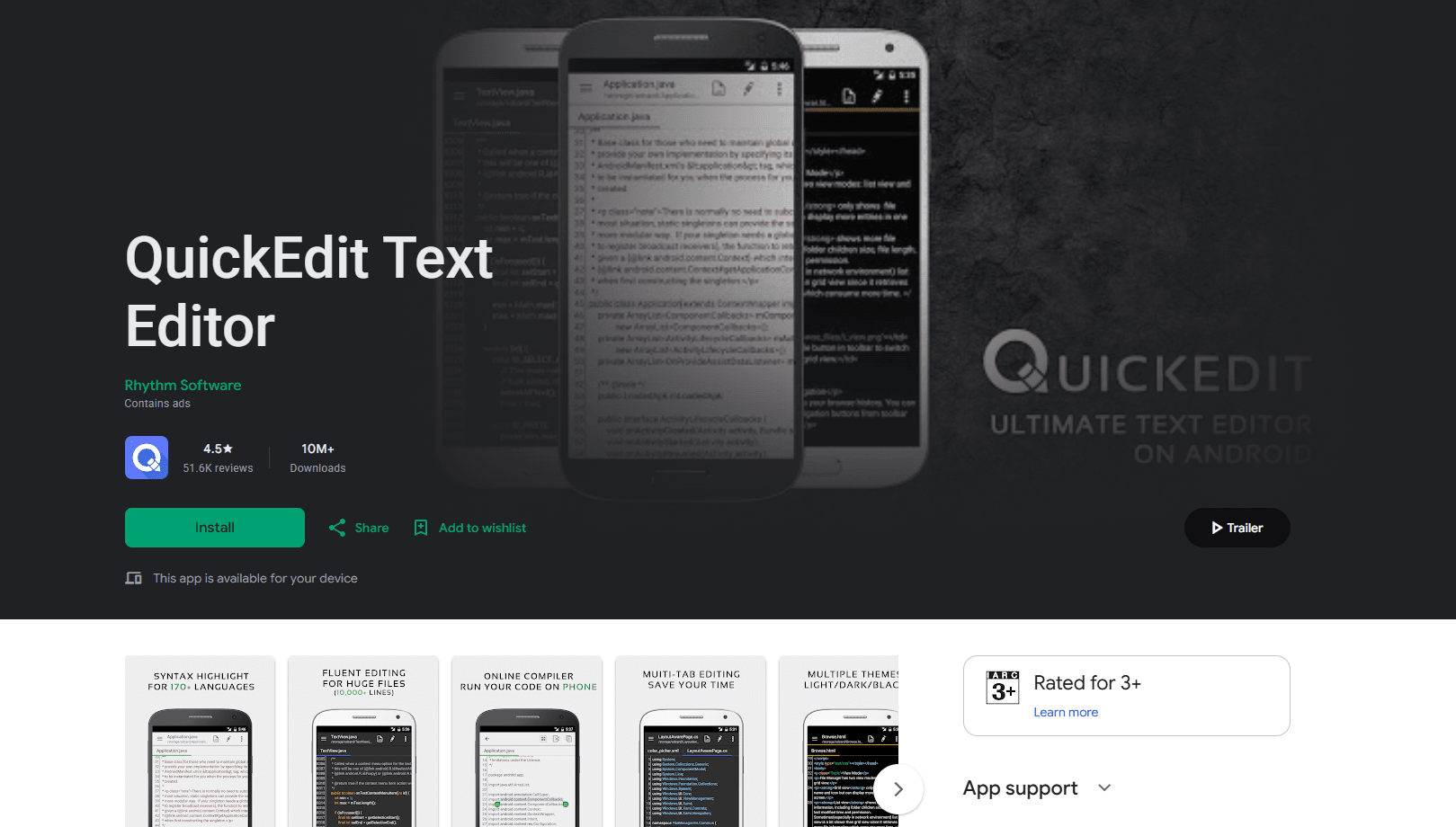
QuickEdit Text Editor is the most practical starting point for plain text XML. Its current Play Store listing documents XML syntax highlighting, automatic character-set detection, multiple tabs, line navigation, and search and replace.
What you get:
- XML syntax highlighting
- Search and replace
- Automatic encoding detection
- Multiple open tabs and line-number navigation
- Access to GitHub, GitLab, FTP, Google Drive, Dropbox, and OneDrive
- A free edition with ads
What you don't get:
- XSD schema validation
- An XML tree editor
- XPath or XSLT tools
- Support for binary XML inside APKs
QuickEdit is a strong choice when XML is one of several text formats you edit on a phone. The developer says it is optimized for files above 10,000 lines, but that is not a guarantee for every device or document. Keep a backup before changing a large or important file.
2. MP Manager
Best for binary Android XML inside APKs
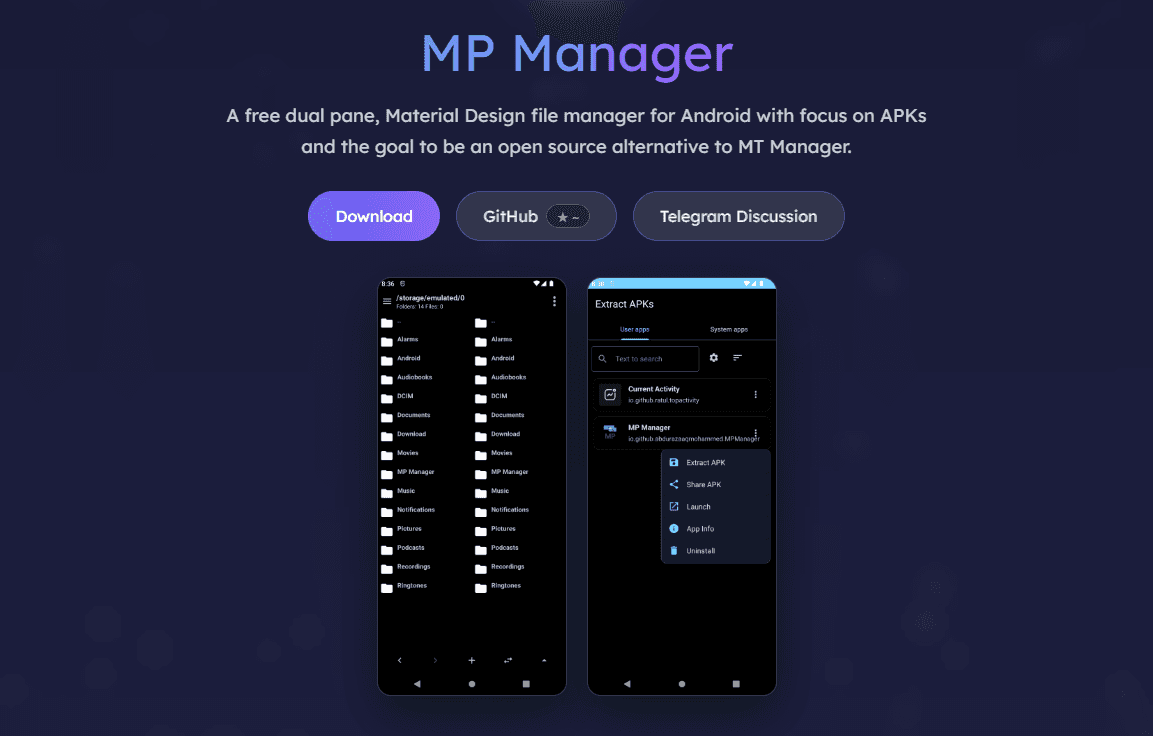
MP Manager is the successor recommended by the developer of AXML Editor. It can decode binary AXML for editing and re-encode it when saved. Its APK tools can also inspect manifests, rebuild packages, and sign modified APKs.
What you get:
- Binary Android XML decoding and re-encoding
- Manifest editing through text and tree-based tools
- Support for regular and split APK packages
- APK rebuilding and signing tools
- Search and replace in the text editor
- Open-source code under the GPL-3.0 license
What you don't get:
- Google Play installation
- The simplicity of a dedicated plain text editor
- A risk-free way to modify any third-party APK
- A guarantee that a modified package will install or run
Use MP Manager only on APKs you are authorized to inspect or modify. Rebuilding changes the package, and signing it with a different key can prevent it from updating or replacing the original app. For an ordinary readable XML document, use QuickEdit or XML Editor instead.
3. XML Editor by Lapay
Best for encoding-sensitive XML files
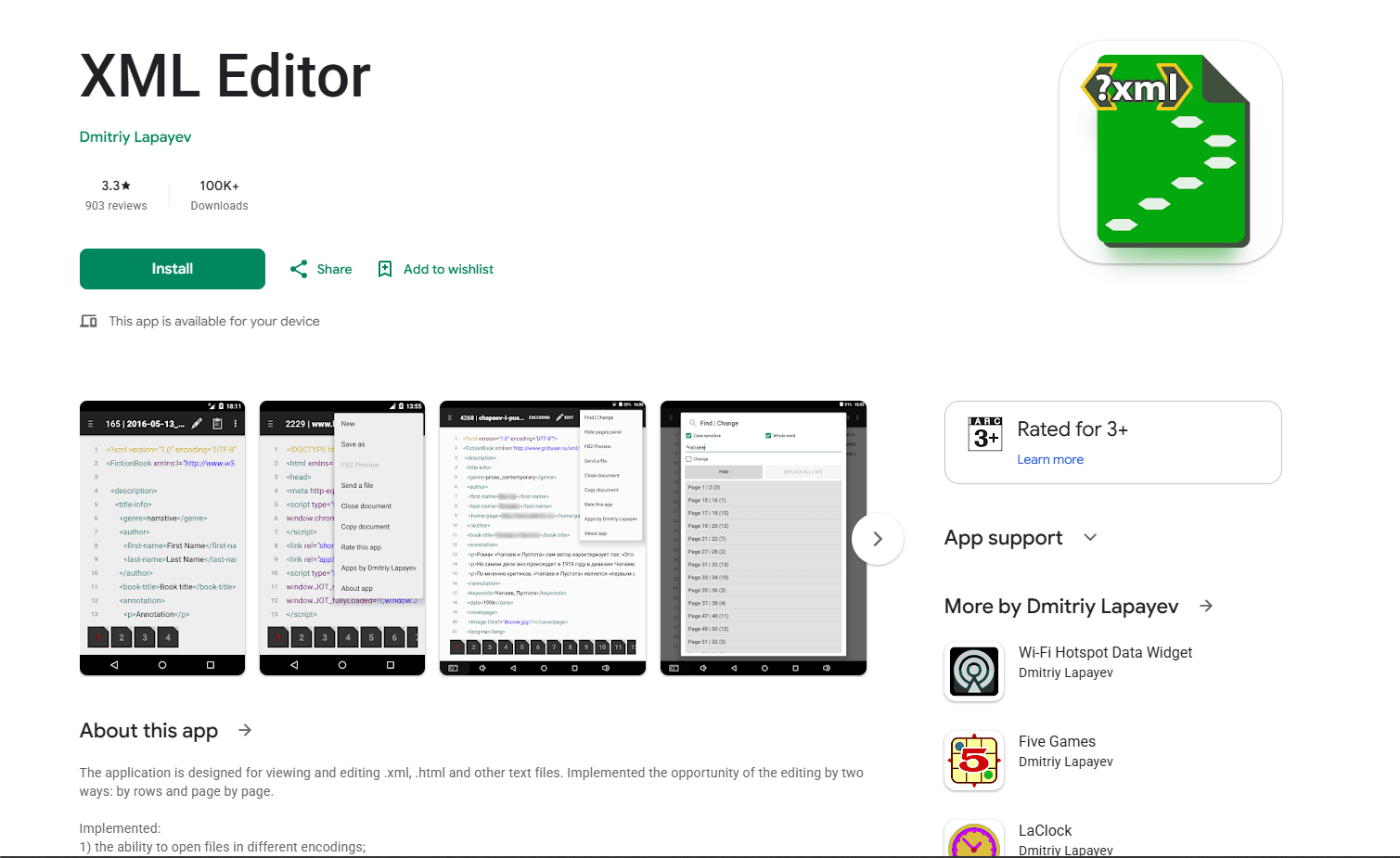
XML Editor by Lapay is a focused text-file editor with row-by-row and page-by-page modes. Its strongest reason to choose it is explicit support for detecting, opening, and saving a wide range of character encodings, including UTF-8, UTF-16, UTF-32, and several legacy encodings.
What you get:
- Row and page editing modes
- Automatic encoding detection
- Saving with a selected encoding
- Find and replace
- Opening files shared from other Android apps
- A free Play Store download
What you don't get:
- XSD schema validation
- XPath or XSLT tools
- A collapsible XML tree
- Binary AXML support
Choose this app when preserving the original encoding matters more than project features. It is also useful for files received through another app because Android can pass the document directly to the editor. Its feature set is closer to a focused text editor than a desktop-style XML IDE.
4. Acode
Best for open-source project editing, SFTP, and plugins
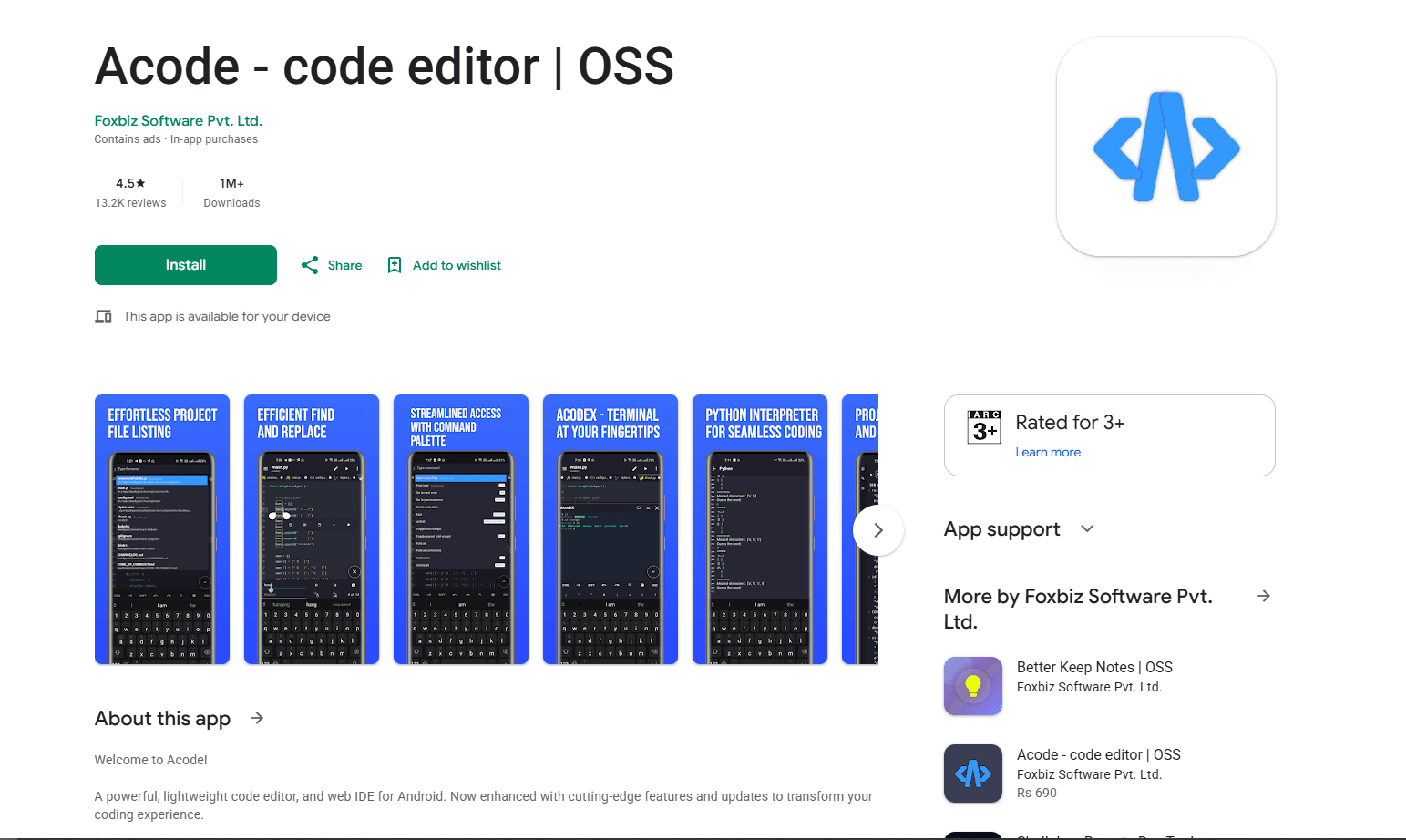
Acode is an open-source Android code editor and web IDE. It supports Git, SSH, FTP, SFTP, project folders, and community plugins, making it useful when an XML file sits beside scripts, templates, or other source files. The source code is available under the MIT license.
What you get:
- Project and multi-file editing
- Git and SSH workflows
- FTP and SFTP file access
- A plugin system and language-server plugins
- Syntax highlighting for many file types
- A free edition with ads
What you don't get:
- Built-in XML schema validation by default
- A dedicated XML tree editor
- Binary AXML support
- The quickest setup for a one-line local edit
Acode makes the most sense when XML is part of a larger development project or lives on a remote server. Plugin availability can change, so verify what a plugin actually supports before relying on it for XML validation or formatting.
App Comparison
5. Code Editor by Rhythm Software
Best for XML within a broad remote-file workflow
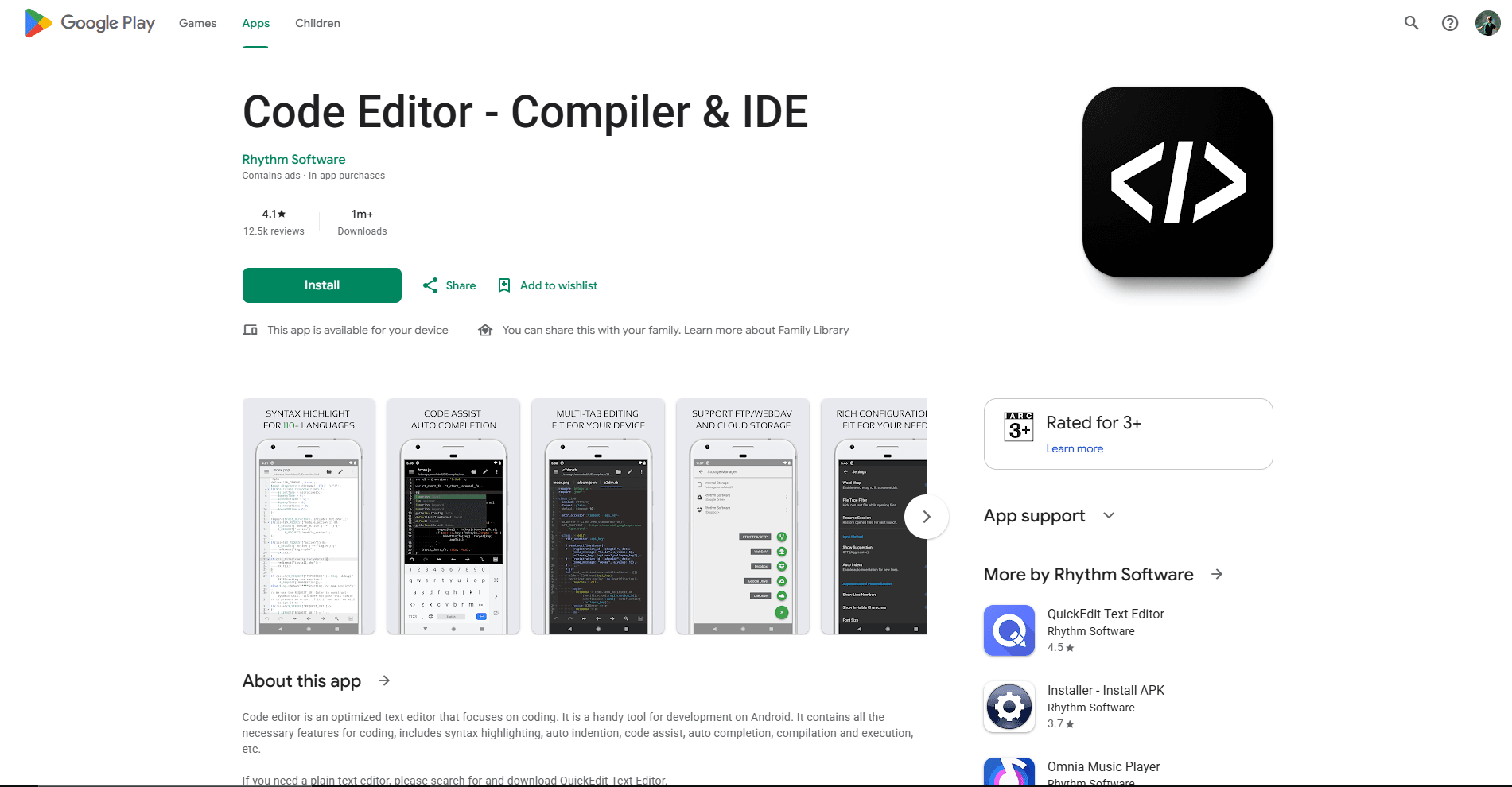
Code Editor is Rhythm Software's development-focused editor. It adds code folding, completion, regular-expression search, and access to GitHub, GitLab, FTP, FTPS, SFTP, WebDAV, Google Drive, Dropbox, and OneDrive.
What you get:
- Syntax highlighting and code folding
- Regular-expression search and replace
- Multiple tabs and automatic indentation
- GitHub and GitLab access
- Several remote and cloud storage connections
- Physical-keyboard shortcuts
What you don't get:
- XML schema tools documented as a core feature
- An XML tree editor
- Binary AXML support
- An ad-free free edition
Choose Code Editor over QuickEdit when you want a fuller project interface or regularly move between local, cloud, and remote files. QuickEdit remains simpler for occasional XML changes.
6. Spck Editor
Best for XML files kept beside web code in Git
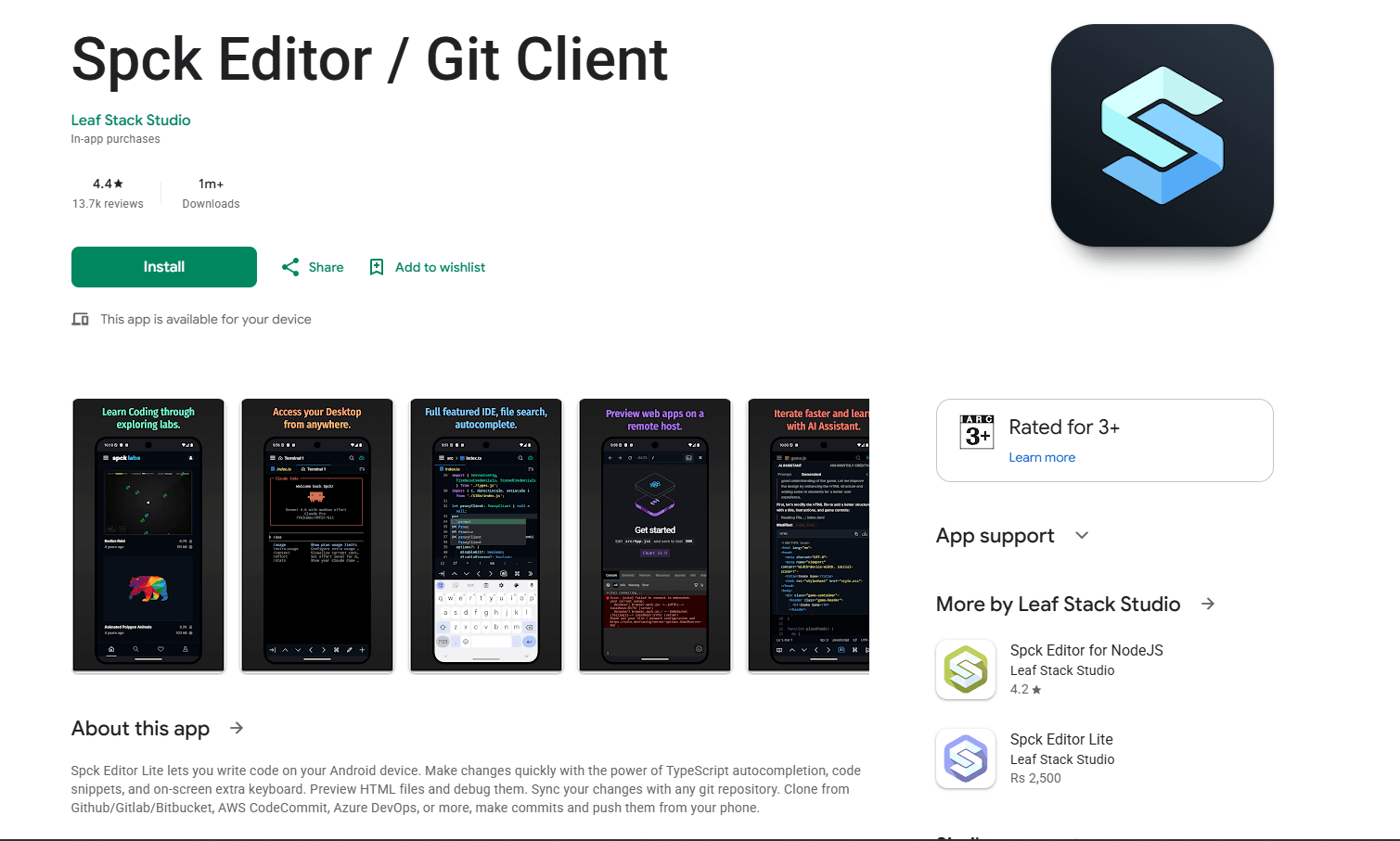
Spck Editor is a mobile-first project editor with Git integration, file search, snippets, and web previews. It can keep an XML file in the same repository as HTML, CSS, and JavaScript, although its strongest smart-language features are aimed at web development rather than XML.
What you get:
- Repository cloning, commits, pulls, and pushes
- Project and file search
- Multi-file project editing
- HTML and Markdown preview
- Import and export through ZIP files
- A remote CLI workflow for files and terminal access
What you don't get:
- Dedicated XML validation or schema tools
- A collapsible XML tree
- Binary AXML support
- Node and npm execution in the standard app
The standard Spck app should not be confused with Spck Editor for NodeJS, a separate edition that adds Node terminal access and npm workflows. For standalone XML, QuickEdit is more direct. Spck is useful when the XML belongs to a repository you already manage in the app.
7. XmlLint or XMLFormatter.org in a Mobile Browser
Best for occasional formatting and well-formedness checks
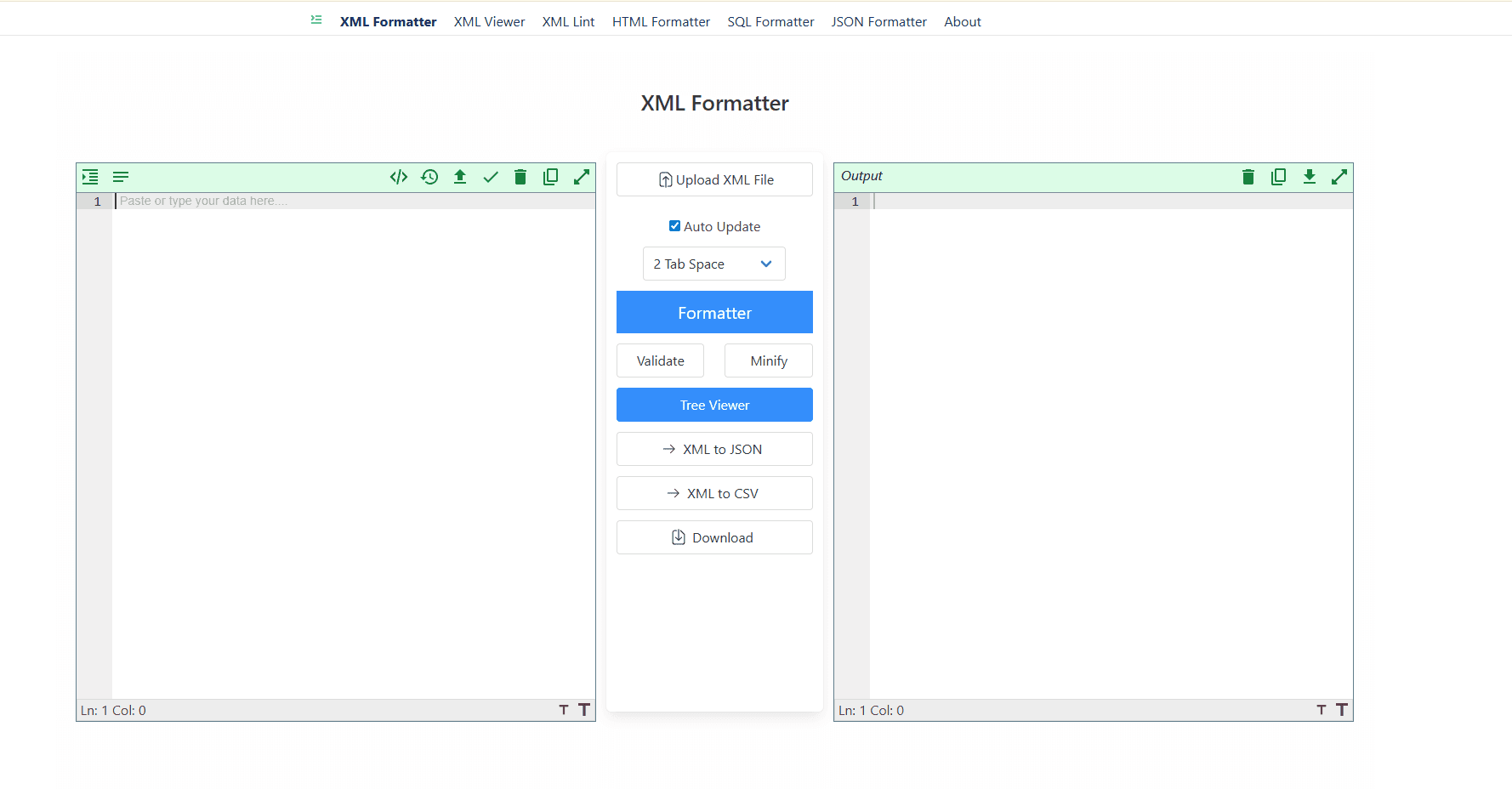
XmlLint runs in a mobile browser and states that formatting and validation happen client-side. XMLFormatter.org offers formatting, validation, tree viewing, conversion, and a separate XSD validator without requiring an installed Android app.
What you get:
- No app installation
- Formatting and basic validation
- A browser-based tree view at XMLFormatter.org
- Client-side processing claimed by both services
- Quick access for occasional work
What you don't get:
- Offline access
- A dependable workflow for very large files
- Direct integration with every Android file manager
- The control of a locally installed development tool
Browser tools are convenient for non-sensitive XML, but a service can change after this article is published. Recheck its privacy statement before pasting credentials, customer data, private URLs, or proprietary schemas. Use a local editor for confidential material.
Which Android XML Editor Should You Install?
Choose according to the file and workflow:
- For most plain text XML: QuickEdit offers the clearest balance of syntax highlighting, search, encoding detection, and file access.
- For binary XML inside an APK: MP Manager is the specialized choice. It replaces the now-outdated AXML Editor recommendation.
- For unusual or legacy encodings: XML Editor by Lapay gives you explicit encoding controls.
- For remote development and plugins: Acode combines SFTP, Git, SSH, and an extensible project editor.
- For many cloud and remote locations: Code Editor supports a broad range of services in one app.
- For Git-based web projects: Spck keeps XML beside the rest of the repository, but it is not an XML-specific IDE.
- For a quick format or validation check: XmlLint or XMLFormatter.org works without an installation.
Keep the original before editing an important XML document. Syntax coloring does not prove that a file is well-formed, and a well-formed document can still violate its XSD or an application's business rules.
If you work on other platforms, see the best XML editor for Linux for desktop and command-line tools, or the best XML editor for VS Code for schema-aware development.
Frequently Asked Questions
What is the best XML editor app for Android?
QuickEdit is the best general recommendation for ordinary XML because it documents XML syntax highlighting, encoding detection, search and replace, multiple tabs, and several file sources. If the file came from a compiled APK, use MP Manager instead because ordinary text editors cannot decode binary Android XML.
How do I edit AndroidManifest.xml on Android without a PC?
If the manifest is plain text in a source project, open it in QuickEdit, Acode, or another code editor. If it is extracted from a compiled APK, use MP Manager to decode the binary AXML, edit it, and re-encode it. Only modify APKs you have permission to change, and expect a rebuilt package to require signing.
Can I validate XML files on Android?
XmlLint and XMLFormatter.org can check well-formedness in a mobile browser. XMLFormatter.org also advertises a separate XSD validator. Syntax highlighting in an editor is not validation, so use a documented XSD-capable tool when the document must conform to a schema.
How do I open an XML file on recent Android versions?
Install an editor, open Android's Files app, select the XML document, and choose the editor through Open with or the share menu. If a folder is unavailable, use the system document picker to grant access to that document or directory. Moving a working copy to Documents can also simplify access, but keep the original until you confirm that saving works correctly.
Related Reading
If you're working with other file formats or need to compare tools across different platforms, these guides help:
Need to work with JSON files? Use the JSON merger tool.
Read More
All Articles
9 Best XML Editors for Mac in 2026 (Free & Paid)
Compare nine XML editors for Mac, from free text editors to professional tools for XSD validation, XSLT, XQuery, and schema-driven work.
9 Best XML Editors for Windows in 2026 (Free & Tested)
Compare the best XML editors for Windows, including VS Code, Notepad++, XML Notepad, and Oxygen for validation, schema support, and large files.
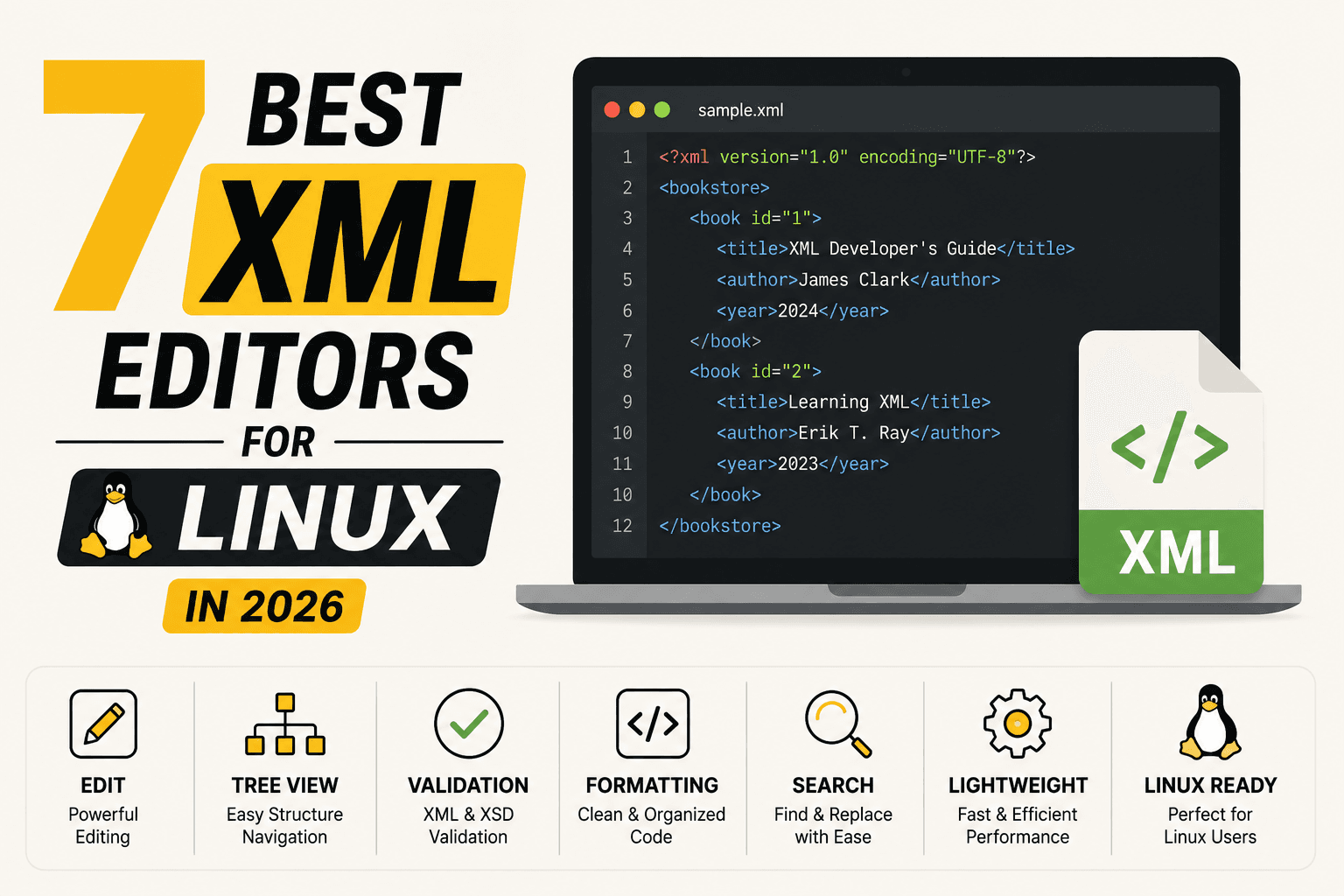
7 Best XML Editors for Linux in 2026 (GUI & Terminal)
Compare the best XML editor for Linux options with XSD validation, XPath support, and XSLT. From VS Code to oXygen. Find the right one for your workflow.