7 Best HTML Editor Apps for Android in 2026 (Tested & Ranked)

On this page
Editing HTML on Android is harder than editing on a desktop because typing brackets on a touchscreen is slower, file access varies between apps, and previewing often means switching between the editor and a browser. Android 11 and later also limit broad access to shared storage, so an editor may use the system file picker, import a project, or keep files in its own app storage.
TrebEdit includes an HTML viewer, Code Editor connects to cloud and remote storage, and QuickEdit provides a lighter syntax-highlighting workflow. Choose according to the task: building a small page, changing an existing file, or working with a Git repository.
Emmet also reduces touchscreen typing. Type div.container>ul>li*5 and expand it into a complete HTML structure instead of entering every bracket manually. Cloud and remote access matter when the files live on a server, shared drive, or Git repository, but you should keep a backup before changing a production file from a phone.
What Makes a Good HTML Editor on Android
Preview, file handling, search, autocomplete, and external-keyboard support matter more on Android than a long feature list. Emmet turns abbreviations such as div.container>ul>li*5 into complete markup, while a built-in HTML viewer reduces app switching. For editors without preview, Android's split-screen mode can place the editor beside a browser. Test the finished page in the browsers your visitors use because an in-app viewer is not a complete cross-browser test.
1. TrebEdit Mobile HTML Editor (Best for Complete Mobile Development)
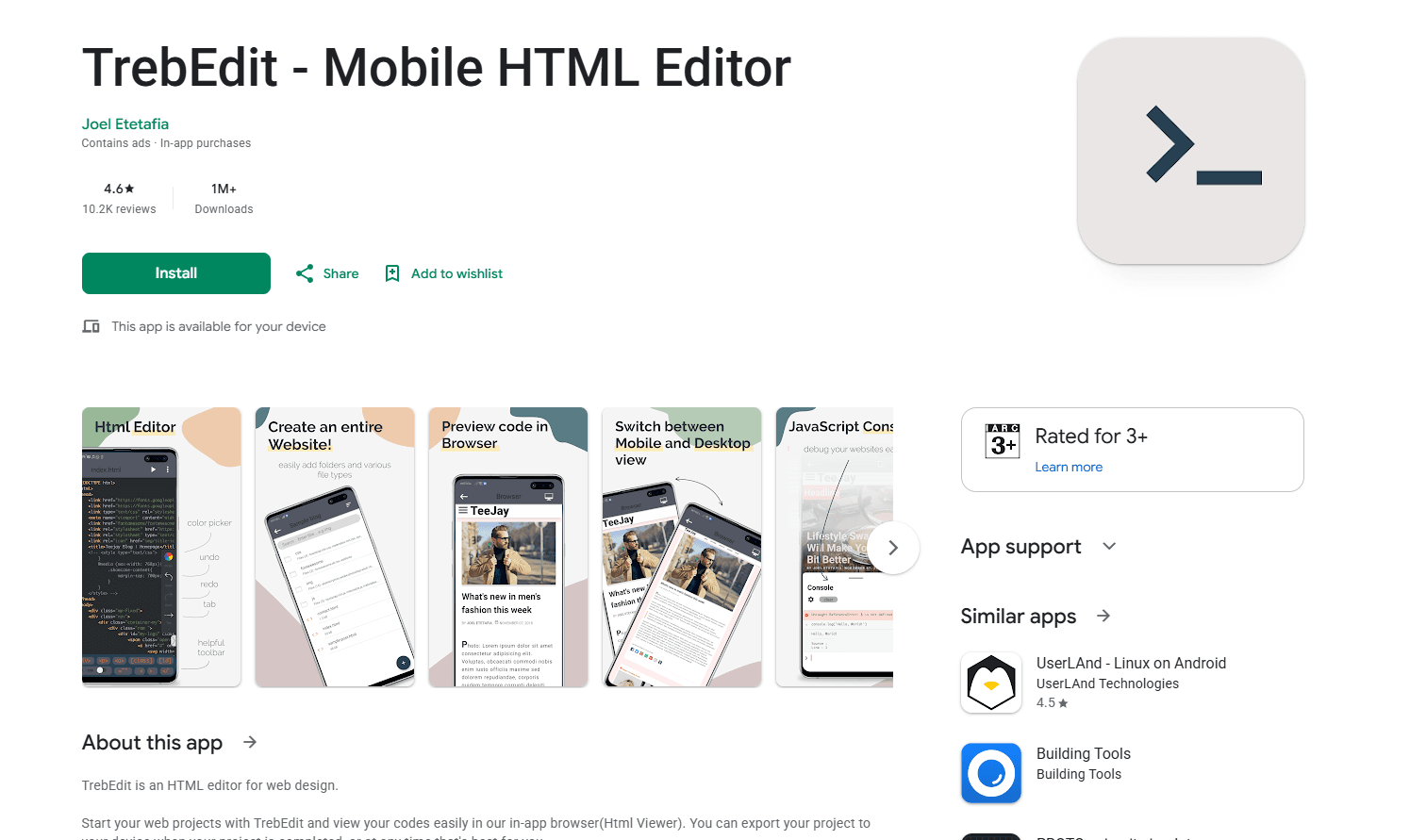
TrebEdit is one of the most complete mobile HTML editors on Android. The interface provides syntax highlighting for HTML, CSS, and JavaScript in a clean tabbed layout.
What you get:
- In-app HTML viewer
- Syntax highlighting for HTML, CSS, JavaScript
- Workspace system with folders
- Tabbed file management
- Project export to device storage
- Collapsible tree view
- File organization like desktop editor
- Free with in-app purchases
What you don't get:
- Perfect Chrome rendering (WebView differences)
- Emmet support
- Git integration
- Advanced debugging tools
The in-app HTML viewer is the standout feature. Tap the preview control and your page renders without leaving the app. The workspace system organizes files into folders, so you can create a project directory, add HTML, CSS, and JavaScript files, and move between them with tabs.
This is the tool for developers building complete web pages on mobile. The workflow is smooth enough that you can prototype a landing page or fix a client site from your phone.
Install: Search "TrebEdit" on the Play Store. The current listing contains ads and in-app purchases.
2. Code Editor - Compiler & IDE (Best for Cloud and Git Workflows)
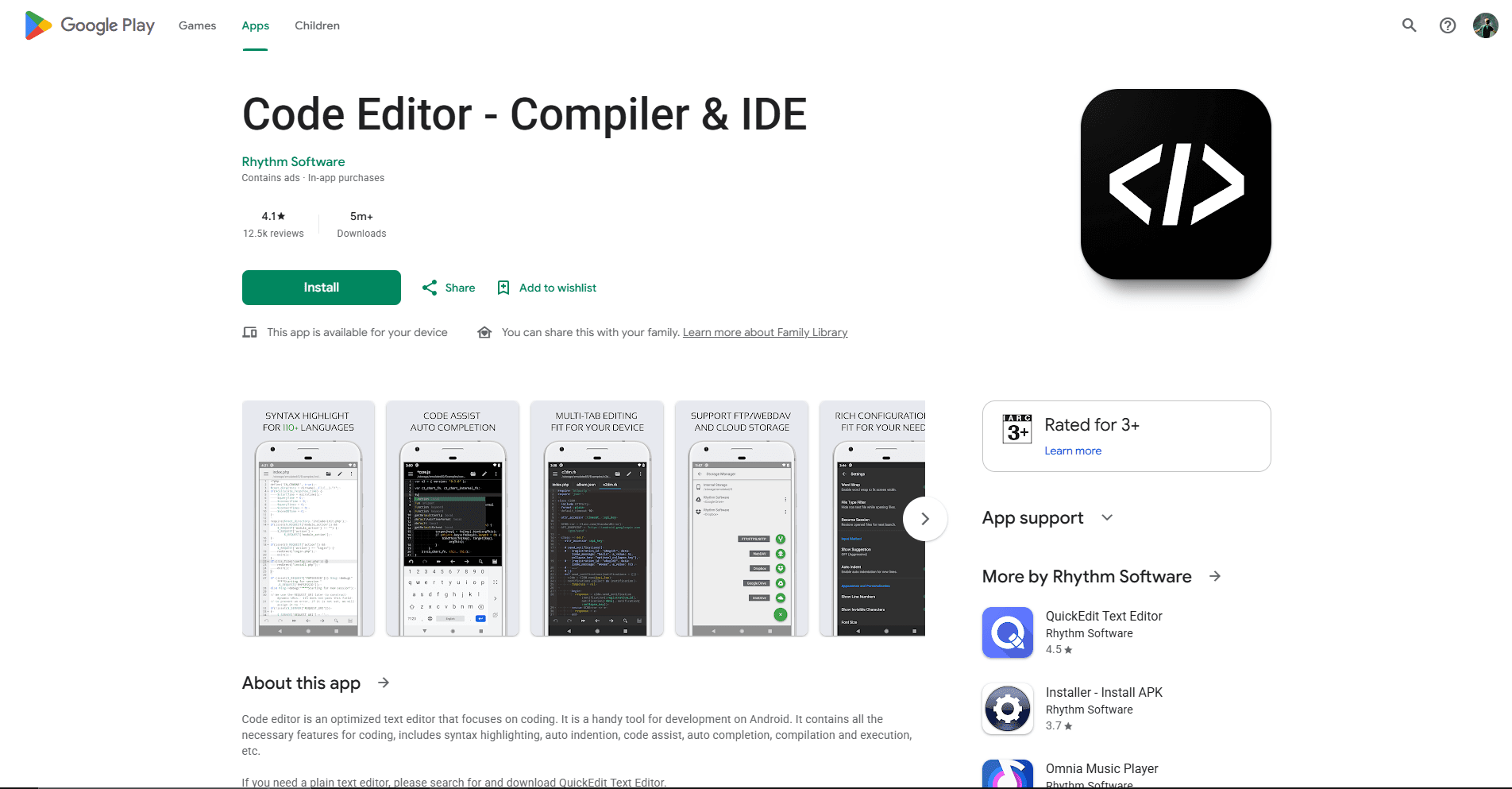
Code Editor by Rhythm Software is a general code editor with HTML preview, Emmet, cloud storage, and remote-file access. It is the closest current replacement for the discontinued DroidEdit in this list.
What you get:
- Google Drive, Dropbox, and OneDrive access
- FTP, FTPS, SFTP, and WebDAV connections
- GitHub and GitLab integration
- Emmet support built-in
- Syntax highlighting for 110+ languages
- Customizable themes with dark mode
- HTML preview and JavaScript console
- Free download available
What you don't get:
- A web-development-only interface
- Full local build tooling
- Desktop browser debugging
- An ad-free free edition
Open an HTML file from supported cloud storage or a remote server, edit it on your phone, and save it through the same connection. Syntax highlighting, autocomplete, regular-expression search, and Emmet cover the main editing tasks without requiring a separate HTML-specific app.
For developers who maintain HTML files outside local device storage, Code Editor reduces the download, edit, and upload cycle. Back up or commit important files first because saving through FTP, SFTP, WebDAV, or a cloud service can change the remote copy.
Install: Use the verified Rhythm Software Play Store listing. The current edition contains ads and in-app purchases, and prices can vary by region.
3. Acode Code Editor (Best Open Source Option)
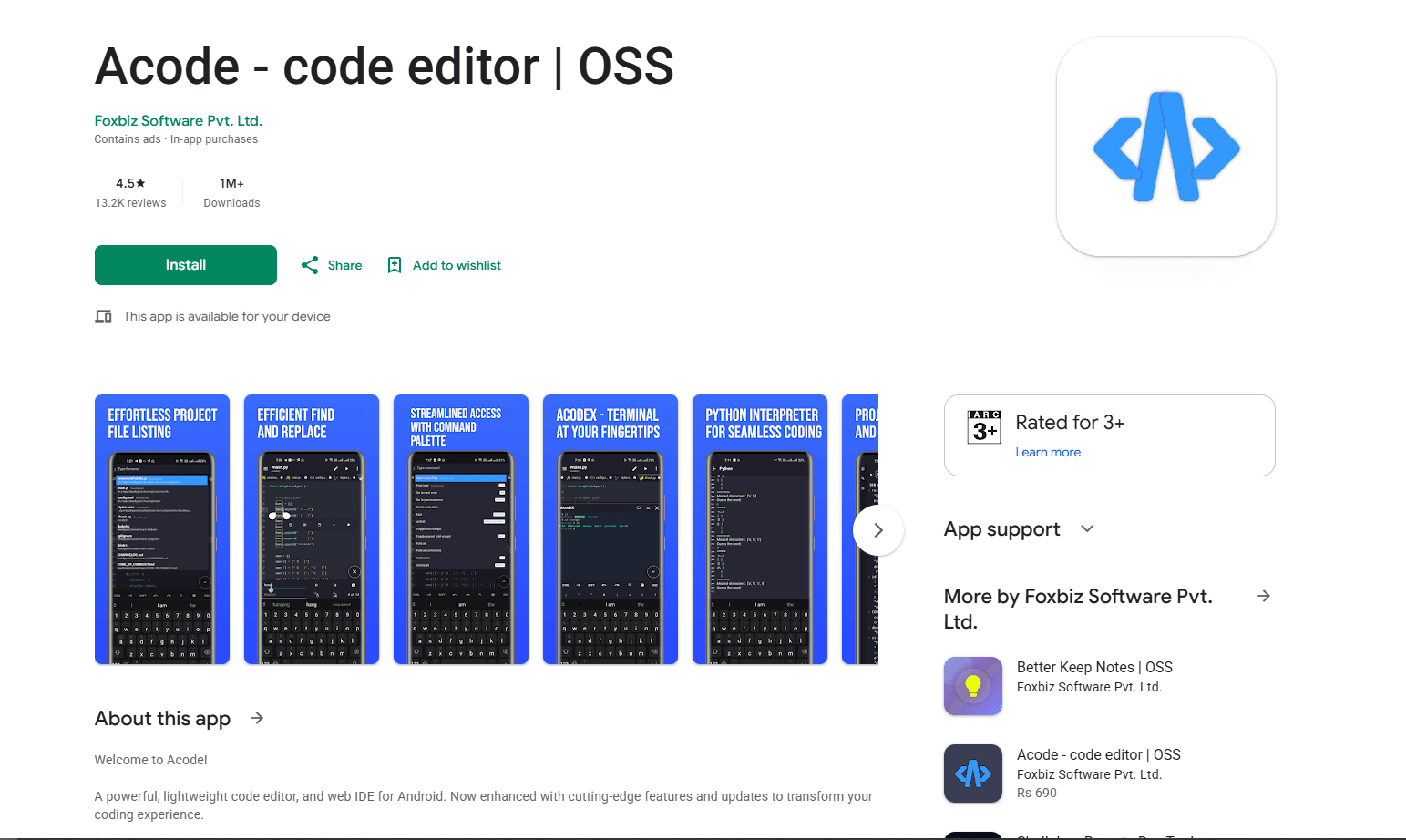
Acode is open source and actively maintained on GitHub. It combines a code editor and web IDE with remote connections, Git, a Linux terminal, HTML preview, and plugins.
What you get:
- Open source (GitHub)
- HTML syntax highlighting and Emmet
- JavaScript console for testing scripts
- FTP and SFTP connections
- Git and SSH workflows
- Live HTML preview
- Plugin ecosystem
- Edit files on live servers
- Free open-source edition with ads
- Active development
- Linux terminal with Node.js and npm support
What you don't get:
- A minimal one-file interface
- An ad-free free edition
- The same setup on every Android device
- Simple setup (more configuration needed)
HTML syntax highlighting, Emmet, and preview work inside the app. The JavaScript console lets you inspect scripts, while FTP and SFTP connections can open files on remote servers. Back up a remote file before saving because editing a live server can publish the change immediately.
The plugin ecosystem extends the editor with language servers, formatters, themes, and other development tools. Acode has more setup than a focused HTML editor, but it can support a larger project without moving immediately to a desktop.
Install: Search "Acode" on the Play Store and confirm whether you want the free or paid listing. The source code is available under the MIT license.
4. HTML Editor (Best for Structured Web Development)
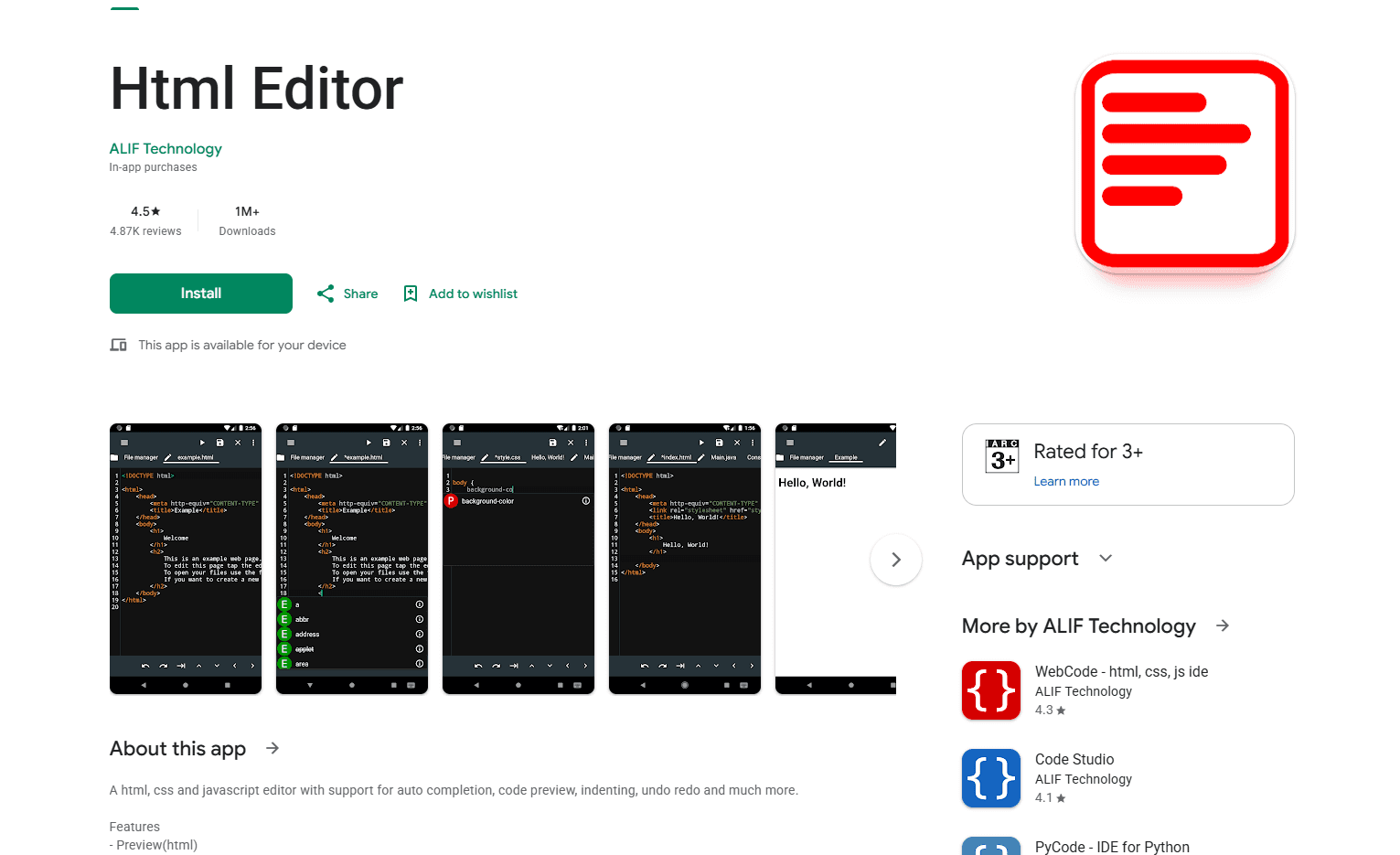
Html Editor by ALIF Technology is specifically designed for editing HTML, CSS, and JavaScript on Android. Its current listing emphasizes core editing and preview features rather than Git, remote connections, or a visual page builder.
What you get:
- HTML preview
- HTML and CSS autocomplete
- Syntax highlighting
- Automatic indentation
- Autosave
- Undo and redo
- Focused mobile interface
What you don't get:
- Git integration
- Remote server connections
- A documented WYSIWYG editor
- A documented split-panel workspace
- Advanced browser debugging
Edit an HTML file, use autocomplete for HTML and CSS, and open the preview to check the page without leaving the app. Autosave, indentation, syntax highlighting, and undo or redo cover the common requirements for learning or making a small local change.
The app name is generic, so use the verified ALIF Technology listing rather than relying only on a Play Store search. The listing shows in-app purchases, but it does not document the previous claims about a one-project limit, WYSIWYG mode, custom domains, or advanced exports.
Install: Open the ALIF Technology listing linked above. Check the current purchase options for your region before relying on a paid feature.
5. Spck Code Editor (Best for Modern Web Frameworks)
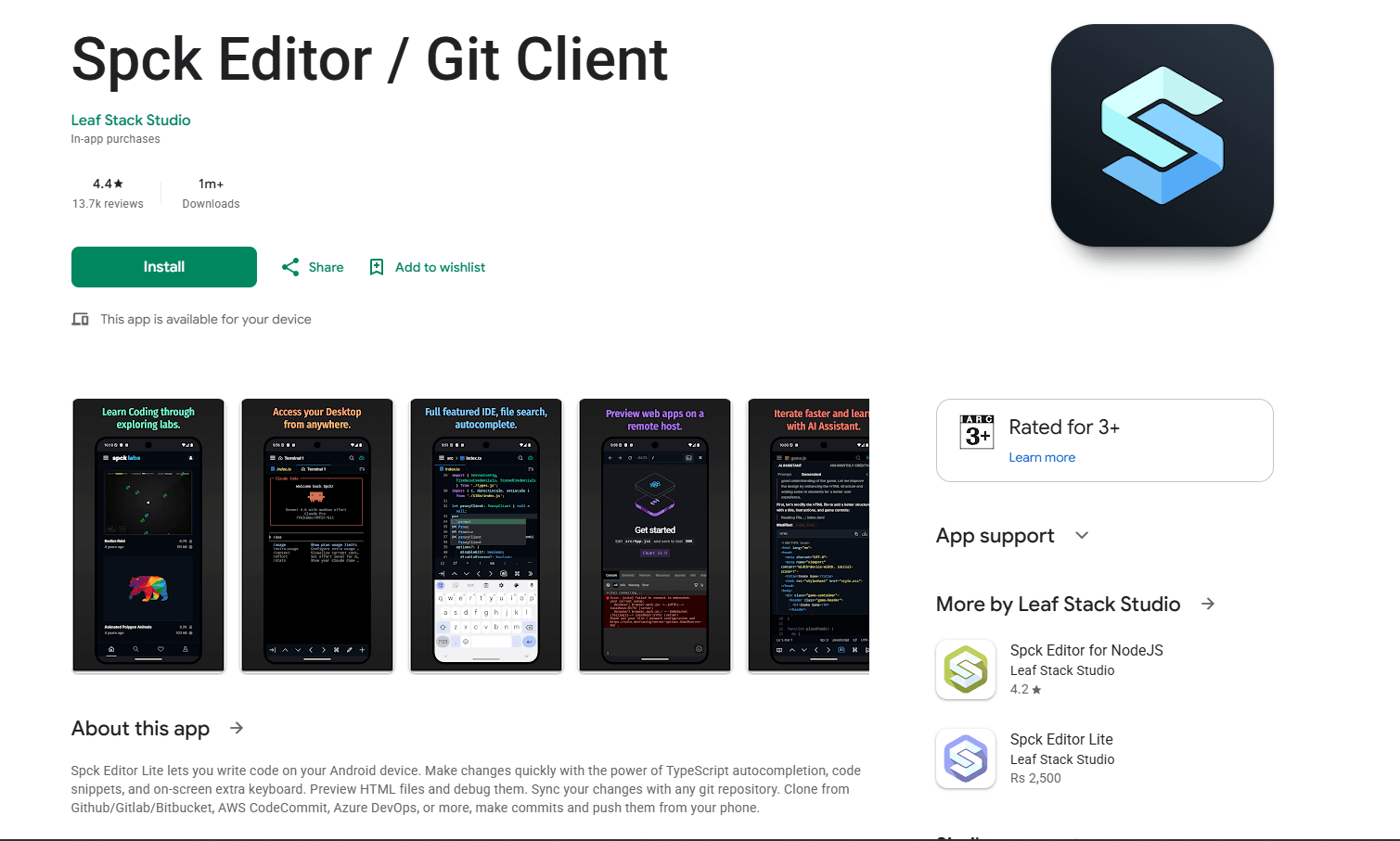
Spck Editor is designed for web projects and Git workflows, with strong support for JavaScript, TypeScript, JSX, TSX, CSS, and HTML.
What you get:
- Git integration (clone, branch, commit, push)
- HTML and Markdown preview
- Syntax highlighting and code completion
- Emmet support for HTML and CSS
- Project and file search
- ZIP import and export
- Project-based workflow
- Free with optional premium
What you don't get:
- Direct editing of every local Android folder
- A full Node.js terminal in the standard edition
- A simple one-file interface
- Desktop browser debugging
HTML editing is strong because the app understands modern web-development workflows. Emmet, code completion, project search, and on-screen coding keys reduce repetitive typing, while the built-in preview can render HTML and expose console output.
Git integration is built in. Clone repositories, create branches, commit changes, and push to a remote service from the phone. Back up projects before uninstalling because Spck warns that projects stored inside the app can otherwise be lost.
Install: Search "Spck Editor" on the Play Store. The separate Spck Editor for NodeJS adds a Node terminal; do not assume the standard edition includes the same runtime.
6. QuickEdit Text Editor (Best for Quick Fixes)
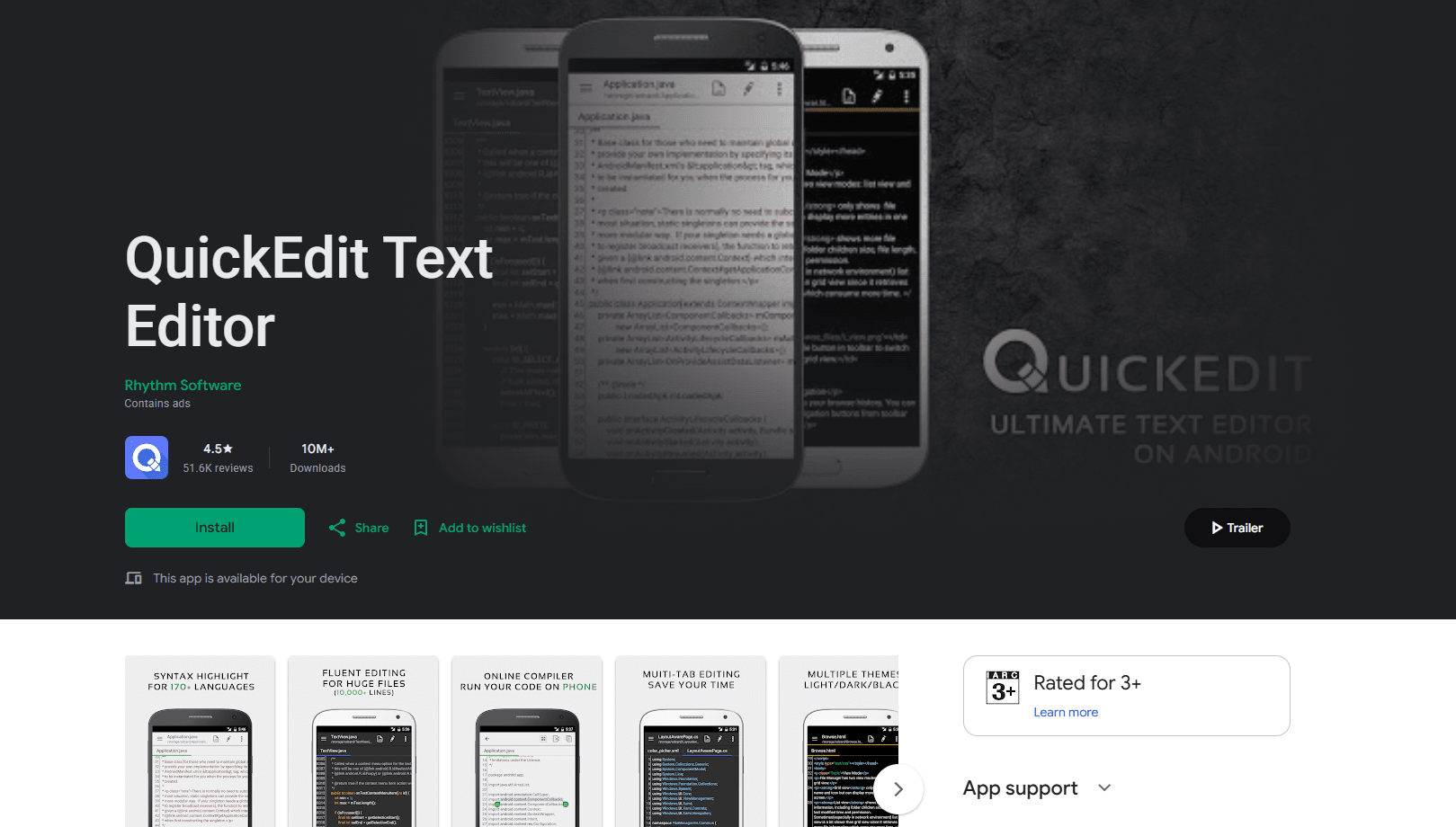
QuickEdit is not HTML-specific, but it keeps quick HTML edits simpler than a project-based web IDE.
What you get:
- Syntax highlighting for HTML and 170+ languages
- Optimizations for large text files
- Multiple tabs and line navigation
- Cloud and remote access features, depending on edition
- Find and replace with regex
- Clean, fast interface
- Encoding detection
- Free edition with ads
What you don't get:
- Live preview
- Emmet support
- Web-specific features
- Project management
- Git integration
Syntax highlighting works for HTML and more than 170 other languages. The developer describes optimizations for large files, although actual performance depends on the document and device. Multiple tabs, line navigation, encoding detection, and regular-expression replacement are useful when maintaining an existing HTML file.
For developers who need to make a quick edit and do not need preview, Emmet, or Git, QuickEdit avoids unnecessary project setup. Save the file, open it in a browser or another preview tool, and verify the result before publishing.
Install: Search "QuickEdit Text Editor" on the Play Store. The free edition contains ads, and a separate Pro edition is available.
7. WebCode (Best for Learning and Prototyping)
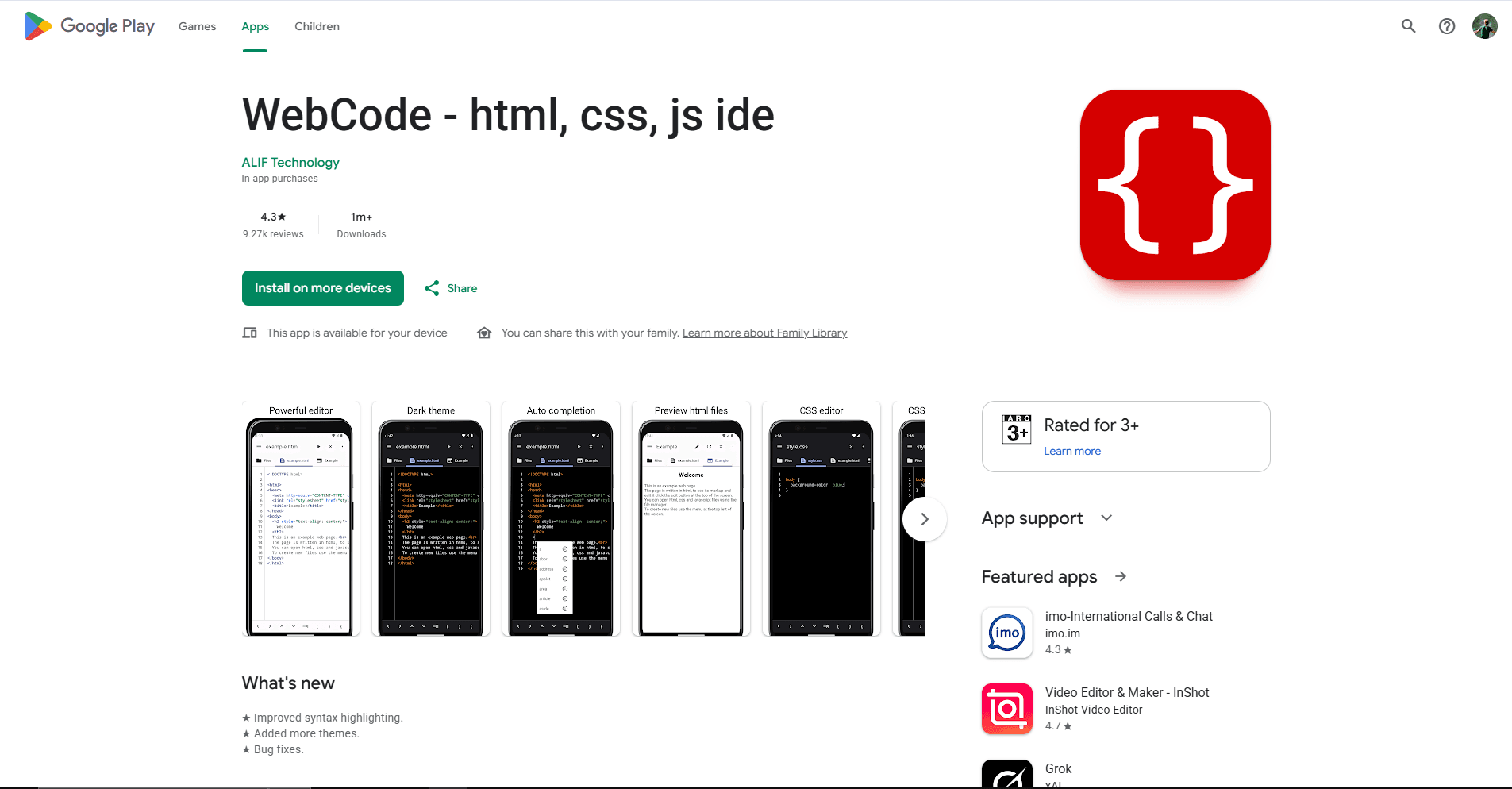
WebCode is an HTML, CSS, and JavaScript IDE from ALIF Technology. Its preview, autocomplete, console, and file manager suit learning exercises and compact front-end prototypes.
What you get:
- HTML preview
- HTML and CSS autocomplete
- Syntax highlighting for HTML, CSS, JavaScript, and PHP
- JavaScript console with categorized logs
- Built-in file manager
- Indentation, undo, and redo
- Find and replace
- In-app purchases
What you don't get:
- Production deployment features
- Git integration
- FTP/cloud sync
- Emmet documented in the current listing
- A terminal or local Node.js environment
Write HTML, CSS, or JavaScript and open the preview to see the result. Autocomplete covers HTML and CSS, while the console helps reveal JavaScript logs. The built-in file manager keeps a small project together without adding repository controls to the main workflow.
For learners and developers who want to test a front-end idea quickly, WebCode provides more structure than a plain text editor without requiring Git or remote-server setup. It is better suited to exercises and prototypes than production deployment.
Install: Use the verified ALIF Technology Play Store listing. It includes in-app purchases, so check the current licensing screen before committing a project to it.
Which Android HTML Editor Should You Actually Use?
For a focused mobile HTML environment with preview: TrebEdit. The in-app viewer and project workflow make it practical for building or learning with small web pages on Android.
For editing HTML files stored on remote servers or Git repositories: Code Editor or Acode. Code Editor supports major cloud services and remote protocols, while Acode is open source and includes Git, preview, a terminal, and plugins.
For quick fixes to HTML files without needing preview: QuickEdit. It opens regular files, highlights HTML, and provides the search and navigation tools needed for a controlled change.
For beginners learning HTML on Android: WebCode or the Html Editor app. Both provide preview and focused environments, although WebCode also includes a JavaScript console and file manager.
Frequently Asked Questions
What is the best free HTML editor for Android?
Acode is the strongest open-source option in this list. It has HTML highlighting, Emmet, preview, a JavaScript console, Git, and FTP or SFTP connections. Its free Play Store edition contains ads, and paid options may vary. For a simpler edit without preview, QuickEdit also has a free ad-supported edition.
Can I code HTML on my Android phone?
Yes. Apps such as TrebEdit, Acode, Code Editor, and Spck let you write HTML, CSS, and JavaScript on Android. Their preview, Git, cloud, and remote-server features differ, so choose around where your files live. Android's split-screen mode can place an editor on one side and a browser on the other, while a tablet and physical keyboard make longer sessions more practical.
How do I preview HTML on Android?
Use an editor with built-in preview such as TrebEdit, Acode, Code Editor, Html Editor, Spck, or WebCode. These apps render the page without requiring a separate upload. You can also save the file and open it in a browser, using split-screen mode when supported. Check the final page in your target browsers before publishing.
Is there a good HTML editor for Android tablets?
The active apps in this list have Android listings for phones, tablets, or compatible larger-screen devices, but their layouts can differ. Acode, Spck, Code Editor, and QuickEdit benefit from extra room for tabs, file trees, or split-screen preview. Tablets with keyboard support also make brackets, indentation, and shortcuts easier than on a phone.
Related Reading
If you need to combine multiple HTML files into one, the HTML merger tool handles that directly in your browser without installing anything.
Desktop options:
Other Android editors:
If you're working with other file formats, check out the CSV merger, Excel merger, JSON merger, or XML merger tools.
Read More
All Articles
7 Best HTML Editors for Linux in 2026 (Free & Open Source)
Compare 7 best HTML editors for Linux with live reload, Emmet, and lightweight options. Includes VS Code, Geany, Bluefish, and terminal editors.
8 Best Markdown Editors for Android in 2026 (Free & Paid)
Find the best Markdown editor for Android with sync, live preview, and offline editing. Compare Markor, JotterPad, Obsidian, and more for phones and tablets.
7 Best XML Editor Apps for Android in 2026 (Tested & Ranked)
Find the best XML editor for Android for plain text XML, remote files, Git projects, and binary XML inside APKs. Compare QuickEdit, MP Manager, Acode, and more.