8 Best Python Libraries for Data Visualization in 2026

On this page
Seaborn is our best Python data visualization library for most data analysis work. It sits on top of Matplotlib, works naturally with pandas DataFrames, and creates clean statistical charts with less code than raw Matplotlib.
Matplotlib is still the foundation. Use it when you need precise control, publication-ready static figures, or compatibility with scientific Python tools. Plotly is the best choice when the chart needs hover tooltips, zooming, sharing, or dashboard use. Altair is best when you like declarative chart grammar and want concise, readable chart code.
The right library changes with the output and the amount of data. Notebook exploration is different from a PDF report, just as a dashboard differs from a paper figure. A 500-row CSV and a 5-million-row time series also place different demands on rendering.
Use Seaborn for everyday analysis, Matplotlib when control matters, Plotly for interactive charts, and Altair for clean declarative charts. Use Bokeh for custom browser-based tools, or hvPlot with its downsampling and rasterization options for larger interactive datasets.
Quick Verdict
1. Seaborn (Best Default for Data Analysis)
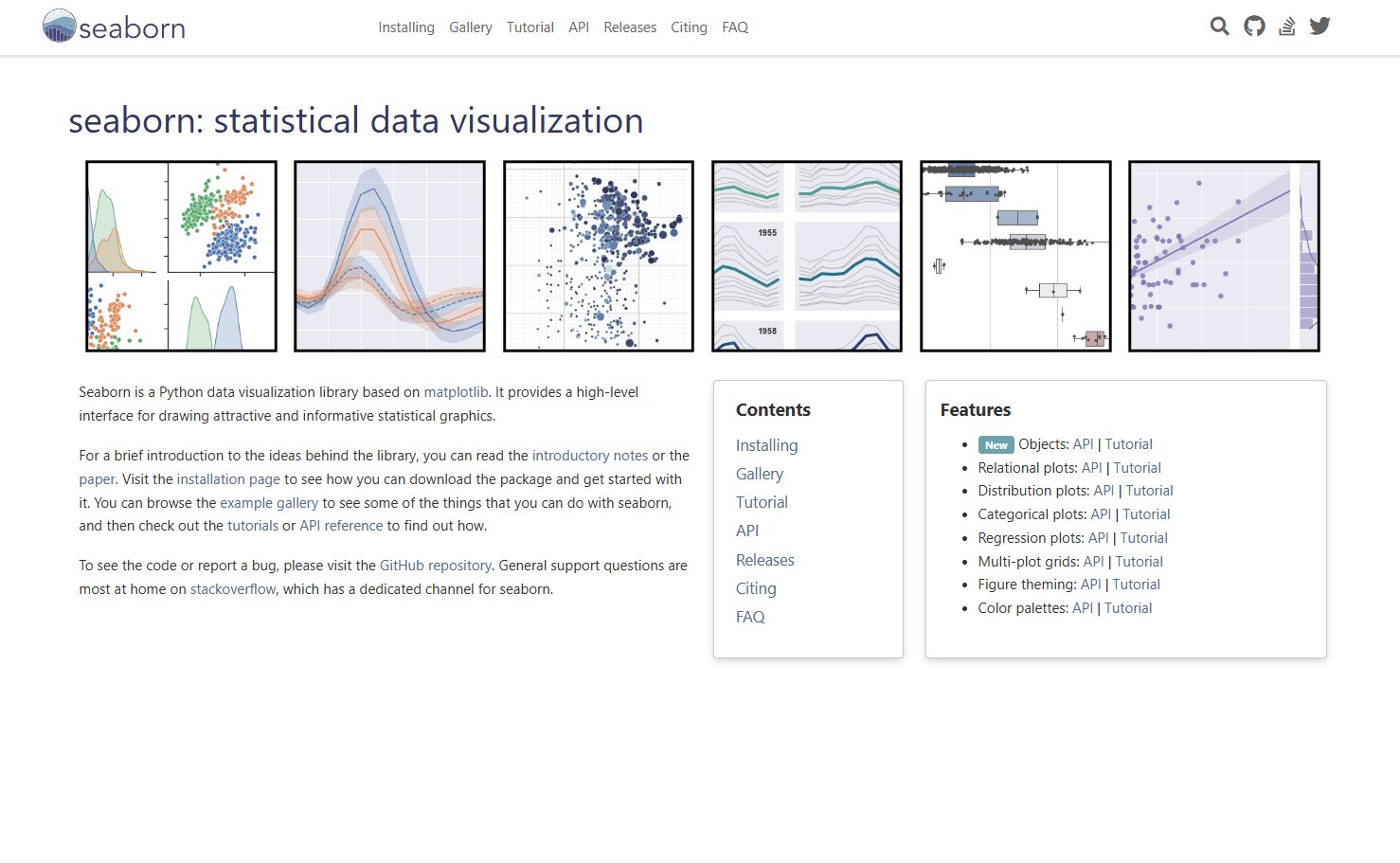
Seaborn is the best first choice for analysts, data scientists, and Python users who want good-looking statistical charts without spending all afternoon styling axes.
It is built on Matplotlib and provides a higher-level interface for statistical graphics. That means you still get Matplotlib compatibility, but the code is cleaner for common analysis tasks.
What you get:
- Clean default styles
- Excellent pandas DataFrame support
- Statistical plots like box plots, violin plots, regression plots, histograms, and KDE plots
- Faceting with col and row arguments
- Good color palettes
- Less boilerplate than Matplotlib
What you don't get:
- Native browser-style interactivity
- Complete low-level control without dropping into Matplotlib
- A framework for building web dashboards
Basic example:
import seaborn as sns
import matplotlib.pyplot as plt

tips = sns.load_dataset("tips")

sns.scatterplot(
    data=tips,
    x="total_bill",
    y="tip",
    hue="time",
    size="size"
)

plt.show()
Seaborn works well when your data already lives in a DataFrame and you want to examine relationships with concise code. Scatter plots, distribution plots, categorical comparisons, and regression lines all fit its statistical plotting interface.
When this is best:
Use Seaborn when you are doing exploratory data analysis in Jupyter, comparing groups, checking distributions, or preparing readable charts for internal reports. If you are not sure which Python visualization library to start with, start here.
2. Matplotlib (Best Foundation and Full Control)
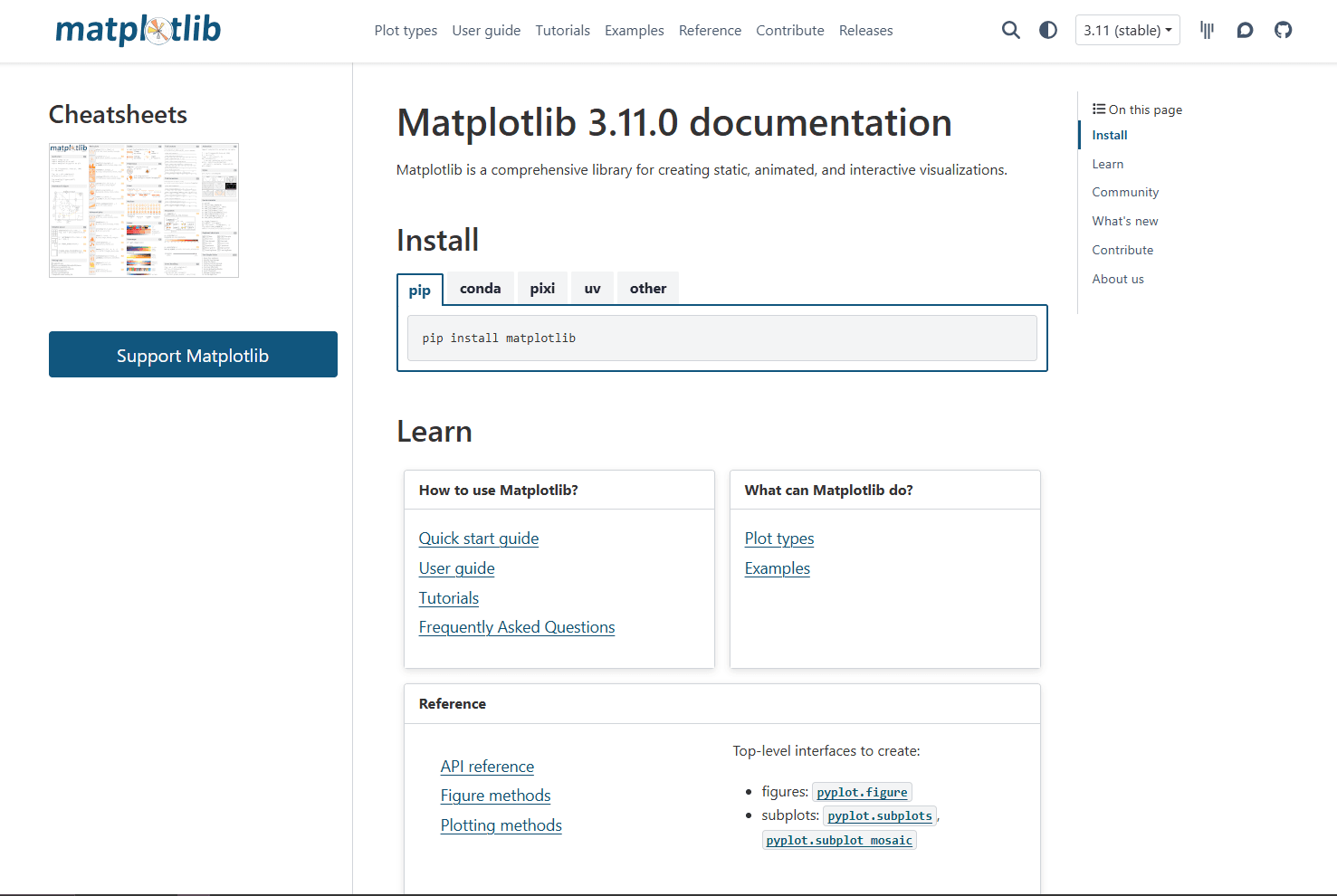
Matplotlib is the core plotting library behind much of the Python visualization ecosystem. It creates static, animated, and interactive visualizations, and many other libraries either build on it or integrate with it.
Matplotlib is not always the shortest path to a polished chart, but it is a dependable choice when you need exact control.
What you get:
- Fine control over every part of a figure
- Publication-quality static output
- PNG, SVG, PDF, EPS, and other export formats
- Strong compatibility with NumPy, pandas, SciPy, and Jupyter
- Object-oriented API for serious figure layout
- Extensive API documentation and a large collection of examples
What you don't get:
- Modern-looking defaults without styling
- Concise code for complex statistical charts
- Easy web interactivity out of the box
Basic example:
import matplotlib.pyplot as plt

months = ["Jan", "Feb", "Mar", "Apr"]
revenue = [12000, 15000, 13000, 18000]

fig, ax = plt.subplots()
ax.plot(months, revenue, marker="o")
ax.set_title("Monthly Revenue")
ax.set_xlabel("Month")
ax.set_ylabel("Revenue ($)")

plt.show()
Matplotlib is the tool you reach for when the chart needs to be exactly right. Custom subplot layouts, annotations, axis formatting, color control, and export settings are all deeply supported.
When this is best:
Use Matplotlib for academic papers, scientific plots, static reports, custom dashboards where another library renders the final image, or any situation where fine-grained control matters more than concise code.
3. Plotly (Best for Interactive Charts)
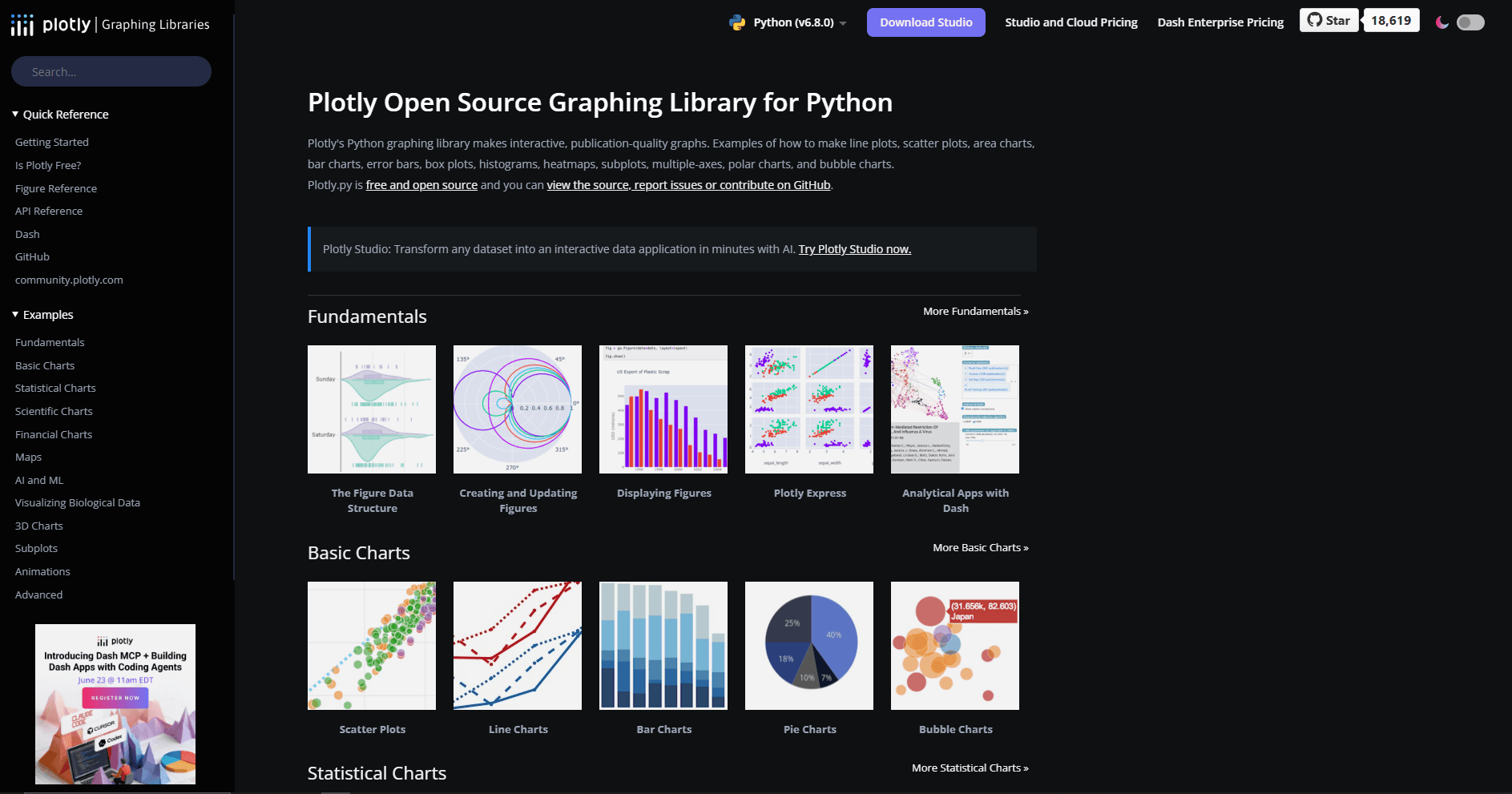
Plotly Python is the best choice when readers need to interact with a chart. Hover labels, zooming, panning, legend toggles, sliders, dropdowns, and browser-based sharing are built into the workflow.
Plotly Express makes common charts quick. Graph Objects gives you more control when the chart becomes complex.
What you get:
- Interactive charts with hover and zoom
- Interactive HTML export
- Good-looking defaults
- Strong support for maps, 3D charts, financial charts, and dashboards
- Natural path into Dash apps
- Works well in notebooks
What you don't get:
- Lightweight static images by default
- The same low-level print control as Matplotlib
- Small self-contained HTML files, because Plotly.js is included by default
Basic example:
import plotly.express as px

df = px.data.gapminder().query("year == 2007")

fig = px.scatter(
    df,
    x="gdpPercap",
    y="lifeExp",
    size="pop",
    color="continent",
    hover_name="country",
    log_x=True
)

fig.show()
Plotly is especially strong when a static image would hide too much detail. Hovering over points, zooming into outliers, or filtering traces from the legend can make exploration much easier.
When this is best:
Use Plotly for dashboards, stakeholder-facing notebooks, interactive reports, web apps, maps, 3D visualizations, and charts where the reader needs to inspect individual data points.
4. Altair (Best Declarative Chart Grammar)
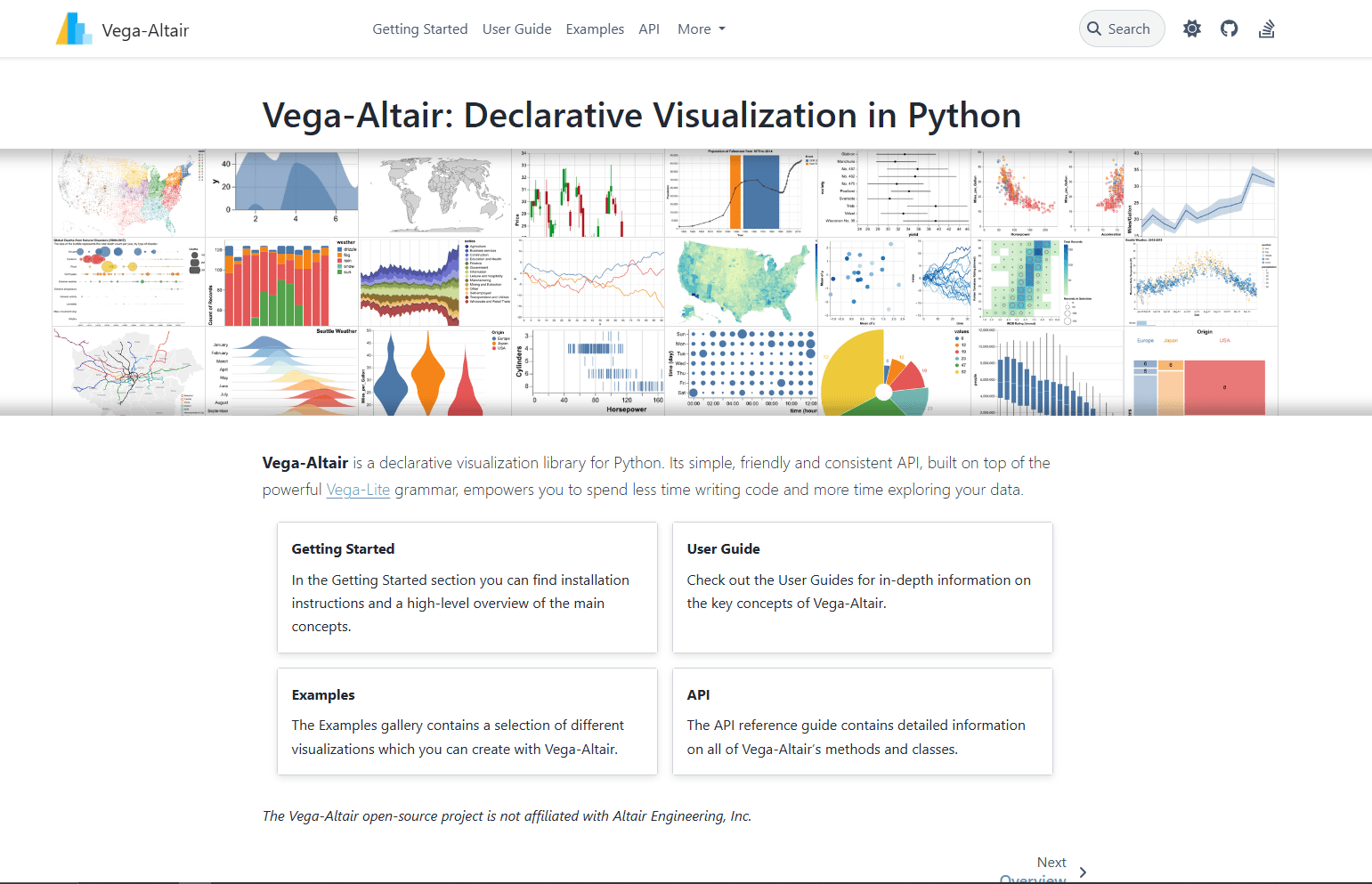
Vega-Altair is a declarative visualization library for Python. Instead of manually controlling every drawing step, you describe the mapping between data fields and visual encodings.
That makes Altair code unusually readable.
What you get:
- Clean declarative syntax
- Strong mental model based on encodings
- Excellent integration with pandas
- Interactive selections and filtering
- Charts backed by Vega-Lite
- Easy faceting, layering, and composition
What you don't get:
- The same universal familiarity as Matplotlib
- Direct embedding above the default 5,000-row limit without changing the data strategy
- As much low-level escape-hatch control as Matplotlib
Basic example:
import altair as alt
import pandas as pd

df = pd.DataFrame({
    "month": ["Jan", "Feb", "Mar", "Apr"],
    "sales": [120, 150, 130, 180],
    "region": ["East", "East", "West", "West"]
})

chart = alt.Chart(df).mark_bar().encode(
    x="month",
    y="sales",
    color="region"
)

chart
Altair fits workflows built around questions: which field goes on the x-axis, which field controls color, which aggregation should run, and which selection should filter the view. For directly embedded data, its default transformer raises a MaxRowsError above 5,000 rows. The official large-dataset guidance explains alternatives such as the VegaFusion transformer, aggregation, or external data files.
When this is best:
Use Altair for notebook exploration, teaching, compact chart code, layered visualizations, and teams that prefer readable chart specifications over manual plotting instructions.
5. Bokeh (Best for Browser-Based Visualization Apps)
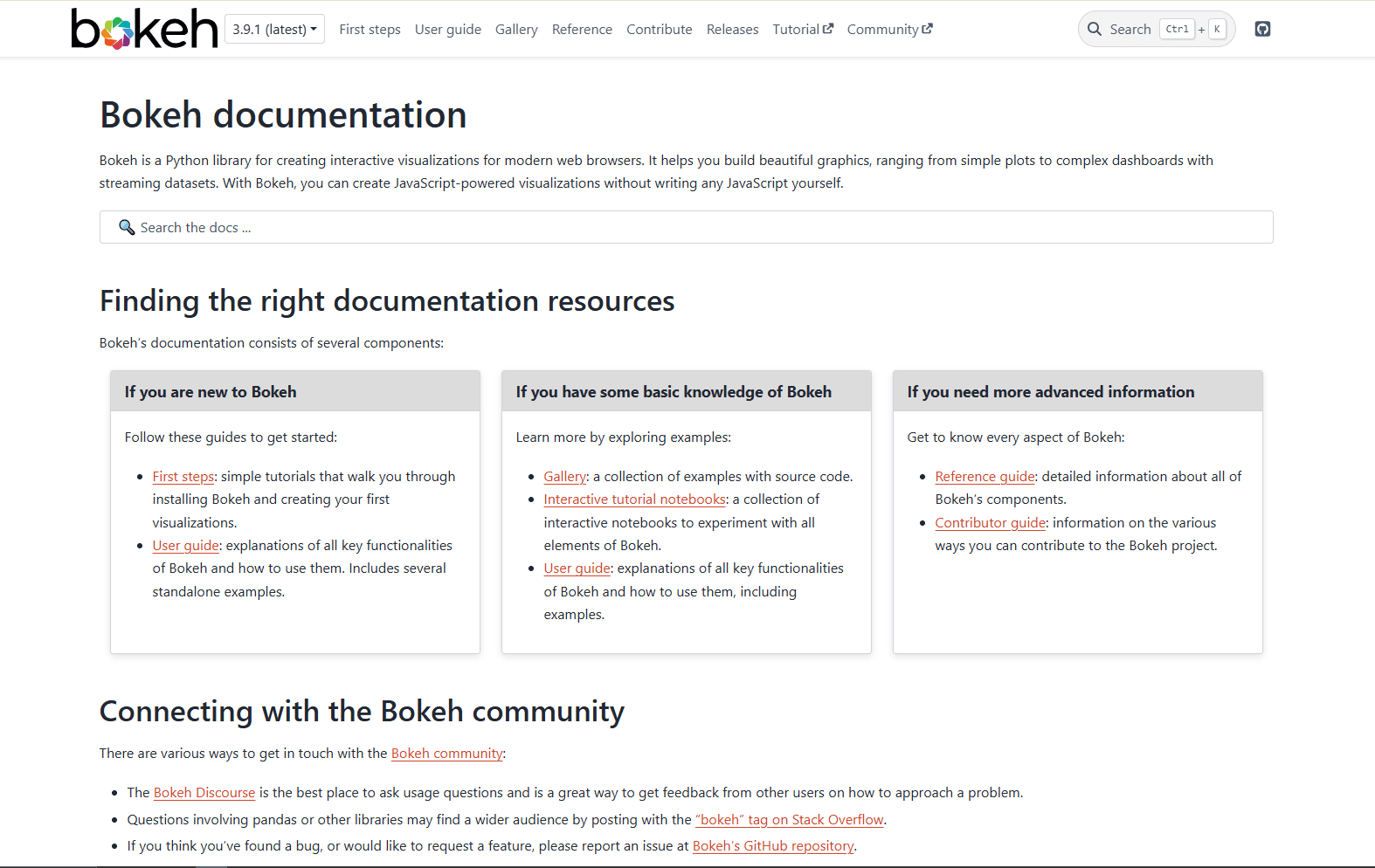
Bokeh creates interactive visualizations for modern web browsers using Python. Standard plot tools need no custom JavaScript, while browser-only custom callbacks use CustomJS and Python callbacks run through Bokeh Server.
Plotly Express generally takes less setup for a one-off interactive chart. Bokeh becomes more useful when you need custom browser behavior, streaming updates, linked plots, or app-like interactions.
What you get:
- Interactive browser charts
- Linked brushing and selections
- Streaming data support
- Custom widgets and layouts
- Server-backed interactive apps
- Good control over browser-rendered plots
What you don't get:
- The same concise one-function workflow as Plotly Express
- The same statistical chart shortcuts as Seaborn
- The same print-first workflow as Matplotlib
Basic example:
from bokeh.plotting import figure, show

p = figure(title="Monthly Revenue", x_axis_label="Month", y_axis_label="Revenue")
p.line([1, 2, 3, 4], [12000, 15000, 13000, 18000], line_width=2)
p.scatter([1, 2, 3, 4], [12000, 15000, 13000, 18000], size=8)

show(p)
With Bokeh Server, the library can provide the interactive front end for an internal data tool with sliders, filters, Python callbacks, and live updates.
When this is best:
Use Bokeh for custom interactive tools, browser-based dashboards, streaming metrics, linked plots, and data applications where Plotly's defaults feel too boxed in.
6. pandas Plotting (Best for Quick DataFrame Checks)
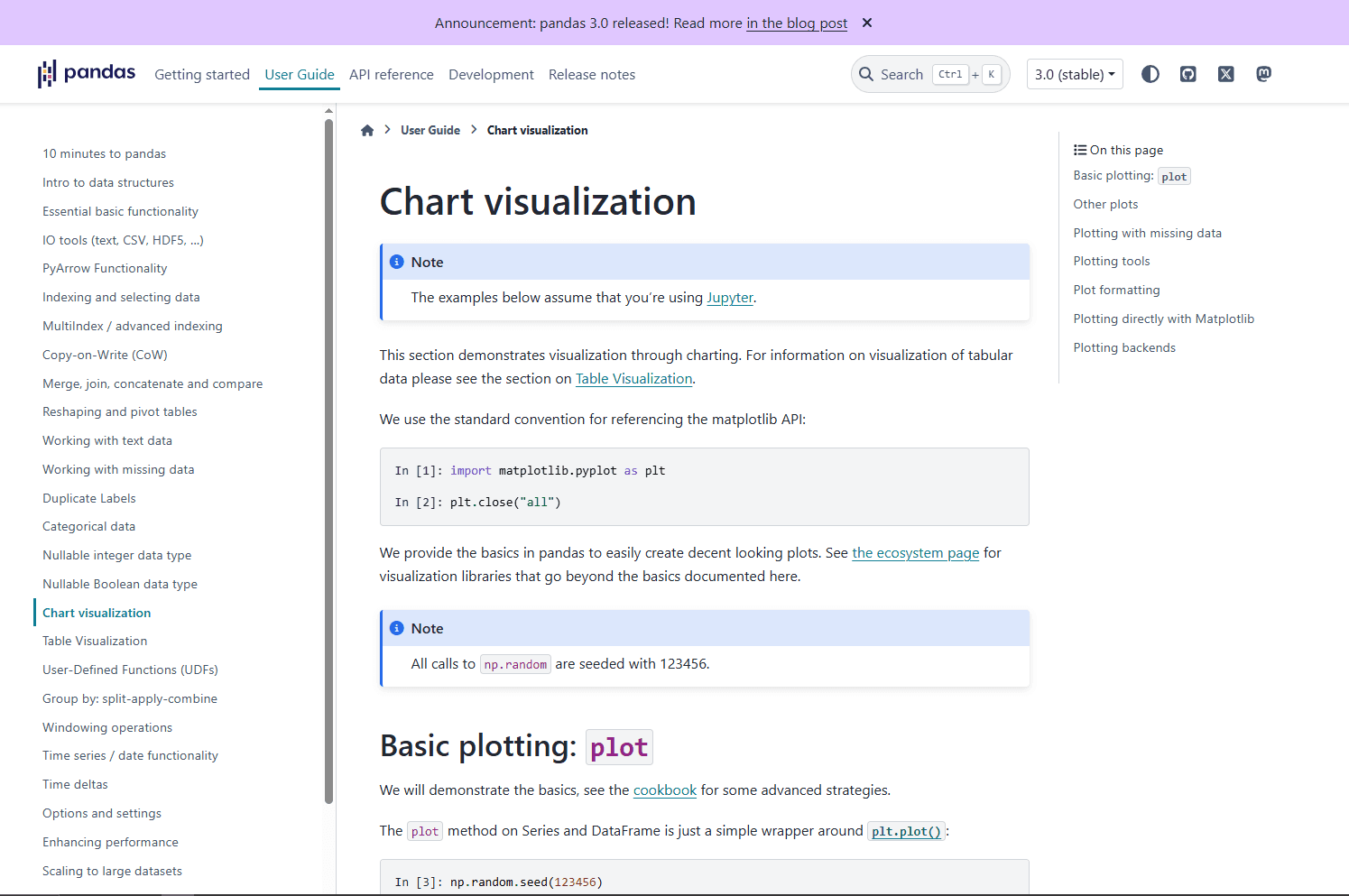
pandas plotting is not a separate visualization library, but it is often the first plotting interface people use in Python.
It is useful for quick checks while cleaning data, without moving the DataFrame into a separate plotting API.
What you get:
- Built into pandas workflows
- Direct line, bar, histogram, box, area, scatter, and pie charts
- Minimal code
- Uses Matplotlib by default and supports alternative plotting backends
- Good enough for quick sanity checks
What you don't get:
- Beautiful defaults compared with Seaborn
- Rich interactivity
- Advanced statistical chart design
- Deep customization without using Matplotlib directly
Basic example:
import pandas as pd

df = pd.DataFrame({
    "month": ["Jan", "Feb", "Mar", "Apr"],
    "revenue": [12000, 15000, 13000, 18000]
})

df.plot(x="month", y="revenue", kind="line")
The point is low setup. If you just loaded a CSV and want to know whether a column trends upward, df.plot() is enough. If the chart needs to be shared, move to Seaborn, Matplotlib, Plotly, or Altair.
If your source data starts as JSON, convert or flatten it first. For spreadsheet workflows, the JSON to Excel converter can help turn nested JSON into table-shaped data before visualization.
When this is best:
Use pandas plotting during data cleaning, notebook exploration, quick QA checks, and early analysis before you know which chart deserves polish.
7. Plotnine (Best ggplot2-Style Library for Python)
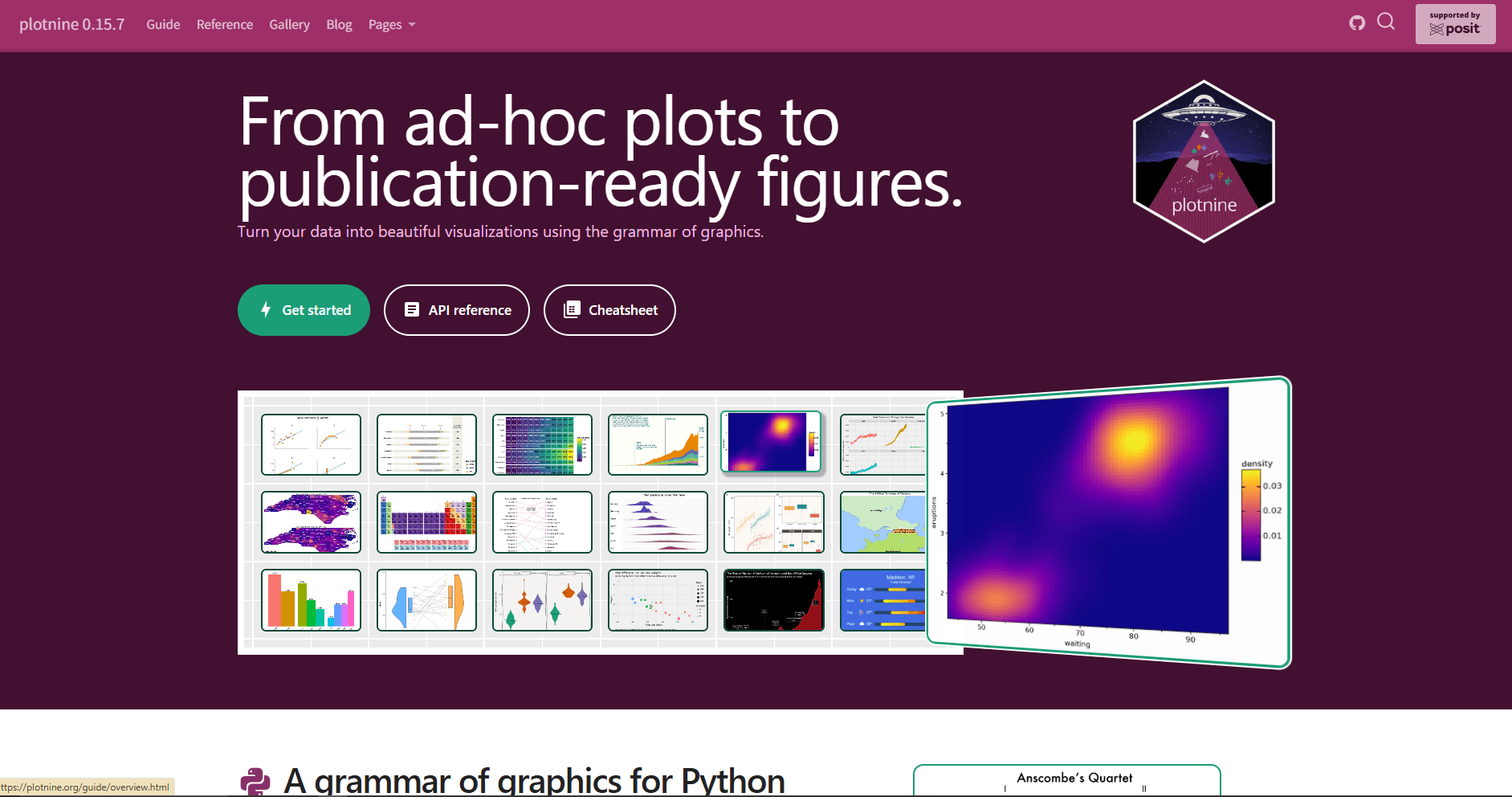
Plotnine brings a grammar-of-graphics style API to Python. If you come from R and like ggplot2, Plotnine will feel familiar.
Instead of calling a different function for every chart type, you build charts by combining data, aesthetics, geoms, scales, facets, and themes.
What you get:
- Grammar of graphics in Python
- ggplot2-like syntax
- Layered chart construction
- Faceting and theming
- Great mental model for analytical plots
What you don't get:
- The same low-level control as working directly in Matplotlib
- Native browser interactivity
- The easiest path for beginners unfamiliar with ggplot2
Basic example:
from plotnine import ggplot, aes, geom_point, facet_wrap
from plotnine.data import mpg

(
    ggplot(mpg, aes(x="displ", y="hwy", color="class"))
    + geom_point()
    + facet_wrap("class")
)
Plotnine is especially nice when you want chart logic to read like a specification. Data goes here. X and y go here. Add points. Split into panels. Apply a theme.
When this is best:
Use Plotnine if you already know ggplot2, teach visualization concepts with grammar-of-graphics language, or want layered static charts without writing raw Matplotlib code.
8. hvPlot (Best for Interactive pandas and xarray Workflows)
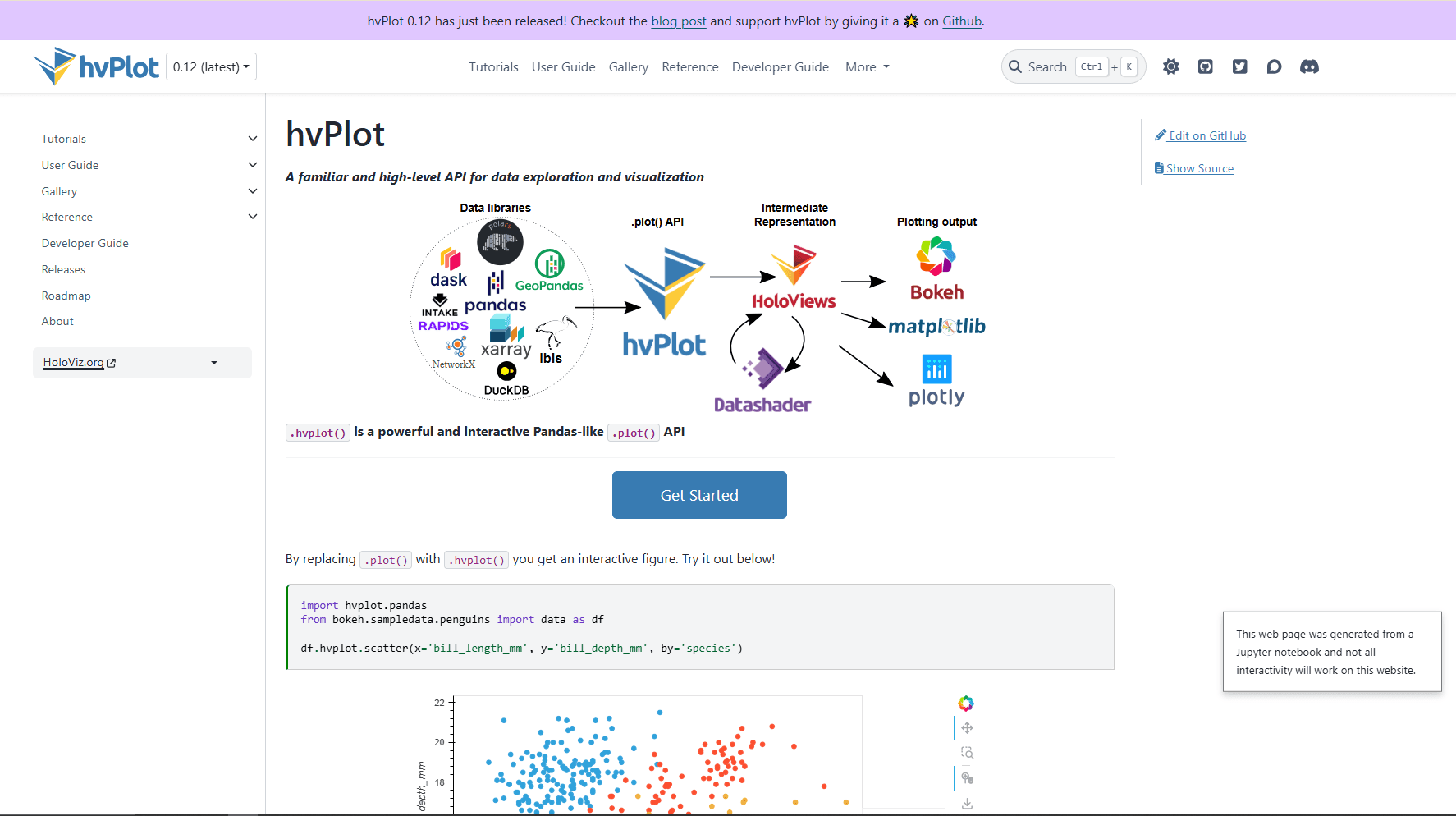
hvPlot gives pandas, xarray, Polars, Dask, and other data objects a high-level plotting API. It is part of the HoloViz ecosystem and can render through backends like Bokeh, Matplotlib, or Plotly.
The appeal is simple: keep working with your data object and call .hvplot.
What you get:
- Concise plotting from pandas-like objects
- Interactive defaults with Bokeh
- Optional downsampling and rasterization for large-data workflows
- Good fit for time series, geospatial, gridded, and xarray data
- Path into Panel dashboards
What you don't get:
- A standalone dashboard framework without Panel
- The same direct control as using its rendering backends
- The simplest setup for a basic bar chart
Basic example:
import pandas as pd
import hvplot.pandas

df = pd.DataFrame({
    "month": ["Jan", "Feb", "Mar", "Apr"],
    "revenue": [12000, 15000, 13000, 18000]
})

df.hvplot.line(x="month", y="revenue")
hvPlot is useful when pandas plotting feels too basic but writing full Bokeh code feels like too much. It keeps a DataFrame-centered workflow while adding interactive output. For large time series or point clouds, use hvPlot's downsampling or rasterization options, which may require Datashader or another optional component, instead of sending every point to the browser.
When this is best:
Use hvPlot for interactive notebooks, larger time series with downsampling, xarray datasets, Panel dashboards, and workflows where you want a simple plotting call but richer output than df.plot().
Which Python Visualization Library Should You Actually Use?
You do not need to pick one library forever. A small stack can cover analysis, static output, and interactive applications.
For everyday data analysis:
Use Seaborn plus Matplotlib. Seaborn handles the common statistical charts. Matplotlib handles final tweaks, annotations, export, and layout.
For interactive notebooks:
Use Plotly or Altair. Plotly is better when you want hover-rich charts with lots of chart types. Altair is better when you want concise declarative chart code.
For dashboards:
Use Plotly figures inside Dash for an interactive application, Bokeh Server for Python callbacks and live updates, or hvPlot with Panel for a HoloViz-based dashboard.
For quick checks:
Use pandas plotting. It is not the prettiest, but it is fast and already available when you are cleaning data.
For R users moving to Python:
Use Plotnine. The grammar-of-graphics model will feel familiar, and the code will be easier to reason about than Matplotlib if you already think in ggplot layers.
Matplotlib vs Seaborn vs Plotly
These three libraries cover most Python visualization needs.
Seaborn and Matplotlib are not enemies. Seaborn uses Matplotlib underneath, so a common workflow is to create the chart with Seaborn and then adjust labels, legends, layout, or annotations with Matplotlib.
Plotly is different because the output is interactive and web-oriented. That is powerful, but not always needed. A simple static box plot in a PDF report does not need a full interactive chart bundle.
Best Library by Use Case
Common Mistakes When Choosing a Visualization Library
Choosing Plotly for every chart:
Interactive charts are great, but they are heavier than static images. If the final output is a PDF report or academic paper, Matplotlib or Seaborn may be cleaner.
Using Matplotlib for everything from scratch:
Matplotlib can do almost anything, but writing raw Matplotlib for every exploratory chart adds code. Use Seaborn or pandas plotting first, then customize with Matplotlib when needed.
Ignoring data shape:
Most visualization pain comes from messy data, not the chart library. If your JSON is deeply nested, flatten it before plotting. If your CSV has mixed types, clean the columns first. If your data is too large, aggregate before rendering.
Forgetting the audience:
A data scientist may want a chart with dense detail. A product manager may need a single comparison with a clear title. The best library is the one that helps you explain the answer, not the one with the longest feature list.
Recommended Python Visualization Stack
A practical starting stack in 2026 is:
- Install Seaborn, Matplotlib, and Plotly.
- Use pandas plotting for quick checks.
- Use Seaborn for analysis charts.
- Use Matplotlib for final static figures.
- Use Plotly when interactivity matters.
- Add Altair, Bokeh, Plotnine, or hvPlot only when the workflow calls for it.
Install the core stack:
pip install pandas matplotlib seaborn plotlyOptional libraries:
pip install altair bokeh plotnine hvplotThis covers notebooks, reports, dashboards, CSV analysis, JSON-derived tables, and common data science workflows.
Bottom Line
Seaborn is the best Python visualization library for most data analysis because its statistical charts are concise and work naturally with pandas DataFrames.
Matplotlib remains the foundation when you need full control. Plotly is the best interactive option, while Altair is the cleanest declarative option. Bokeh and hvPlot are strongest when charts become browser-based tools or interactive data applications.
If you are new, learn Seaborn and Matplotlib first. Add Plotly when you need interactivity. Everything else is situational.
Frequently Asked Questions
What is the best Python library for data visualization?
Seaborn is the best default for most data analysis work. It creates clean statistical charts with less code than Matplotlib and works naturally with pandas DataFrames. For interactive charts, Plotly is better. For publication-quality control, Matplotlib is better.
Is Matplotlib better than Seaborn?
Matplotlib is better for control, while Seaborn provides more concise statistical chart defaults. They also work together: Seaborn creates the chart, and Matplotlib handles final customization.
Is Plotly better than Matplotlib?
Plotly is better for interactive charts with hover, zoom, and HTML sharing. Matplotlib is better for static figures, scientific plots, print output, and precise control. The better choice depends on the final output.
Which Python visualization library is best for dashboards?
Plotly figures fit naturally into Dash applications. Bokeh Server is better suited to custom Python callbacks and live updates, while hvPlot works well with Panel when you are already using the HoloViz ecosystem.
Which library should beginners learn first?
Learn Seaborn first if your goal is data analysis. Learn Matplotlib alongside it because Matplotlib controls the figure details. After that, learn Plotly if you need interactive charts.
Can Python visualize JSON data?
Yes. Python can visualize JSON data after loading it into a structure like a pandas DataFrame. If the JSON is nested, flatten it first so fields become table columns. You can also read how to parse JSON in Python before building charts from API responses or exported JSON files.
Related Reading
Read More
All Articles
7 Best Text Editors for Mac in 2026 (Native & Fast)
Compare 7 best text editors for Mac including VS Code, Sublime Text, Nova, and Vim. Includes Apple Silicon support, resource-use notes, and native macOS integration features.
9 Best XML Editors for Windows in 2026 (Free & Tested)
Compare the best XML editors for Windows, including VS Code, Notepad++, XML Notepad, and Oxygen for validation, schema support, and large files.
9 Best Free JSON Editors for Windows in 2026 (Ranked & Reviewed)
This guide ranks Windows JSON editors that stay responsive on large files and avoid freezes, from VS Code for feature heavy workflows to lightweight viewers for quick edits.