7 Best EPUB Readers for Mac in 2026 (Free & Paid)

On this page
Apple Books is included with macOS and opens many DRM-free EPUB files. With Books and iCloud Drive syncing enabled, it can keep your library, reading position, highlights, notes, and collections available across Apple devices.
Apple Books does not extend that library to Windows or Android. Calibre is better suited to a sizable collection that needs format conversion and metadata editing, while Thorium Reader provides more extensive accessibility controls.
Casual readers may want a focused interface and iCloud sync. Power users need library management and format conversion, while accessibility-focused readers may need reliable keyboard, screen-reader, and display controls. The seven options below address those different Mac workflows.
1. Apple Books (Best for Apple Ecosystem)
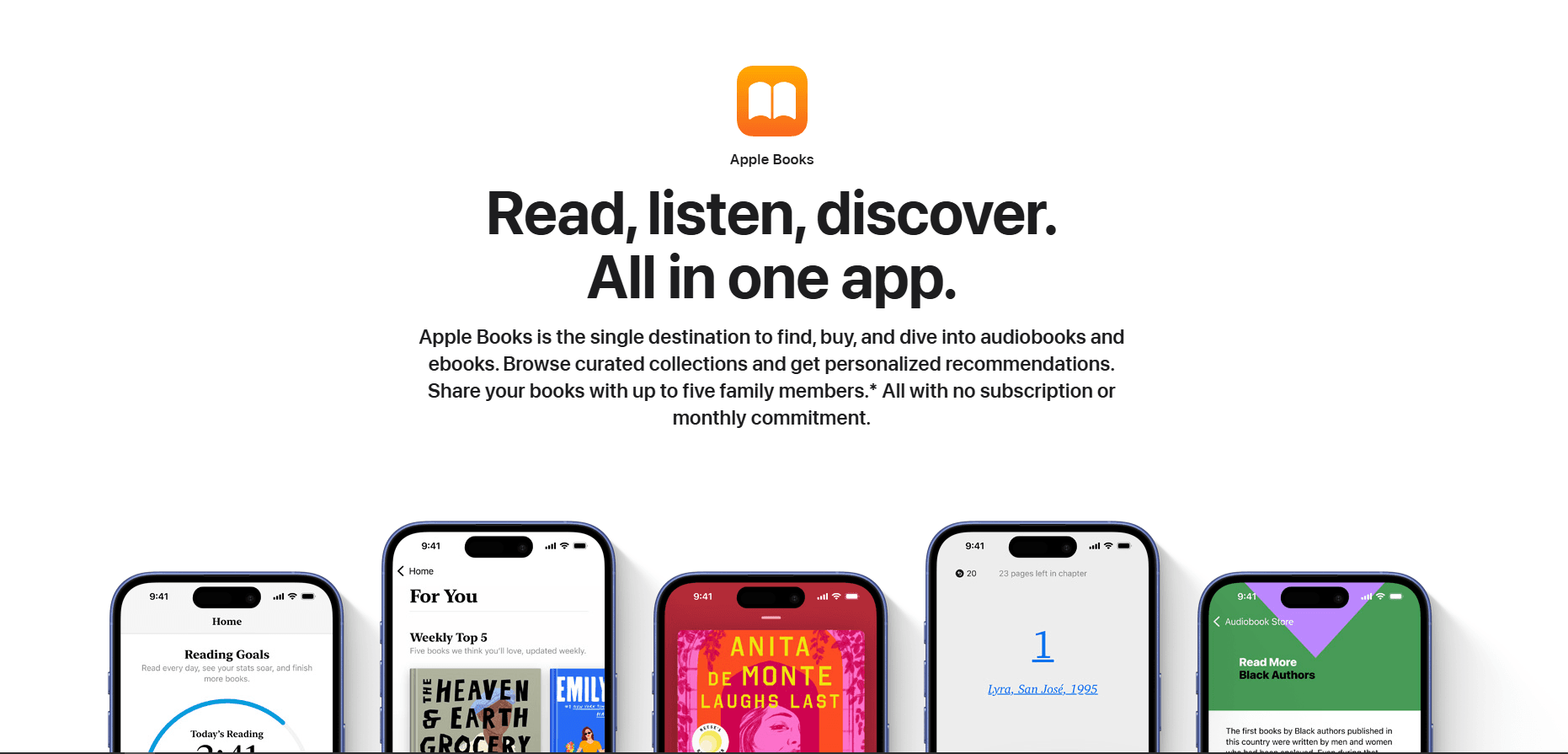
Apple Books is included with macOS. It is free and can sync supported content and reading data across Mac, iPhone, and iPad through iCloud.
Import an EPUB through File > Import or drag it into the Books library. A double-click opens the file in Books when it is the default app for EPUB files.
What you get:
- iCloud sync across Mac, iPhone, iPad
- Highlights and notes with automatic sync
- Bookmarks and collections
- Night mode and sepia themes
- Font and text size adjustment
- Search within books
- Built-in dictionary and Wikipedia lookup
- Native app included with macOS
What you don't get:
- No Windows or Android sync
- No format conversion
- No advanced metadata or bulk-library tools
- No metadata editing
- Limited customization options
Apple Books fits Mac users who stay in the Apple ecosystem. If you also read on iPhone or iPad, iCloud can carry the book, reading position, highlights, and notes between devices after the relevant sync settings are enabled.
2. Calibre (Best for Library Management)
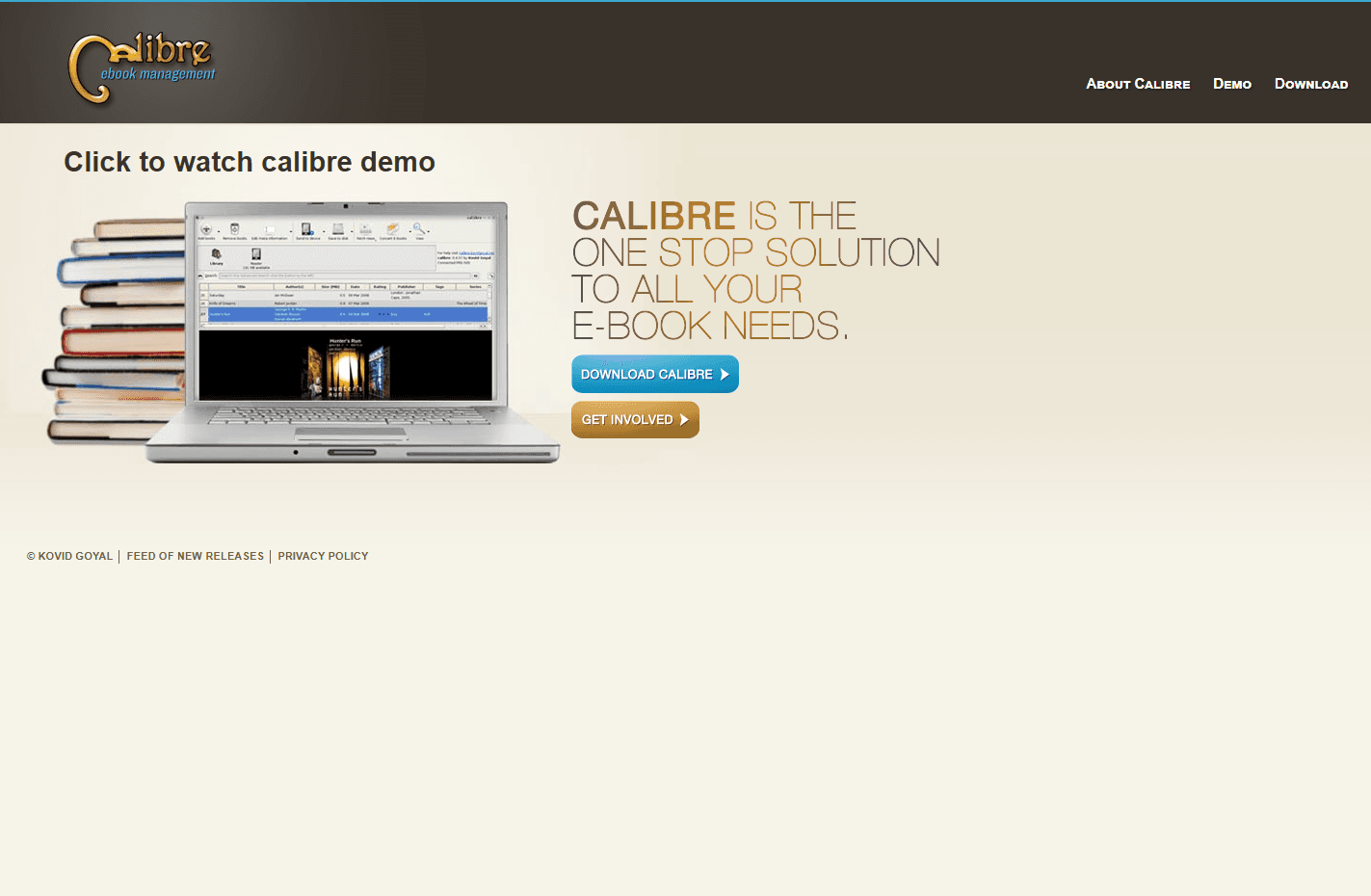
Calibre is a free, open-source ebook manager with format conversion, metadata editing, device connections, and a built-in reader.
Install via Homebrew: brew install --cask calibre or download from calibre-ebook.com
What you get:
- Detailed library management for sizable collections
- Conversion between EPUB, MOBI, AZW3, PDF, and many other formats
- Metadata editing (covers, authors, tags, series)
- Built-in EPUB reader with customization
- Connections to many ebook readers, with support varying by device and connection method
- News download (convert websites to ebooks)
- Plugin ecosystem for extended features
- Search and filter by any metadata field
- Duplicate detection
What you don't get:
- Interface not Mac-native (Qt-based)
- Steeper learning curve
- Heavy for casual reading
- No iCloud sync
Calibre fits readers who need more than a reading window. Its metadata, conversion, search, and device tools make it useful for maintaining a large personal collection, although conversion quality depends on the source book and output format.
3. Thorium Reader (Best for Accessibility)
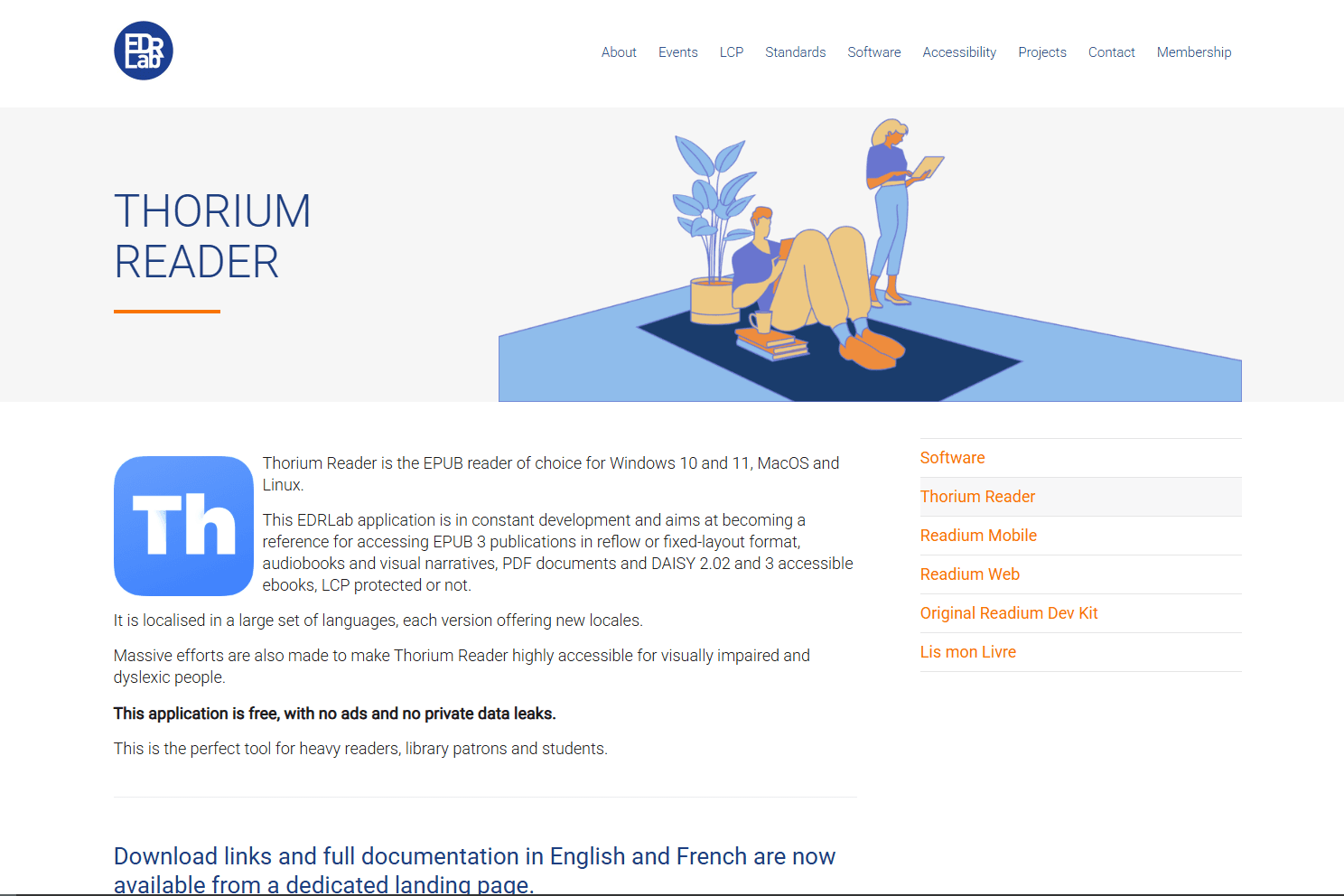
Thorium Reader is a free, open-source reader built with accessibility as a central requirement. Its current Mac release supports VoiceOver, keyboard navigation, read-aloud, and extensive display adjustments.
Download from edrlab.org or install via Homebrew: brew install --cask thorium
What you get:
- Screen reader support (VoiceOver compatible)
- Text-to-speech with adjustable speed
- Customizable text size, spacing, and layout
- High-contrast modes and color themes
- Keyboard navigation (full keyboard control)
- EPUB 3 support with media overlays
- Audiobook support
- LCP DRM support (library ebooks)
- OPDS catalog support
What you don't get:
- No advanced library or metadata management
- No format conversion
- No sync across devices
- Basic interface
Thorium Reader fits users who need VoiceOver, configurable keyboard shortcuts, read-aloud, or detailed text and color controls. Its LCP DRM support is useful only with libraries and booksellers that distribute books using Readium LCP.
4. Kindle for Mac (Best for Amazon Users)
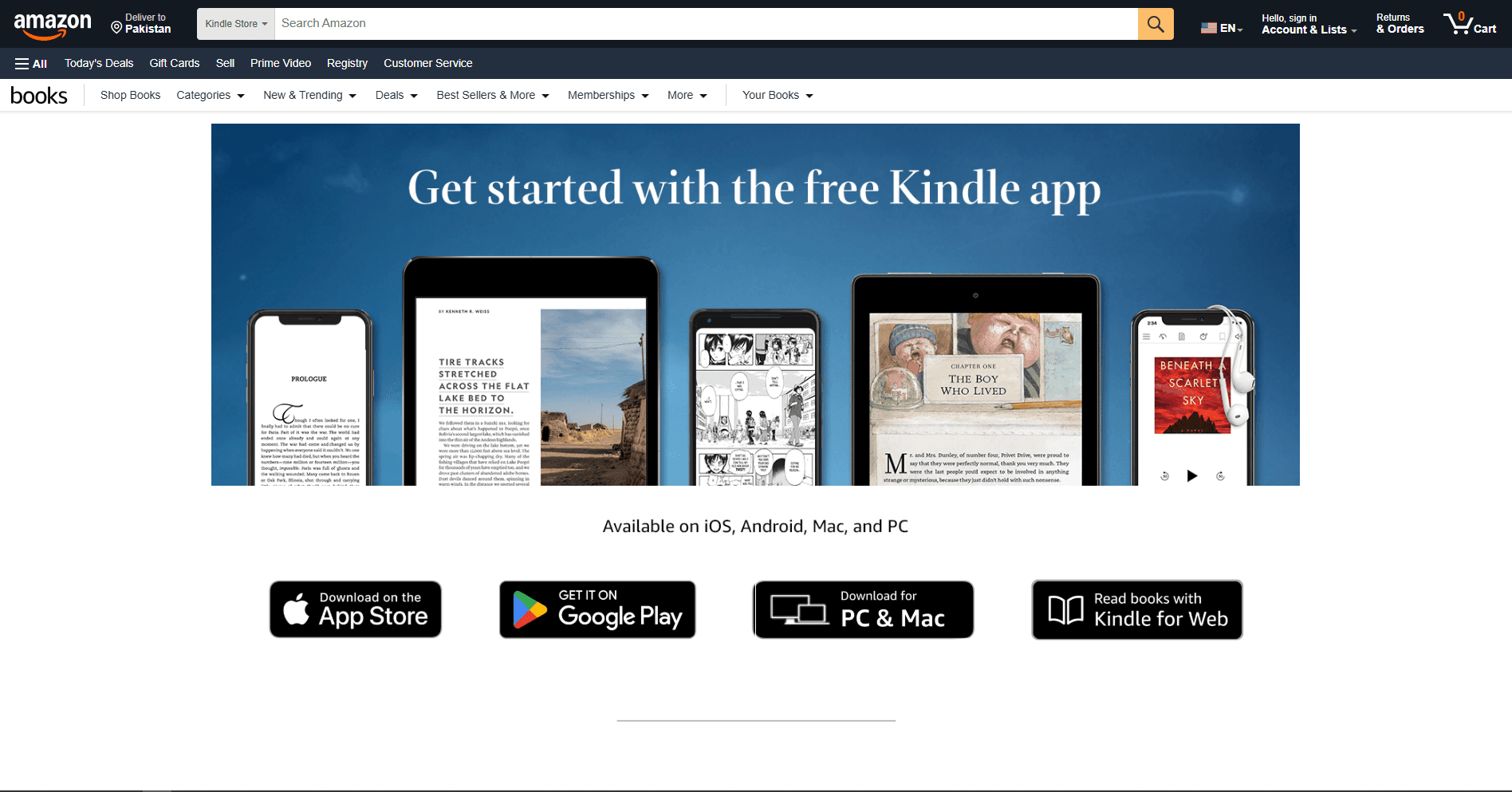
Kindle for Mac is Amazon's current desktop reader for Kindle libraries. It is free and synchronizes supported books and reading data with Kindle devices and apps.
Amazon ended support for its legacy desktop app on June 30, 2026, so install the current Kindle app rather than an older archived build.
What you get:
- Sync with Kindle devices and apps
- Access to books in your Amazon Kindle library
- Whispersync (syncs reading position)
- Highlights and notes with sync
- Reading controls and search for supported Kindle books
What you don't get:
- No direct local EPUB reading; personal EPUBs use Send to Kindle and are converted for the Kindle library
- No library management
- No format conversion
- Requires Amazon account
Kindle for Mac fits readers whose books already live in Amazon's ecosystem. For a folder of local DRM-free EPUBs, Apple Books, Calibre, Koodo Reader, or Readest provides a more direct workflow.
5. BookShelves eBook Reader (Best Modern Interface)
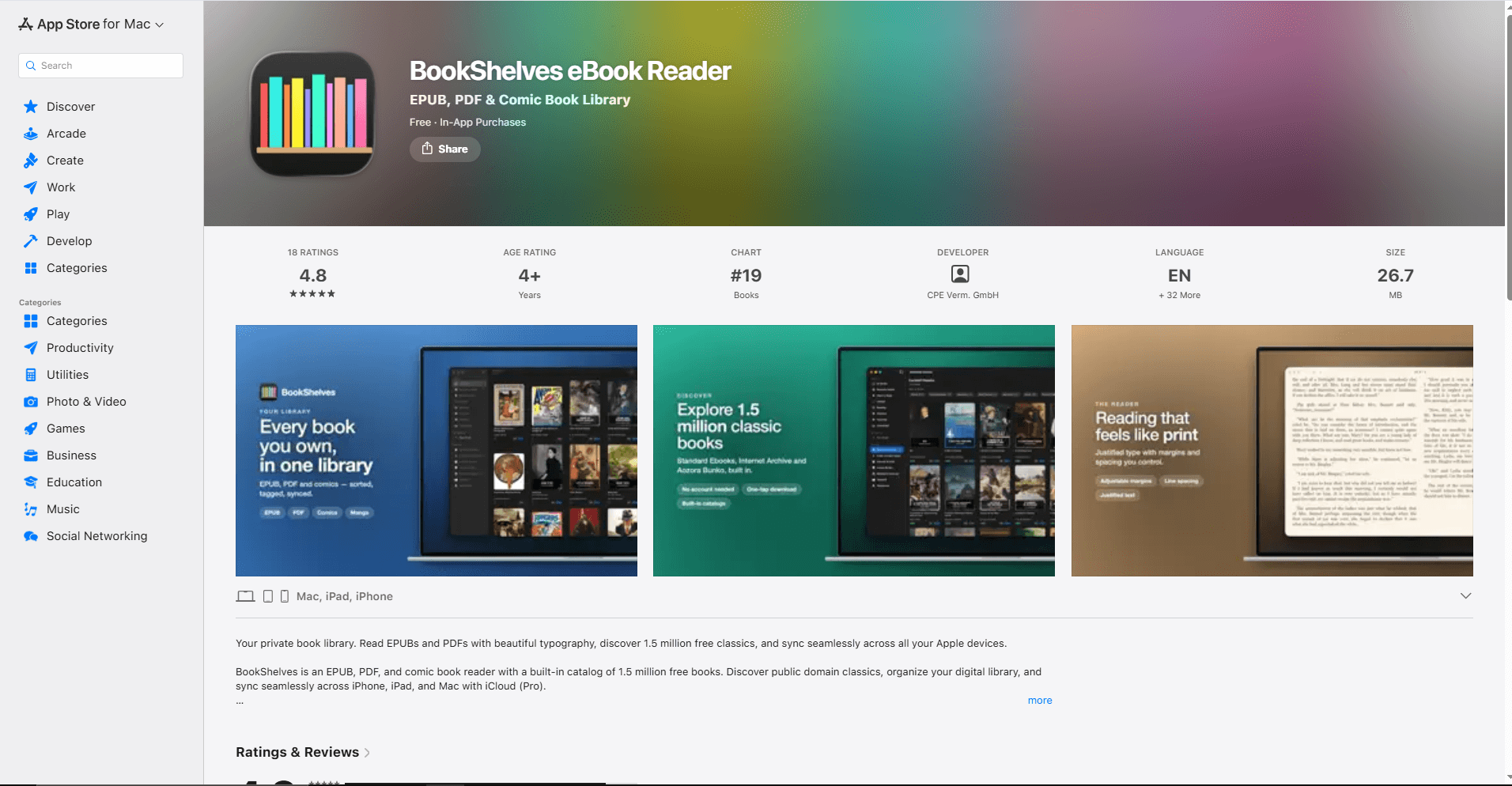
BookShelves eBook Reader reads EPUB, PDF, and comic-book libraries on Mac, iPhone, and iPad. The free edition supports up to 10 books; Pro removes that limit and adds iCloud sync.
Its Mac app requires macOS 14.4 or later and includes keyboard, trackpad, and multi-window support.
What you get:
- EPUB, PDF, CBZ, CBR, and CB7 in paginated or continuous layouts
- Highlights, notes, bookmarks, full-text search, and annotation export
- Shelves, tags, ratings, metadata editing, and cover management
- Adjustable fonts, spacing, margins, themes, and text direction
- OPDS catalogs and Calibre library import
- Pro iCloud sync plus keyboard, trackpad, and multi-window support on Mac
What you don't get:
- The free edition is limited to 10 books
- iCloud sync and several advanced features require Pro
- Requires a relatively recent version of macOS
BookShelves fits readers who want more organization than Apple Books without Calibre's desktop-style interface.
6. Koodo Reader (Best Free Alternative)
Koodo Reader is a cross-platform ebook reader and manager whose core desktop app is free and open source. Cloud-storage synchronization is part of Koodo Reader Pro.
Download from koodoreader.com or install via Homebrew: brew install --cask koodo-reader
What you get:
- Cross-platform library interface
- EPUB, PDF, MOBI, AZW3, TXT, FB2, CBR, CBZ, and additional format support
- Highlights and notes
- Pro synchronization through services including iCloud on macOS, OneDrive, Google Drive, Dropbox, and WebDAV
- Reading statistics
- Text-to-speech
- Translation support
- Dark mode and themes
What you don't get:
- No format conversion
- Cloud synchronization requires Pro and initial service setup
- More complex than a focused reader such as Apple Books
Koodo Reader fits people who want the same reader across macOS, Windows, Linux, mobile devices, and the web. The free desktop reader stores data locally by default; choose Pro only if its supported synchronization options match your workflow.
7. Readest (Best Lightweight Option)
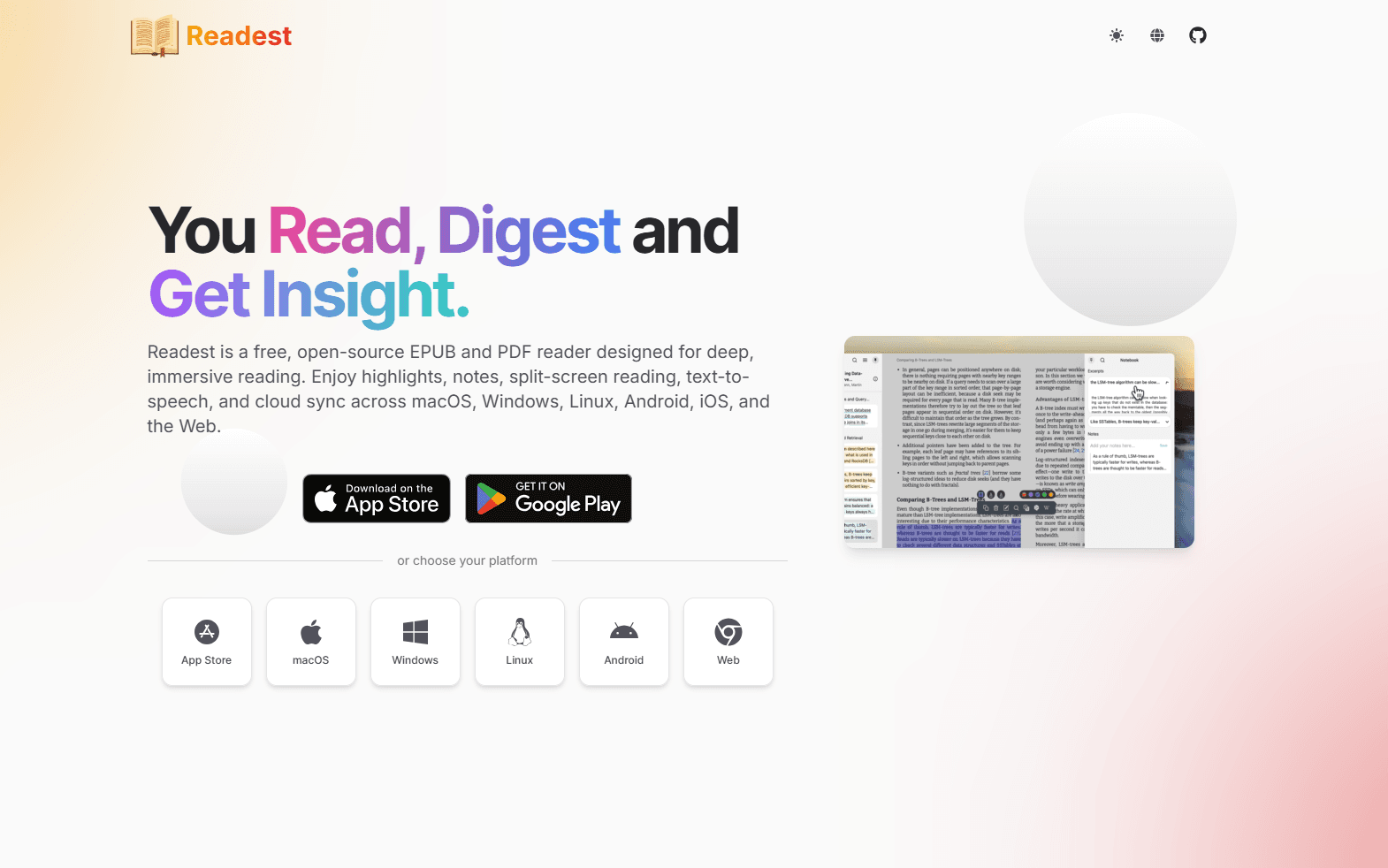
Readest is an open-source Mac reader with a focused interface and cross-platform services.
Install it from the Mac App Store or use the desktop downloads linked by the project.
What you get:
- EPUB, PDF, MOBI, AZW3, FB2, CBZ, TXT, and Markdown
- Separate book windows, annotations, bookmarks, and export
- Font, theme, spacing, margin, and scrolling controls
- OPDS catalogs and Calibre or Calibre-Web connections
- Text-to-speech, translation, and dictionary tools
- Readest Cloud plus iCloud, Google Drive, OneDrive, WebDAV, and S3 options
What you don't get:
- Some cloud capacity and services require an in-app purchase
- No general-purpose ebook conversion workflow like Calibre
- Newer and less established than Apple Books or Calibre
Readest fits readers who want a clean Mac app with cross-platform sync, annotations, and Calibre connections.
EPUB Reader Comparison Table
Which EPUB Reader Should You Actually Use?
For most Mac users in the Apple ecosystem, Apple Books is the best starting point. It is included with macOS and can sync imported books and reading data after iCloud is configured.
For readers with large ebook collections, Calibre provides conversion, metadata editing, device connections, and detailed library management. Its Qt interface is less consistent with macOS than a native app, but its collection tools are much deeper.
For accessibility needs, Thorium Reader provides documented VoiceOver compatibility, read-aloud, configurable keyboard controls, and detailed text and color adjustments.
For Amazon Kindle users, the current Kindle desktop app synchronizes the Kindle library and supported reading data with other Kindle devices and apps.
For a modern Apple-focused library, BookShelves combines EPUB reading, metadata editing, shelves, annotations, and optional iCloud sync.
For a cross-platform reader, Koodo Reader offers a free local desktop library and optional Pro synchronization through several storage providers.
For a focused reader with broader synchronization and Calibre connections, Readest works across Mac, mobile devices, other desktops, and the web.
Using more than one reader is normal. Apple Books for purchased books, Calibre for library management, Thorium Reader for accessibility needs.
Platform-Specific Tips for Mac
Homebrew installation: Most readers install via Homebrew Cask:
- brew install --cask calibre
- brew install --cask thorium
- brew install --cask koodo-reader
Apple Silicon optimization:
- Apple Books is included with current macOS releases
- Calibre supports Intel and Apple Silicon; its newest release requires macOS 14 or later
- Thorium provides Intel and Apple Silicon builds for macOS 12 or later
- Use current official downloads for the other readers
File associations: Set default EPUB reader:
- Right-click any EPUB file
- Select "Get Info"
- Under "Open with:", select your preferred reader
- Click "Change All..."
iCloud Drive integration: Storing an EPUB in iCloud Drive makes the source file available through Finder, but it does not automatically add the book to the Books library. Import it into Apple Books, then enable Books under System Settings > your name > iCloud > Drive > Apps Syncing to iCloud Drive.
Frequently Asked Questions
What's the best free EPUB reader for Mac?
Apple Books is the easiest free option for an Apple-only workflow, while Calibre is better for library management, conversion, and metadata editing. Both are free. For VoiceOver, configurable keyboard controls, and more detailed display adjustments, consider Thorium Reader.
Does Apple Books support EPUB files?
Yes. Apple Books can import many EPUB files through File > Import or drag and drop. With iCloud and the Books sync settings enabled, supported books, reading position, collections, highlights, notes, and bookmarks can appear on your other Apple devices. DRM-protected files from another store or library may require its associated app.
How do I convert EPUB to PDF on Mac?
Calibre can convert an EPUB to PDF. Install it with brew install --cask calibre, add the EPUB, select Convert books, choose PDF as the output format, and start the conversion. Review the result because reflowable EPUB layouts do not always translate cleanly to fixed PDF pages.
Can I read Kindle books on Mac?
Yes. Install the current desktop app using Amazon's Kindle installation instructions and sign in with your Amazon account. Kindle purchases and supported reading data synchronize through Amazon. Personal EPUBs go through Send to Kindle rather than opening directly as local EPUB files.
What's the best EPUB reader for large libraries on Mac?
Calibre is the strongest option here for a large library because it combines search, filtering, metadata editing, conversion, device connections, and plugins. Install it with brew install --cask calibre or download it from the official site. Device support and conversion results vary by model and file format.
Does Calibre work well on Mac?
Yes. Current Calibre releases support Intel and Apple Silicon Macs. The latest version requires macOS 14 or later, while the official download page provides links to older releases for earlier macOS versions. Its Qt interface does not look fully native, but the library, metadata, conversion, plugin, and device features are available on Mac.
How do I sync EPUB books across Mac and iPhone?
Use Apple Books with iCloud for an Apple-only setup. On Mac, open System Settings > your name > iCloud > Drive > Apps Syncing to iCloud Drive and enable Books, then check the synchronization options under Books > Settings > General. For non-Apple devices, Readest or Koodo Reader provides cross-platform options; some cloud features require a paid plan.
What's the best EPUB reader for accessibility on Mac?
Thorium Reader is the strongest accessibility-focused option in this list. It documents VoiceOver compatibility, read-aloud with visual highlighting, configurable keyboard shortcuts, and controls for colors, text size, spacing, font, and layout. It is free and open source. Apple Books also works with macOS accessibility features but offers fewer reading-display controls.
Related Reading
Using a different platform? See platform-specific EPUB reader guides:
- Best EPUB readers for Windows for Windows 11 and 10
- Best EPUB readers for Ubuntu for Ubuntu Linux
For other file formats on Mac:
Read More
All Articles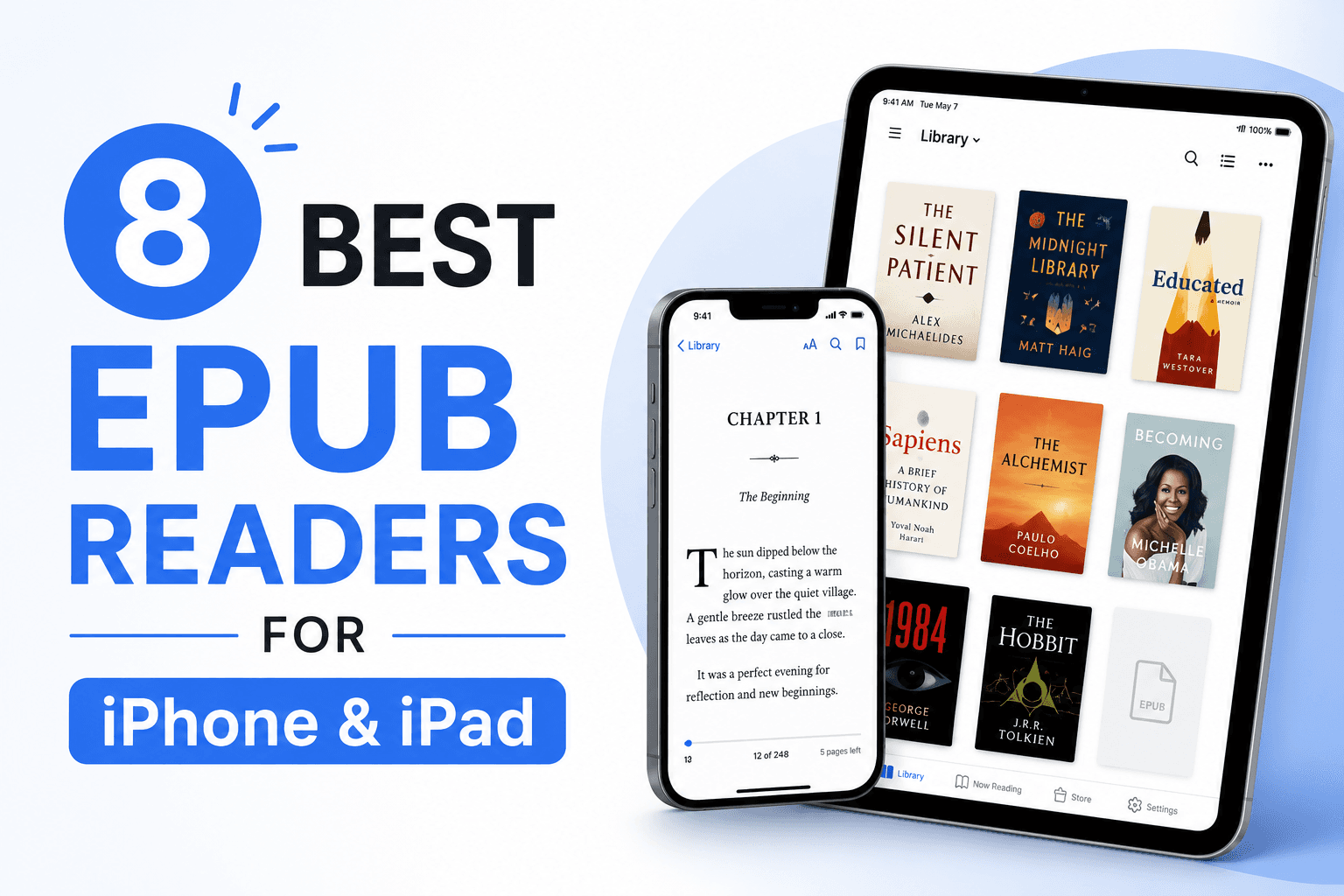
8 Best EPUB Readers for iPhone & iPad in 2026 (Free & Paid)
Compare the best EPUB readers for iPhone and iPad, including Apple Books, KyBook 3, Readest, Yomu, Kindle, Kobo, PocketBook, and BookFusion.
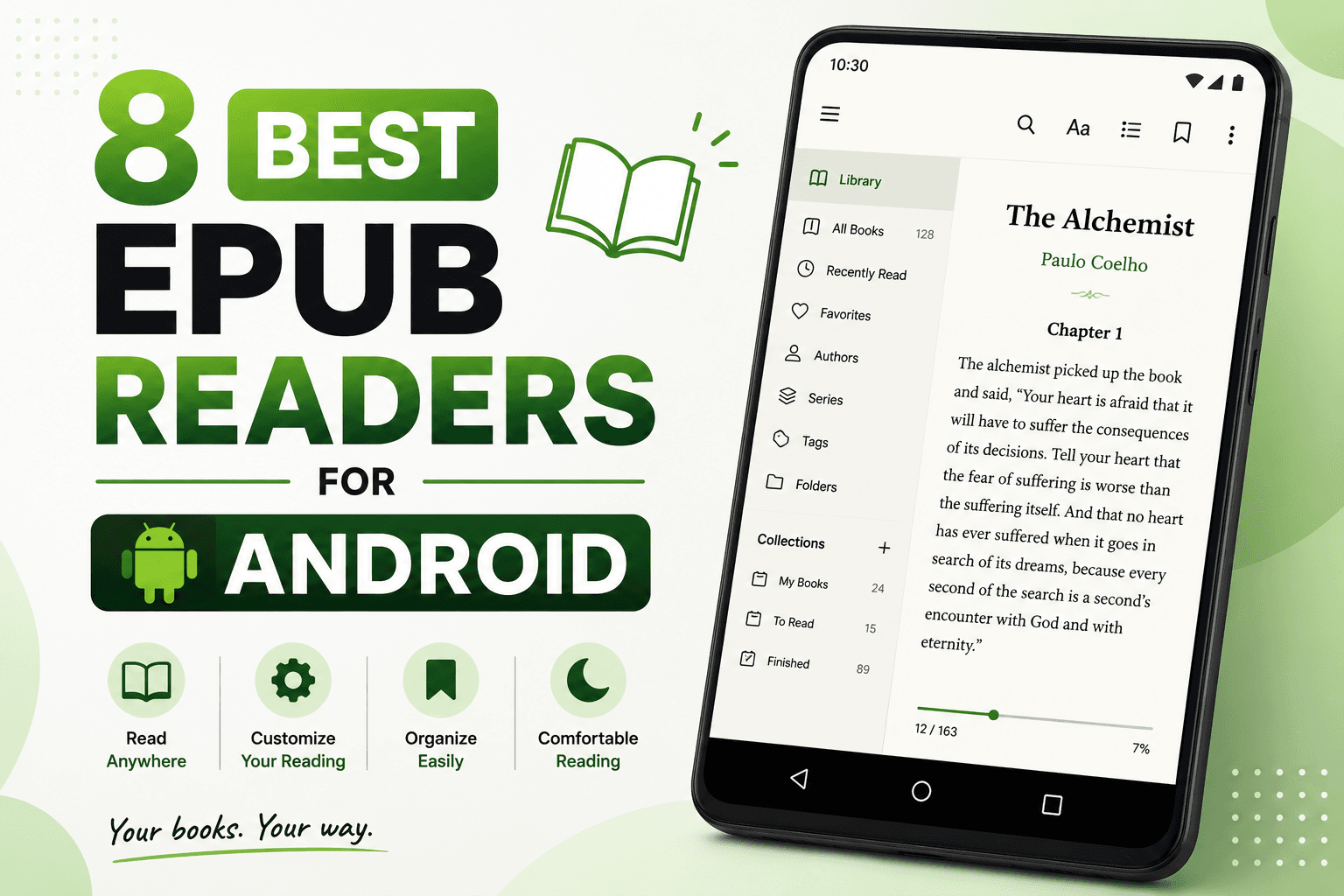
8 Best EPUB Readers for Android in 2026 (Free & Paid)
Compare the best EPUB reader apps for Android, including ReadEra, Moon+ Reader, Google Play Books, Kobo, Kindle, FBReader, and Lithium.
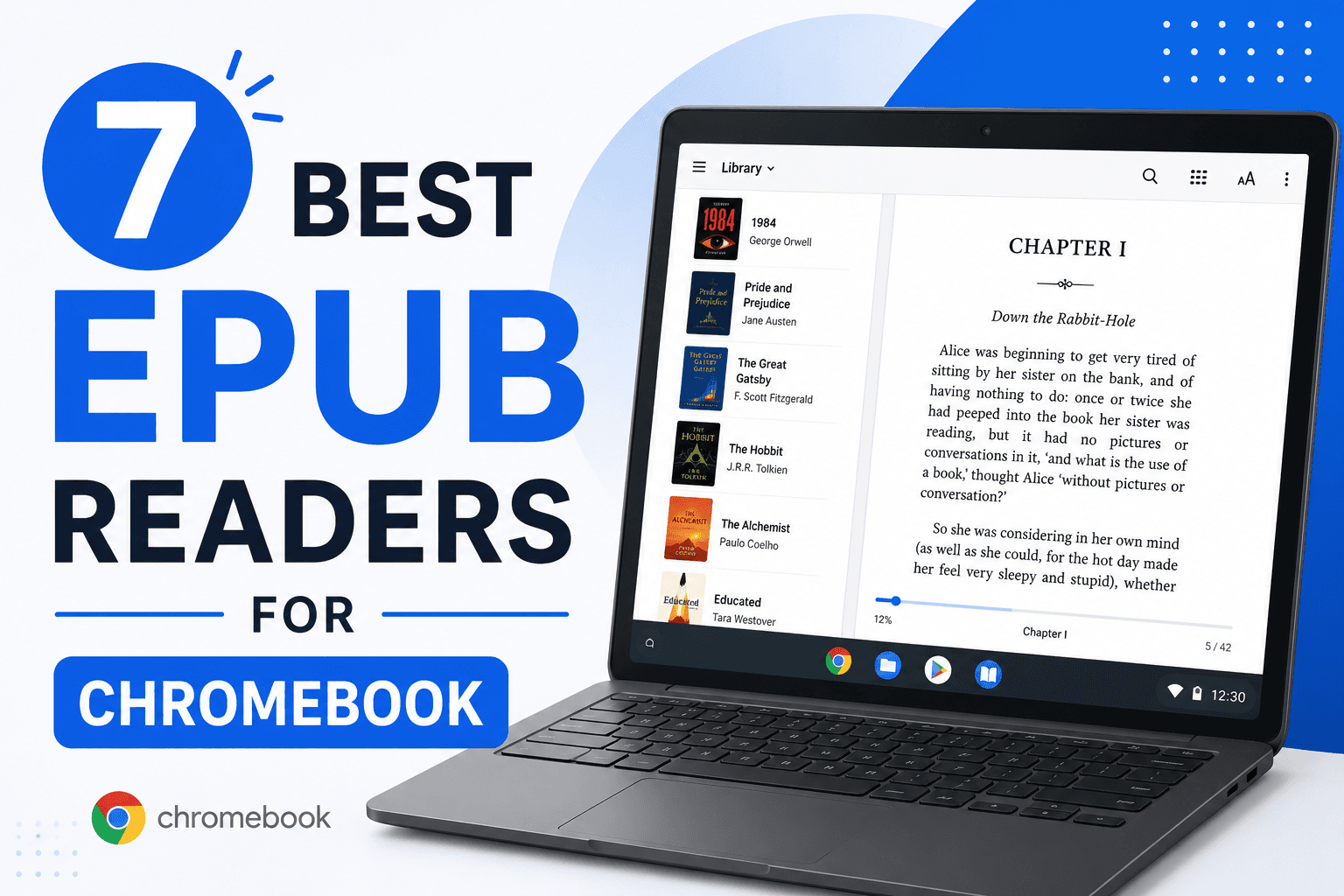
7 Best EPUB Readers for Chromebook in 2026 (Free & Paid)
Find the best EPUB reader for Chromebook with Android apps, Chrome extensions, and Linux apps. Compare Google Play Books, ReadEra, EPUBReader, and more for reading ebooks.