8 Best EPUB Readers for Android in 2026 (Free & Paid)

On this page
Reading on Android means dealing with small screens, touch interfaces, and battery life. Desktop EPUB readers assume you have a mouse and keyboard. Mobile readers need different features: gesture controls, night mode, and offline reading.
ReadEra opens EPUB files with no ads or account required. Moon+ Reader provides extensive customization with themes and gestures. Google Play Books syncs across devices but locks you into Google's ecosystem.
The best reader varies by use. Casual readers want simple interfaces and cloud sync. Power users need customization and format support. Readers who avoid accounts may prefer local, ad-free apps. The eight EPUB readers below cover local, cloud, and store-based libraries.
1. ReadEra (Best Free No-Ads Option)
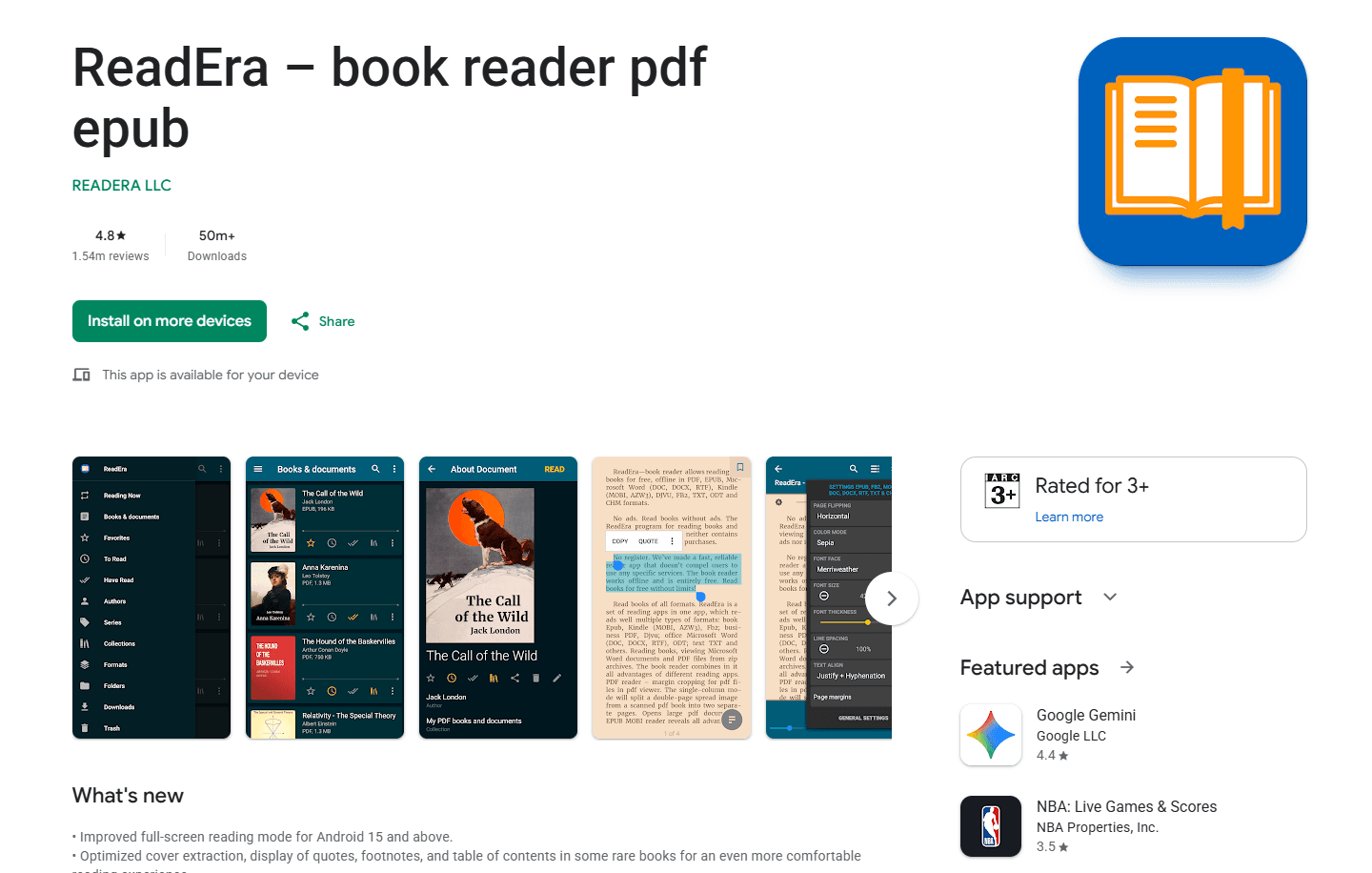
ReadEra is a free EPUB reader with no ads and no account required. It opens EPUB, PDF, MOBI, and more.
Install from Google Play Store
What you get:
- No ads (completely free)
- No account required
- Format support (EPUB, PDF, MOBI, AZW3, FB2, DJVU, DOC, DOCX, RTF, TXT, ODT, CHM)
- Reading from ZIP archives
- Bookmarks, highlights, notes, and table of contents
- Night mode and themes
- Font and text size adjustment
- Page flip animations
- Recent files list
What you don't get:
- No cloud sync in the free edition
- No cross-device annotations or highlights in the free edition
- No cross-device library management
- Basic interface
ReadEra fits users who want simple, ad-free EPUB reading. No setup, no account. Opens files from local storage. Good for readers who do not need cloud sync.
2. Moon+ Reader (Best for Customization)
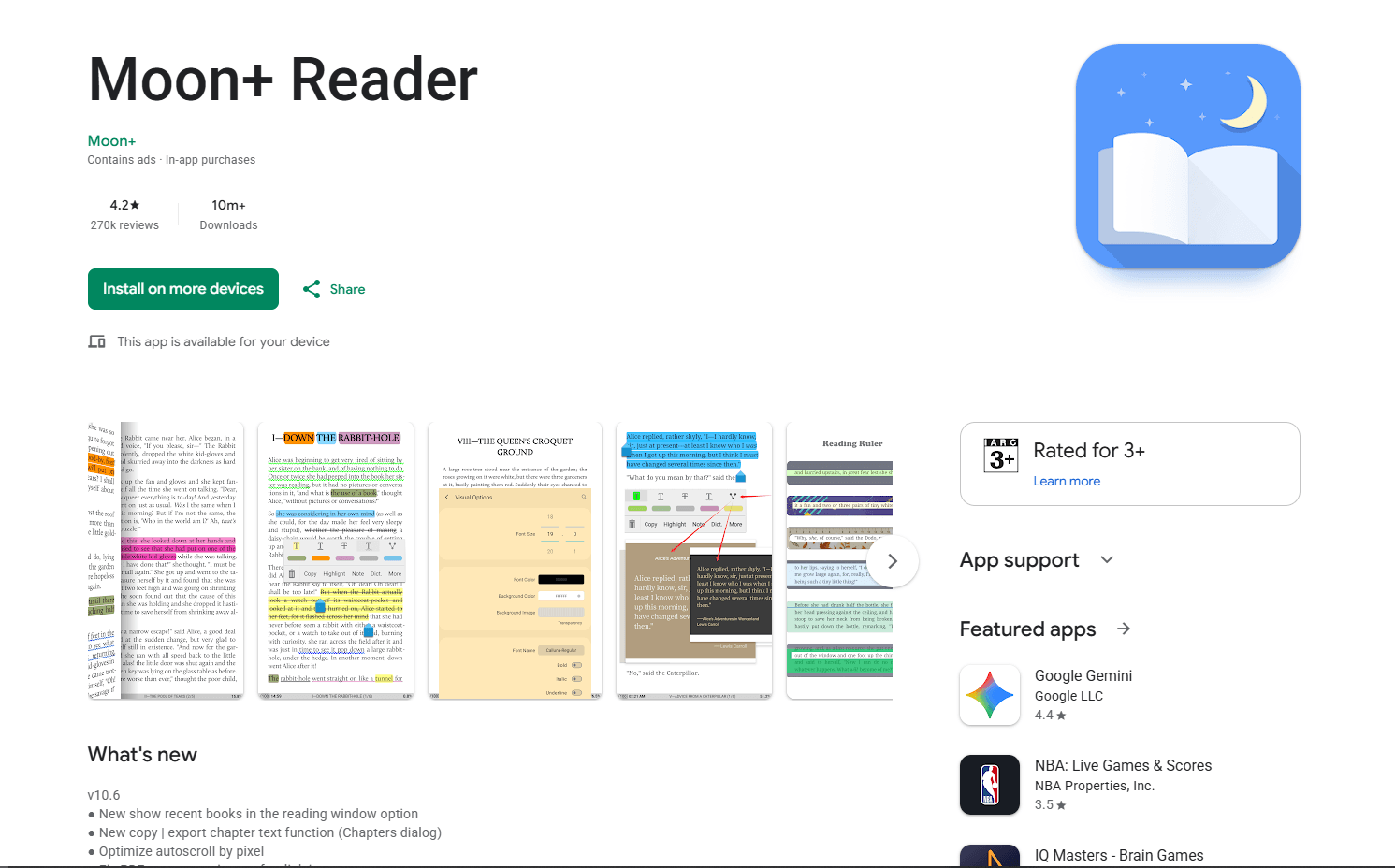
Moon+ Reader is an EPUB reader with extensive controls. The free edition has ads; the separate paid Pro edition removes ads and adds features.
Install from Google Play Store
What you get:
- Format support (EPUB, PDF, MOBI, CBZ, CBR, UMD, FB2, TXT, HTML, RAR, ZIP)
- Extensive customization (fonts, themes, margins, line spacing)
- Gesture controls (tap zones, swipe actions)
- Annotations and highlights with colors
- Bookmarks and notes
- Reading statistics
- Online libraries (OPDS catalogs)
- Text-to-speech
- Auto-scroll
- Night mode and themes (10+ built-in)
- Backup and reading-position sync through Dropbox or WebDAV
Pro features:
- Remove ads
- More themes
- Advanced statistics
- Additional reading and annotation tools
What you don't get:
- Ads in free version
- Interface can feel cluttered
- Steeper learning curve
Moon+ Reader fits power users who want extensive customization. Gesture controls, themes, and reading statistics provide desktop-class features on mobile. The separate Pro edition provides an ad-free experience.
3. Google Play Books (Best for Google Ecosystem)
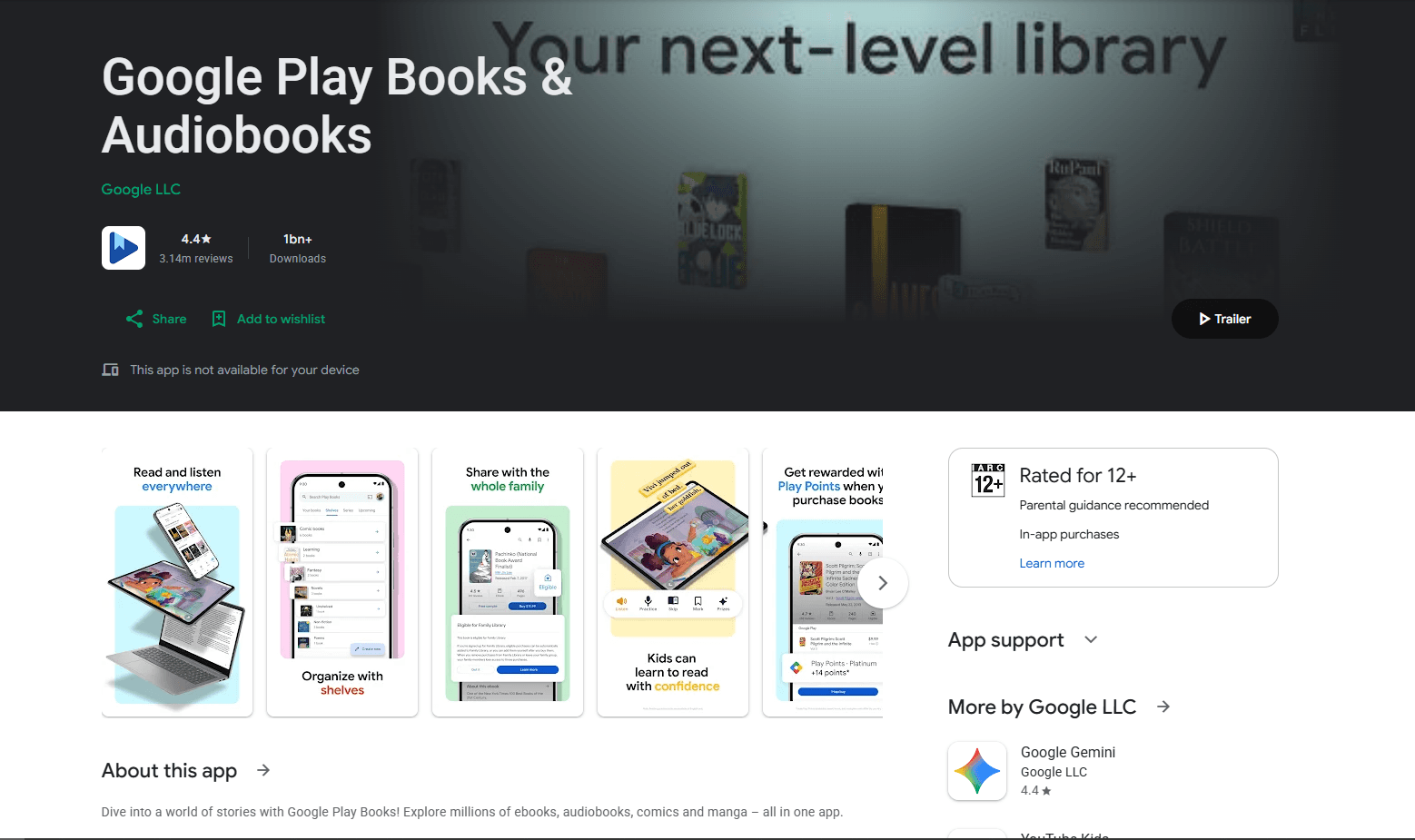
Google Play Books is Google's official ebook reader. Free and syncs across Android, iOS, and web.
Pre-installed on some Android devices or install from Google Play Store
What you get:
- Cloud sync across devices (Android, iOS, web)
- Access to Google Play Books store
- Upload your own EPUB and PDF files
- Highlights and notes with sync
- Bookmarks
- Night mode and themes
- Font and text size adjustment
- Reading progress sync
- Offline reading (download books)
What you don't get:
- Limited format support (EPUB and PDF uploads only)
- Library management uses shelves instead of folders
- Requires Google account
- Privacy tradeoff: personal books are stored in Google's cloud library
Google Play Books fits users in the Google ecosystem. If you use Gmail, Google Drive, and Chrome, the sync works across supported devices. For local reading or format flexibility, use ReadEra or Moon+ Reader.
4. PocketBook Reader (Best Format Support)
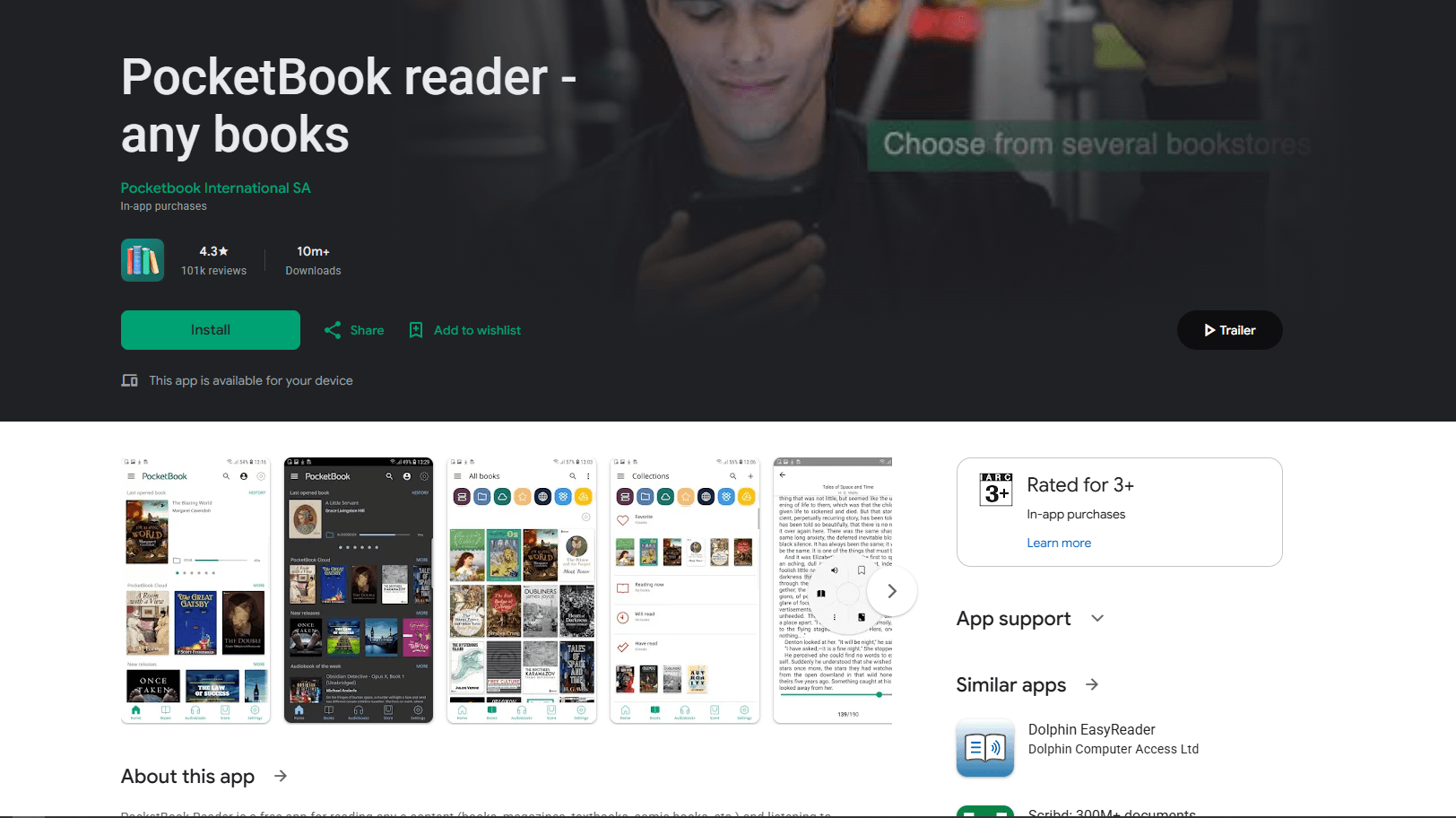
PocketBook Reader is a free EPUB reader with extensive format support. No ads.
Install from Google Play Store
What you get:
- Format support (26 formats: EPUB, MOBI, FB2, PDF, DJVU, CBZ, CBR, and more)
- Audiobook support (MP3, M4B)
- Text-to-speech
- Annotations and highlights
- Bookmarks and notes
- Dictionary support (offline dictionaries)
- OPDS catalog support (online libraries)
- Cloud sync (Dropbox, Google Drive, PocketBook Cloud)
- Night mode and themes
- Font and layout customization
What you don't get:
- Interface less polished than Moon+ Reader
- Cloud sync requires account
- Not built around Kindle or Kobo store purchases
PocketBook Reader fits users who need extensive format support. 26 formats including audiobooks. Dictionary support helps with foreign language reading. Good for academic or technical reading.
5. Librera Reader (Best Open Source)
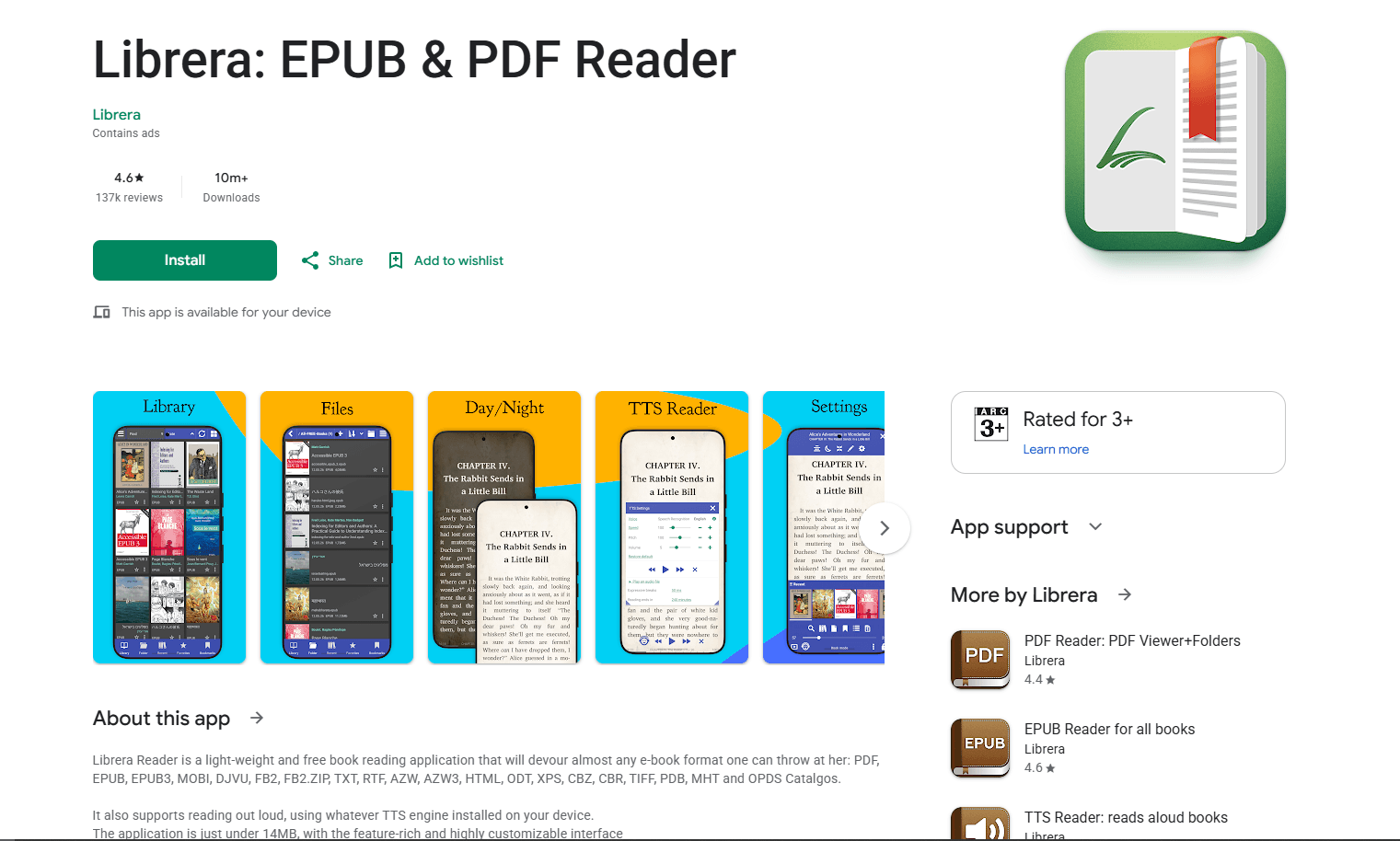
Librera Reader is a free, open-source ebook reader. The Google Play edition contains ads; the Pro and F-Droid builds do not.
Install from Google Play Store or F-Droid
What you get:
- Format support (EPUB, PDF, MOBI, DJVU, FB2, TXT, RTF, AZW, AZW3, CBZ, CBR)
- Annotations and highlights
- Bookmarks and notes
- Text-to-speech
- OPDS catalog support
- Customizable fonts and themes
- Night mode
- Reading modes (scroll, book, musician mode)
- Google Drive integration in the Google Play build
What you don't get:
- Interface dated
- Less polished than commercial apps
- Ads in the free Google Play edition
Librera Reader fits open-source enthusiasts and privacy-focused users. Available on F-Droid for Google-free Android. The F-Droid build omits Google Play services and Google Drive sync.
6. FBReader (Best for Cross-Platform Sync)
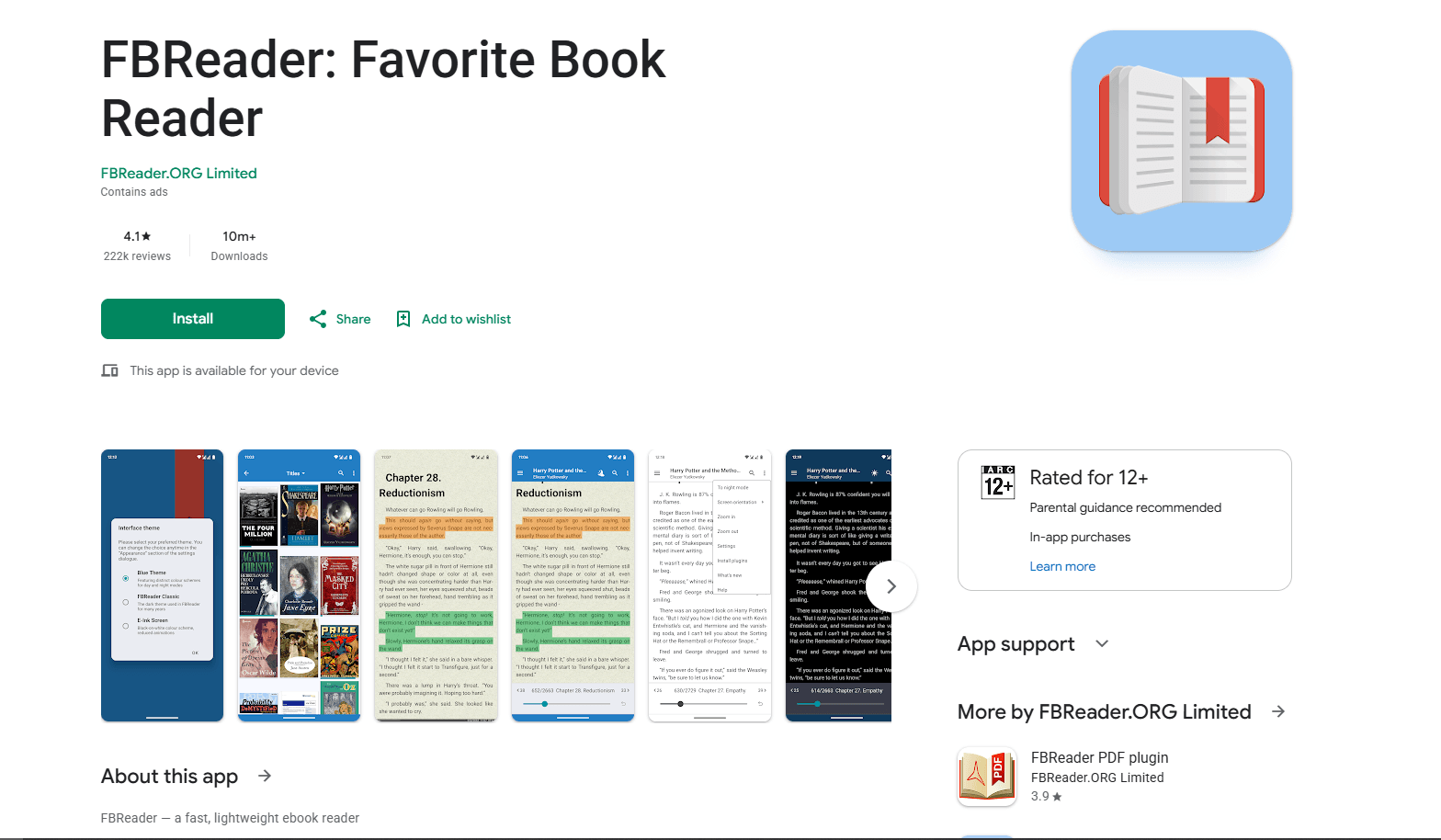
FBReader is a free ebook reader with cloud sync. Syncs across Android, iOS, Windows, macOS, Linux, and ChromeOS after setup. The free Android edition contains ads.
Install from Google Play Store
What you get:
- Optional collection, position, and bookmark sync through FBReader Book Network
- Format support (EPUB, AZW3, FB2, CBZ, CBR, DOC, RTF, HTML, TXT)
- Network libraries (OPDS catalogs)
- Highlights and bookmarks with sync
- Customizable fonts and themes
- Reading positions sync
What you don't get:
- Basic library management
- Sync requires FBReader Book Network setup
- Interface dated
- Limited advanced features in the free edition
FBReader fits users who read on multiple platforms. Cloud sync works across Android, iOS, Windows, macOS, Linux, and ChromeOS after setup. Reading positions sync through FBReader Book Network.
7. Kindle for Android (Best for Amazon Users)
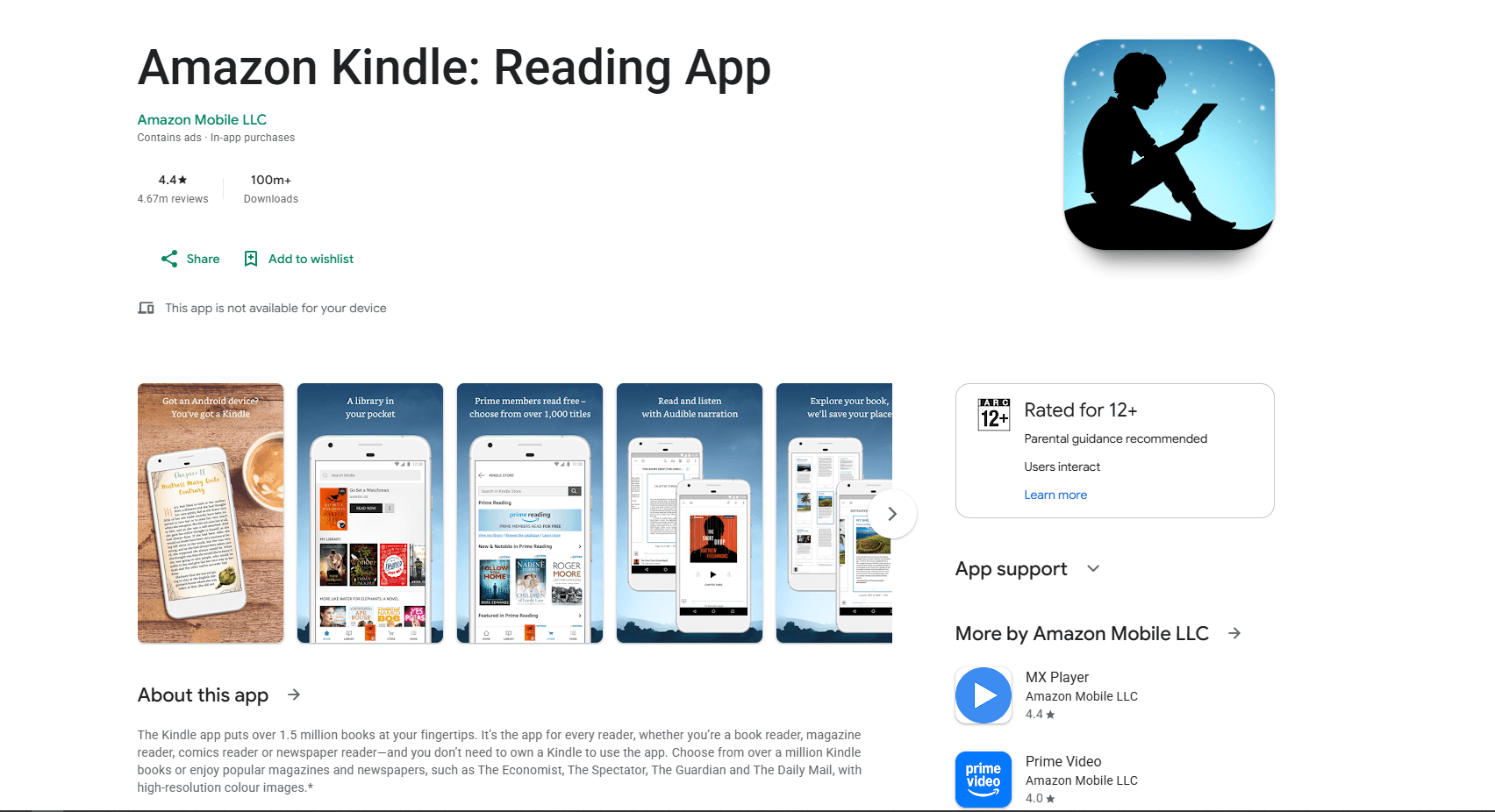
Kindle for Android is Amazon's official ebook reader. Free and syncs with Kindle devices and apps.
Install from Google Play Store
What you get:
- Sync with Kindle devices and apps
- Access to Amazon Kindle Store
- Whispersync (syncs reading position)
- Highlights and notes with sync
- X-Ray feature (character and term lookup)
- Word Wise (vocabulary help)
- Flashcards from highlights
- EPUB delivery through Send to Kindle
What you don't get:
- Limited EPUB support (requires Send to Kindle conversion)
- No folder-based library management
- Requires Amazon account
- DRM restrictions on purchased titles
Kindle for Android fits Amazon Kindle users. If you buy books from Amazon, the sync works across all devices. Send to Kindle accepts EPUB documents. For local DRM-free EPUBs, use ReadEra or Moon+ Reader.
8. Kobo Books (Best for Kobo Users)
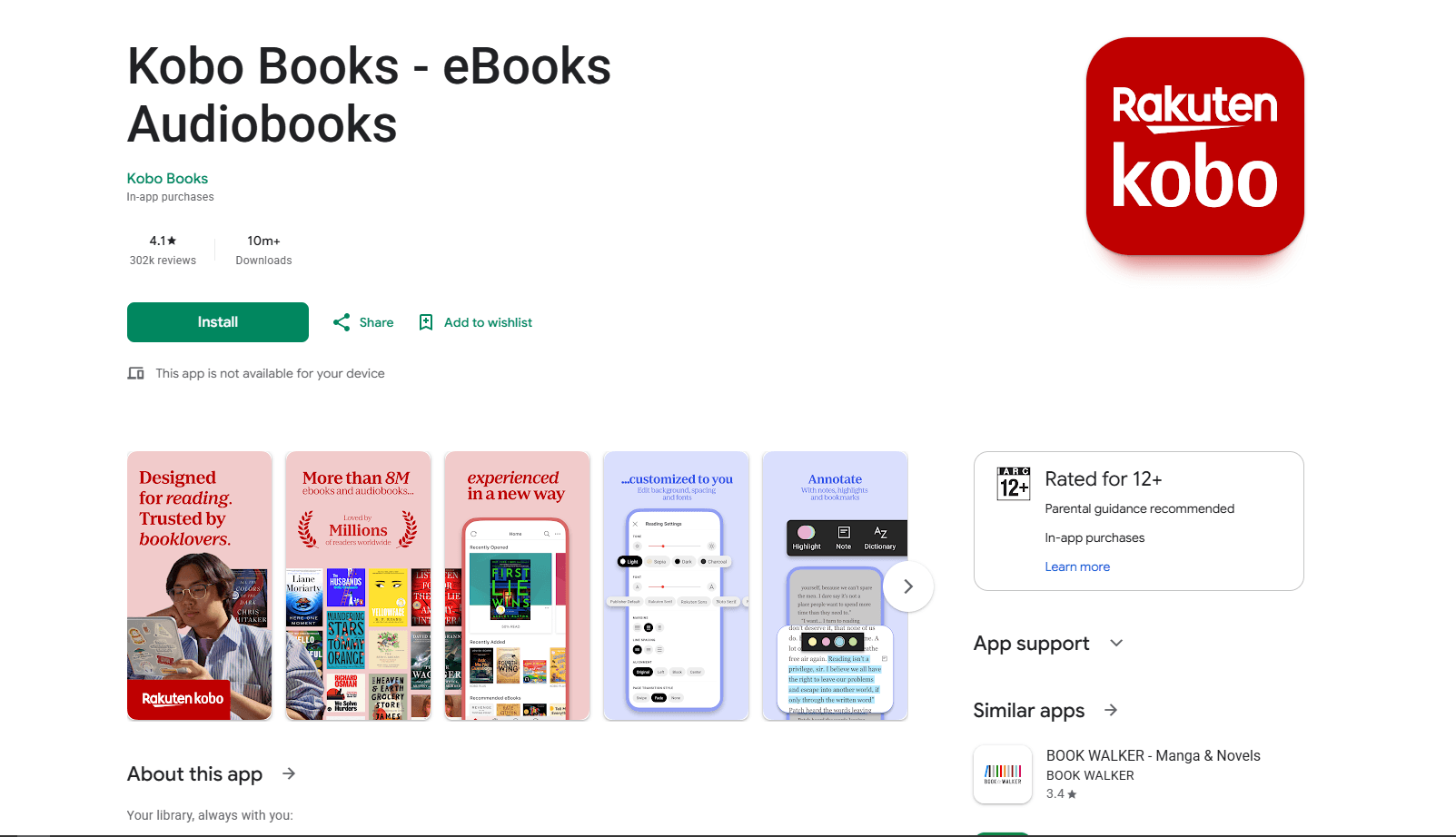
Kobo Books is Kobo's official ebook reader. Free and syncs with Kobo devices and apps.
Install from Google Play Store
What you get:
- Sync with Kobo devices and apps
- Access to Kobo Store
- Reading position sync
- Highlights and notes with sync
- Customizable fonts and themes
- Night mode
- Reading statistics
What you don't get:
- EPUB support excludes Adobe Digital Editions books in the Android app
- No folder-based library management
- Requires Kobo account for purchases and sync
- Store and library features are tied to the Kobo ecosystem
Kobo Books fits Kobo device users. If you own a Kobo e-reader, the sync works across devices. For local DRM-free EPUBs, ReadEra or Moon+ Reader is more direct. Kobo's format documentation says Adobe Digital Editions books work only with Kobo e-readers, not the Android app.
EPUB Reader Comparison Table
Which EPUB Reader Should You Actually Use?
For ad-free reading without account setup, ReadEra is the best choice. It has no ads, needs no account, and opens EPUB, PDF, MOBI, and more.
For power users who want extensive customization, Moon+ Reader provides gesture controls, themes, and reading statistics. Its separate Pro edition removes ads.
For Google ecosystem users, Google Play Books syncs across Android, iOS, and web. Upload your own EPUBs and access them anywhere.
For extensive format support, PocketBook Reader handles 26 formats including audiobooks. Dictionary support helps with foreign language reading.
For open-source software, Librera Reader provides broad format support and F-Droid availability.
For cross-platform sync, FBReader supports Android, iOS, Windows, macOS, Linux, and ChromeOS.
For Amazon Kindle users, Kindle for Android syncs with Kindle devices and apps.
For Kobo device users, Kobo Books syncs with Kobo e-readers.
Using more than one reader is normal. ReadEra for DRM-free EPUBs, Google Play Books for purchased books, Moon+ Reader for customization.
Android-Specific Tips
Gesture controls: Most readers support gesture controls:
- Tap left/right edge: Previous/next page
- Tap center: Show/hide controls
- Swipe up/down: Scroll (scroll mode)
- Pinch: Zoom (PDF files)
- Long press: Select text
Night mode: Enable night mode for reading in dark environments. Most readers support:
- Dark background with light text
- Sepia or warm-color themes
- Adjustable brightness
Battery optimization: Keep battery optimization enabled by default. If one reader repeatedly fails to sync, check that app's battery setting. Menu names vary by Android version and manufacturer.
File management: Store EPUBs in organized folders:
- Books
- Download
- Cloud folders (when supported)
Modern Android versions use a system file picker, so fixed storage paths are unreliable.
Cloud sync setup: For Moon+ Reader, PocketBook Reader, or Librera Reader:
- Open app settings
- Select the cloud sync option
- Choose a supported service
- Authorize access
- Select a sync folder when requested
Moon+ Reader supports Dropbox and WebDAV, PocketBook offers PocketBook Cloud, and Librera's F-Droid build does not include Google Drive sync.
External storage: Store large libraries on an SD card:
- Move EPUBs to the SD card
- Open the reader app
- Select the SD card through Android's system picker
- Add the folder to the library
Frequently Asked Questions
What's the best free EPUB reader for Android?
ReadEra for ad-free reading or Moon+ Reader for features. ReadEra is free with no ads, no account required, and supports EPUB, PDF, MOBI, and 12+ formats. Moon+ Reader (free with ads) provides extensive customization, gesture controls, and sync. Its ad-free Pro edition is a separate purchase. Download ReadEra from Google Play Store.
Does Android have a built-in EPUB reader?
No. Android doesn't include a universal EPUB reader. Google Play Books is pre-installed on some devices but requires a Google account. For ad-free, no-account reading, install ReadEra. Moon+ Reader is free with ads and offers a separate paid Pro edition. Both support EPUB, PDF, MOBI, and more.
Can I read EPUB files on Android?
Yes. Install an EPUB reader app from Google Play Store. Good options include ReadEra (free, no ads), Moon+ Reader (free with ads), or Google Play Books (free, requires a Google account). ReadEra and Moon+ Reader open local EPUB files; Google Play Books uploads them to its cloud library.
How do I sync EPUB books across Android and desktop?
Use FBReader Book Network, Google Play Books, or PocketBook Cloud. FBReader supports Android, iOS, Windows, macOS, Linux, and ChromeOS. Moon+ Reader can sync reading positions through Dropbox or WebDAV.
What's the best EPUB reader for Android tablets?
Moon+ Reader for customization or PocketBook Reader for format support. Both work well on tablets with larger screens. Moon+ Reader provides gesture controls and themes. PocketBook Reader supports 26 formats, including audiobooks. For simple reading, ReadEra works without ads or an account.
Can I annotate EPUB files on Android?
Yes. ReadEra, Moon+ Reader, PocketBook Reader, Librera Reader, Google Play Books, and FBReader support annotations or highlights. Google Play Books and FBReader can sync reading data through their services. ReadEra supports annotations but not integrated cross-device sync in the free edition.
How do I convert EPUB to PDF on Android?
Use desktop software. Android apps don't typically convert formats. For desktop conversion, use Calibre (free, Windows/macOS/Linux). Download the converted PDF to Android. Most readers, including ReadEra and Moon+ Reader, open both EPUB and PDF. Keep the original EPUB and avoid uploading private books to an unknown online converter.
What's the best EPUB reader for privacy on Android?
ReadEra or Librera Reader. ReadEra is free, has no ads, and requires no account, but it is not open source. Librera Reader is available on F-Droid for Google-free Android. Its F-Droid build omits Google Play services and Drive sync. Check current permissions and privacy policies rather than assuming either app has no tracking.
Related Reading
Using a different platform? See platform-specific EPUB reader guides:
- Best EPUB readers for Mac for macOS options
- Best EPUB readers for Windows for Windows 11 and 10
- Best EPUB readers for Ubuntu for Ubuntu Linux
For other file formats on Android:
Read More
All Articles
7 Best EPUB Readers for Chromebook in 2026 (Free & Paid)
Find the best EPUB reader for Chromebook with Android apps, Chrome extensions, and Linux apps. Compare Google Play Books, ReadEra, EPUBReader, and more for reading ebooks.
8 Best EPUB Readers for iPhone & iPad in 2026 (Free & Paid)
Compare the best EPUB readers for iPhone and iPad, including Apple Books, KyBook 3, Readest, Yomu, Kindle, Kobo, PocketBook, and BookFusion.
7 Best EPUB Readers for Mac in 2026 (Free & Paid)
Find the best EPUB reader for macOS with library management, annotations, and sync. Compare Apple Books, Calibre, Thorium Reader, and more for reading ebooks on Mac.