8 Best VCF Editors and Viewers for Windows PC in 2026

On this page
Double-clicking a VCF on Windows does not tell you what will happen next. One PC may open a single contact in classic Outlook, another may show the legacy Windows Contacts importer, and neither route is pleasant when the file contains 800 people.
VCardix is the best starting point when you need to inspect and edit the actual file. SysTools is better for read-only checking, while Vovsoft adds a portable offline editor and duplicate removal. Outlook, Thunderbird, and Google Contacts belong later in the process, when those contacts are ready to live in an address book.
Before You Double-Click a VCF on Windows
Double-clicking a VCF does not necessarily preview it. Windows sends the file to whichever app is associated with .vcf files. Classic Outlook may open one contact card, while the older Windows Contacts app may start an import without showing the entire address book first.
Save the attachment and preview a copy in a dedicated viewer. Once you know how many contacts it contains, you can edit the source file or import it into the correct address book. Convert to CSV only when necessary because spreadsheets can lose repeated phone numbers, labels, photos, groups, and custom fields.
1. VCardix - Best Free Contact-Aware VCF Editor
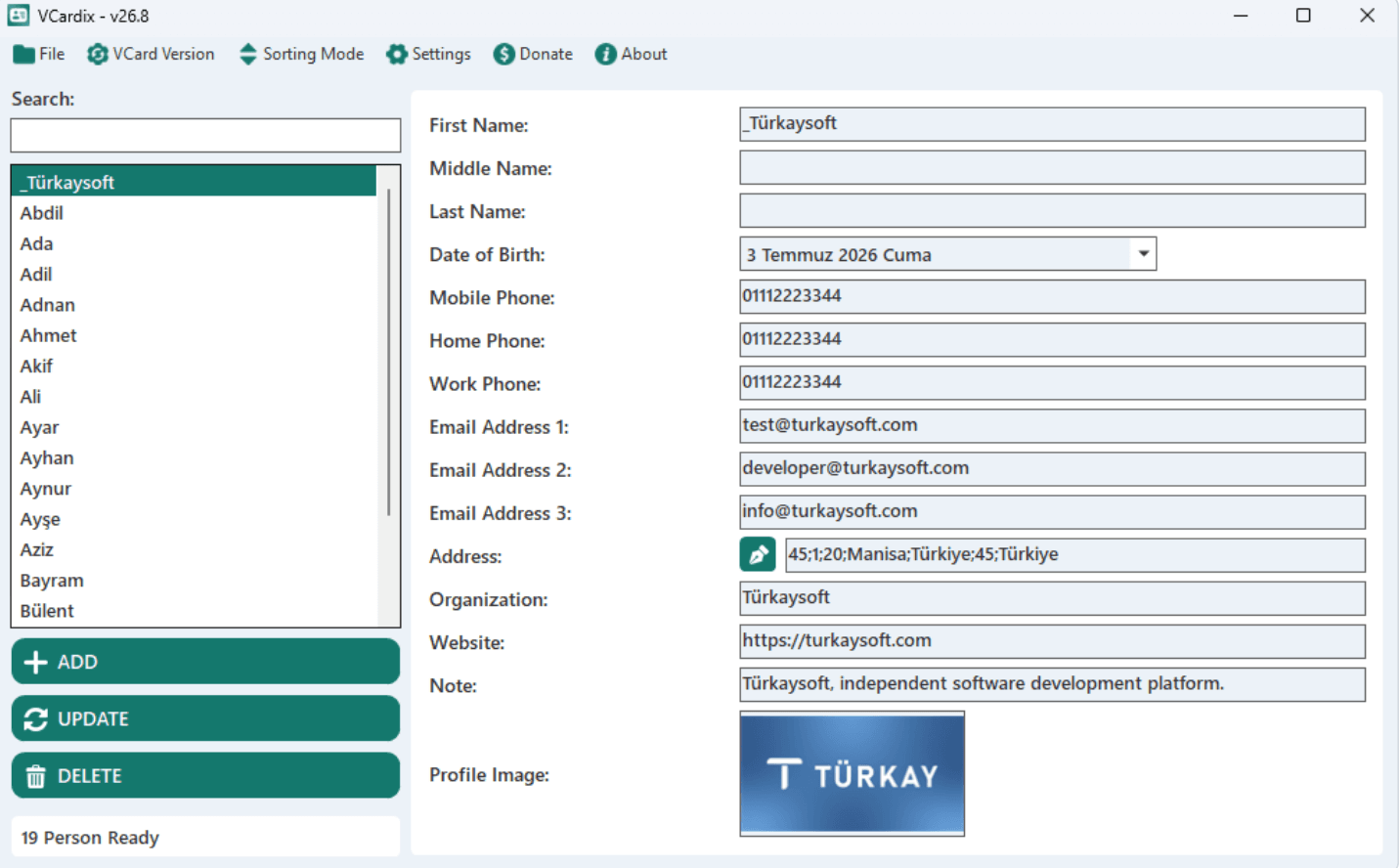
Choose VCardix when the original file needs contact-aware editing rather than a trip through Outlook or a spreadsheet. It opens individual and multi-contact vCards, displays the records in a searchable list, and lets you edit and export selected contacts in VCF, CSV, or JSON.
The developer explicitly lists vCard 2.1, 3.0, and 4.0 support. Contact photos can be displayed, added, and embedded as base64 data. Search and dynamic filters can find records by name, address, telephone number, or email address, which is far more workable than scrolling through a multi-contact file in Notepad.
What you get
- Free contact-aware editing for single-contact and multi-contact files
- vCard 2.1, 3.0, and 4.0 plus VCF, CSV, and JSON export
- Search, filtering, selection, and embedded contact-photo support
What you don't get
- Documented spreadsheet-style replacement across every selected contact
- A documented standalone duplicate-review workflow or Microsoft Store installer
- An independent guarantee for every vendor and custom property
VCardix is free, open source under the MIT License, and distributed as a ZIP rather than through the Microsoft Store. Extract it before running it. The program requires .NET Framework 4.8.1, supports x64 and ARM64 processors, and has documented Windows 10 and Windows 11 compatibility.
Version 26.9 arrived on August 8, 2026. Although the project is young, its public release history includes fixes for quoted-printable text, folded photo lines, vCard 2.1 phone numbers, non-English characters, and Windows 11 behavior.
Keep the source file when the contacts came from Apple, Google, Outlook, or Samsung. The publisher does not prove lossless handling of every vendor-specific property. VCardix documents automatic duplicate removal when an additional file is merged, but not a standalone duplicate-review workflow or spreadsheet-style replacement across selected contacts. Vovsoft remains the clearer option for deliberate duplicate cleanup.
2. Vovsoft VCF Editor - Best Offline and Portable VCF Editor
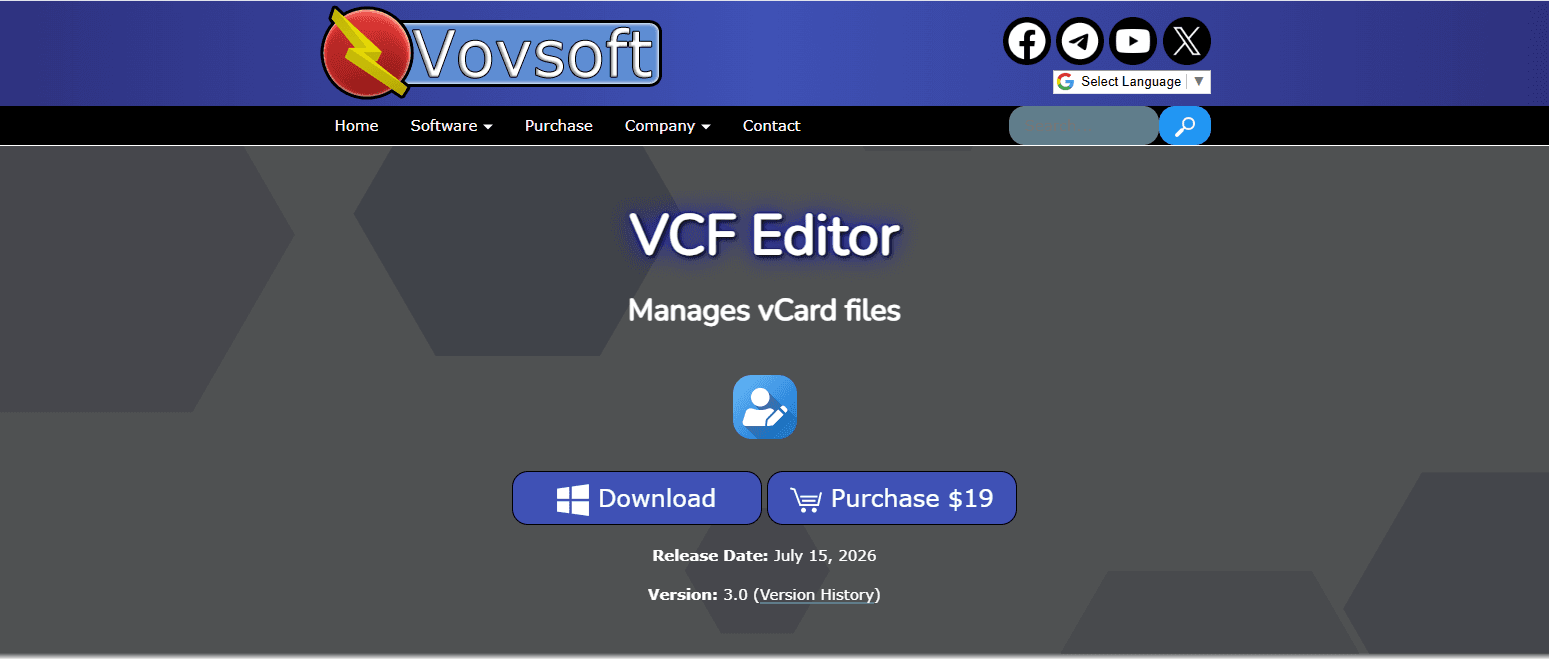
Choose Vovsoft VCF Editor when sensitive contacts must stay in a documented offline desktop workflow and a $19 lifetime license is acceptable. The publisher states that file processing happens locally without an internet connection, and it provides both a normal Windows installer and a portable build.
The contact interface can load, view, and edit names, surnames, telephone numbers, addresses, photos, and other personal fields. It works with single contacts and multi-contact data, saves edited records back to VCF, exports CSV for Excel or address-book imports, and can remove duplicate contacts. Those features make it a better fit than Outlook for cleaning a file before it reaches an account.
What you get
- Contact-aware VCF viewing and editing in a local Windows program
- Installer and portable editions with duplicate removal
- VCF saving, CSV export, photo fields, and multi-contact management
What you don't get
- Editing or export in the free trial
- An explicit compatibility table for every vCard version and encoding
- A Microsoft Store or documented winget installation
Version 3.0 was released on July 15, 2026. The official download page supports Windows 10 and 11, offers 32-bit and 64-bit builds, and provides both an installer and a small portable package.
The free download is a trial: managing and exporting vCards requires the $19 lifetime license. Tax and currency conversion may change the final checkout price.
Vovsoft says the editor respects the input VCF version and has improved vCard 4 and Google Contacts support, but it does not publish a complete field-by-field compatibility matrix. Work on a copy and test one photo-rich contact before trusting a large export. Choose VCardix when a free editor matters more, or SysTools when viewing is all you need.
3. SysTools Free VCF Viewer - Best Viewer Without Importing
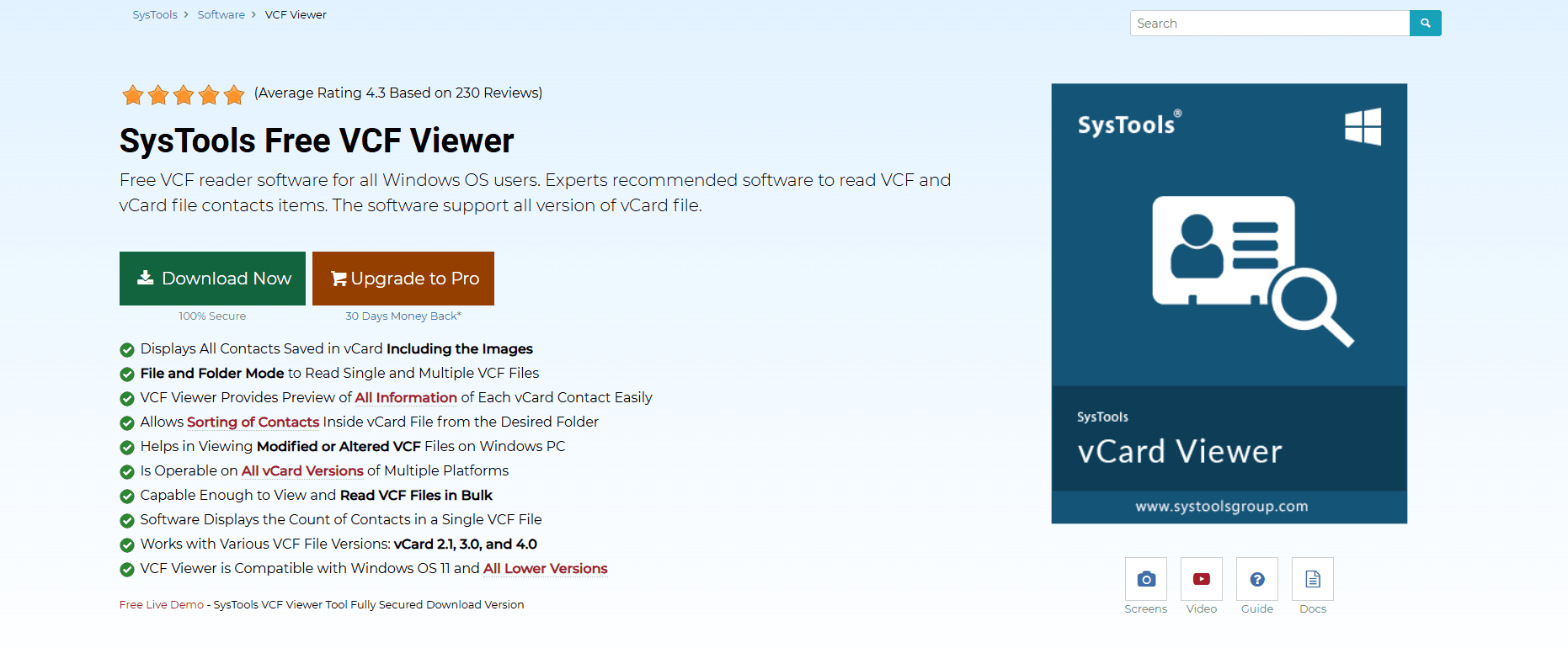
Choose SysTools Free VCF Viewer when the task is to inspect a VCF without adding records to Outlook, Google, or the legacy Windows Contacts folder. Its free edition reads local files, shows contact details and embedded images, and supports both single-contact and multi-contact VCF files.
The dedicated file and folder modes make it useful when a backup contains many separate vCards. The viewer can read a folder in batch, sort contacts, display the number of contacts inside a file, and present the selected record. The official feature page lists vCard 2.1, 3.0, and 4.0.
What you get
- Free single-contact and multi-contact VCF inspection
- File and folder modes, sorting, contact counts, and embedded photos
- Documented viewing support for vCard 2.1, 3.0, and 4.0
What you don't get
- Source-field editing in the free viewer
- A portable, Microsoft Store, or winget edition
- Free PST, CSV, split, merge, or Outlook-profile conversion
The free viewer leaves the source unchanged, making it a useful first check before a large import. It supports Windows 10 and 11 and installs as a desktop application; no official portable or Microsoft Store edition is documented.
Paid editions add PST, CSV, MSG, PDF, and HTML conversion, plus split and merge features. They still are not presented as direct field editors, so converting a VCF is different from correcting the source.
Use SysTools to confirm the record count, visible fields, and embedded photos. Those checks cannot guarantee how another program will map the same data after import, but they can expose an obviously wrong file before any contacts are added.
4. Mozilla Thunderbird - Best Free Address Book for Imported VCF Contacts
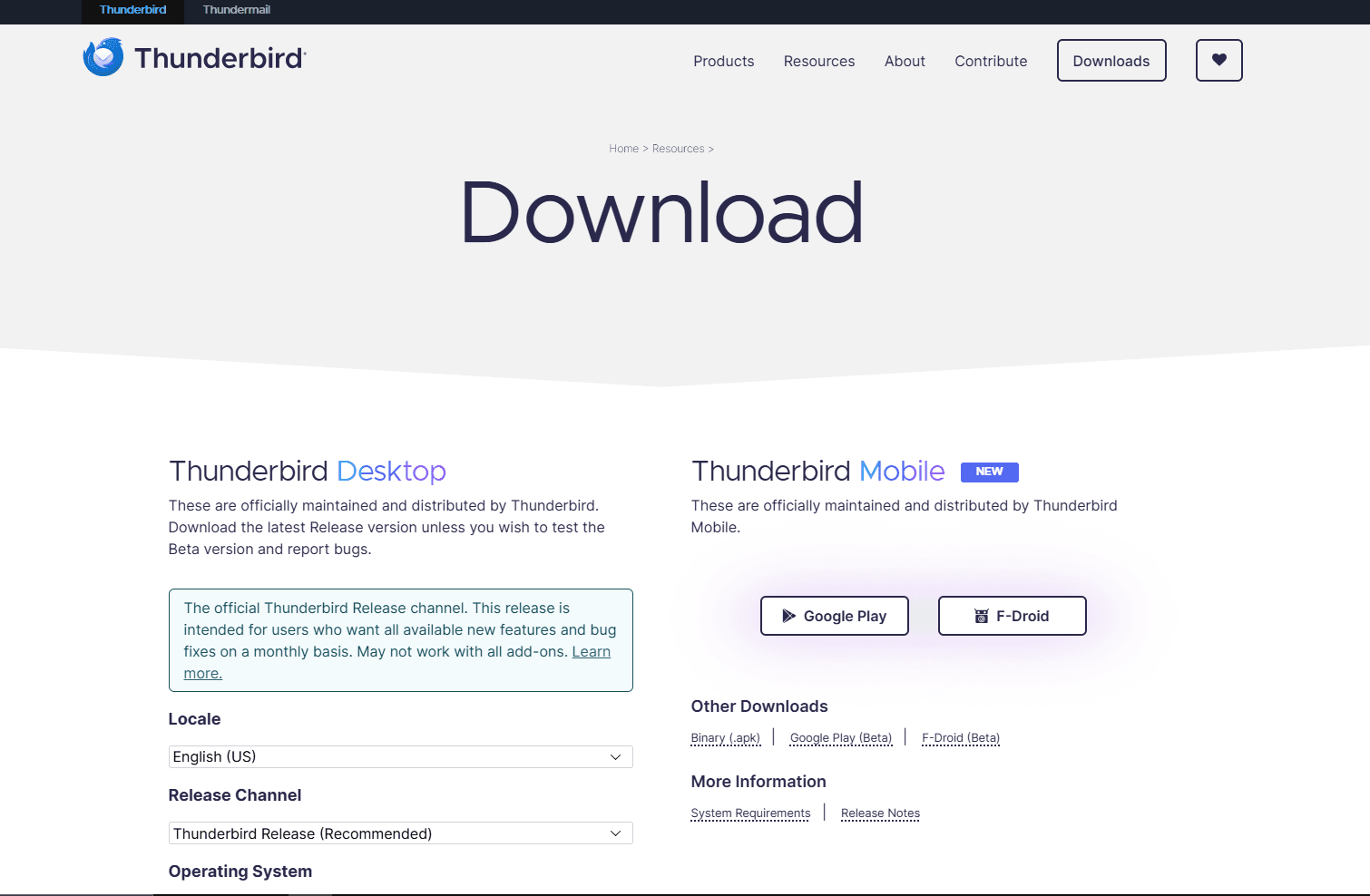
Choose Mozilla Thunderbird when the VCF should become a free desktop address book rather than remain a standalone file. Thunderbird can preview a vCard attached to an email, import a vCard address-book file, edit the imported contacts, and export an address book to vCard later.
The crucial phrase is after import. Thunderbird's address book does not operate as an in-place VCF source editor. Importing clients.vcf creates records in a Thunderbird address book. Changes belong to those records, and exporting produces a new file. The original in Downloads remains separate.
What you get
- A free local address book with VCF import and export
- Inline previews for vCards received as email attachments
- Individual contact editing plus optional CardDAV address books
What you don't get
- Direct editing of the original VCF
- A neutral pre-import list for every multi-contact file
- A complete vCard-version and field-preservation matrix
Thunderbird 154.0 supports Windows 10 and 11 and is free and open source. Mozilla's import route accepts vCard address-book files, while attached single cards can be previewed from email before they are added.
Public documentation does not provide a complete preservation matrix for photos, categories, custom fields, and every vCard version. Import and export one representative contact before moving a large address book.
Choose the destination address book carefully. Local records stay in the Thunderbird profile, while CardDAV records synchronize with the configured provider. Thunderbird works well for individual contact editing, but it is cumbersome for changing the same field across hundreds of records.
5. Classic Microsoft Outlook - Best for a Few Outlook Contacts
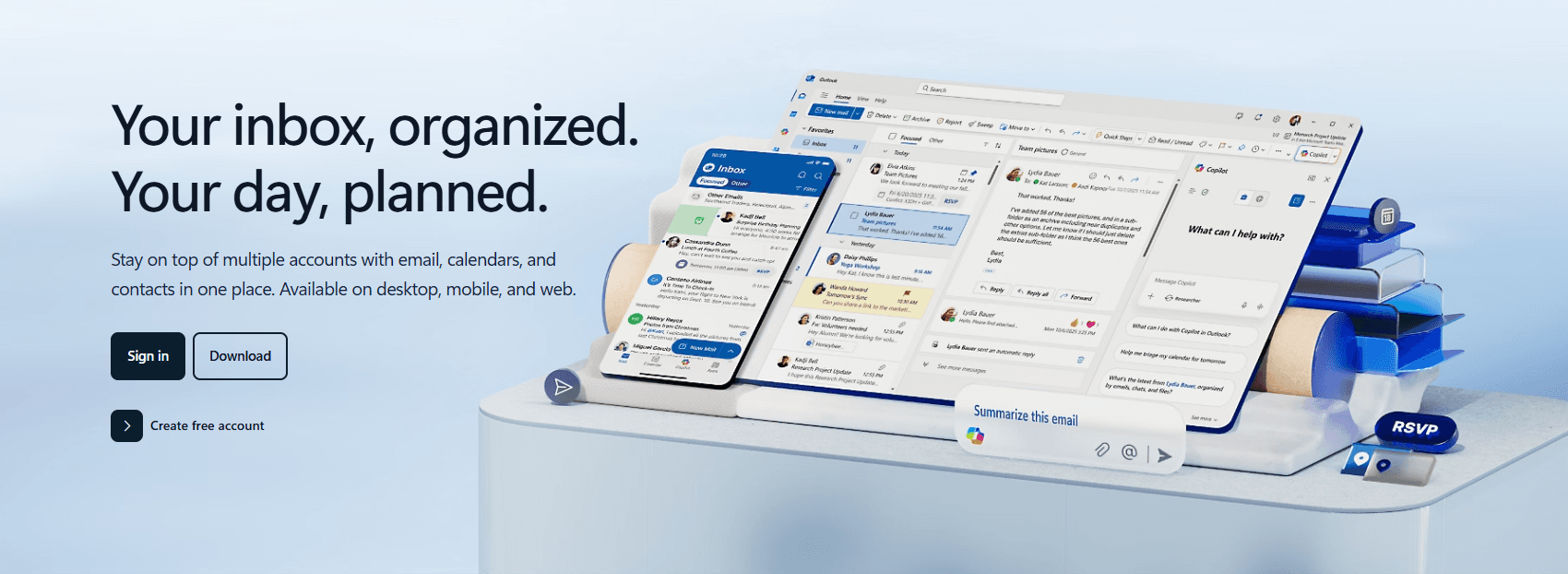
Choose classic Microsoft Outlook when one or a few trusted vCards need to become Outlook contacts. Microsoft's official vCard instructions explain that double-clicking a VCF associated with classic Outlook opens a contact window, and Save & Close adds that record to the Outlook contacts list.
Outlook is an importer and address-book editor, not a source VCF editor. Once the card is saved, Outlook edits its own contact item. It does not rewrite the original attachment or file. That is fine for a business card received by email and a poor fit for cleaning a phone backup.
What you get
- A familiar contact preview and save flow for individual vCards
- Editing inside Outlook Contacts after import
- Exchange, Microsoft 365, PST, and email integration
What you don't get
- Direct source-file editing or a useful multi-contact viewer
- Simple bulk VCF import without conversion
- Equivalent business-card support in new Outlook
Microsoft's current instructions apply to classic Outlook for Microsoft 365 and recent licensed Office editions. Outlook is therefore a practical choice only when you already use it.
Bulk import is the catch. Microsoft's documented route sends a multi-contact VCF through the legacy Windows Contacts folder, asks for confirmation on each contact, exports CSV, and then imports that CSV into Outlook. Microsoft describes this as tedious for more than about 50 contacts.
Microsoft's current vCard instructions list classic Outlook editions and do not list new Outlook, so confirm which edition is installed before changing file associations or buying a converter. For a large backup, inspect it with SysTools and correct it with VCardix first.
Check the destination Contacts folder before saving. Exchange and Microsoft 365 contacts can synchronize to the mailbox, while contacts in a local PST stay in that data file unless it is copied or backed up.
6. Google Contacts - Best Browser Address Book and Duplicate Cleanup

Choose Google Contacts on Windows when the destination is a Google account and browser-based editing is more useful than retaining a local master file. Google's official desktop import workflow accepts CSV or vCard files through Import > Select file, creates contacts in the signed-in account, and opens the newly imported contacts when the upload finishes.
There is no neutral preview step. Selecting Import uploads the contact data and creates account records. Google Contacts then lets you edit individual fields, label contacts, search the address book, and merge duplicate suggestions. Contacts saved in different Google accounts cannot be merged with one another.
What you get
- Browser-based contact editing, search, labels, and duplicate merging
- Multi-contact VCF import and export
- Synchronization with Google services and Android devices
What you don't get
- Offline operation or a preview before upload
- Editing of the source VCF stored on Windows
- Guaranteed round-trip preservation of every custom field and photo
Google Contacts is the most direct route when the finished contacts should synchronize to Android. That convenience means the file's names, numbers, notes, addresses, and photos are uploaded to the signed-in Google account.
Google recommends splitting imports above 3,000 contacts. Details that do not map to standard fields may land in Notes, so inspect a few varied records after import.
Export creates a new VCF from Google's contact model rather than updating the original Windows file. Keep the source if photos, labels, groups, or custom fields matter. Google Contacts requires a browser and account; use VCF to TXT for a local preview or VCardix for source repair.
7. Notepad - Best for One Precise Source Repair

Choose Notepad only when you know the exact text-level fault in the VCF. It can restore a missing END:VCARD line, correct an invalid VERSION:3.0 value, change one visible telephone number, or remove a complete damaged record from a copy.
Notepad is not a vCard editor in the contact-aware sense. It shows raw text and gives you line numbers, encoding controls, search, replace, and regular expressions. It cannot display a contact card, tell whether a label is valid, protect a base64 photo, or warn that an indented physical line belongs to the property above it.
What you get
- Direct raw-text access with line numbers and encoding controls
- Installer, MSI, and portable Windows editions
- Search, replace, regular expressions, undo, and local offline editing
What you don't get
- Contact cards, vCard parsing, or validation
- Protection for folded lines, encoded photos, and escaped values
- Safe contact-aware bulk editing
Notepad 8.9.8 was released on August 23, 2026. It is free and open source, with installer, MSI, and portable builds for x64 and ARM64. Opening a local file needs no account.
Encoding and folded lines are the main risks. Older vCard 2.1 files may contain quoted-printable text, while a line beginning with a space or tab can continue a photo or note from the line above. A normal-looking search and replace can therefore damage data outside the field you meant to change.
Edit a copy, count BEGIN:VCARD and END:VCARD before and after, and preview the result in SysTools or VCardix. Avoid global replacements unless you have checked every match.
8. VCF to TXT - Best Local Browser Preview Without Installation
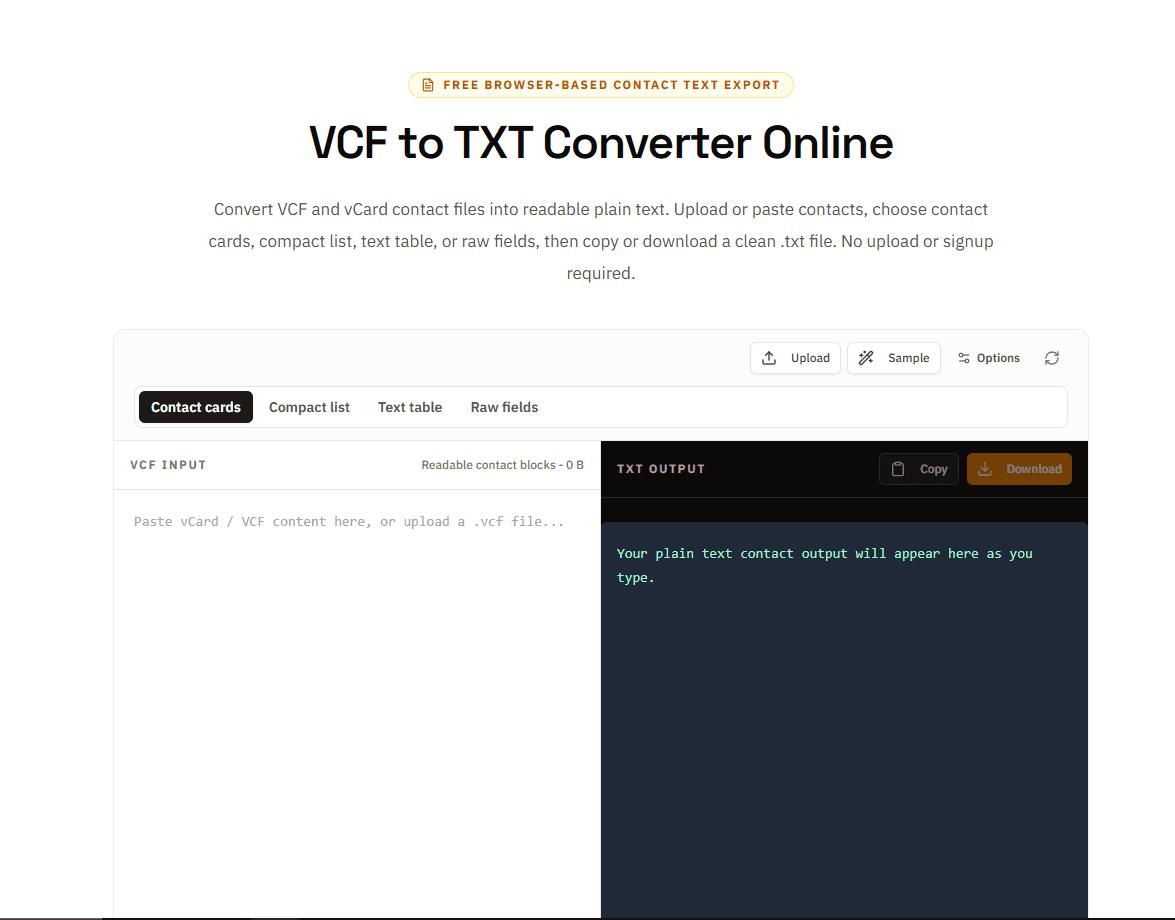
Choose the site's VCF to TXT converter when a Windows browser is already open and you need a readable preflight check without installing software or importing contacts. The tool processes the selected file in the browser and converts common vCard fields into plain text.
This route is useful on a locked-down work PC where downloading an executable is not allowed. Select a file from Downloads or another folder, inspect names, telephone numbers, email addresses, organizations, titles, addresses, notes, and the number of records, then decide what should happen next.
What you get
- No-install local browser processing
- Multi-contact counts and readable contact, compact, table, or raw output
- No account, address-book import, or server upload by this tool
What you don't get
- Contact-field editing or valid VCF export
- Rendered contact photos or duplicate cleanup
- A complete vCard-version certification
The parser handles multi-contact files, folded lines, quoted-printable text, and common escaped characters. The selected VCF is not uploaded by this tool, although a file inside a OneDrive folder may already be synchronized by Windows.
Editing the generated text cannot produce a valid VCF, and contact photos are not rendered. Use this tool to check names, fields, and record counts; then move to VCardix for source changes or the VCF merger when several complete files need joining.
Windows VCF Editor and Viewer Comparison
A Safer Windows VCF Workflow
1. Save a working copy
Keep contacts-original.vcf untouched and place a copy in a folder you control. Desktop and Documents may be synchronized through OneDrive, so use a non-synchronized folder when the address book is confidential.
2. Inspect before importing
Open the copy in SysTools when you want a contact-style view, or use VCF to TXT when installing software is not possible. Confirm how many records are present and check a contact containing an international name, several phone numbers, a photo, an address, and a note.
3. Make only the changes the file needs
Use VCardix for contact-aware source editing or Vovsoft when duplicate removal and a portable build justify the license. Reserve Notepad++ for one understood text repair. If several complete files only need to be joined, use the VCF merger instead of copying record blocks by hand.
If a spreadsheet is necessary, convert a copy to CSV and format every phone column as text before editing. Excel can otherwise remove plus signs, change long numbers to scientific notation, and lose fields that do not fit neatly into columns.
4. Import into the final address book
Use classic Outlook for a small number of Outlook contacts, Thunderbird for a local desktop address book, or Google Contacts when the records should synchronize to Android. Check the destination folder or account before confirming the import.
5. Compare the result
Match the imported record count to the viewer count and inspect the varied contact you checked earlier. Keep the original VCF until names, phone labels, photos, notes, and international characters look correct in the destination.
Windows VCF Problems and What to Do
Related VCF Resources
Read More
All Articles
7 Best VCF Editors and Viewers for Android in 2026
Compare the best VCF editors and viewers for Android for previewing contact files, editing imported contacts, repairing vCards, and avoiding accidental sync.
How to Merge VCF Files: Free Tool & Guide (2026)
Merge VCF contact files with an online tool, Python, or command line. Includes duplicate removal and migration for iPhone, Android, Google, and Outlook.

7 Best GPX Editors and Viewers for Windows in 2026
Compare the best GPX editors and viewers for Windows 10 and 11 for editing track points, planning routes, viewing elevation, using offline maps, and managing Garmin devices.