7 Best MOBI Readers for Android in 2026 (Free & Paid)

On this page
On Android, opening a MOBI file is usually a small file-management problem before it is a reading problem. The book might be in Downloads, WhatsApp, Gmail, Google Drive, an SD card, or a folder copied from your laptop. A good reader should find the file without making you fight Android's storage permissions.
The second issue is comfort. A MOBI file that looks fine on a desktop can feel cramped on a phone if the app handles margins, fonts, night mode, and page turns badly. On tablets and Android e-ink devices, the priorities shift again: layout control, battery-friendly reading, and library browsing matter more.
This list focuses on Android apps that handle real MOBI reading situations: opening a file quickly, managing a mixed ebook folder, reading offline, syncing progress, using an e-ink Android device, or staying inside Amazon's Kindle library when the book requires it.
1. ReadEra (Best Free MOBI Reader for Most People)
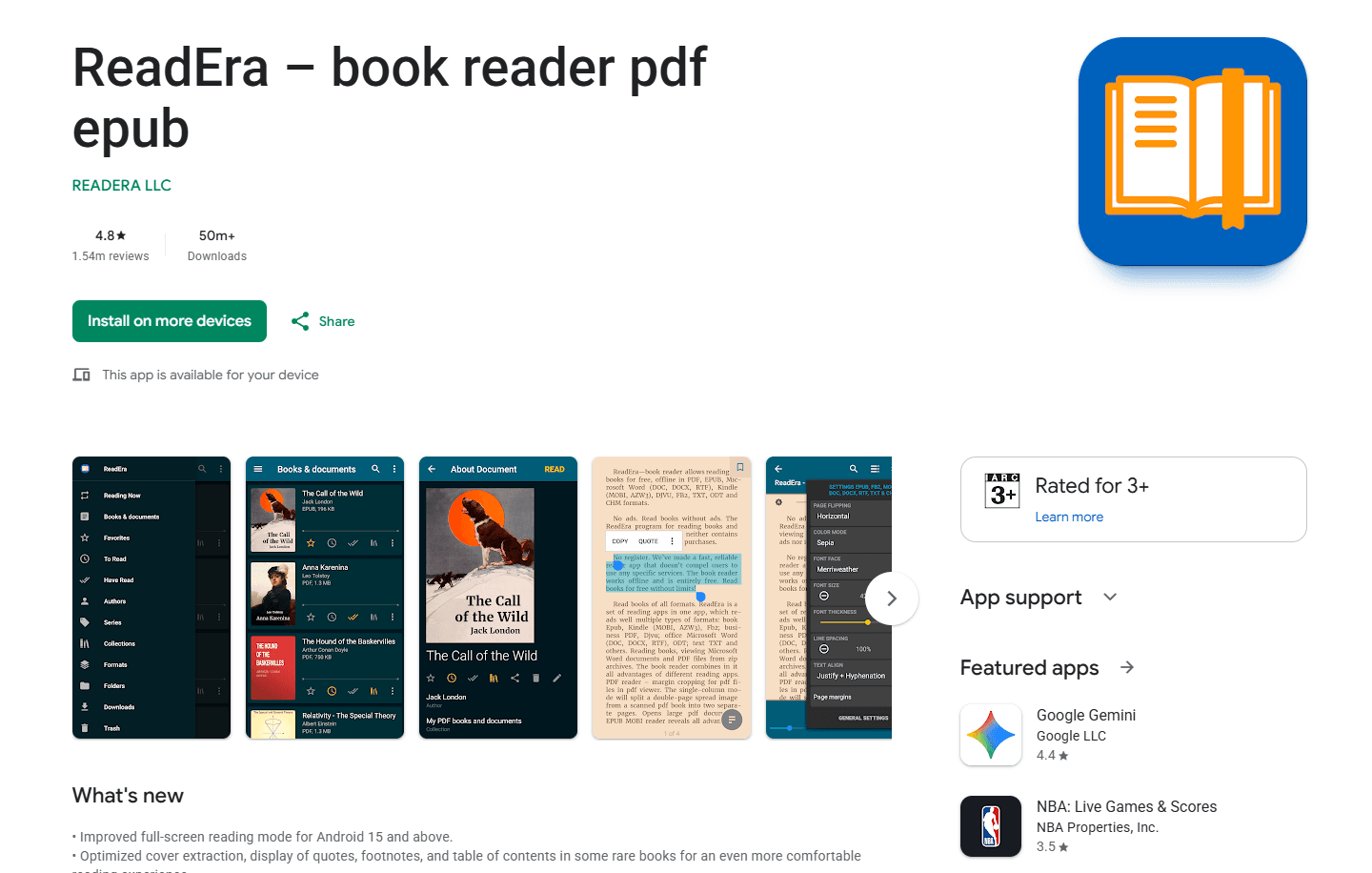
ReadEra is the easiest Android app to recommend for DRM-free MOBI files. It is free, works offline, does not require an account, and opens MOBI alongside EPUB, AZW3, PDF, FB2, DJVU, DOCX, RTF, TXT, ODT, and CHM.
The best part is how little setup it needs. Download a MOBI file, open it with ReadEra, and it usually appears in the app without turning the first five minutes into settings work.
Install from Google Play Store
What you get:
- Free reading with no ads
- No account required
- MOBI, AZW3, EPUB, PDF, FB2, DJVU, DOCX, RTF, TXT, ODT, and CHM support
- Offline reading
- Automatic file detection
- Bookmarks, table of contents, and reading progress
- Day, night, and sepia modes
- Font, spacing, margins, brightness, and orientation controls
- Works well on phones and tablets
- Can read documents from ZIP archives
What you don't get:
- No cloud sync in the free app; ReadEra Premium adds Google Drive sync
- No cross-device bookmark or quote sync in the free app
- No ebook conversion
- No store ecosystem
ReadEra is the best first install if someone sends you a MOBI file and you simply want to read it on Android. It is also a good choice for people who do not want ads, accounts, or a store attached to a reader app.
Best for: quick MOBI reading, simple local libraries, offline use, and people who want a clean free app.
2. Moon+ Reader (Best for Customization)
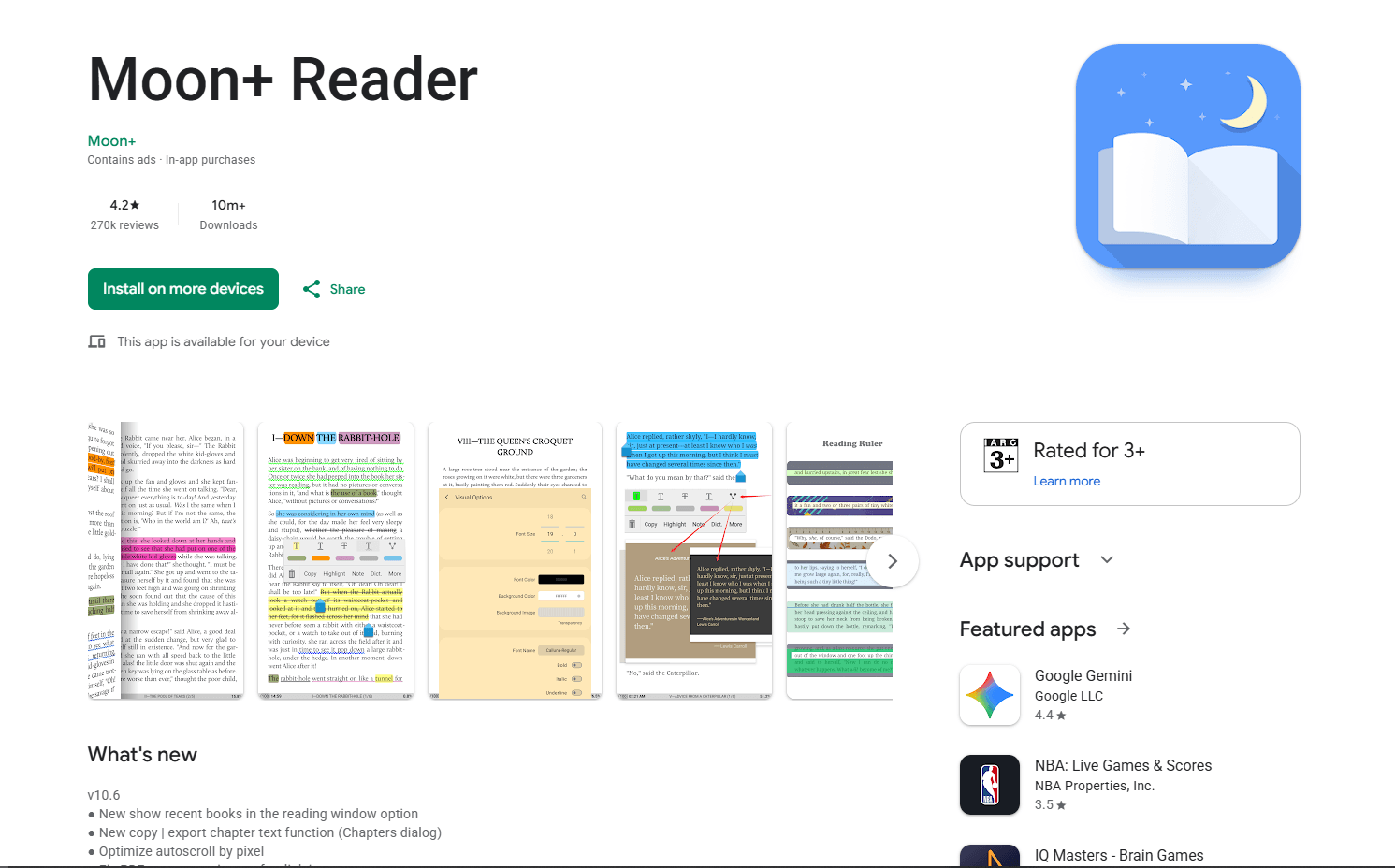
Moon+ Reader is the better choice if you like tuning the reading experience. It supports MOBI, AZW3, EPUB, PDF, DJVU, FB2, CBZ, CBR, PRC, CHM, DOCX, RTF, TXT, HTML, Markdown, ZIP, RAR, and OPDS catalogs.
Moon+ Reader is not as quiet as ReadEra. The interface has more switches, menus, gestures, and reading modes. That can feel busy at first, but it is exactly why the app offers more control.
Install from Google Play Store
What you get:
- MOBI, AZW3, EPUB, PDF, FB2, CBZ, CBR, TXT, HTML, Markdown, ZIP, RAR, and OPDS support
- Strong font, spacing, margin, color, and theme controls
- Tap zones and gesture customization
- Highlighting, annotations, bookmarks, and sharing
- Auto-scroll modes
- Reading statistics
- Backup and restore options
- Dropbox and WebDAV sync options
- Day and night themes
- Good tablet support
What you don't get:
- Free version includes ads
- The settings can feel crowded
- Not the simplest app for one-off files
- No built-in MOBI conversion
Moon+ Reader is worth using when you care about how the page feels: line height, margins, tap zones, background color, auto-scroll, and hardware buttons. For casual MOBI reading, ReadEra is simpler. For long reading sessions, Moon+ Reader gives you more control.
Best for: power users, customization, annotations, gestures, and readers who spend a lot of time inside the app.
3. PocketBook Reader (Best for Format Support and Sync)
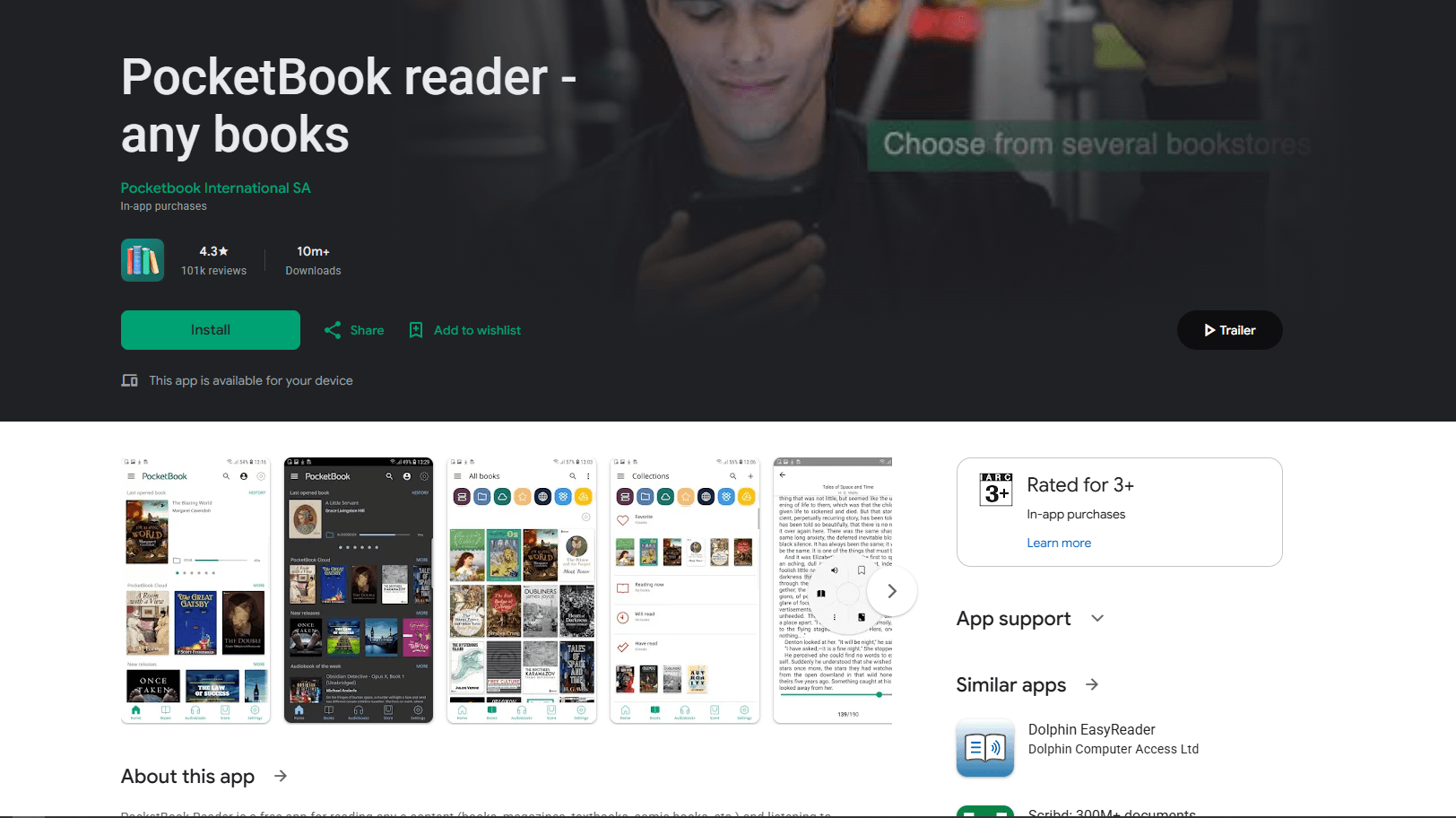
PocketBook Reader is a strong option if your Android library is not only MOBI. It supports 26 formats, including EPUB, PDF, FB2, MOBI, DJVU, TXT, comics, audiobooks, and protected book formats.
PocketBook feels more like a full reading system than a simple file opener. It includes cloud sync, notes, bookmarks, library organization, search, collections, and automatic file detection.
Install from Google Play Store
What you get:
- MOBI support plus 25 other formats
- EPUB, PDF, FB2, DJVU, TXT, comics, and audiobook support
- Cloud sync for reading position, notes, and bookmarks
- Offline reading
- Library collections and search
- Notes and highlights
- Text-to-speech
- Dictionary support
- Custom fonts, themes, margins, and spacing
- Works on phones, tablets, and ebook-style Android devices
What you don't get:
- More account/sync complexity than ReadEra
- Interface is not as simple as a basic reader
- Cloud features require setup
- No desktop-style conversion tools
PocketBook Reader makes sense when your ebook folder is messy and mixed. If you have MOBI, EPUB, PDF, comics, and audiobooks in one place, it handles that pile in one app.
Best for: mixed ebook libraries, sync, format support, notes, and people who read on more than one device.
4. Librera Reader (Best for Advanced Local Reading)
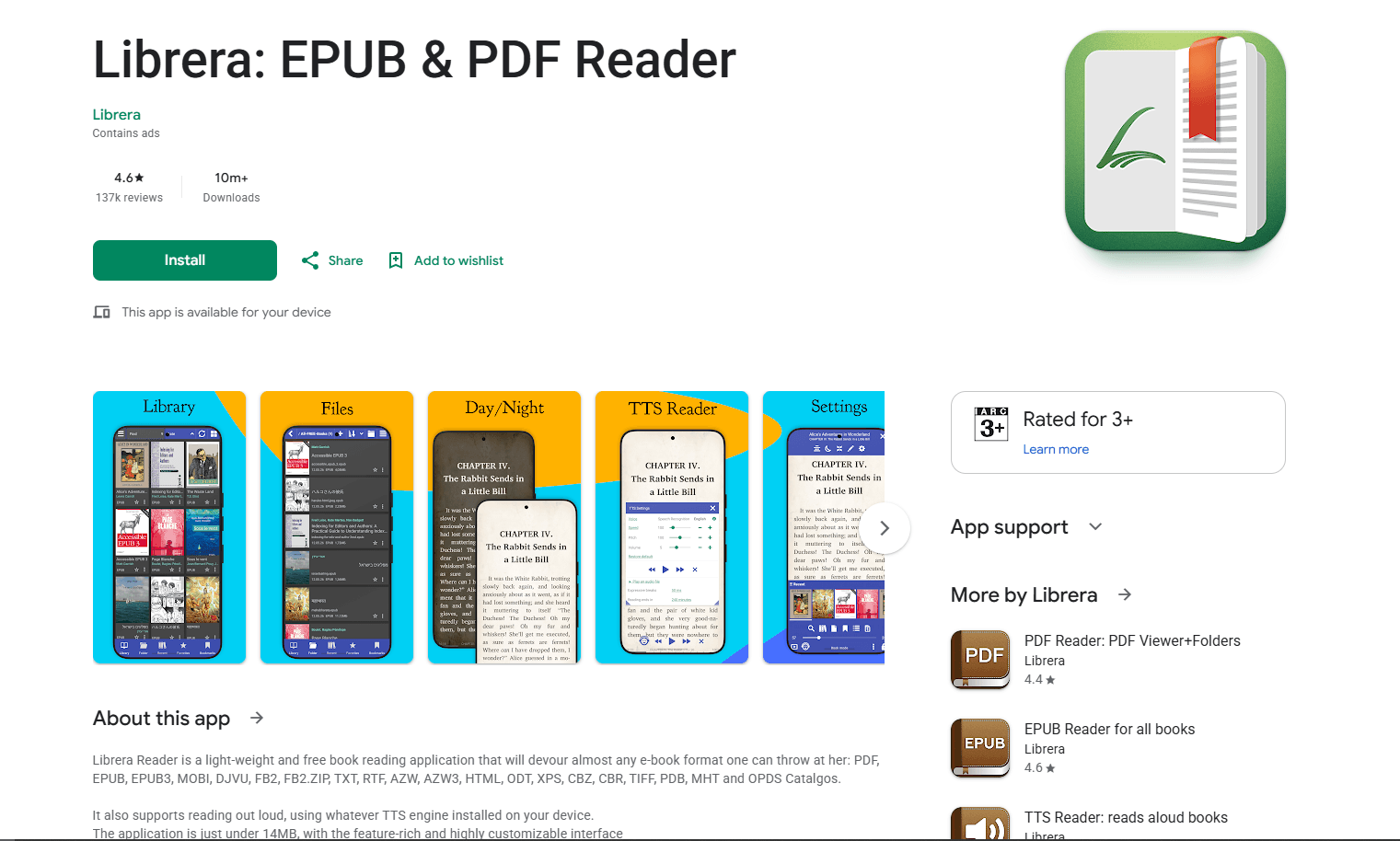
Librera Reader is a lightweight Android reader with wide format support. It opens MOBI, AZW, AZW3, EPUB, EPUB3, PDF, DJVU, FB2, TXT, RTF, HTML, ODT, XPS, CBZ, CBR, PDB, MHT, and more.
Librera is not the prettiest app in this list, but it is practical. It is especially useful if you want local file browsing, lots of reading controls, text-to-speech, dictionary lookup, and support for older ebook formats.
Install from Google Play Store or F-Droid
What you get:
- MOBI, AZW, AZW3, EPUB, PDF, DJVU, FB2, TXT, RTF, HTML, ODT, CBZ, CBR, and more
- Local folder scanning
- Notes and bookmarks
- Text-to-speech
- Dictionary lookup
- Night mode and custom colors
- Page splitting and cropping options
- OPDS catalog support in builds with network features
- Local library scanning and folder browsing
- Works with books packed in ZIP files
What you don't get:
- Interface can feel dated
- Ads in the free Play Store version
- More settings than casual readers need
- The F-Droid build omits Google Play services and Google Drive synchronization
Librera Reader is for people who want control over local files. If your MOBI files are sitting in folders and you want to browse, sort, search, adjust, and read without joining a store ecosystem, it is a useful tool.
Best for: local ebook folders, older formats, text-to-speech, F-Droid users, and advanced reading controls.
5. FBReader (Best Cross-Platform Reader)
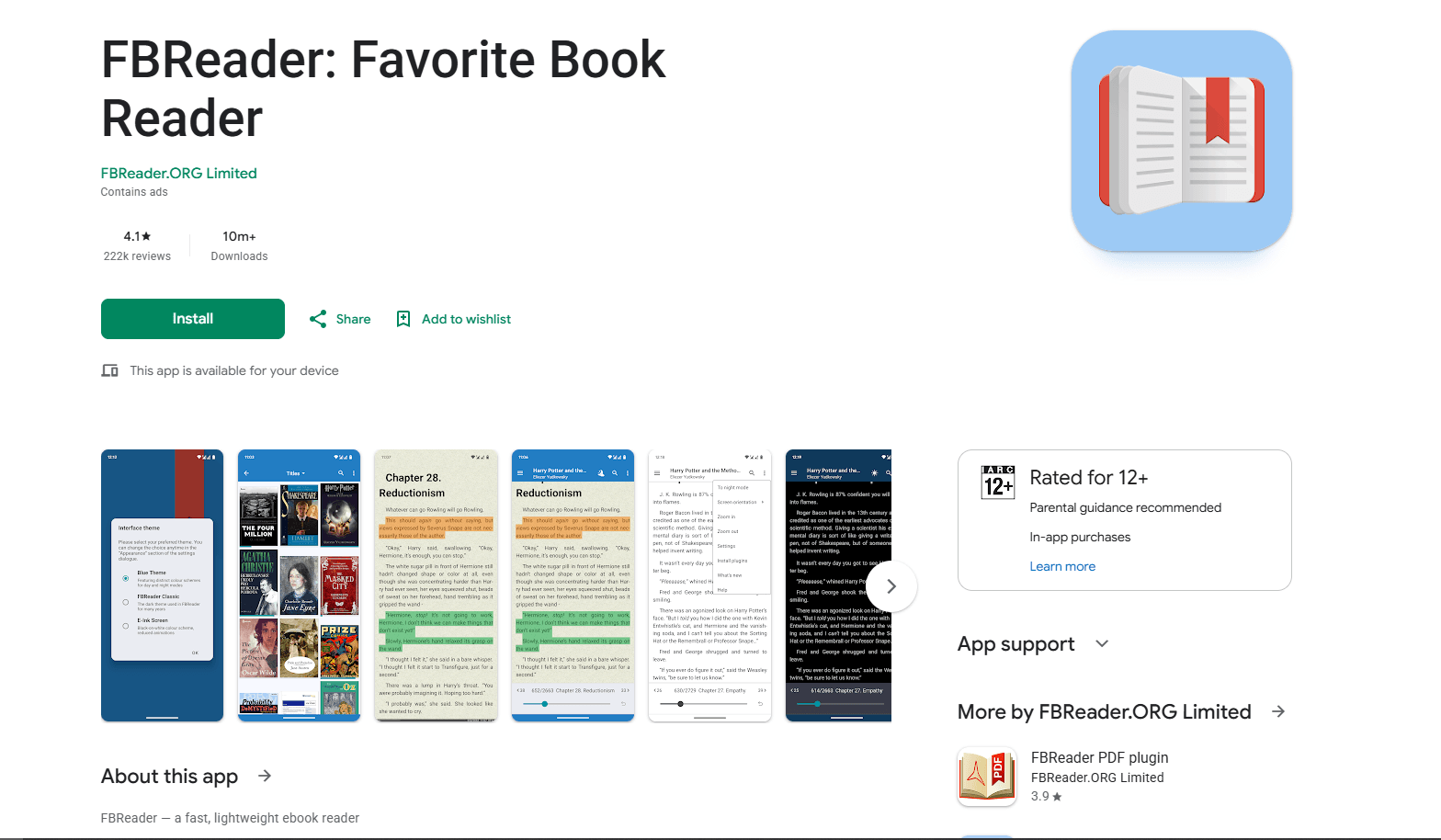
FBReader is a good choice if you already read across Android, Windows, macOS, Linux, or iOS. The Android app supports DRM-free MOBI, EPUB, AZW3, FB2, DOC, RTF, HTML, plain text, comics, OPDS catalogs, and optional cloud sync.
FBReader's current format table explicitly lists MOBI support on Android. Its optional Book Network can synchronize a collection, reading positions, and bookmarks after setup.
Install from Google Play Store
What you get:
- Lightweight reader interface
- MOBI, EPUB, AZW3, FB2, DOC, RTF, HTML, plain text, and comic support
- OPDS catalog support
- Optional cloud sync through FBReader Book Network
- Reading position sync
- Custom fonts and backgrounds
- Day and night themes
- Good support across phones, tablets, and ebook-style Android devices
- Desktop apps for Windows, macOS, and Linux
What you don't get:
- DRM-protected MOBI files are not supported
- The free Android edition contains ads; Premium is a separate one-time purchase
- PDF and comic support in the free edition require additional plugins
- Interface can feel older than ReadEra or Moon+ Reader
FBReader is best when your reading life is spread across multiple devices. If you only need to open one local MOBI file on Android, ReadEra is easier. If you already use FBReader elsewhere, staying with it can be more convenient.
Best for: cross-platform reading, OPDS catalogs, existing FBReader users, and people who want the same reader family on desktop and mobile.
6. KOReader (Best for E-Ink Android Devices)
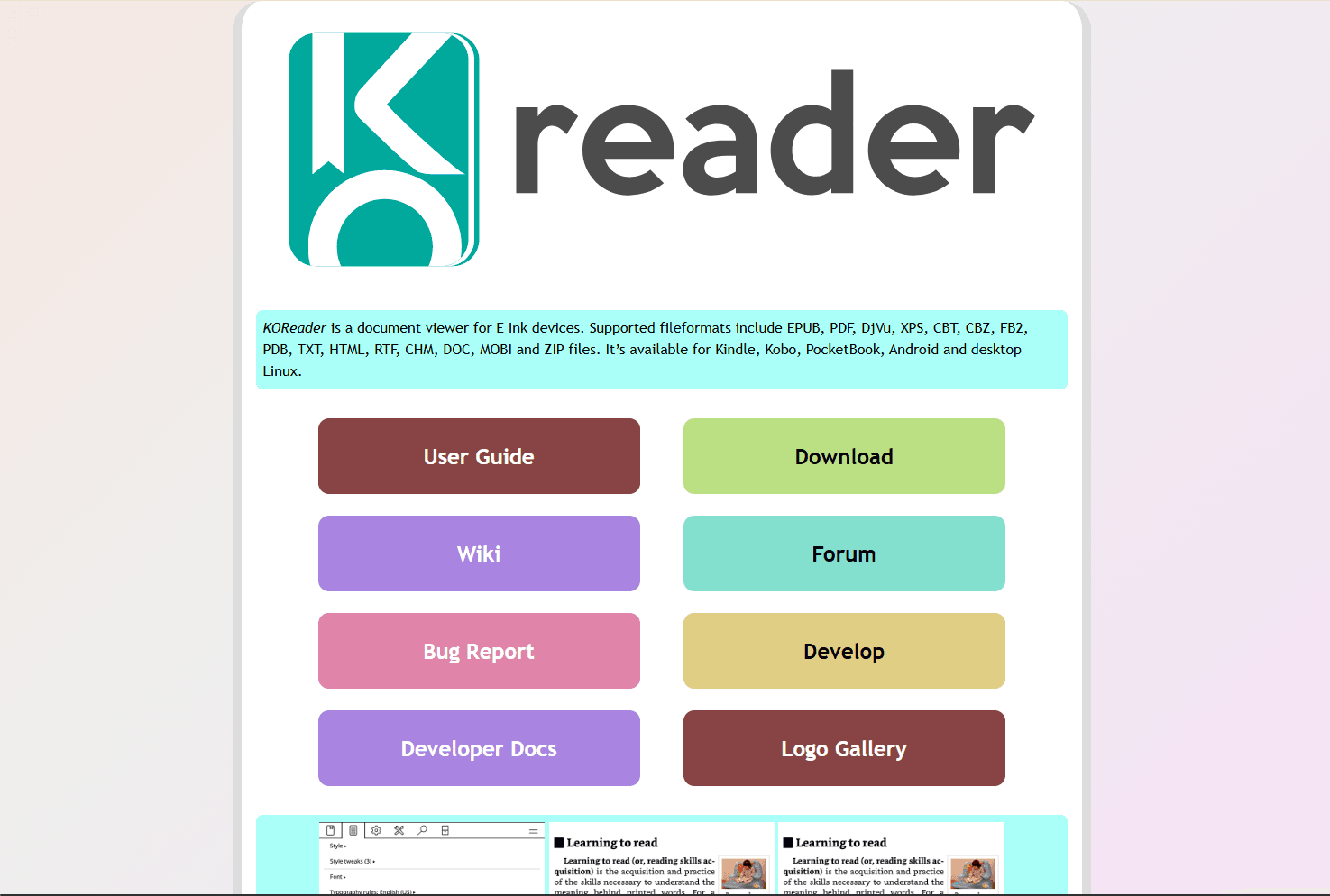
KOReader is a document viewer built mainly for e-ink devices, but it also runs on Android. It supports MOBI along with EPUB, PDF, DjVu, XPS, CBT, CBZ, FB2, PDB, TXT, HTML, RTF, CHM, DOC, and ZIP files.
KOReader is not the friendliest pick for someone who only wants to open one book on a phone. It is more interesting if you use an Android-based e-reader, read a lot of PDFs and ebooks, or like detailed controls for page layout, rendering, and file handling.
Install from KOReader downloads or follow the Android install notes from the KOReader project.
What you get:
- MOBI, EPUB, PDF, DjVu, FB2, CBZ, CBR, TXT, HTML, RTF, CHM, DOC, and ZIP support
- Strong support for e-ink devices
- Advanced reading and rendering controls
- File browser workflow
- Custom gestures and tap zones
- Dictionary and translation options
- OPDS catalog support
- Useful PDF and document tools
- Reading-progress synchronization between KOReader devices
- Open-source project with current Android APK releases
What you don't get:
- Not as simple as ReadEra
- Not the cleanest phone-first interface
- No mainstream store ecosystem
- Setup can feel technical for casual readers
KOReader is a better fit for e-ink devices and detailed file-based workflows than casual phone reading. If your Android device is closer to an e-reader than a normal phone, it deserves a spot on the shortlist. Its progress-sync plugin synchronizes the reading location, not the ebook file itself.
Best for: Android e-ink devices, advanced local reading, mixed document libraries, and users who want open-source reading tools.
7. Kindle for Android (Best for Amazon Books)
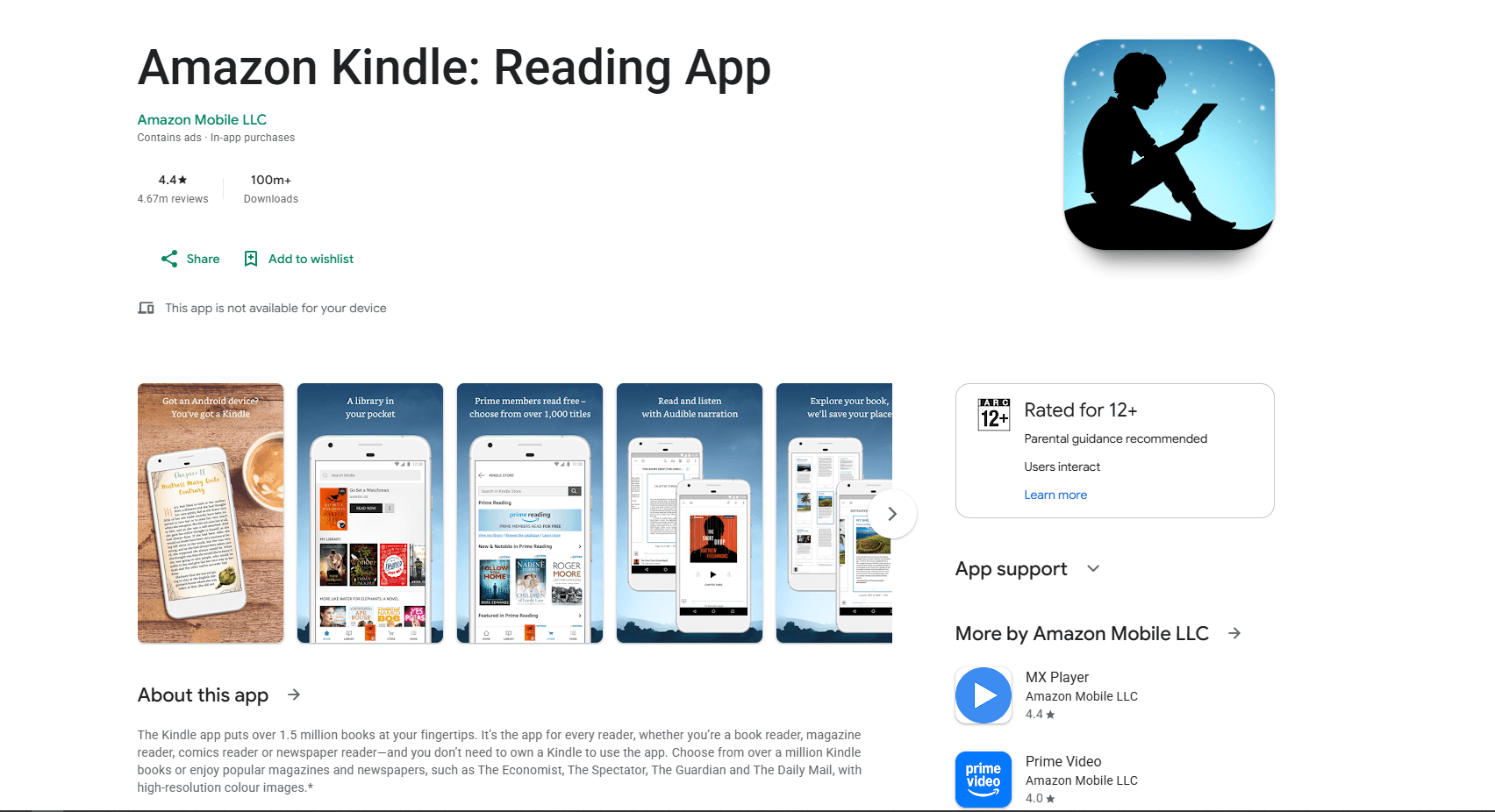
Kindle for Android is the right app if your books are Amazon Kindle purchases. It syncs reading position, highlights, notes, bookmarks, and library access across Kindle devices and Kindle apps.
It is not a general-purpose MOBI reader for files sitting in Android's Downloads folder. Amazon's current Send to Kindle formats include EPUB but not MOBI. For a DRM-free MOBI file, use ReadEra, Moon+ Reader, or PocketBook Reader, or convert it to EPUB before sending it to a Kindle library.
Install from Google Play Store
What you get:
- Amazon Kindle library access
- Sync with Kindle devices and apps
- Highlights, notes, bookmarks, and reading position sync
- Built-in dictionary, X-Ray, Wikipedia lookup, and translation
- Font, margin, orientation, brightness, and background controls
- Continuous scroll option
- Audible integration for supported books
- Best experience for Amazon purchases
What you don't get:
- No current Send to Kindle delivery for MOBI personal documents
- No open folder-based library management
- No format conversion
- Requires an Amazon account and Kindle ecosystem
Kindle for Android belongs here because many MOBI and AZW files came from the Kindle world. But the app is best for Amazon books, not for every old MOBI file you find on your phone.
Best for: Amazon Kindle purchases, Kindle device users, synced highlights, and books tied to an Amazon account.
MOBI Reader Comparison Table
Which MOBI Reader Should You Actually Use?
Use ReadEra if you want the easiest free way to open DRM-free MOBI files on Android. Use Moon+ Reader if you care about themes, gestures, highlights, auto-scroll, and detailed page controls.
Use PocketBook Reader if your library has MOBI, EPUB, PDF, comics, audiobooks, and other formats mixed together. Use Librera Reader if you prefer local folder control, F-Droid availability, text-to-speech, and lots of advanced settings.
Use FBReader if you already use it on desktop or want OPDS and cross-platform reading. Use KOReader if you read on an Android e-ink device or want advanced open-source reading controls.
Use Kindle for Android if the books are Amazon Kindle purchases or need Amazon account sync. For most Android users, ReadEra is enough. Add Moon+ Reader if you want deeper customization, KOReader if you use an e-ink Android device, and Kindle only for Amazon books.
Important MOBI Notes on Android
DRM matters: A normal DRM-free MOBI file should open in apps like ReadEra, Moon+ Reader, PocketBook Reader, and Librera. A protected Kindle book usually needs Amazon's app and the matching Amazon account.
MOBI is old: MOBI still works for old files, but EPUB and AZW3 can behave better in modern readers. If the formatting looks strange, the format may be part of the problem.
Google Play Books is not a MOBI reader: Google's upload documentation covers EPUB and PDF, not MOBI. Convert the file or use a reader with direct MOBI support.
File permissions can get in the way: Modern Android apps commonly use the system file picker to request access to a file or folder. If a reader cannot find a MOBI file, open it through Files or Downloads, or grant the reader access to the folder when prompted.
How to Open a MOBI File on Android
The simplest method:
- Install ReadEra
- Download or copy the MOBI file to your phone
- Open the Files or Downloads app
- Tap the MOBI file
- Choose ReadEra, Moon+ Reader, PocketBook Reader, or your preferred app
If the file does not appear, move it to a clearly named folder through Android's Files app, such as:
- Books
- Download
Then use the reader's import command or Android's system file picker to select that folder.
Convert MOBI for Better Android Reading
If a MOBI file looks broken on Android, convert it to EPUB on a desktop with Calibre. Android reader apps can open MOBI, but they rarely provide proper conversion tools.
Desktop method:
- Install Calibre on Windows, macOS, or Linux
- Add the MOBI file
- Click Convert books
- Choose EPUB as the output format
- Copy the EPUB file back to Android
Command-line method:
ebook-convert input.mobi output.epubUse EPUB for most Android readers and for current Send to Kindle personal-document delivery. Review the converted book because old MOBI formatting does not always transfer perfectly.
Frequently Asked Questions
What is the best free MOBI reader for Android?
ReadEra is the best free MOBI reader for most Android users. It opens DRM-free MOBI files, works offline, has no ads, and does not require an account. Cross-device synchronization belongs to the separate ReadEra Premium app.
Can Android open MOBI files by default?
No. Android does not include a built-in MOBI reader. Install ReadEra, Moon+ Reader, PocketBook Reader, Librera Reader, FBReader, KOReader, or Kindle depending on the file and your reading workflow.
Can Google Play Books open MOBI files?
No. Google Play Books accepts EPUB and PDF uploads, not MOBI. Use ReadEra or Moon+ Reader for a DRM-free MOBI file, or convert it to EPUB first.
Can Kindle for Android open MOBI files?
Kindle for Android is best for Amazon Kindle books and Kindle library sync. Send to Kindle no longer accepts MOBI personal documents, so use ReadEra, Moon+ Reader, or PocketBook Reader for a local DRM-free MOBI file, or convert it to EPUB first.
Why won't my MOBI file open on Android?
The file may be DRM-protected, corrupted, mislabeled, or stored in a folder the app cannot access. Try opening it in ReadEra or PocketBook Reader. If it still fails, test it in Calibre on desktop.
Should I convert MOBI to EPUB for Android?
Yes, if the formatting is messy or the reader struggles with the file. EPUB is more widely supported by current Android reading and personal-document services. Review the converted file because text flow, images, and navigation can change.
What is the best MOBI reader for Android tablets?
Moon+ Reader and PocketBook Reader are strong tablet options because they offer more layout controls, themes, gestures, and sync options. ReadEra is better if you want the simplest no-ads reader.
Which Android MOBI reader is best for privacy?
ReadEra is convenient for account-free local reading because its free app works offline and does not require registration. That does not by itself prove that an app collects no diagnostic data. Librera is open source and available through F-Droid, whose build omits Google Play services and Google Drive synchronization. Check each app's current permissions and data-safety disclosure before choosing on privacy grounds.
Related Reading
More ebook reader guides:
- Best MOBI Readers for Windows
- Best EPUB Readers for Android
- Best EPUB Readers for Windows
- Best EPUB Readers for Mac
- Best EPUB Readers for Ubuntu
Other Android tool guides:
Read More
All Articles
6 Best MOBI Readers for Windows in 2026 (Free & Paid)
Compare the best MOBI readers for Windows 11 and 10, including Sumatra PDF, Calibre, Koodo Reader, Icecream Ebook Reader, FBReader, and the Kindle app.
8 Best EPUB Readers for Android in 2026 (Free & Paid)
Compare the best EPUB reader apps for Android, including ReadEra, Moon+ Reader, Google Play Books, Kobo, Kindle, FBReader, and Lithium.
8 Best Markdown Editors for Android in 2026 (Free & Paid)
Find the best Markdown editor for Android with sync, live preview, and offline editing. Compare Markor, JotterPad, Obsidian, and more for phones and tablets.